
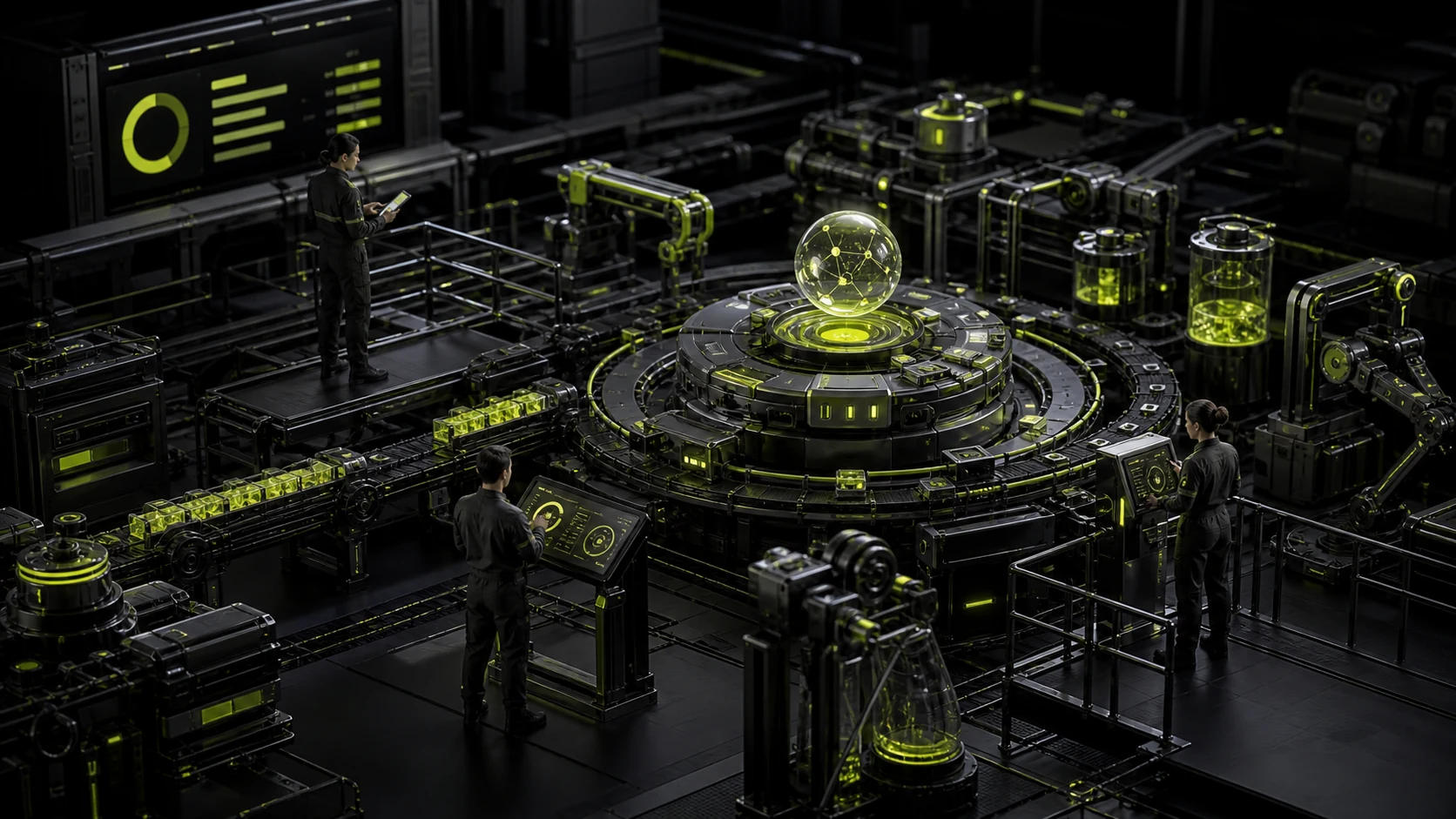
Why can't AI just display a circular Loading? For long tasks, it is necessary to let users know "where have you reached now?"
Traditional interface requests can be made within two seconds using Spinner, while AI tasks may require retrieving documents, invoking tools, analyzing data, generating results, or even waiting for external systems. What users are truly anxious about is not "waiting for ten seconds", but whether the system is stuck, how long it will take, and whether they can leave.
01 First distinguish between "quick return" and "truly long tasks"
Requests completed within one or two seconds do not require complex progress animations. Agent work that lasts for tens of seconds or even minutes requires phased states.
Unifying all tasks with one Spinner will make long tasks appear as if the system is unresponsive. The feedback strategy should vary depending on the duration of the task.
02 Streaming is suitable for making content visible in advance, but it does not equal the actual progress
The text appearing word for word will make users feel that the system is working and they can read it in advance. However, Streaming can only indicate that the output is being generated and cannot inform the user of how much has been completed in the background search or tool execution.
For complex agents, the stage feedback such as "searching for data, analyzing 8 files, and generating reports" should be separated from the final text flow.
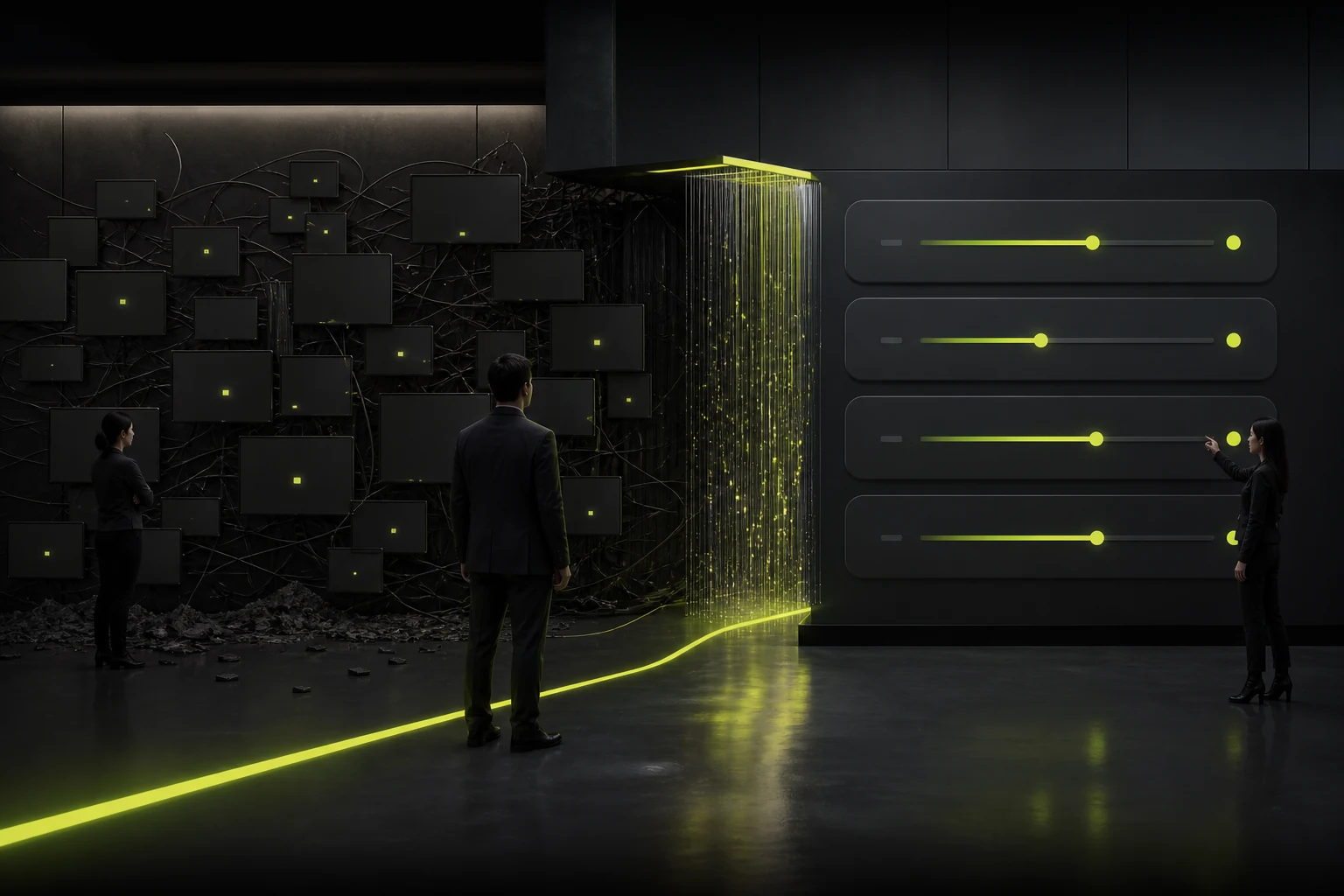
03 The stage status should be in the user language, not the link log
"tool_call_7 executing" "vector search batch 3" is useful for development but not for ordinary users. It can be translated as "querying the knowledge base" or "verifying the latest policies".
Don't treat the complete Chain-of-Thought as progress just to show that "AI is smart". Users only need to have a sufficient understanding of the current work and the next steps.
04 When the estimated time is uncertain, do not forge the exact progress bar
AI tasks are often affected by models, file sizes, and external APIs. Displaying "73%" but getting stuck there for two minutes can reduce trust.
If reliable estimation is not possible, you can use phased progress, the quantity completed, or a range that "usually takes about one minute" instead of false precision.
05 Long tasks should be allowed to cancel, leave, or continue in the background
Users should not be forced to stare at the page just to generate a report. It supports "Continue in the background, notify me when completed" and can be viewed in the task center.
If cancellation cannot truly stop the external action, the button must be accurately expressed, such as "Stop subsequent steps", rather than giving the impression that the sent email has been withdrawn.
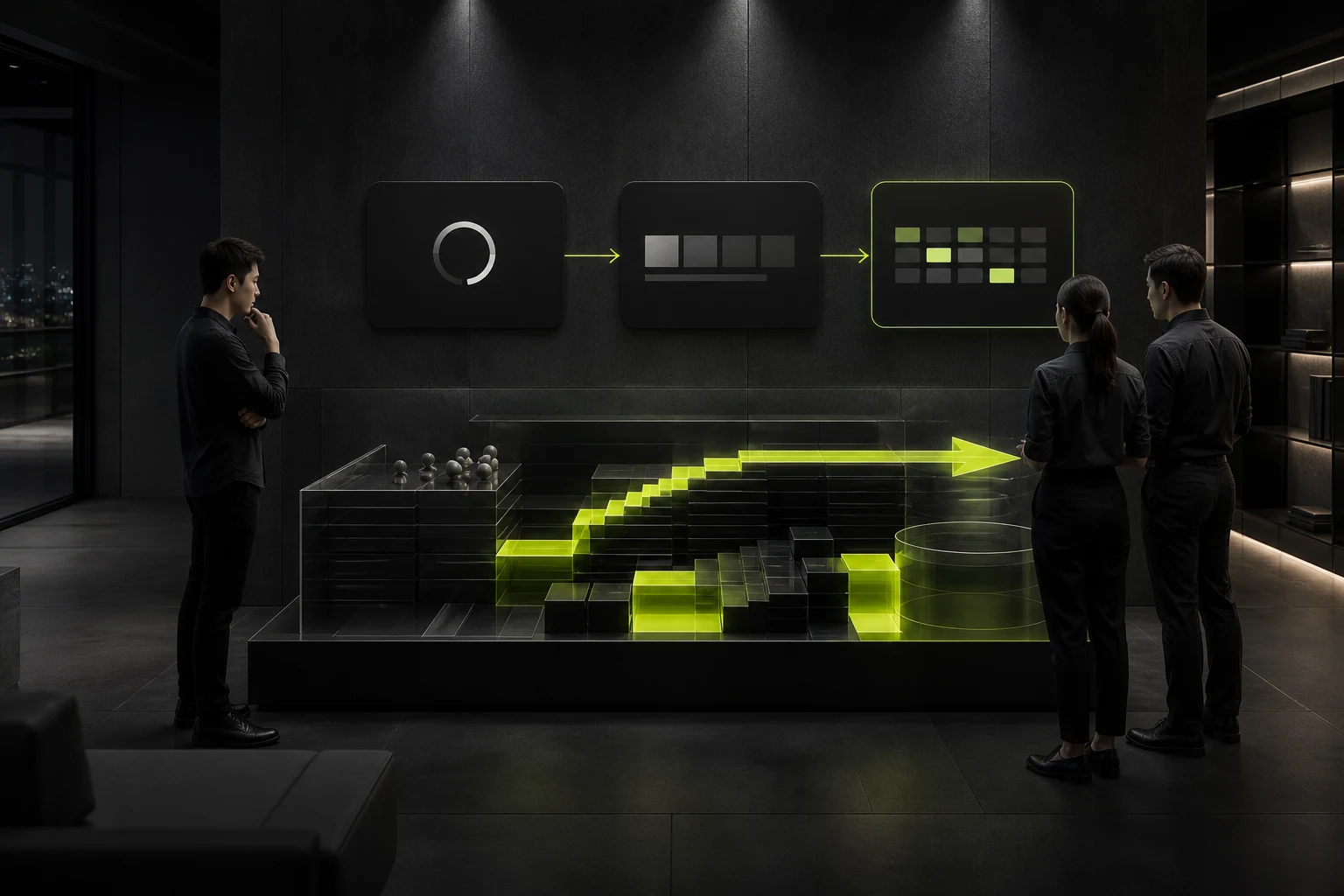
06 Partial completion is more valuable than a one-time failure
When the Agent processes 20 files and the 18th fails, if the first 17 results can be retained, do not display the failure for the entire item. Completed, failed and items to be retried can be listed.
This is similar to batch uploading: the finer the recovery granularity, the lower the cost for users to repeat.
07 After an error occurs, explain at which step and how to proceed
"Task failed. Please try again" cannot help with the judgment. A better prompt would be: "Six files have been read, but the CRM connection has expired." After re-authorization, you can continue from the current step.
High-cost AI work should be carried out continuously instead of consuming time and money from scratch every time.
08 Progress design is ultimately an honest expression of the system's capability boundaries
Microsoft HAX emphasizes providing information related to the current task during the interaction process. Good AI Progress is precisely telling users: what the system is doing, when it needs you, and what anomalies have occurred.
It doesn't require showy animations. The core is to reduce uncertainty and make waiting understandable and controllable.
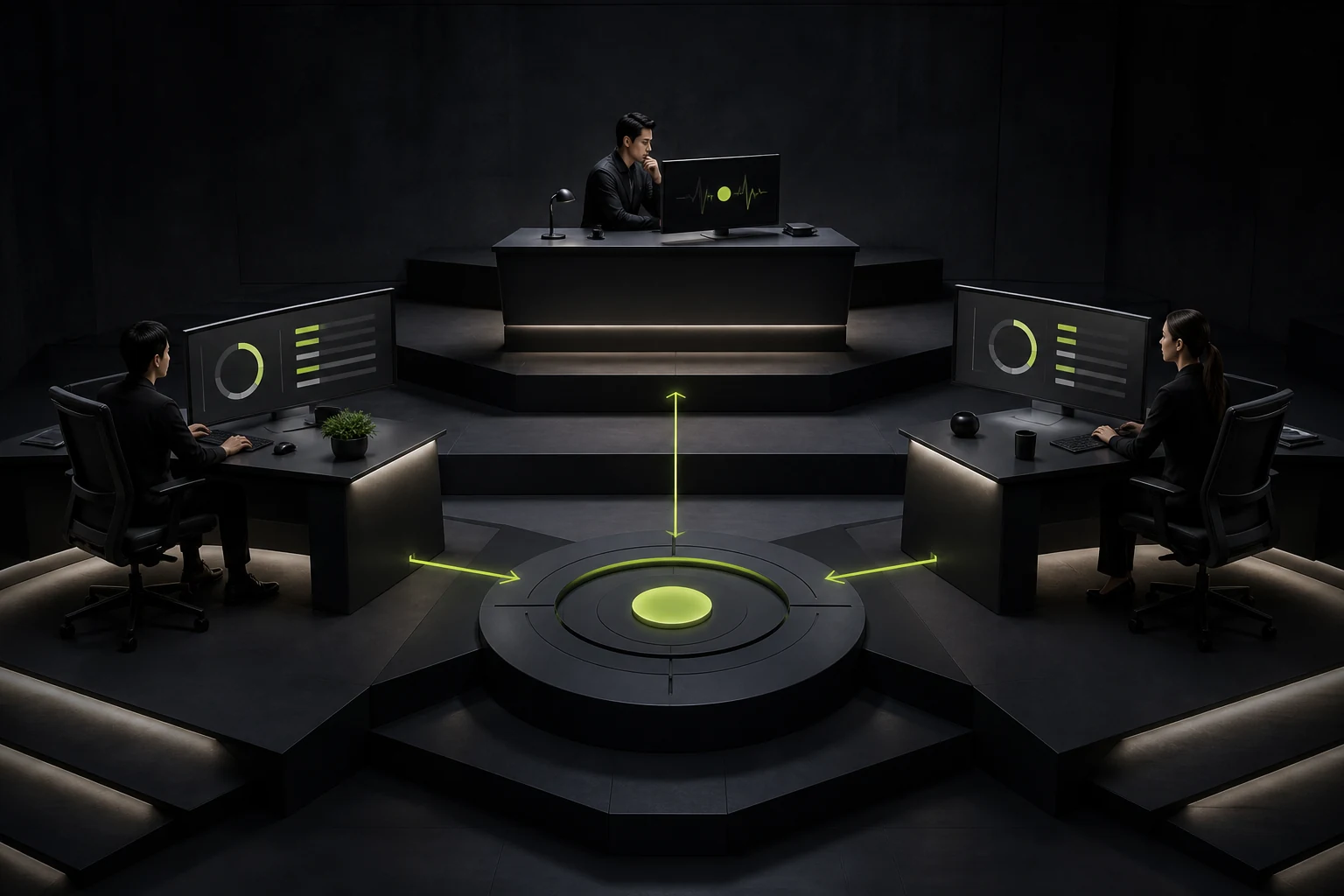
09 The frequency of progress information should also be controlled to prevent the status text from constantly jumping
Refreshing "Thinking", "planning", "continuing to think" every 0.2 seconds only creates visual noise. It can be updated when the stage truly changes to keep the copywriting stable.
In long tasks, users need more quantifiable feedback like "6/20 files have been completed" rather than personified state performances.
10 The completion notification should match the user's current context
The user is still on the task page and can directly display the results. If you have already left, you will be reminded by in-site messages, system notifications or emails.
Do not send emails and Push notifications to a 20-second task at the same time. The notification channels should be selected based on the expected duration and user preferences.
11 High-cost tasks can be given range prompts before they start
If a single generation may handle 300 files, consume a large amount of credit or last for ten minutes, stating the scope before starting can help users decide whether to continue.
This is also a practical application of HAX's "communicating the consequences of user actions": time and cost themselves are the consequences.
Frequently Asked Questions
Is AI text Streaming sufficient?
Simple task generation may be sufficient, but complex retrieval and Agent execution still require stages or tool states.
Can AI display an accurate percentage of progress?
It is only suitable when it can be reliably estimated; otherwise, the stage status or the quantity completed is more honest.
Must long tasks be cancelled?
It is very valuable when it can be cancelled. If some operations are irrevocable, the scope of the impact of the cancellation should be accurately stated.
Can the task continue when the user leaves the page?
For complex and long tasks, it is best to support background operation and provide a task center or completion notification.
Is it necessary to demonstrate the complete thinking process of AI?
It is usually not necessary. Users need understandable working status and evidence, rather than internal reasoning details.
| Related Service | Learn More |
|---|---|
| UI/UX Design Services | View Service Details |
| Project Consultation | Contact JVDS Design Studio |
| Design and Website Development Articles | Read More Related Articles |
 Link copied








