

How to Onboard Users in an AI SaaS: From a Blank Prompt to the First Valuable Result
Traditional SaaS may begin with "Create Project," but AI products often drop users in front of a blank prompt. Product teams see freedom; users see three questions: what should I enter, what can the system do, and can I trust the result?
The first experience should reduce the effort of expressing intent and uncertainty about results, helping users complete one concrete, useful output instead of teaching an entire prompt-writing course.
01 Define "First Value," Not "First Generation"
Generating a paragraph does not mean the user received value. First value may mean completing a send-ready email, receiving an editable analysis, creating an on-brand image, or turning a document into a decision.
Metrics should track whether the result is copied, edited, saved, shared, or advanced to the next step, not only whether Generate was clicked.
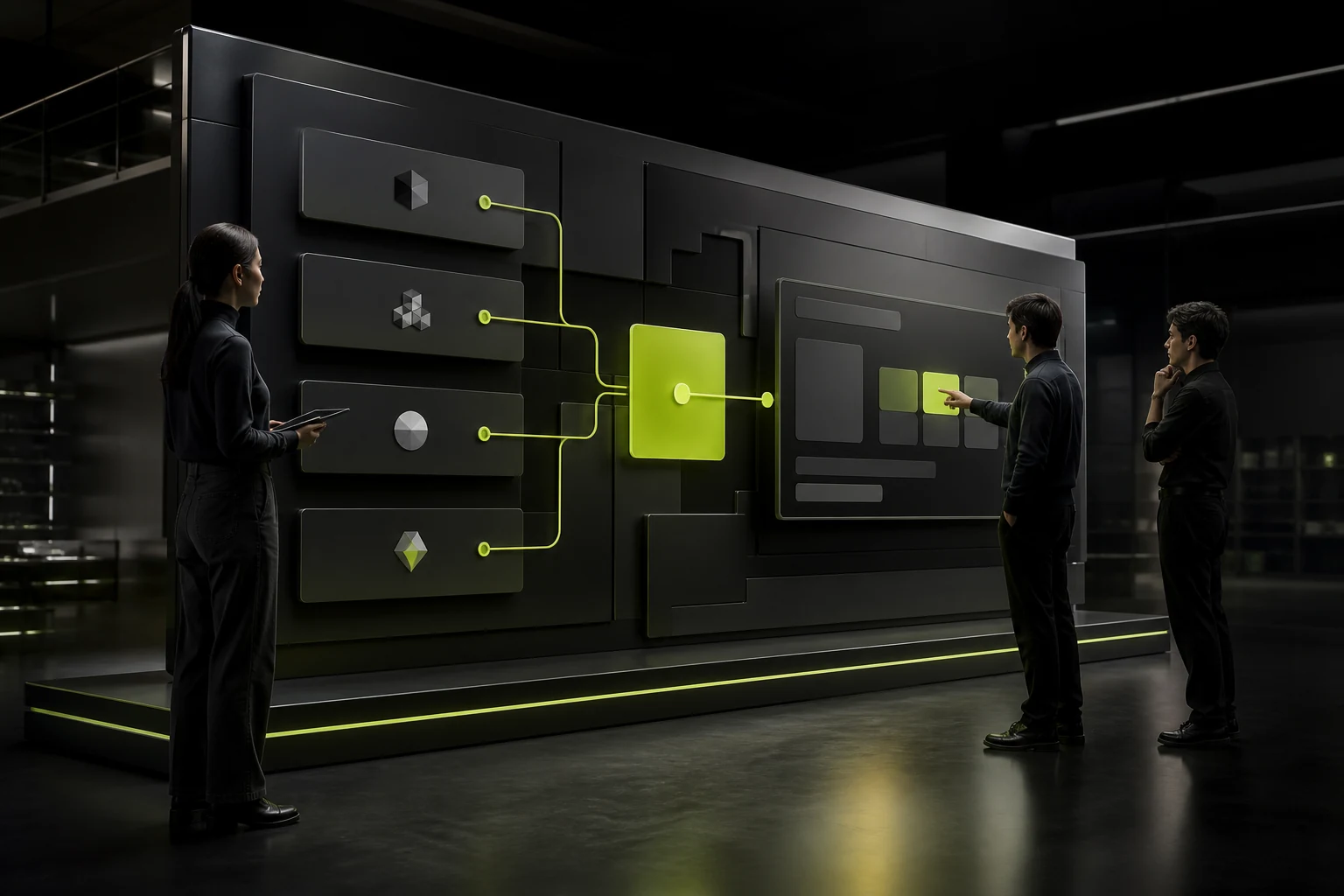
02 Replace a Pure Blank Prompt with Task-Based Entry Points
Let users first choose a task, industry, or source material, then show examples relevant to the goal. Templates should explain the information needed instead of presenting a mysterious prompt string.
Keep free-form input, but do not place every cognitive burden on first-time users.
Key Steps in the First AI SaaS Experience
| Step | Design Focus | Common Failure |
|---|---|---|
| Entry | State the specific tasks it can solve | Home page says only "universal assistant" |
| Input | Examples, variables, and file requirements | Blank box with no boundaries |
| Authorization | Explain data use and sensitive information | Uploads everything by default |
| Waiting | Show progress, cancellation, and expected stages | Endless spinner or fake progress |
| Result | Clarify structure, sources, limitations, and editability | Treats generated output as the final answer |
| Continued Use | Save, retry, compare, and export | No next step after one generation |
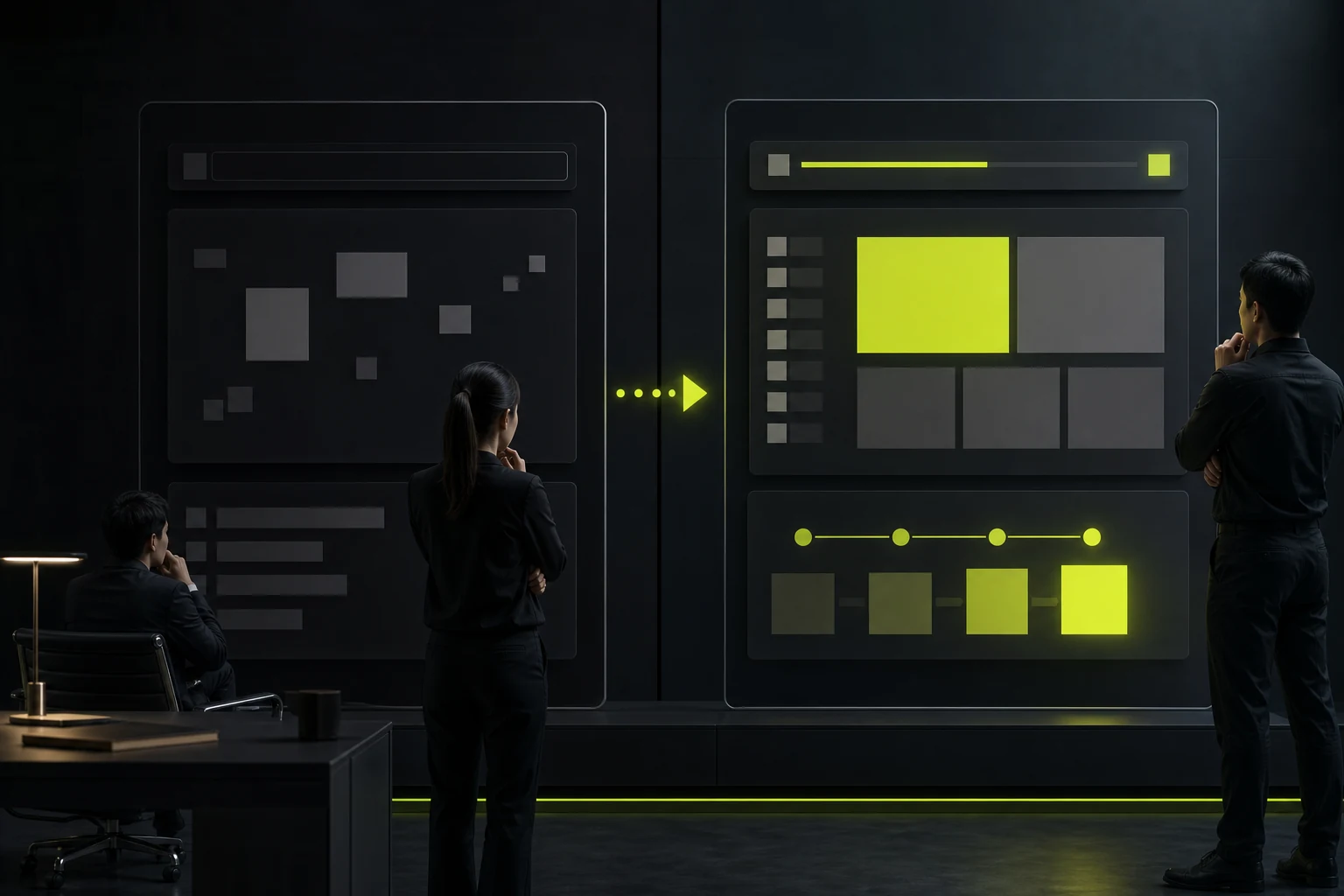
03 Help Users Know Whether Their Input Is Sufficient
Use fields, placeholder examples, input checks, and suggested questions to collect goals, audiences, tone, constraints, and source material.
Do not force every user to write a long prompt. The product should convert stable needs into structured parameters.
04 The Generation Process Needs Honest Feedback
If a task includes parsing, retrieval, generation, and checking, show the actual stages; support cancellation, retry, and background completion.
Error messages should distinguish file problems, quotas, network issues, content restrictions, and service failures, then offer actionable recovery.
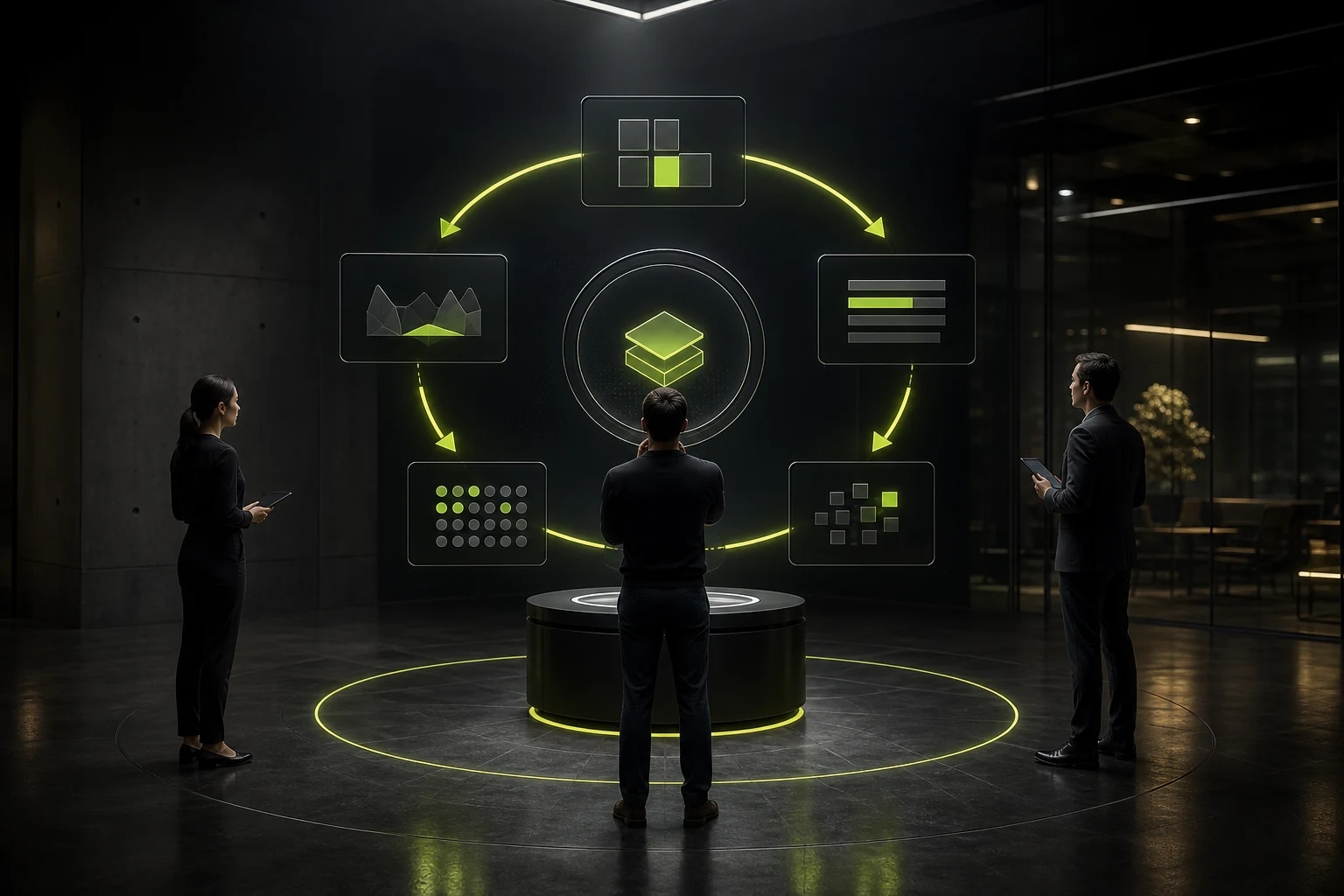
05 Results Must Support Evaluation and Correction
Provide sources, confidence cues, difference comparisons, targeted rewrites, and version history. Users need to know what is factual and what is a generated suggestion.
In high-risk scenarios, fluent language must not conceal uncertainty; direct users to human review.
06 Personalize Gradually After Earning Trust
Demonstrate the core value before requesting brand materials, team data, and long-term memory. Too much configuration too early turns first use into an implementation project.
Improve guidance from user edits, acceptance, and exports, while providing data controls and deletion options.
Frequently Asked Questions
Do AI Products Need Traditional Onboarding Tutorials?
Possibly, but completing a real task should lead. Feature explanations can appear progressively in context.
Should We Give Users Many Prompt Templates?
Organize understandable templates by task. Too many choices recreate the original burden.
Can a Fake Progress Bar Be Used When Generation Is Slow?
Do not fabricate precise progress. Show real stages, reasons for waiting, and a cancellation option.
What If the First Result Is Inconsistent?
Narrow the scenario, add input constraints, provide examples, and validate results instead of merely telling users to try again.
Must We Tell Users the Content Was AI-Generated?
Provide clear, transparent disclosure appropriate to the scenario, especially for high-risk or externally published content.
| Service | View |
|---|---|
| Related Services | View Service Details |
| Project Inquiry | Contact JVDS Design Studio |
| Design and Website Development Articles | View Service Details |
 Link copied








