
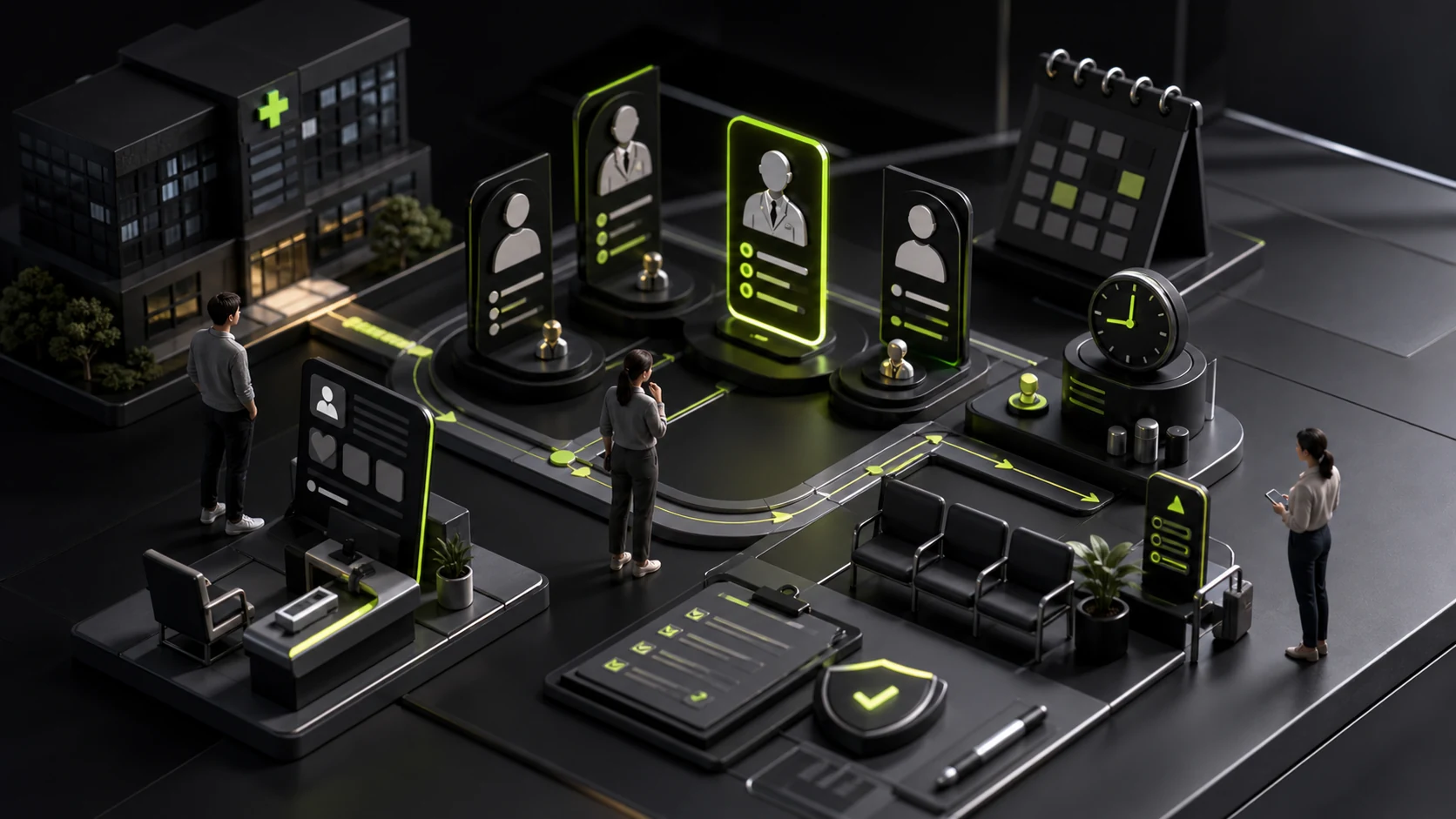
How to Design a Medical Appointment Flow: Departments, Doctors, Times, and Cancellation Rules
The most common appointment-system problem is not an unattractive button. It is users who do not know which department to choose, discover only after selecting a doctor that the location is too far away, or cannot find the cancellation rules after payment.
Healthcare is stressful and serves diverse users. Explain complex rules in stages and create paths for older adults, family members booking on behalf of patients, and accessibility needs.
01 Provide Multiple Ways to Find an Appointment
Users familiar with the hospital can browse by department or doctor; unfamiliar users need symptom navigation, condition keywords, or intelligent triage.
Triage prompts should clearly state that they are not diagnoses, while emergency symptoms should direct users to emergency care or urgent channels.
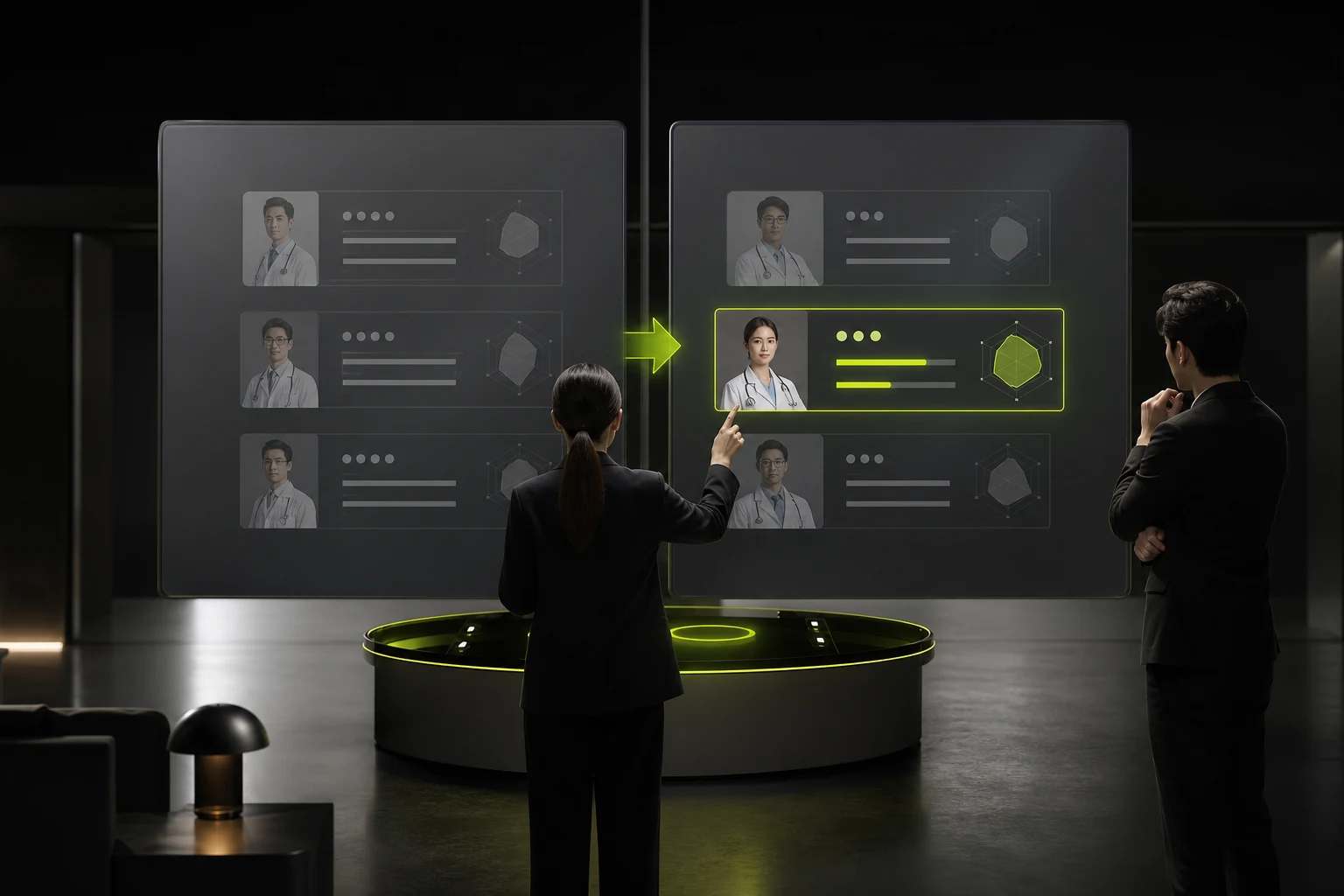
02 Doctor Cards Should Support Real Comparison
Show key information such as specialties, practicing location, available times, appointment type, fees, and languages.
Put lengthy credentials on the detail page. The list should first help users decide, "Is this doctor appropriate for me, when are they available, and where?"
Core Medical Appointment States
| State | What the User Needs to Know | Action to Provide |
|---|---|---|
| Available | Time, location, fee, and restrictions | Select a patient and confirm |
| Waitlist or Full | Waitlist rules and other dates | Join the waitlist or choose another doctor |
| Appointment Confirmed | Location, time, and materials to prepare | View confirmation, directions, and reminders |
| Payment Pending | Deadline and fee | Pay, cancel, or return |
| Reschedule or Cancel | Action deadline and refund rules | Reschedule, cancel, or contact support |
| Doctor Unavailable | Impact and alternatives | Rebook or receive a refund |

03 Make Patient and Proxy Relationships Clear
One account may book for the user, a child, an older adult, or another family member. Patient identity, documents, insurance, and contact information must not be confused.
Show only the minimum necessary sensitive health information, with appropriate permissions even among family members.
04 Summarize Key Conditions Again on the Confirmation Screen
Present doctor, department, location, date, patient, fee, and cancellation rules together before submission.
Similar location names and doctors working across facilities are especially error-prone; reinforce them with a map and address.
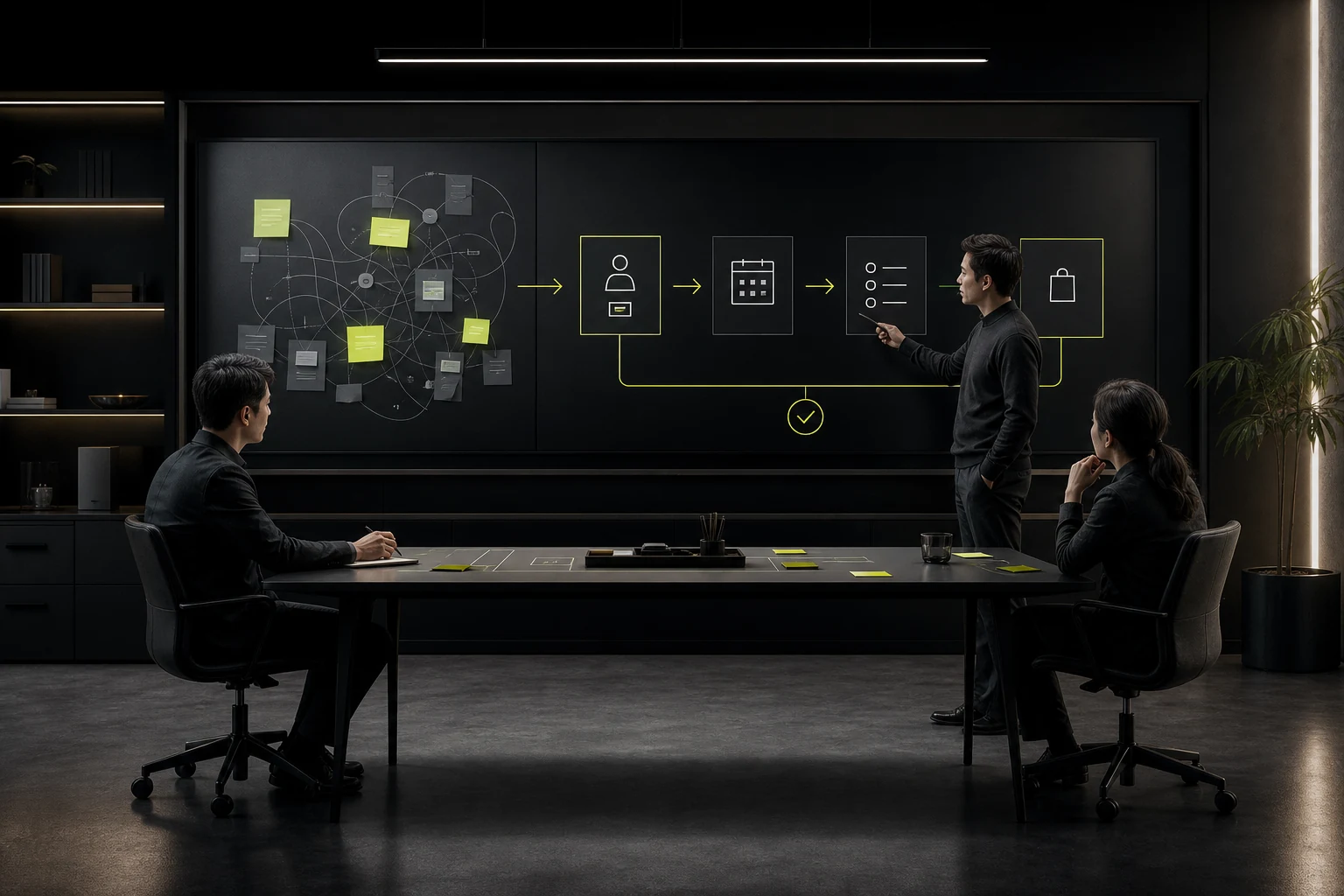
05 Reminders Should Help Users Prepare, Not Only Prompt Attendance
Based on the visit type, explain how early to arrive, what to bring, whether fasting is required, how to obtain a number, and where to check in.
Protect privacy in notifications; lock-screen content should not expose unnecessary condition information.
06 Design for Accessibility and Limited Digital Skills
Typography, contrast, keyboard access, and screen readers must work, and the flow should not rely on color or complex gestures. Provide phone and in-person assistance.
Let users resume after interruption and write errors in plain language without excessive medical abbreviations.
Frequently Asked Questions
Can Symptom Triage Replace a Doctor's Diagnosis?
No. It helps users choose an entry point, and must clearly explain its limits and handle emergencies.
Must Users Create an Account Before Booking?
It depends on identity and medical-record needs. Minimize upfront registration and verify only when necessary.
Should Doctors Be Ranked Directly by Reviews?
Use caution. Reviews may be affected by case complexity and sample size; provide transparent rules and multidimensional information.
Where Should Cancellation Rules Appear?
Make them available during selection and before confirmation, then provide them again after success. Do not hide them only in the help center.
How Can No-Shows Be Reduced?
Use clear reminders, preparation information, easy rescheduling and cancellation, and waitlists instead of relying only on penalties.
| Service | View |
|---|---|
| Related Services | View Service Details |
| Project Inquiry | Contact JVDS Design Studio |
| Design and Website Development Articles | View Service Details |
 Link copied








