Can Great UI Design Be Delivered Remotely? Video Meetings Are Not the Key
Being in the same city does not guarantee smooth communication, and remote work does not mean losing control. UI rework usually comes from requirements scattered across chat, everyone giving final feedback, unfrozen design versions, and decisions left unrecorded after meetings—not distance.
Being in the same city does not guarantee smooth communication, and remote work does not mean losing control. UI rework usually comes from requirements scattered across chat, everyone giving final feedback, unfrozen design versions, and decisions left unrecorded after meetings—not distance.
01 Turn "Shared Understanding" into Searchable Rules for Remote Collaboration
In an office, someone can walk over and ask one question to fill a missing detail. If a remote project relies on ad hoc verbal communication, gaps accumulate. Mature remote collaboration does not mean more meetings; it makes goals, decisions, files, and states discoverable in fixed locations.
Before the project begins, both parties should confirm four single sources:
- One Requirements Document: Scope, roles, pages, features, and constraints are updated here.
- One Feedback Owner: The client consolidates internal opinions before sending them to the design team.
- One Design Source File: Prevent several Figma copies from changing simultaneously.
- One Decision Record: Conclusions from meetings and private chats are written back into project documentation.
02 Kickoff Should Lock the Decision Process, Not Merely Present Background
Kickoff must resolve why the project exists, who uses it, success criteria, decision authority, exclusions, and acceptance timing. Record background information in advance or place it in the Brief, preserving meeting time for misalignment and risk.
Recommended kickoff materials include:
| Material | What to Explain |
|---|---|
| Project Brief | Business objectives, users, scope, examples, and constraints |
| Page and Flow List | Core paths, roles, states, and priorities |
| Content and Data | Real copy, fields, images, and sample data |
| Technical Boundaries | Platforms, component libraries, development frameworks, and existing systems |
| Project Process | Milestones, feedback timing, revision rounds, and acceptance owner |
Without real data, designs easily hide layout problems behind "John Doe" and "Sample Heading." B2B projects especially should provide maximum field lengths, exception values, and permission differences early.
03 Use Live Meetings Only for Decisions That Require Joint Judgment
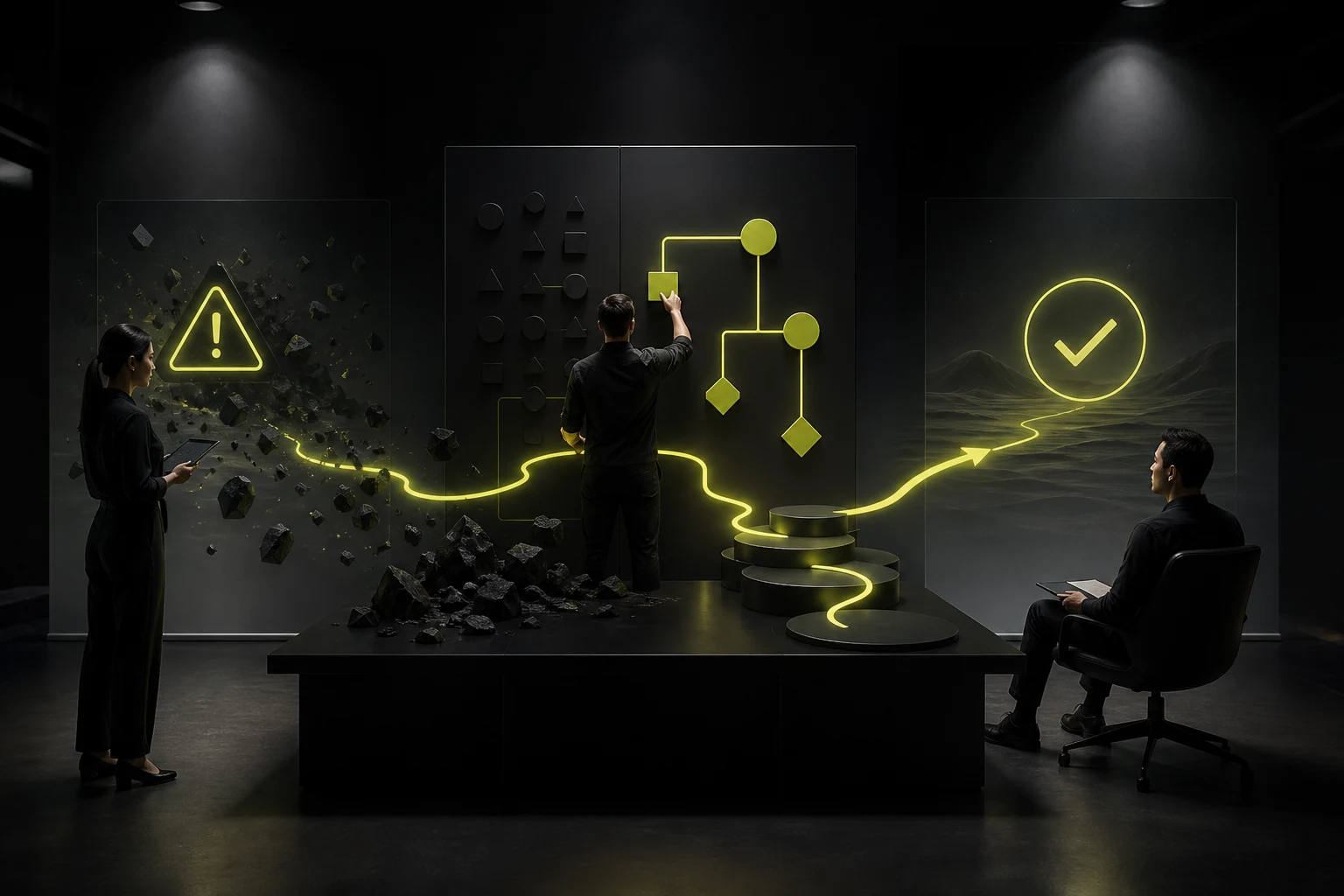
A common remote-project inefficiency is holding a meeting for every update. Separate the work as follows:
Appropriate for Asynchronous Work
- Progress updates, issue lists, and next steps.
- Recorded walkthroughs of design concepts.
- Ordinary copy and dimension changes.
- Example cases, competitors, and supplemental data.
- Developer-review issue records.
Appropriate for Live Discussion
- Disagreement on requirements, objectives, or scope.
- A critical tradeoff between two design directions.
- Cross-department conflicts requiring a decision in the room.
- Complex business flows or permissions that are difficult to explain in writing.
- Major delays or risks.
Send materials before the meeting, discuss only issues during it, and write decisions afterward. Then time zones and calendars do not become the project's only rhythm.
04 Feedback Should Describe the Problem and Goal, Not Remote-Control Pixels
"Move this 10px left," "make everything blue," and "it does not feel premium" do not support design judgment. More useful feedback contains four parts:
- Context: Which role is performing which task?
- Problem: Where does the current concept create a comprehension, business, or brand risk?
- Priority: Must fix, should fix, or preference?
- Desired Outcome: What must users ultimately understand or complete?
For example:
"During bulk approval, finance managers cannot quickly distinguish exception requests. This must be resolved before acceptance. The list should reveal risk before users open details."
This gives the design team more solution space than "make the red more prominent."
05 The Client Must Consolidate Internal Feedback First
Remote collaboration becomes difficult when five people comment in different places in Figma and their opinions conflict. Assign one project owner to collect business, brand, technical, and management feedback, consolidate it, and submit it at once.
| Feedback State | Handling Method |
|---|---|
| Aligned and Mandatory | Assign an owner and deadline |
| Internal Opinions Conflict | Client decides first, with a short meeting when necessary |
| New Requirement | Enter change control after scope, cost, and schedule assessment |
| Personal Preference | Record it without automatically overriding confirmed objectives |
| Technical Constraint | Development explains the cause and an alternative |
06 Figma Files Need a Work Area and Delivery Area
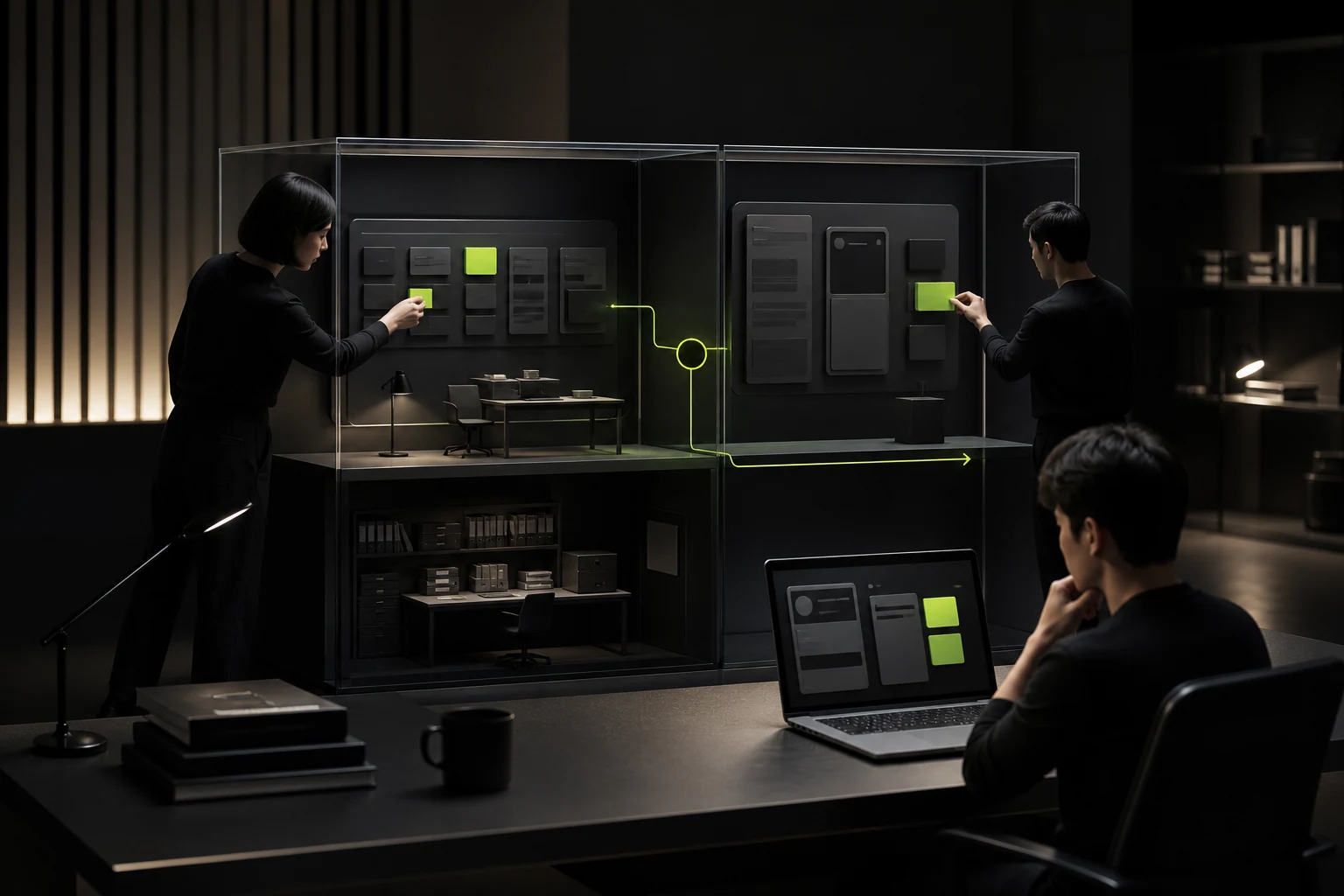
Pages under active designer revision should not be the developer's only basis. A file can contain:
- 01 Brief and Flows: Project description, roles, and critical paths.
- 02 Exploring: Drafts, directions, and unconfirmed work.
- 03 Approved Designs: Frozen by milestone.
- 04 Ready for Dev: States, components, and notes included.
- 05 Version History: Named snapshots of major points.
Record the version number, date, scope, and changes for every delivery. Figma provides version history, but projects still need named milestones or teams must guess which automatic save was approved.
07 Example Four-Week Project Rhythm
| Period | Primary Work | Key Deliverables | Live Meetings Needed |
|---|---|---|---|
| Week 1 | Requirements, flows, and information architecture | Page list, core flows, and risk questions | Kickoff and flow confirmation |
| Week 2 | Low-Fidelity Prototype | Core-task prototype and state list | Prototype review |
| Week 3 | Visual Direction and Components | Key pages, visual rules, and foundational components | Direction approval |
| Week 4 | Complete Extension and Handoff | All pages, components, specifications, and acceptance checklist | Delivery and development alignment |
This is a standard small-project example. Complex B2B, multi-role, and state-heavy projects should deliver modules iteratively rather than omit business modeling to claim one-month completion.
08 Involve Development by the Middle of Design
Waiting until every page is complete before development reviews often reveals conflicts among component implementation, data structures, interaction cost, and the concept. Remote projects especially need early technical review:
- Can components be reused, and are states complete?
- Were field lengths, empty states, loading, and errors considered?
- Are responsive and cross-device rules clear?
- Are motion and interaction implementation boundaries defined?
- Which channel writes development-driven changes back into the design?
Manage developer review with issue tickets containing page, screenshot, reproduction conditions, design expectation, priority, owner, and state. Do not scatter defects through group chat.
09 Tie Acceptance to Milestones Instead of "Taking a Look" Only at the End
Define passing criteria for every stage:
- Flow Stage: Roles, primary paths, exceptions, and permissions confirmed.
- Prototype Stage: Core tasks completable with no major scope gaps.
- Visual Stage: Direction, components, and key pages approved.
- Handoff Stage: All pages, states, source files, and guidelines complete.
- Launch Stage: Implementation matches design and critical defects are closed.
If the client misses the agreed feedback time, extend the schedule; if an approved direction is reversed, enter change assessment. Writing rules into the contract is fairer than debating them under project pressure.
10 Projects That Do Not Suit Fully Remote Work
- Work requiring on-site observation of equipment, spaces, or complex offline services.
- Highly sensitive data that cannot use standard collaboration tools.
- Decision-makers who are persistently unavailable online with no authorized owner.
- Requirements in severe conflict that require intensive co-creation.
These contexts can use a hybrid of on-site critical stages and remote daily work instead of forcing a fully remote model.
Frequently Asked Questions
Does a Remote Project Need Daily Meetings?
No. Set a weekly rhythm and milestone meetings, using asynchronous updates and issue tickets daily. Add live discussion when decision conflicts occur.
Can Figma Comments Serve Directly as the Change List?
They can hold specific feedback, but need unified priorities, owners, and final decisions. Synchronize complex changes into project documentation or a task system.
What If the Client Cannot Use Figma?
The design team can provide recordings, PDFs, or an online prototype plus a brief orientation. Tool proficiency matters less than one feedback entry and traceable versions.
How Do We Prevent a Remote Vendor from Disappearing After Handoff?
Define milestones, payment, source files, account permissions, maintenance scope, and exit handoff in the contract. Receive usable outputs throughout the project rather than seeing every asset only after final payment.
11 Distance Is Not the Project Risk; Contextless Information Is
A well-run remote UI project can be more transparent than verbal office collaboration because every decision, version, and responsibility is recorded. It requires discipline from both parties, but that discipline reduces rework and creates a more reliable design-to-development handoff.
| Service | View |
|---|---|
| Design and Development Project Consultation | View Service Details |
| Project Inquiry | Contact JVDS Design Studio |
| Design and Website Development Articles | Read More Articles |
 Link copied