
What Happens After an Inquiry Form Is Submitted? Success Feedback, Email, and Sales Follow-Up
The most unsettling form experience is not always difficult input. It is clicking "Submit" and seeing nothing happen: the button remains, the page does not change, and no email arrives. Users cannot tell whether submission succeeded, so they click again or choose another company.
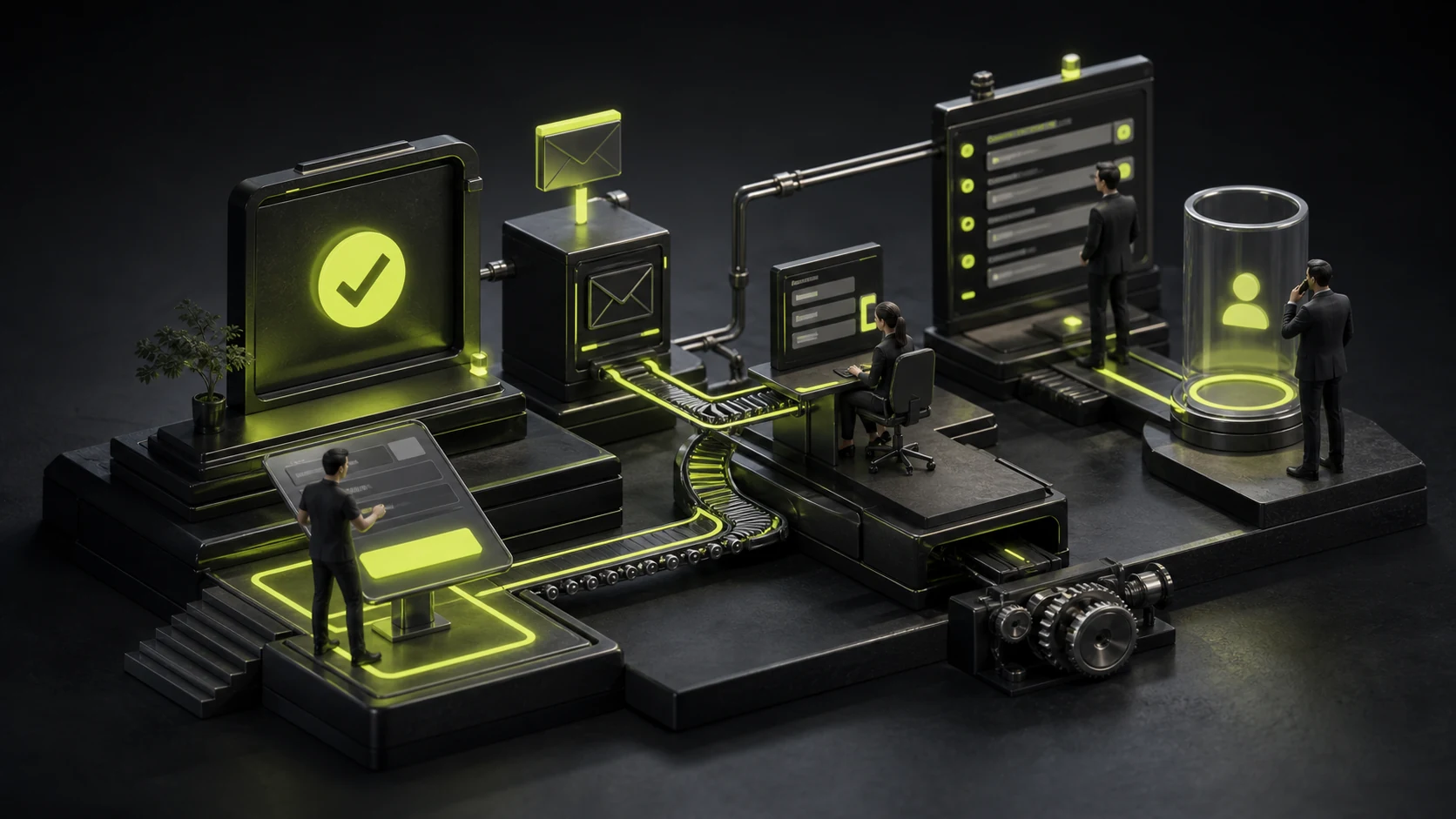
The seconds after submission are a company's first opportunity to prove that it will handle the inquiry seriously. Front-end feedback and back-end workflow must be designed together; a success popup alone is not enough.
01 Confirm Success Unambiguously
Show a loading state after the click and prevent duplicate actions. When the request completes, display a clear success message rather than only color or a brief Toast. Keep it visible long enough and expose it to keyboards and screen readers.
If submission fails, explain what data was retained, how to retry, and whether phone or email is available. Do not erase ten minutes of input because of a network error.
02 Explain What Happens Next on the Thank You Page
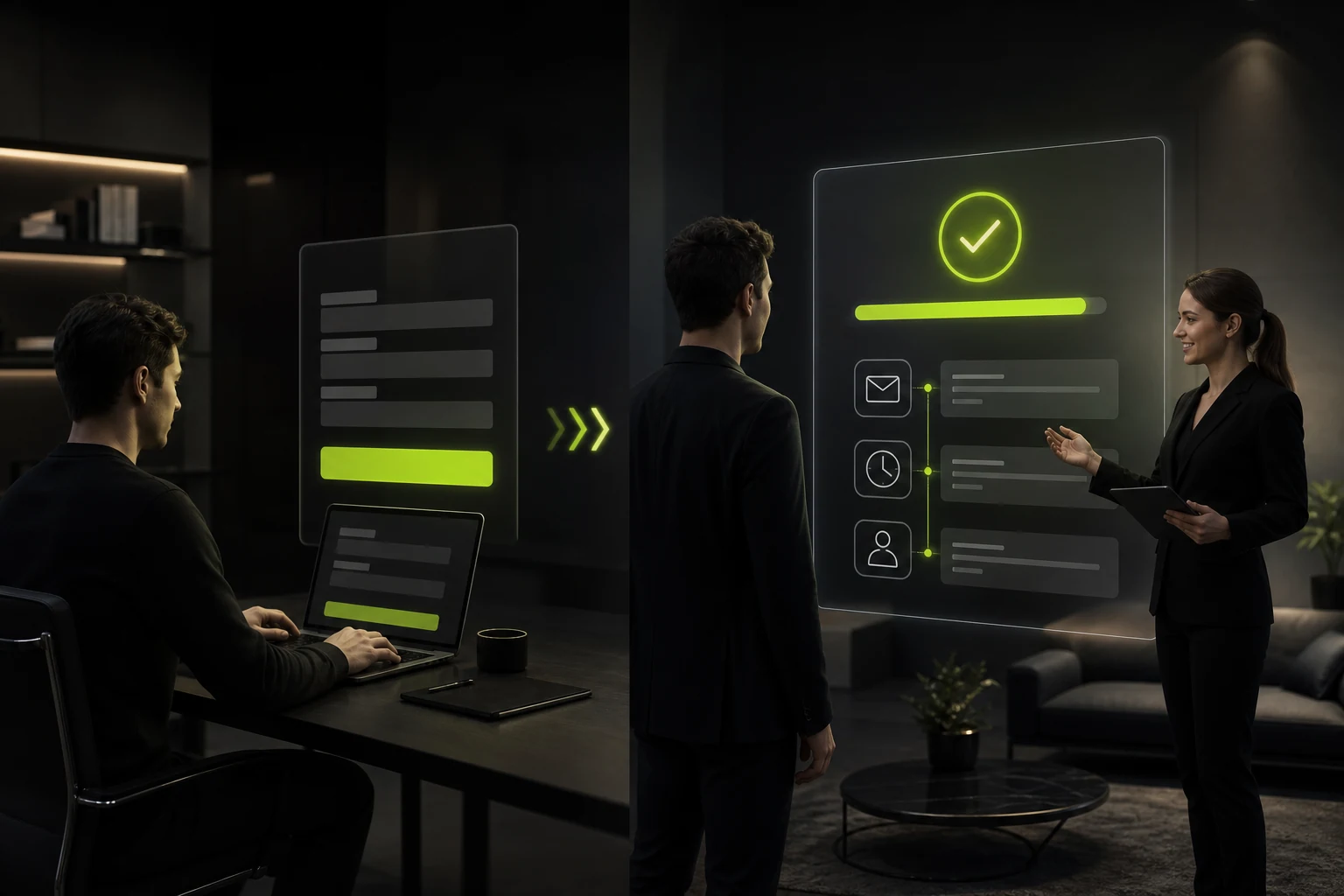
A useful Thank You Page states what was received, the expected response time and channel, and what the user can do next. Complex projects may also provide a requirements checklist, case studies, or booking path.
Do not redirect immediately to the home page. Users may suspect failure and lose the context for further exploration.
Post-Submission Responsibility Matrix
| Stage | What the User Sees | What Happens Internally | Risk |
|---|---|---|---|
| Request Processing | Loading state and duplicate prevention | Server validates and creates a record | No button feedback creates duplicate leads |
| Submission Successful | Clear outcome and reference number | Record written to CRM or database | Email-only storage loses the lead if delivery fails |
| Confirmation Notice | Requirements summary and response expectation | Confirmation email or text message sent | Content differs from the user's submission |
| Lead Routing | Usually invisible | Owner assigned by region, service, or industry | No owner or duplicate follow-up |
| Sales Follow-Up | A genuine response arrives | Status, next action, and outcome recorded | Delay, channel confusion, or no traceability |
03 A Confirmation Email Is Not a Marketing Email
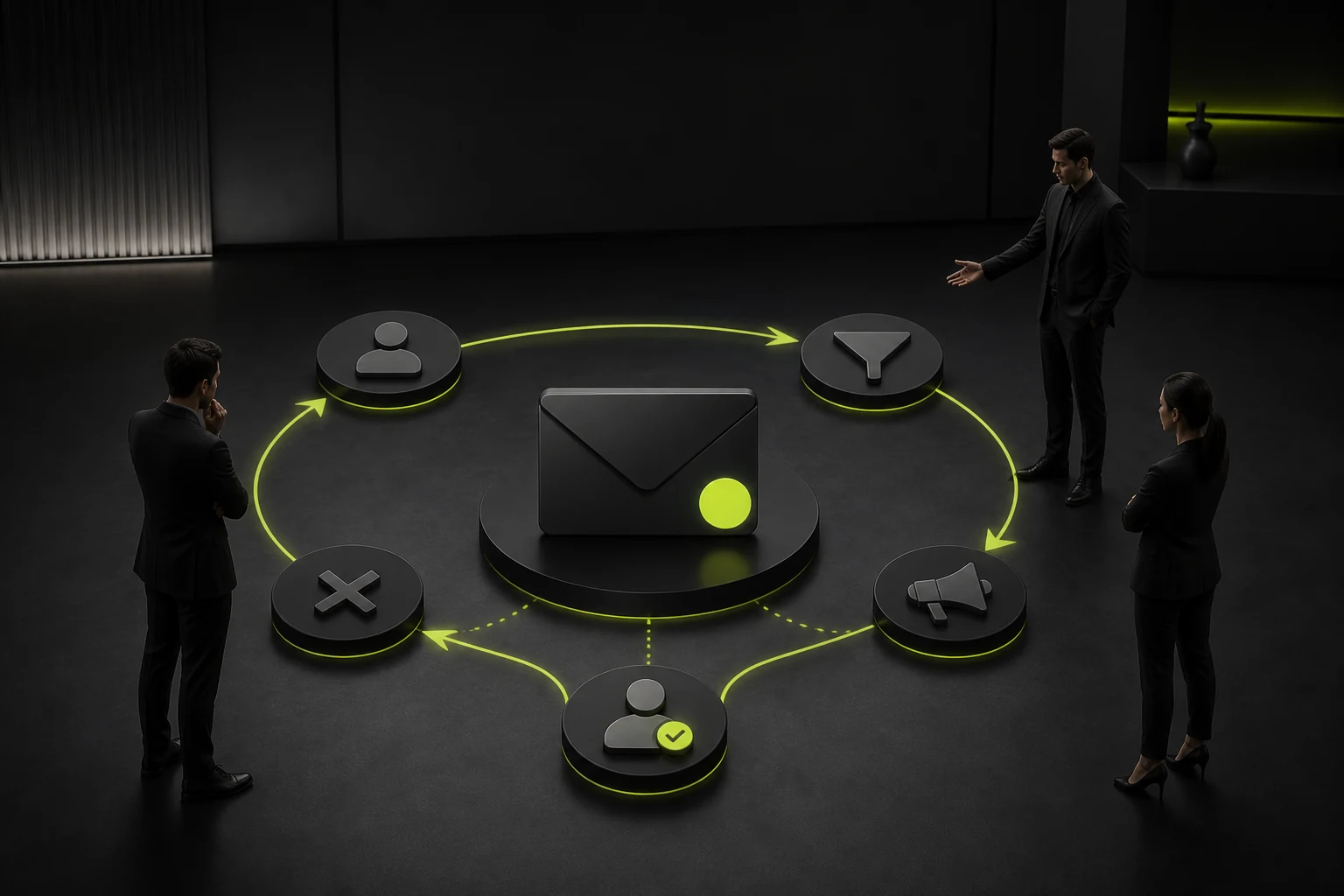
Briefly restate the request, submission time, contact, and expected response. Do not overload the user's first contact with promotions or ask them to verify the same information again.
Use a real sender name and reply address. A no-reply address prevents additional materials, making it especially unsuitable for high-value services.
04 Do Not Rely on One Internal Notification Email
Email can enter spam, fail, or be ignored. Important inquiries should be stored in a CRM, ticketing system, or at least a searchable back-end list with an owner and status.
Email may remain an alert, but not the only data source. Deduplicate leads, record their source, and retain UTM data, landing page, and first touchpoint.

05 Define Response Deadlines and Escalation
"We will reply soon" is nearly impossible to manage. Set working-time targets by inquiry type—for example, one business day for projects and two hours for incident support—and alert or escalate when overdue.
Automated replies cannot replace human contact. Users want to know that someone understands the need and can provide a clear next step.
06 Test the Complete Chain Regularly
After every redesign, email-service change, CRM upgrade, or domain adjustment, submit from an external network and verify the front end, confirmation email, back-end record, and owner notification.
Do not test only whether development returns HTTP 200. The user experiences the full chain from input to human response.
Frequently Asked Questions
Is a Separate Thank You Page Required?
Not always. An in-page success state can work, but a dedicated page makes next steps, conversion measurement, and related content easier.
Should the Confirmation Email Include the Entire Form?
It may include a nonsensitive summary. Do not send identity, financial, or other sensitive information; handle it through a secure back end.
How Should Duplicate Submissions Be Handled?
Disable the button while processing and use server-side idempotency or deduplication. The back end can merge alerts by email, phone, and a short time window.
How Quickly Should the Company Reply?
Define and publish a realistic business target. Faster is better for high-intent projects, but a useful response matters more than an empty instant reply.
Can the Thank You Page Recommend Case Studies and Services?
Yes, but first confirm success and response expectations, then provide content relevant to the current need rather than forcing a promotion.
| Service | View |
|---|---|
| Related Services | View Service Details |
| Project Inquiry | Contact JVDS Design Studio |
| Design and Website Development Articles | View Service Details |
 Link copied








