

Why can't the interface of AI products merely aim to be "like ChatGPT"? Uncertainty is the most difficult part to design in AI UX
The truly challenging aspect of designing an AI interface is not the input box, but rather how to let users know what the system is doing, why it is trustworthy, where it needs to be reviewed, and how to correct it quickly when the system may misunderstand, lack data, or have unstable output.
01 Why is "a chat box" becoming the new universal template
After the popularization of large models, almost all products can quickly add an input box: writing documents, looking up data, doing customer service, generating designs, searching knowledge bases, and analyzing contracts. The advantages of Chat UI are quite obvious - users can express complex intentions in natural language, and the product does not need to design a fixed form in advance for each demand.
But when all the capabilities are crammed into the conversation, new problems arise: users don't know how to ask, why the result is like this, what data the AI has used, whether it has misunderstood, and whether important operations have been executed. Chat addresses the issue of "input freedom", but it does not automatically solve the problems of "result credibility and sense of control".
02 The biggest difference in experience between traditional software and AI software is that the results are no longer completely certain
In a traditional system, when you click "Save", it is expected to be saved. Inputting the same formula usually leads to the same result. AI may output different answers due to differences in context, model updates, randomness, or tool invocation. The user's input itself may also be ambiguous.
The Google People + AI Guidebook sets "calibrating trust" as a key goal in the AI experience: not to make users always believe in AI, nor to make them always doubt it, but to know when to rely on it and when to review it. The design must therefore make "uncertainty" visible, rather than hiding it with a seemingly very certain answer.

03 The first thing: Let users know what the AI is doing now
Complex AI tasks may go through multiple stages such as reading files, searching knowledge bases, calling tools, analyzing data, and generating results. If the interface is always just a rotating Loading, users cannot determine whether the system is working normally, stuck, or has entered another operation.
The technical process can be translated into a state that users can understand: "Reading 3 files", "Searching the company's knowledge base", "generating a comparison table". There is no need to expose internal reasoning or logs; instead, display the status of the task layer and the necessary reasons for waiting. For long tasks, the ability to progress, cancel and continue in the background will also significantly improve the sense of control.
04 The second thing: The answer must have verifiable basis
If the AI says, "The decline in sales this month is mainly due to a reduction in new customers in East China," users will naturally ask, "Based on what?" Google's AI design guidelines suggest explaining the data sources used by the model and providing appropriate explanations based on task risks.
Enterprise AI products can display source documents, data time ranges, quoted paragraphs, query conditions or calculation bases. The goal here is not to prove that AI is "absolutely correct", but to enable users to have the ability to make judgments. When the results are used in finance, healthcare, contract, compliance or customer decision-making, verifiability is more valuable than a simple "AI-generated, for reference only".
05 The third thing: After the AI makes a mistake, the cost of modification must be low enough
Microsoft's Human-AI Interaction guide clearly states that when the system malfunctions, it should support efficient correction, undo, or ignore, and enable users to understand why the system does so.
Many generative products have only two actions: "accept" or "regenerate". This is very wasteful. The user may only want to shorten the second paragraph, change the tone to formal, delete an error source, and modify a column of data. Partial editing, version comparison, undo, re-generation of selected parts, and direct parameter adjustment can make AI more like a collaborator rather than a one-time answer machine.

06 Fourth thing: Important actions must be distinguished between "suggested" and "executed"
After AI assistants start to have capabilities such as sending emails, changing schedules, updating CRM, running code, and deleting files, the interface can no longer merely display "OK, I'll handle it." The user needs to know whether the system is currently formulating a plan, waiting for confirmation, or has actually been implemented.
High-risk actions can provide a clear pre-execution summary: what will be modified, which objects will be affected, whether it is revocable, and allow users to confirm. Low-risk and recoverable tasks can be moderately automated. The higher the risk, the stronger the control and explanation should be.
07 Fifth thing: The input box should not bear the full learning cost of the product
If a data analysis product requires ordinary business personnel to write by themselves "summarize the sales volume of the past 12 months by region and calculate the year-on-year and month-on-month figures", although it is technically flexible, it does not mean it is easy to use. Users don't even know what capabilities AI has.
More mature AI products usually blend dialogue with traditional interfaces: recommended questions, templates, parameter controls, filters, historical tasks, structured forms, and quick operations. Natural language is suitable for expressing open intentions, while structured controls are suitable for confirming precise parameters. The two are not in a competitive relationship.
08 The sixth thing: Allow the system to explicitly say "I don't know"
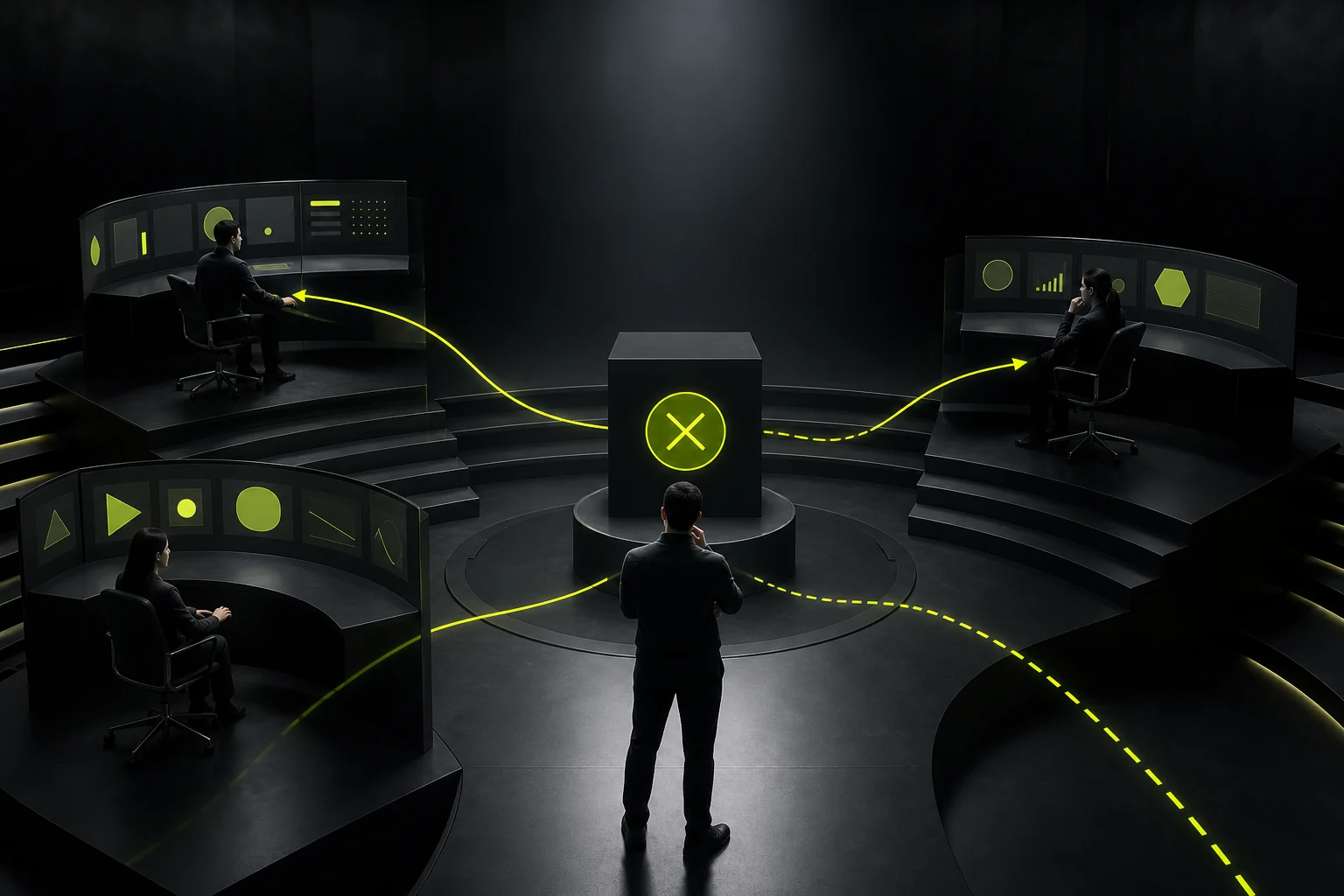
The most dangerous failure of AI is not reporting errors, but still providing complete and confident answers when lacking evidence. The Microsoft guidelines "narrow the service scope when there is uncertainty" and the Google guidelines "prompt users to review in low-confidence/high-risk scenarios" both point to the same design principle: commitments should be reduced when there is uncertainty.
When data is insufficient, permissions are inadequate, sources conflict, or user intentions are unclear, the interface can allow the AI to request supplementary information, provide multiple understanding options, or explicitly state that confirmation cannot be made. An AI that is willing to stop is often more reliable than one that always has an answer.
09 Seventh thing: Don't confuse "thought processes" with "interpretable information"
What users need are explanations that can help them make judgments and take actions, such as which files were used, what date's data, which rules affect the results, and what will be done next. Displaying a large amount of internal reasoning text not only increases the cognitive burden but also does not necessarily truly enhance credibility.
AI UX should be more designed with "evidence, state, boundary, impact and reversibility". Making users understand the system behavior does not mean presenting every step of the internal calculation.
10 Conclusion: After AI products mature, their interfaces may not be like chatbots everywhere
ChatGPT has demonstrated that natural language is a very powerful interaction method, but specific business operations still require tables, workflows, editors, charts, approvals, versions, and statuses. AI can serve as the capability layer for these interfaces instead of transforming all products into chat Windows.
A truly good AI experience should make users feel that tasks are faster, repetitive operations are fewer, complex information is easier to understand, and at the same time, key decisions remain visible, verifiable, modifiable and revocable. When a product achieves this, what users care about is no longer "Is there AI here?", but "Is this tool really reliable and easy to use?"
Frequently Asked Questions
Must AI products display the percentage of confidence?
Not necessarily. Percentages are easily misunderstood. More importantly, provide sources, risk warnings, conditions that need to be reviewed, and explanations of uncertainties based on the scenarios.
Why can't all the functions be made into dialogues?
Dialogue is suitable for open expression, but precise screening, batch operations, data comparison, review, and long-term workflows usually still require structured interfaces.
Do AI results need to show their sources?
It is particularly important for knowledge retrieval, data analysis and high-risk decision-making. The source helps users verify answers and calibrate trust.
Does the Agent need to confirm before performing any operation?
It depends on risk and reversibility. High-risk, irreversible or actions that affect others should have stronger confirmation. Low-risk recoverable tasks can reduce confirmations.
Will AI saying "I don't know" reduce the product experience?
Expressing the unknown appropriately usually enhances credibility. Rather than fabricating definite answers, clearly stating the lack of data and informing users how to supplement the information is more in line with long-term use.
| Related Service | Learn More |
|---|---|
| UI/UX Design Services | View Service Details |
| Project Consultation | Contact JVDS Design Studio |
| Design and Website Development Articles | Read More Related Articles |
 Link copied








