

The simple message “Login failed” can mean an expired code, incorrect password, missing account, locked account, network error, or canceled third-party authorization. Compressing every case into one sentence leaves users helpless and increases support volume.
Good login and signup flows reduce upfront friction, then progressively add verification as risk rises.
01 Decide Whether Users Must Log In Immediately
If browsing content, checking prices, or trying basic functions does not require an account, let users enter first. Ask them to register when saving, syncing, paying, or personalizing creates stronger motivation.
Financial, enterprise, or healthcare contexts that require identity should explain why and avoid collecting unrelated information during registration.

02 Match Login Methods to Users and Regions
Phone codes offer fast entry but depend on SMS delivery and cost. Passwords suit long-lived accounts but need recovery and security policies. Third-party login reduces input while adding platform dependency.
Multiple methods can coexist, but teams must prevent one user from creating duplicate accounts through different entry points.
Comparison of Common Login Methods
| Method | Advantage | Design Risk |
|---|---|---|
| Phone verification code | Fast entry with no password to remember | Nondelivery, delay, number changes, and SMS abuse |
| Email verification code | Works across regions and suits B2B | Delivery delays, spam folders, and typing effort |
| Username and password | Familiar and stable over time | Weak passwords, forgetting, credential stuffing, and recovery |
| Third-party login | Less input and an existing identity | Revoked authorization, account merging, and platform dependency |
| Biometrics | Fast return visits | Device dependent and still needs fallback verification |
| Guest mode | Experience before commitment | Data synchronization, account upgrade, and loss risk |
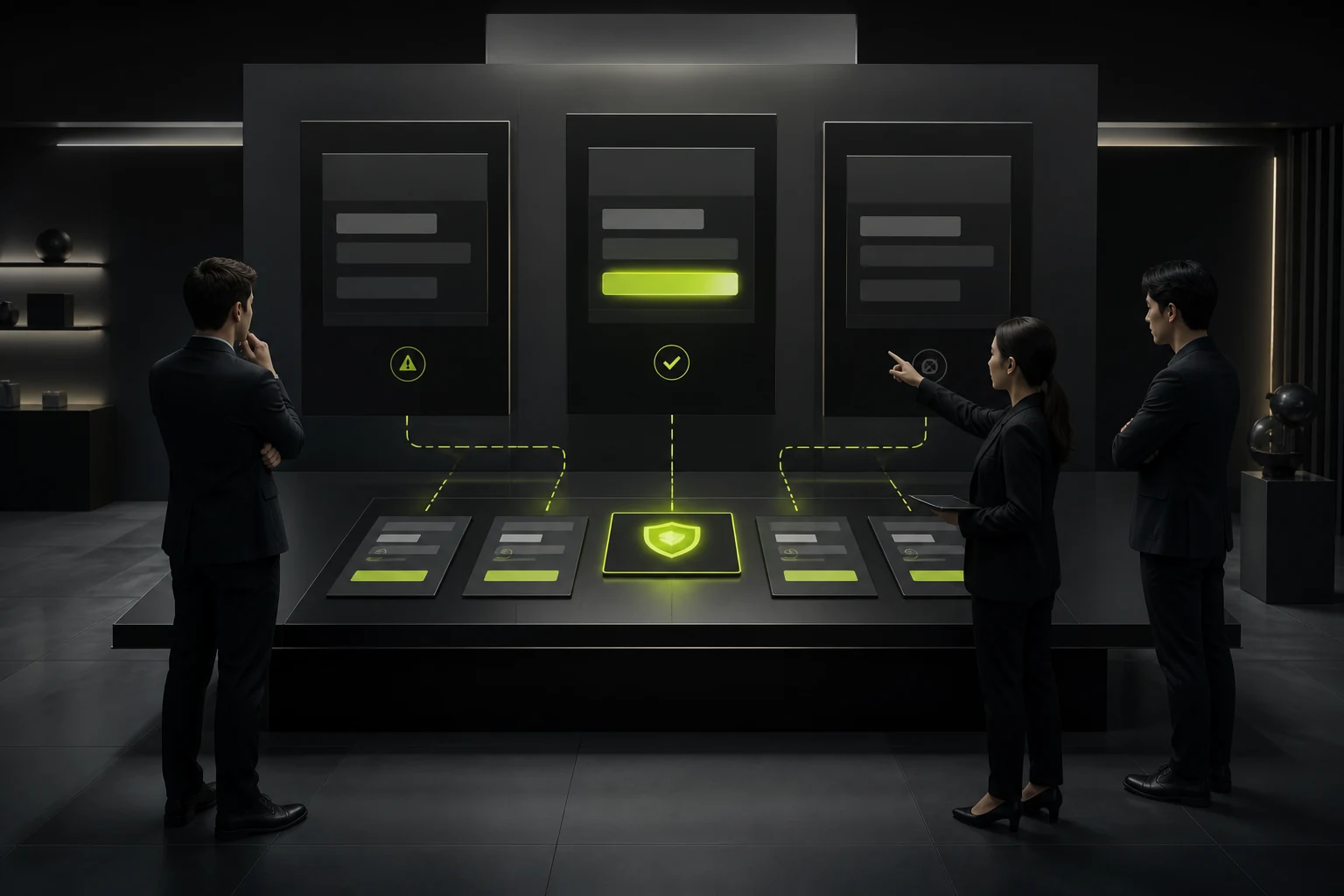
03 Make Errors Actionable While Protecting Security
Users need a next step, such as resending a code, checking the number, recovering a password, or contacting support. Sensitive products should avoid disclosing information attackers could exploit.
Code countdowns, validity periods, and delivery status must be accurate. Explain why a button is disabled.
04 Prevent Confusion Between Signup and Login
If a phone number is already registered, guide the user to login. If not, create an account only after clear consent. Never register users without their knowledge.
Keep page titles, buttons, and agreement language consistent so users do not think they logged in when they actually registered.

05 Plan Recovery, Number Changes, and Account Merging Early
Users need fallback verification and human support when they change phone numbers, lose email access, or disconnect third-party accounts.
Account merging should state which data, orders, and permissions remain, preventing duplicate assets or unauthorized access.
06 Use Risk-Based Verification Instead of Maximum Friction for Everyone
Add verification for new devices, unusual regions, and high-value actions. Low-risk returns on familiar devices should remain smoother.
Every risk control needs recovery, accessibility, and support paths so legitimate users are not locked out permanently.
Frequently Asked Questions
Does phone-code login also need a password?
Not necessarily. It can be passwordless, while high-risk actions may still require additional verification.
Can consent boxes be preselected during signup?
Users should give informed consent under applicable rules. Do not obtain consent through opaque defaults.
What if third-party login fails?
Preserve other login methods, explain cancellation, network, or account conflicts, and do not lose entered data.
Should a login error say that an account does not exist?
Balance usability against account-enumeration risk. High-risk products can use a cautious unified message with a recovery path.
How should guest data move into a registered account?
Clarify the merge scope during registration, avoid overwriting existing data, and provide confirmation and recovery.
| Service | View |
|---|---|
| Related service | View service details |
| Project inquiry | Contact JVDS Design Studio |
| Design and web articles | View all insights |
 Link copied








