
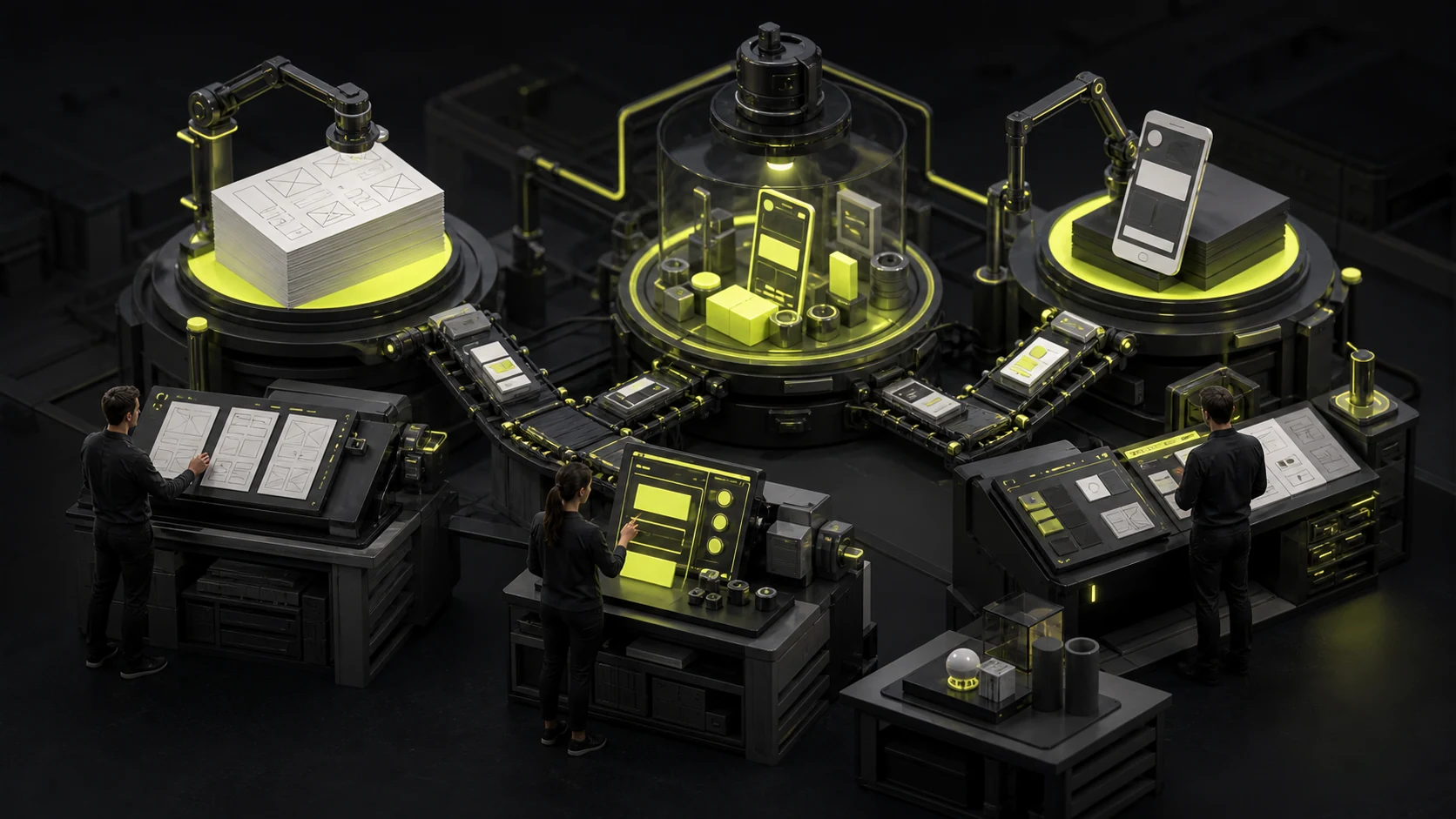
Low-Fidelity, High-Fidelity, or Interactive Prototypes? Choose by Validation Goal
Low fidelity does not mean poorly made, and high fidelity does not mean closer to the right answer. A prototype is valuable when it answers the most important current question. Black-and-white wireframes may be fastest for validating information order. Payment confirmation and status feedback require an interactive flow. Brand trust calls for high-fidelity visuals.
Low fidelity does not mean poorly made, and high fidelity does not mean closer to the right answer. A prototype is valuable when it answers the most important current question. Black-and-white wireframes may be fastest for validating information order. Payment confirmation and status feedback require an interactive flow. Brand trust calls for high-fidelity visuals.
01 Correct One Misconception: Fidelity Is Not a Single Scale
A prototype can have independently high or low fidelity across visual design, content, interaction, data, and technology. A polished screen with nonfunctional buttons has high visual fidelity but low interaction fidelity. A black-and-white wireframe that fully simulates approval states may have high interaction and business-logic fidelity.
| Prototype Type | Main Characteristics | Best Used to Answer | Not Suitable for Directly Judging |
|---|---|---|---|
| Low fidelity | Wireframes, paper, grayscale, minimal detail | Structure, content order, flow direction, early concepts | Brand feel, refined visuals, realistic waiting |
| High-fidelity static design | Near-final colors, type, components, and content | Visual hierarchy, brand trust, interface density, development standards | Complete flows, conditional branches, dynamic feedback |
| Interactive prototype | Clickable controls, state changes, task paths | Flow comprehension, task completion, transitions, key feedback | Backend performance, real data, every exception |
| Coded prototype | Some real technology and data | Technical risk, performance, complex interactions, device capabilities | Complete product quality and long-term architecture |
02 Before Choosing a Prototype, Write Down What You Need to Validate
| Validation Question | Recommended Prototype | Why |
|---|---|---|
| Can users understand the page structure? | Low-fidelity wireframe | Visual details will not distract from structural feedback |
| Can users complete a multistep task? | Medium-fidelity interactive prototype | A realistic path and state feedback are required |
| Does a financial or healthcare page establish trust? | High fidelity plus real copy | Color, typography, evidence, and information density all shape judgment |
| Are complex interactions such as drag-and-drop, charts, or maps feasible? | Coded prototype | Design tools cannot simulate real performance and inputs well |
| Will management approve the direction? | Low-fidelity flow plus a few high-fidelity key screens | Shows both the logic and future experience |
| Can developers implement it accurately? | High-fidelity design system plus interaction specifications | A prototype cannot replace specifications and state inventories |

03 Low-Fidelity Prototypes: Discard the Wrong Direction Inexpensively
Low fidelity works well while page count and flows remain unsettled. It keeps attention on content, tasks, and information relationships instead of corner radii, colors, and images. Because the investment is low, stakeholders are also more willing to propose major changes.
- Best for: information architecture, page frameworks, flow comparisons, and early workshops.
- Deliverables: key-screen wireframes, flow diagrams, content placeholders, and issue notes.
- Remember: do not test complex business logic entirely with Lorem ipsum; critical copy should still be realistic.
- Risk: without states and data, low-fidelity designs can make complex systems look deceptively simple.
04 High-Fidelity Prototypes: Validate Visual Judgment and Real Content Pressure
Once the structure is relatively stable, high-fidelity designs can validate brand style, hierarchy, readability, density, and consistency across screens. They also reveal issues hidden in low fidelity, including long real-world titles, Chinese-English length differences, crowded tables, and error-state colors.
High fidelity does not require completing every screen in advance. A better approach is to finish critical scenarios, core components, and extreme content first, confirm the visual system, and then expand.
05 Interactive Prototypes: Test Tasks, Not a Demo Animation
An interactive prototype should let users act independently rather than clicking only through a designer's predetermined happy path. Tests for login, purchasing, approvals, or repayments should cover back, cancel, error, empty, and critical branch states.
| Interaction Level | Example | Purpose |
|---|---|---|
| Page navigation | Open details by clicking a card | Validate information structure and entry points |
| Component states | Dropdowns, filters, toggles, form validation | Validate understanding of controls |
| Business branches | Different permissions, success/failure, returns | Validate flows and state models |
| Time and feedback | Loading, progress, notifications, undo | Validate waiting and confidence |
| Real data | Lists, charts, extreme content | Validate density, performance, and exceptions |
06 Research Shows That Higher Fidelity Does Not Necessarily Find More Problems
Multiple usability studies have found that low- and high-fidelity prototypes may perform similarly in identifying many usability issues. Results often depend more on task design, participant fit, facilitation, and whether the prototype supports critical behaviors. Do not create final visuals for every screen merely to run a test.
The least expensive prototype is not the roughest. It is the one just sufficient to answer the current question without creating avoidable rework.
07 Mixed Fidelity Is Often More Practical Than Making Everything High Fidelity
Complex projects can use low fidelity for the complete flow, high fidelity for key screens, interactive prototypes for high-risk tasks, and coded prototypes only for technical uncertainties. Different areas can use different fidelity while supporting the same decision.
08 Three Project Examples
Corporate Website Redesign
Use low fidelity first to confirm navigation, content, and conversion paths. Design the home, service, and case-study pages in high fidelity. Limit the interactive prototype to navigation, forms, and key motion. Every article detail page does not need to be clickable.
Lending App Repayment Flow
Map billing, partial repayment, failure, and extension branches in low fidelity. Use high fidelity to validate amounts, dates, risk notices, and trust. Test confirmation, payment failure, return, and receipt paths interactively.
B2B Approval System
First map the state model and permissions matrix. Then use wireframes for submission, approval, return, reassignment, and withdrawal. Focus high fidelity on data density and state visuals. If needed, use coded prototypes to test large tables and complex filter performance.
09 Prototypes Cannot Replace These Deliverables
- Business rules: fields, permissions, states, exceptions, and boundaries.
- Content specifications: real copy, error messages, empty states, and localization.
- Design system: components, variables, responsiveness, and accessibility.
- Data contracts: APIs, formats, loading, failures, and caching.
- Acceptance criteria: what counts as complete and how to test and record issues.
10 A Prototype That Looks Too Real Also Creates Risk
High-fidelity prototypes can lead management to assume the product is nearly complete and users to focus on colors and images. At handoff, state clearly what works, what is simulated, and which branches remain uncovered. Do not let apparent usability conceal technical and business unknowns.
11 A Quick Decision Matrix
| Project Stage | Greatest Risk | Recommended Investment | Exit Condition |
|---|---|---|---|
| Discovery/concept | Choosing the wrong problem or direction | Sketches, wireframes, flows | Core tasks and user value are clear |
| Solution validation | Misunderstood flows or missing branches | Interactive wireframes | Critical tasks are achievable and issues manageable |
| Visual confirmation | Brand, hierarchy, or density fails | High fidelity for key screens | System direction and component rules confirmed |
| Pre-development | Incomplete technology, states, or handoff | High fidelity plus interaction specs and code validation | Rules, exceptions, acceptance criteria, and assets complete |
Frequently Asked Questions
Is a prototype always better when it is closer to the final product?
No. Higher fidelity usually raises cost and resistance to change. Choose enough fidelity for the validation question instead of making every phase look final.
Is a high-fidelity design the same as an interactive prototype?
No. High fidelity describes appearance; an interactive prototype describes behavior. A static design can look polished without validating a complete task.
Does an interactive prototype need to cover every screen?
No. Prioritize core tasks, high-risk branches, and critical states. Supplement other screens with static designs, flowcharts, or notes.
Can developers build directly from a Figma prototype?
It is only one part of handoff. Developers also need component specifications, responsive behavior, states, data, copy, permissions, APIs, and acceptance criteria.
| Service | View |
|---|---|
| UI/UX Design Services | View service details |
| Project Consultation | Contact JVDS |
| Design and Web Development Articles | Read more related articles |
 Link copied








