

Is it true that the smoother the web page animations are, the better? For some users, parallax, zooming and large movements may directly cause discomfort
When the page scrolls, a significant parallax of the background, cards flying in from a distance, and the entire screen zooming in after clicking are just "cool" for many users, but they may cause dizziness and nausea for users with sensitive vestibules. Reduced Motion does not turn off all animations, but provides a safer alternative expression for non-essential movements.
01 WCAG 2.2 makes a disabling requirement for non-essential movements triggered by interaction
W3C Animation from Interactions 2.3.3 is the AAA success standard, aiming to enable users to turn off motion animations triggered by interactions that are not necessary for functionality.
Even if enterprises only aim for AA, Reduced Motion remains a valuable design best practice.
02 The most cautious aspects are large-scale displacement, scaling, and parallax
Slight color changes in buttons usually cause less of a problem. However, moving the entire screen content forward and backward as you scroll, Zoom transitions, and 3D space rotations are more likely to cause discomfort.
When evaluating motion effects, do not only look at the duration, but also consider the movement area, distance and whether it affects spatial stability.
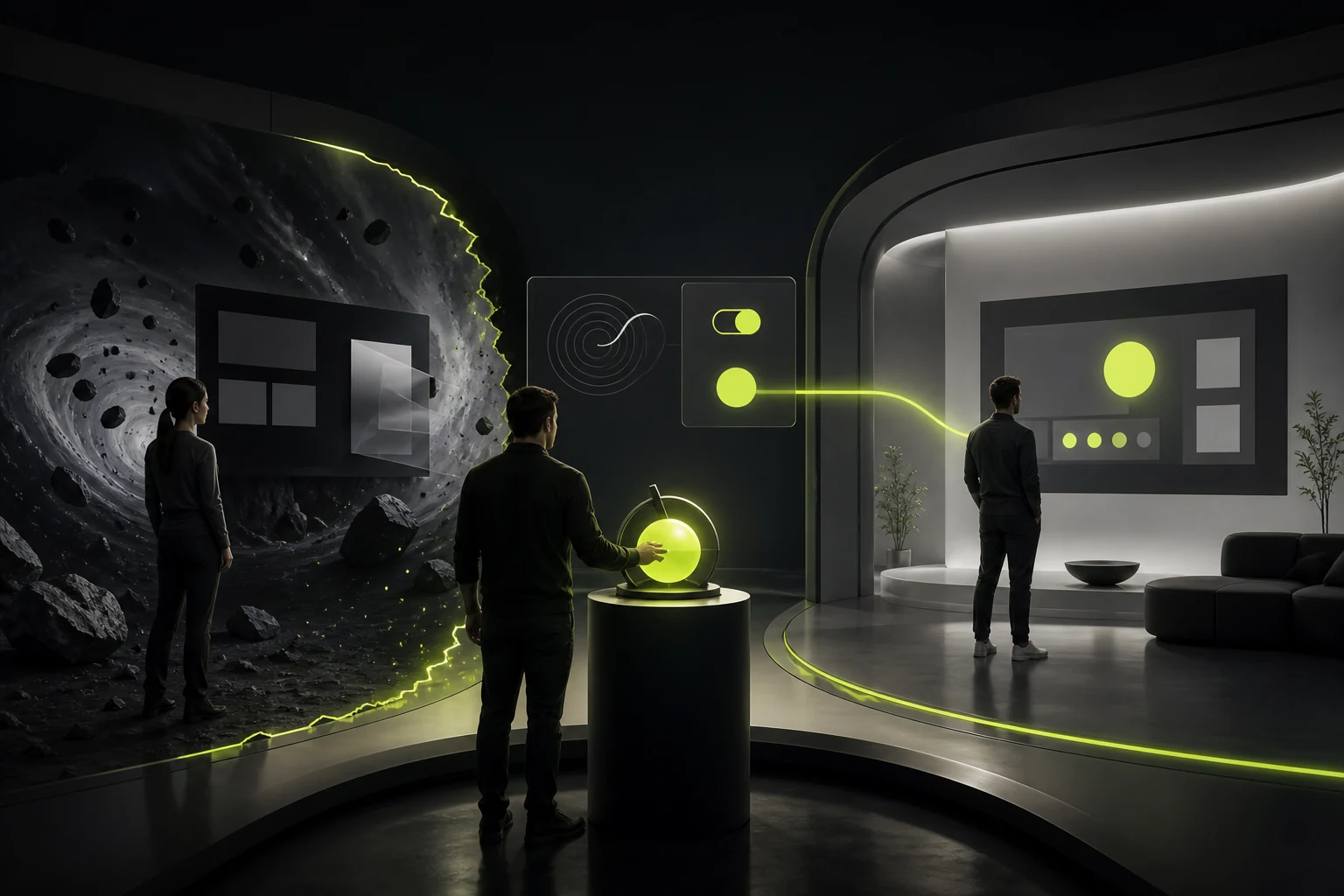
03 prefers-reduced-motion can read user system preferences
The front end can identify through CSS media queries whether the user has set to reduce dynamic effects and switch to more restrained animations.
Designers should provide clear alternatives to the Reduced Motion state and not shift all the responsibility to developers for "reducing it themselves".
04 Reducing motion does not mean that the duration of all animations is 0
State changes still require feedback. A large shift can be replaced by fade-in and fade-out, color, border or small range changes.
Some animations are necessary for understanding itself, such as showing the movement relationship of objects, which can be retained but the intensity controlled, or providing static explanations.
05 Brand corporate websites are particularly prone to overusing scroll-driven animations for narrative purposes
Scroll storytelling can enhance immersion, but if users have to scroll many times to "unlock" the main text, it not only affects usability but also makes Reduced Motion difficult to downgrade.
The content itself should remain complete, readable and operable even after complex animations are turned off.
06 When auto-playing animations, pauses and distractions should also be taken into account
Continuously looping background videos, digital scrolling and flashing elements will compete for attention for a long time.
In addition to motor sensitivity, cognitive burden, performance and content readability also need to be taken into consideration. It is often more friendly to be able to stop, pause or not play automatically.
07 The Motion Token can incorporate Reduced Motion into the design system
Defining Motion tokens such as duration, easing, and distance, and setting alternative values for the reduced mode can ensure consistent degradation of the entire product.
This way, instead of temporarily writing media queries for each page, motion strategies are established from the component layer.
08 During the test, truly enable the system's "Reduce Dynamic Effects" option
Accessibility Settings are available for Mac, iOS, Windows and Android. After opening it, check whether the navigation, Modal, page switching and marketing animations are still understandable.
If the content disappears and the buttons do not appear after the movement is turned off, it indicates that the animation has been wrongly regarded as the page function itself.
09 Reduced Motion does not mean changing the entire duration to 0
Some transitions are used to illustrate the appearance of elements, state transitions or spatial relationships. Complete teleportation would instead make the changes more difficult to understand. A better strategy is to eliminate significant displacement, rotation and scaling, while retaining brief fade-in, color or transparency changes.
That is to say, what is reduced is the intensity of exercise that causes physical discomfort, rather than eliminating all state feedback.
10 The motion effect specification needs to draw a boundary between "can be turned off" and "must be retained"
Decorative parallax, background particles and rolling flyin can usually be turned off; Functional animations such as progress changes and submission feedback need to provide low-motion alternatives.
The design system can add a reduced version of the Motion Token to enable the web page and the product end to obtain consistent behavior under the same user preference.
Frequently Asked Questions
Is Reduced Motion a mandatory item for WCAG AA?
Animation from Interactions 2.3.3 belongs to AAA, but reducing unnecessary movements is still a widely recommended accessibility practice.
Should all animations be turned off when Reduced Motion is enabled?
No need. Necessary feedback can be retained, and the focus should be on reducing movements that may cause discomfort, such as large movements, parallax, and zooming.
What is prefers-reduced-motion?
CSS media query can identify whether the user's operating system prefers to reduce dynamic effects.
Does the video background also need to be processed?
Continuous auto-playing content should take into account pause, substitution and readability, and be evaluated together with accessibility and performance requirements.
Does the design draft need a separate Reduced Motion version?
For complex motion effects, it is best to clearly label the alternative behaviors, and the design system can uniformly define the degradation rules.
| Related Service | Learn More |
|---|---|
| UI/UX Design Services | View Service Details |
| Project Consultation | Contact JVDS Design Studio |
| Design and Website Development Articles | Read More Related Articles |
 Link copied








