

Many SaaS trials ask users to configure a team, import data, and understand numerous concepts immediately after registration. Users leave before seeing a result. Other products lower the barrier by opening every feature but offer no clear next step.
The trial experience should be designed around an observable activation event: What must users complete before they truly understand how the product can solve their problem?
01 Define the Activation Event Before the Trial Length
The activation event should be close to the core value—for example, completing an analysis, publishing a project, inviting the first member, or processing a real task.
“Logging in three times” is usually just behavior and does not mean the user received value.

02 Collect Only the Information Needed to Start
Let users enter the product first, then progressively collect company, role, and use-case information as tasks require it. If email or business identity verification is mandatory, explain why and what comes next.
Sales qualification information can be supplemented through later behavior and conversations.
03 Use Sample Data to Show the Destination First
Products that require extensive data configuration can provide replaceable sample projects, templates, or simulated results. Clearly label samples to prevent confusion with real data.
Once users see a complete result, they can more easily understand why they need to import their own data.
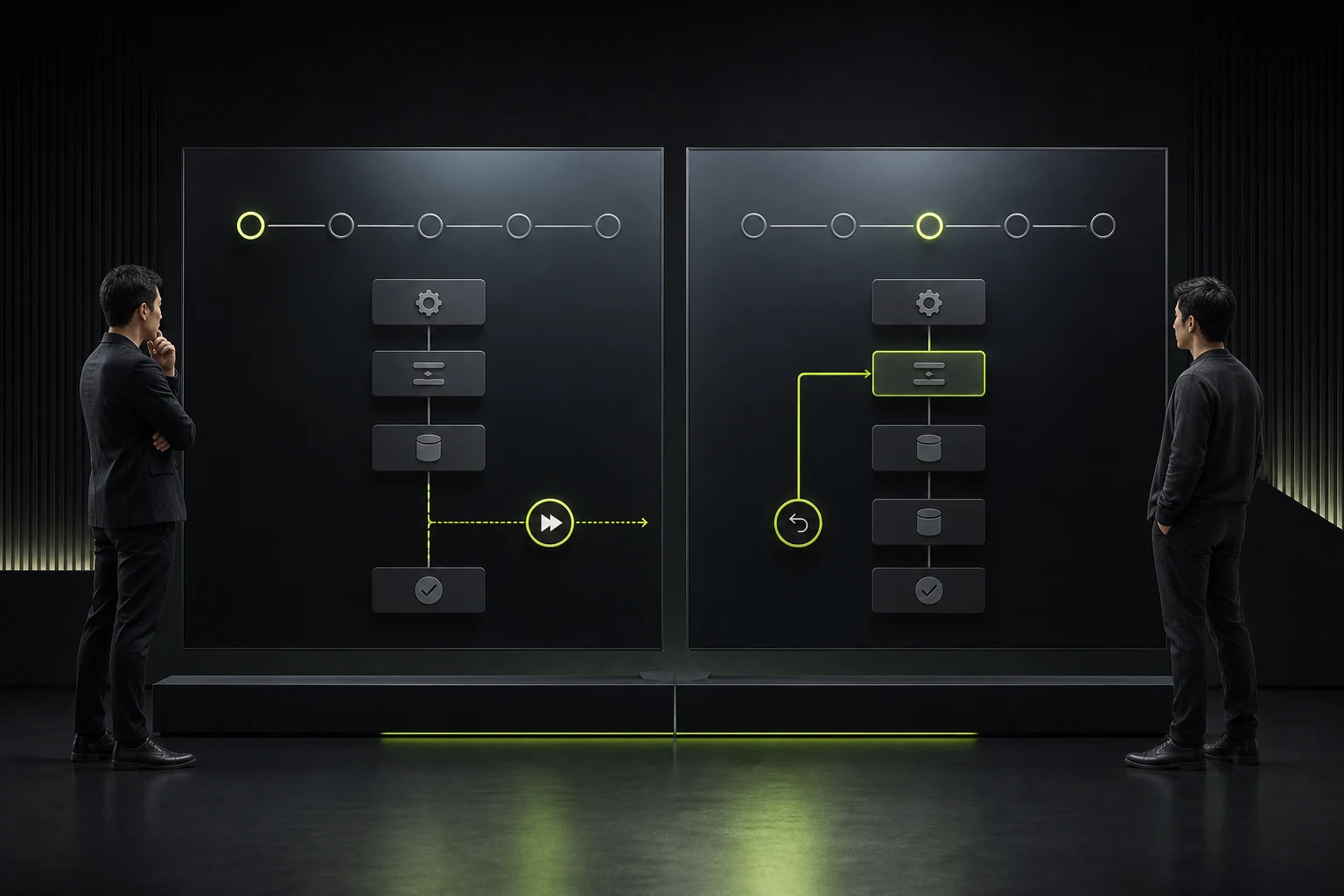
04 Let Users Skip and Return to Setup Steps
Separate required configuration from optional improvements, and show progress and impact. Users who skip a step should know where to complete it later.
Do not cover the actual interface with full-screen tutorials or explain features before they are needed.
05 Make Trial Limits Transparent and Aligned with Value
Limits may involve time, usage, members, or advanced capabilities, but users should see them before they are triggered. If the core value is completely locked, the trial cannot easily validate the product.
Upgrade prompts should explain what will be unlocked instead of merely creating countdown anxiety.

06 Use Behavior to Decide When Sales Should Intervene
High-intent prospects or complex enterprise customers may need expert assistance, while lighter users are better suited to self-service. Trigger support based on role, activation progress, and blockers.
Measure registration to activation, activation to payment, and reasons for nonactivation instead of registration volume alone.
Key Free-Trial Moments
Moment | User Question | Design Response |
|---|---|---|
Registration | How much effort is required to start? | Reduce fields and explain verification |
First entry | What should I do next? | Define one clear primary task |
Setup | Why is this information needed? | Explain the impact and provide defaults |
First result | Does the product actually work for me? | Provide a sample or a real closed loop |
Limit reached | Why can’t I continue? | Be transparent early and explain the upgrade clearly |
Trial end | What happens to my data and progress? | Retain, export, or provide a reasonable grace period |
Frequently Asked Questions
Should a free trial last 7 or 14 days?
It depends on how long users need to complete the core task. Review time to first value and the enterprise decision process before choosing a duration.
Should a credit card be required?
It depends on product cost and acquisition strategy, but charging conditions, reminders, and cancellation methods must be explained clearly.
Will sample data confuse users?
When samples are clearly labeled and can be cleared in one step, they help demonstrate the complete experience.
Should onboarding use pop-ups or a task checklist?
It depends on task complexity. Contextual guidance and a persistent checklist are usually more useful than a sequence of pop-ups.
When should sales contact trial users?
Use active intent, company type, and activation blockers as triggers instead of contacting users repeatedly immediately after registration.
Service | View |
|---|---|
Related service | |
Design work | |
Project inquiry |
 Link copied








