

How to Create Useful User Personas Without Inventing Fictional Profiles
Many project personas look comprehensive: name, age, city, occupation, personality, and brand preferences are all documented. Yet when the team discusses home-page structure, feature priorities, or permissions, this information is almost useless. The profile describes a fictional person without explaining their behavior or tasks.
A genuinely useful persona is a pattern of behavior grounded in research evidence. It helps a team understand how groups differ in their goals, contexts, capabilities, constraints, and decisions—and how those differences should shape the product.
01 Start by Defining the Decisions the Persona Must Support
Will it guide product scope, onboarding, purchasing roles, content planning, or customer support? Different purposes require different dimensions.
Without a decision context, a persona accumulates information that is interesting but useless. First, write down three to five questions the team will use the persona to answer.
02 Evidence Comes from Behavior, Not Meeting-Room Imagination
Interviews, observation, product data, support tickets, sales, customer service, and surveys can all provide evidence. Include input from real users at a minimum, and document the sample and its limitations.
Internal experts know the business well, but they may encounter only high-value customers or users with problems. Label internal views as hypotheses, then validate them with user evidence.
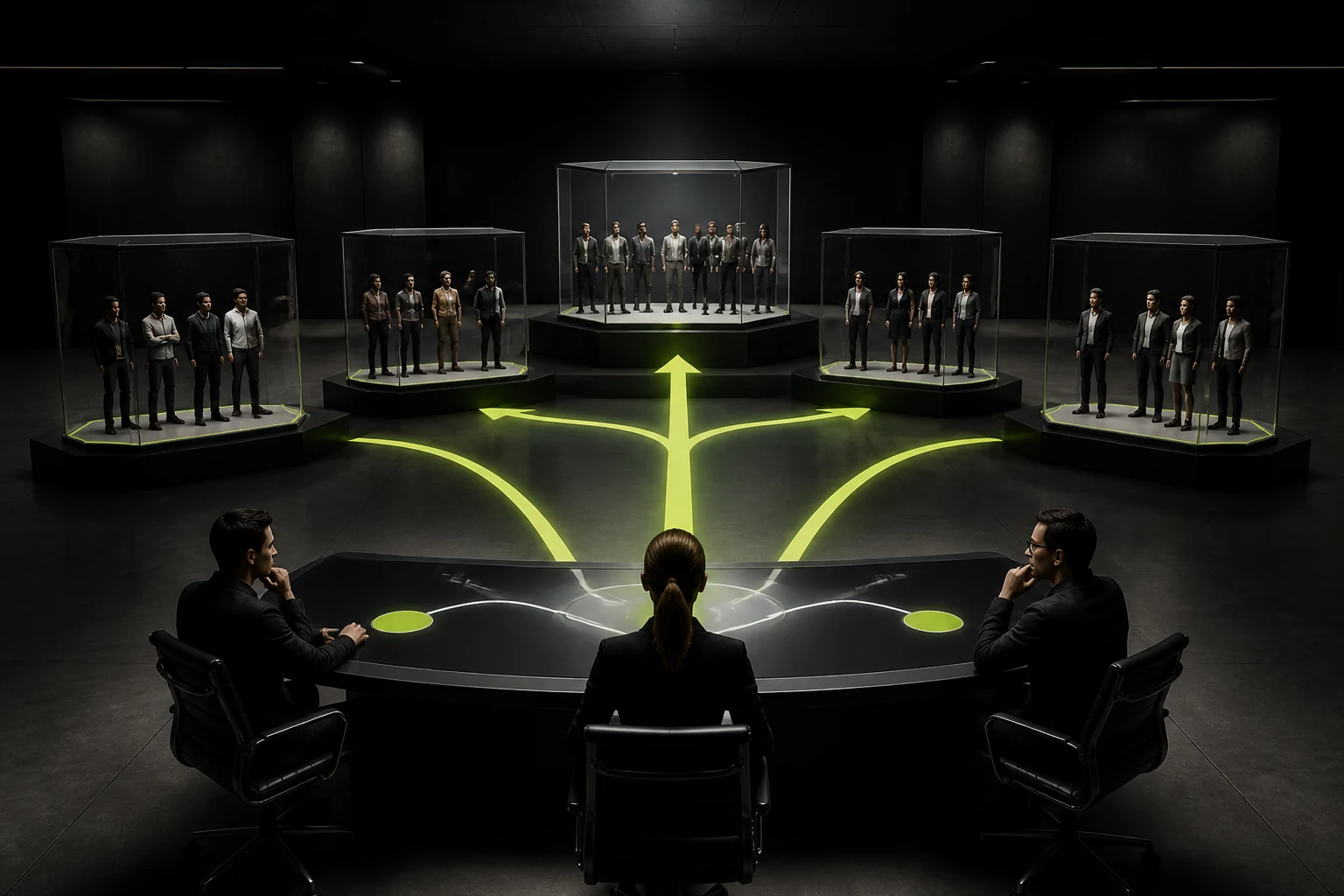
03 Group by Behavior and Need, Not Arbitrarily by Age
Age, industry, and company size matter only when they genuinely affect behavior. More useful groupings may include experience level, usage frequency, decision role, risk tolerance, workflow, or goal.
For example, two finance professionals may have completely different needs: a beginner needs guidance, while an experienced user values bulk actions and shortcuts. Within one business customer, users, technical evaluators, and purchasing decision-makers also need entirely different information.
Grouping Dimension | Where It May Be Useful | Common Mistake |
|---|---|---|
Experience and Proficiency | Learning, shortcuts, and complexity | Using age as a substitute for ability |
Tasks and Goals | Feature, workflow, and content priorities | Grouping mechanically by department name |
Decision Role | B2B corporate websites, procurement, and sales | Treating a company as one user |
Usage Frequency | Navigation, defaults, and efficiency | Ignoring infrequent, high-risk tasks |
Environment and Constraints | Mobile use, slow networks, and accessibility | Writing only about interests and hobbies |
04 Include at Least Six Types of Actionable Information
Include goals, key tasks, triggering contexts, current practices, major barriers, and success criteria. Knowledge, devices, permissions, influence on decisions, and trust requirements may also be useful.
Wherever possible, attach evidence or summarized quotes to each item and distinguish high-confidence findings from hypotheses that still need validation. Do not invent family details or personality traits simply to make the persona feel human.
05 Names and Photos Are Optional
Personification can aid recall, but it can also cause teams to mistake a pattern for a specific individual and add unsupported details. Role-based names such as "high-frequency operations specialist" or "first-time procurement lead" can be paired with simple icons instead of stock photography.
If names and stories are used, keep the content centered on evidence and make clear that the persona is a composite model, not one real person.
06 Do Not Turn a Persona into a Requirements List
Statements such as "wants one-click export, dark mode, and smart recommendations" often put a feature wish list into a character's mouth. A better persona explains the user's task and barrier, leaving the team free to explore different solutions.
For example, "must report to three types of stakeholders every week and currently copies data from four systems" opens more design possibilities than "needs custom reports."

07 Bring Personas into Journeys, Scenarios, and Prioritization
Walk each persona through the core journey and examine information, decisions, barriers, and support at every stage. During requirements reviews, state which persona is primarily served, who else is affected, and whether another group is being disadvantaged.
Corporate website content can also map to purchasing roles: users care about task efficiency, technical evaluators about integration and security, and decision-makers about value and risk. Personas stop being wall decorations only when they enter this work.
08 Limit the Number While Preserving Meaningful Differences
Three to five primary personas are often easier to use than a dozen, though there is no fixed number. Merge two personas if their goals, behaviors, and design implications are almost identical. A small group may still warrant its own persona when it carries high risk or critical value.
Primary, secondary, and excluded personas can help the team make scope tradeoffs.
09 Update Personas as the Product and Market Change
New features, markets, organizations, and user maturity alter behavior. Update personas through ongoing interviews, product data, and support feedback, and record the changes instead of rebuilding a new set for every project.
When data conflicts with a persona, revise the model rather than selecting only evidence that supports the existing view.

10 State Explicitly What Personas Should Not Be Used For
Personas cannot predict an individual's behavior or replace market sizing, statistical segmentation, or accessibility requirements. A team should not neglect basic usability for older people or users with disabilities simply because its primary persona is young.
Nor should a persona become a label for rejecting new evidence, such as "this request does not fit our persona." A persona summarizes current evidence and must change when real user behavior changes.
Adding applicable decisions, evidence coverage, and limitations to the persona document helps prevent it from being treated as universal truth about users.
11 Connect Personas to Recruitment Criteria
A persona that cannot be translated into screening criteria for research and testing is difficult to validate. Turn roles, recent behaviors, experience, contexts, and constraints into recruitable criteria so the next study can confirm whether the pattern still holds.
Do not recruit against every detail in the persona story, or the sample will become too restrictive. Keep only conditions that truly affect design decisions and leave room to discover new user types.
12 Use Persona Names Without Value Judgments
Avoid judgmental labels such as "lazy user," "low-value customer," or "technology novice." Describe behavior and context instead—for example, "first-time configurator" or "infrequent approver." This reduces team bias and supports more constructive design discussions.
Frequently Asked Questions
Must a User Persona Have a Name and Photo?
No. A role name and behavioral pattern are enough. Names and photos are memory aids, not substitutes for evidence.
How Many Interviews Are Needed to Create Personas?
There is no fixed number; it depends on user diversity and research goals. Continue until the main patterns stabilize, and state the sample's limitations.
What Is the Difference Between a Persona and User Segmentation?
Segmentation often defines market or data-based groups. Personas go further by describing goals, behaviors, contexts, and barriers. The two can reinforce each other.
Should a B2B Product Create Personas for Companies or Individuals?
Usually both organizational types and individual roles matter because use, evaluation, purchasing, and administration may be handled by different people.
How Should Personas Be Used After They Are Created?
Use them in journeys, scenarios, requirements prioritization, content structure, test recruitment, and solution reviews, and update them regularly as evidence changes.
Service | View |
|---|---|
User Research and Experience Strategy | |
UI/UX Product Design | |
Project Inquiry |
 Link copied








