
How to conduct a design review? Don't wait until it goes live to start looking for pixel differences
By the time all the development is completed, it is usually too late to ask the designers to focus on picking out "two pixels missing here". If a component is implemented incorrectly, dozens of pages will follow suit. Once the real interface is connected, the empty state, errors and long data are exposed. If only screenshots are taken before going online, the complete operation will be missed. Design review should accompany the development progress. The earlier systemic problems are identified, the lower the repair cost will be.
01 Design walkthrough is not another name for visual acceptance
It needs to confirm whether the design intent has been fully implemented, including information hierarchy, interactive feedback, business status, responsiveness, accessibility, content and visuals. Pure comparison of color and spacing can only reveal surface differences. Only going through business processes may gradually distort the brand and components.
02 It is recommended to set five check nodes
| Node | Key inspection | Why can't it be later |
|---|---|---|
| When the basic components are completed | Fonts, colors, spacing, buttons, forms, pop-ups and layout containers | Component errors will be copied to all pages |
| 2. When the first end-to-end process is completed | Entry, input, submit, result, return and restore | First, verify whether the implementation method is correct, and then carry out batch development |
| 3. When conducting real interface joint debugging | Loading, empty, failed, permission, long data and timing | Static mocks cannot expose the real state |
| 4. Pre-release environment | Multiple devices, browsers, zooming, content, embedding points and performance | The last complete retest before going live |
| 5. After the official launch | Production configuration, cache, fonts, third-party scripts and real data | Passing the test environment does not mean that the production environment is consistent |

03 When conducting the first check, look at systemic issues first. Don't start with a specific icon
If the font loading method, container width, spacing Token or button component implementation is incorrect, the same deviation will occur on every subsequent page. In the first round, priority should be given to checking the basic components, raster, responsive and interactive patterns. Once a systemic issue is confirmed, the development team should fix the underlying problem instead of applying patches one by one on dozens of pages.
04 Be sure to use real data and real characters
Design drafts often use perfect data: short names, neat amounts, three lists, and users having full permissions. When conducting walkthroughs, it is necessary to prepare long texts, empty data, extreme values, expired content, interface failures, different roles, and multiple languages. The enterprise system also needs to check the data range, field-level permissions, operation records and status conflicts.
If the screenshots match, it only proves that they are similar at a certain moment. Only when the complete task runs smoothly can it be close to a true reproduction.
05 First, fix the lookup benchmark to prevent both parties from seeing different pages
Before starting the review, it is necessary to unify the environment, version, browser, viewport, account role, test data and design draft version. The issues that designers encounter on a 1440px desktop may be completely different in the developed scaling ratio or in the old cache. It is recommended that the benchmark be clearly stated at the beginning of each round of review tasks, and standard screenshots or screen recordings be retained for key pages.
- Confirm the pre-release address and build version, and prohibit recording issues simultaneously in multiple old environments.
- Prepare representative accounts such as regular users, administrators, and users without permissions.
- Use real or desensitized long data, empty data, and failed data, not just the default Mock.
- Clarify the scope of this round of inspection: structure, status, responsiveness or visual details.
- Record the pages, components and versions of the design files to avoid having no basis to find after the repair.

06 Problems must be classified; otherwise, everyone will mark their own problem as "urgent".
| "Level" | Definition | Example | Processing requirements |
|---|---|---|---|
| P0 blocking | The core tasks cannot be completed or there are significant security risks | Unable to log in, payment error, unauthorized access | Prevent going online. Fix it immediately and retest |
| P1 High risk | Business results, data or key experiences are significantly impaired | No feedback on submission, incorrect amount display, and missing key status | Fixed before going online |
| P2 General Experience | It does not block tasks, but incurs costs for understanding or operation | Unclear focus, long text overflow, and weak interactive feedback | Schedule to the current version or specify the plan |
| P3 Visual Details | Local differences with a relatively low impact on the task | Slight spacing, non-critical icon deviation | Concentrate on the repair to avoid interrupting the main line |
07 Each question should be written so that others can reproduce it
| Field | Fill in the example |
|---|---|
| Environment | Pre-release/Chrome 136 / Windows / 1440px |
| Pages and Roles | Order Details/Financial Administrator |
| Reproduction steps | Enter the details from the order list, click on "Refund", and submit the reason for the refund |
| Expected results | The field shows an error and is focused, but the pop-up window does not close |
| Actual result | The pop-up is closed and there is no response on the page |
| Evidence | Take a screenshot or a short video and mark the location |
| Level and Person in Charge | P1 / Front-end/Planned to be fixed in this week's version |
"It's not right here" or "It's different from the design draft" are not executable issues. The more specific the records are, the easier it is for development to locate and the more objective the re-testing will be. If adjustments are needed regarding the design itself, new design decisions should be established instead of attributing all differences to development bugs.
08 Do not check all dimensions simultaneously in one check
It can be advanced in layers: first structure and process, then status and permission, then responsiveness and accessibility, and finally visual details. Complex projects can be checked by role, module or platform. Each time, the scope and approval conditions must be clearly defined; otherwise, the meeting may easily turn into the designer browsing the page on the spot, with problems scattered in the chat records.
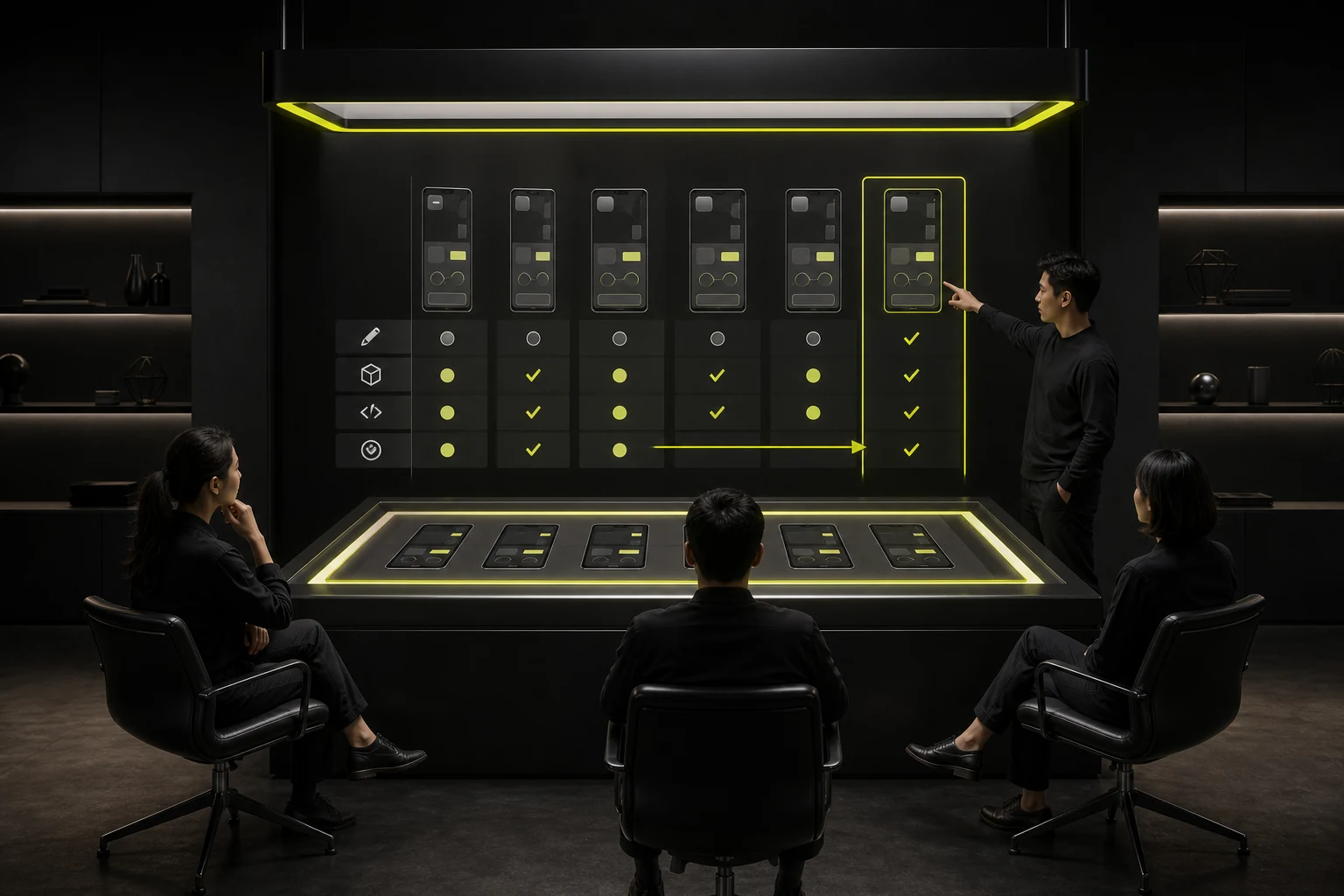
09 What are the responsibilities of design, product, development and testing respectively
| "Role" | Main responsibility |
|---|---|
| "Design" | Check the information hierarchy, components, status, responsiveness, content presentation and visual consistency |
| Product/Business | Confirm business rules, role permissions, copywriting and acceptance priorities |
| "Development | Describe the implementation limitations, the causes of location, the repair plans and the scope of impact |
| Test | Establish repeatable scenarios, verify that the problem is closed and conduct regression |
| Project leader | Control the scope, schedule and online threshold, handle disputes and legacy items |
10 Closing the issue does not mean the developer says "fixed"
- Retest in the designated environment following the original steps to confirm that the problem has indeed disappeared.
- Check whether the repair affects the same components, other roles, and other sizes.
- Update design files, components or specifications to avoid using old rules again next time.
- If it is not to be repaired for the time being, record the reasons, risks, responsible persons and plan versions.
- After going live, randomly check the official environment to confirm that there are no new differences in resources, cache, and third-party configurations.
11 The quality of the walk check can be reviewed in this way
Observe the proportion of systemic issues, the number of repetitions of similar problems, the time from discovery to closure, the defects exposed after going live, and which design descriptions are most frequently misunderstood. The goal is not to make the problem list longer and longer, but to ensure that the next round of development generates fewer similar problems.
Frequently Asked Questions
At what stage of development should the design review start?
It should start when the basic components or the first complete process can be run. The earlier the implementation method is confirmed, the more it can prevent errors from being copied. It is most costly to wait until all the pages are completed before checking.
Do designers need to check the code?
Not necessarily. Designers mainly verify performance and behavior, while developers are responsible for code quality. However, for the design of tokens, component mapping, reactivity and accessibility, both sides need to jointly confirm the implementation rules.
The project time is very tight. Which steps cannot be skipped?
At least retain the inspection of basic components, the core end-to-end process, the real interface status, and the multi-device retesting before going live. Visual details can be graded, but critical tasks, permissions and error recovery cannot be skipped.
What is the difference between design review and test acceptance?
Testing pays more attention to whether the functions meet the requirements and whether there are any defects. The design review focuses on whether the design intent, interaction, state, responsiveness and visuals are fully implemented. The two overlap but cannot replace each other.
| Related Service | Learn More |
|---|---|
| Consultation on design and development projects | View Service Details |
| Project Consultation | Contact JVDS Design Studio |
| Design and Website Development Articles | Read More Related Articles |
 Link copied