An APP that runs smoothly on office Wi-Fi and the latest phone is not necessarily ready to launch. Real users encounter older operating systems, low batteries, weak networks, incoming-call interruptions, denied permissions, repeated taps, payment failures, expired sessions, and insufficient storage. Many serious problems occur not in the “happy path,” but after a flow is interrupted.
Pre-launch testing should cover four perspectives: user tasks, device environments, data security, and operational monitoring. The checklist is not about tapping every button once. It is about confirming that critical business processes produce understandable outcomes in normal, exception, and recovery scenarios.
Prioritize by Business Risk
Every page should be tested, but effort should not be distributed evenly. Registration and login, identity verification, payments, orders, messaging, file uploads, and data synchronization are usually high-risk flows, while help centers and standard content pages carry lower risk. Classifying flows first protects what truly affects launch readiness when time is limited.
Level | Typical Scope | Launch Standard |
|---|---|---|
P0 Blocker | Unable to log in, incorrect payment posting, data loss, or a severe security issue | Must be fixed and fully regression-tested |
P1 Critical | Core flow cannot be completed, crashes, or unauthorized access | Must be fixed or covered by a clearly defined deferral plan |
P2 Moderate | Localized interaction error, unclear message, or device-specific issue | Fix after assessing the impact |
P3 Minor | Alignment, copy, or low-frequency visual details | Document and include in a future release |

Functional Testing Must Cover Preconditions, Actions, Outcomes, and Recovery
Verifying that a button can be tapped is not enough. Every critical test case should specify the user’s starting state, input data, action steps, expected outcome, and recovery method after failure. At a minimum, the login flow should cover new and returning users, incorrect passwords, expired verification codes, frozen accounts, expired sessions, and multiple devices.
For transactions involving money or inventory, test duplicate requests, rapid repeated taps, returning to the previous screen, network retries, and server timeouts to ensure that actions are not executed twice. Interface messages must match the actual back-end state.
□ New users, returning users, incomplete profiles, and restricted accounts;
□ Empty data, minimum and maximum values, special characters, and duplicate data;
□ Cancellation, back navigation, duplicate submissions, and cross-page recovery;
□ The server succeeds while the client times out, and the client shows success while the server fails;
□ Whether messages, orders, balances, and other data synchronize across devices;
□ Whether reopening the APP after a crash returns users to a safe state.
Build a Real-Device and Operating-System Matrix
Emulators are useful for rapid regression testing, but they cannot fully replace real devices. Cameras, location, Bluetooth, push notifications, keyboards, notched screens, foldable screens, low memory, and vendor-specific operating-system differences may appear only on physical devices. Build the device matrix from actual user data, not from the phones the team happens to own.
At minimum, cover major operating-system versions, different screen sizes, lower-performance devices, and leading brands. For international markets, also consider language length, time zones, number formats, and local networks.
Dimension | Recommended Coverage |
|---|---|
Operating system | Current mainstream versions, older versions still used by customers, and upcoming releases |
Performance | High-end, mid-range, low-memory, and older devices |
Screen | Small, standard, extra-large, landscape, and foldable formats |
Region | Chinese and English, time zones, currencies, dates, and number formats |
Hardware capabilities | Camera, location, microphone, Bluetooth, notifications, and biometrics |

Weak-Network, Offline, and Interruption Testing Often Shapes Real-World Reputation
Switch from Wi-Fi to 4G, enter an elevator, enable airplane mode, and force request timeouts. Observe whether the APP spins indefinitely, charges users twice, or loses their input. Users do not need to know the HTTP error code; they need to know what happened, whether their data was saved, and what they can do next.
Also test incoming calls, system notifications, backgrounding, screen locking, low battery, permission prompts, and operating-system process termination. Critical forms should save drafts, while payment and identity flows must avoid repeating actions after recovery.
Review Permissions and Privacy for Minimization, Transparency, and Revocability
Request permissions only when a feature genuinely needs them, and explain the purpose. If a user denies camera, location, or notification access, the APP should not enter a loop. It should provide a usable alternative or a clear path to settings.
The test team should verify that app-store privacy disclosures, the in-APP privacy policy, and actual data collection are consistent. OWASP MASVS identifies storage, authentication, networks, platforms, code, and privacy as important mobile application security verification categories. Automated scanning cannot replace reviews of source code, APIs, and actual behavior.
- Is sensitive data stored in plain text locally, in logs, or on the clipboard?
- Are login tokens, refresh mechanisms, and logout handled securely?
- Can any role access data that does not belong to it?
- Does transmission use secure connections, and how are certificate errors handled?
- Do screenshots, screen recordings, or background previews expose sensitive screens?
- Do account deletion, consent withdrawal, and data export work according to business requirements?
Do Not Overlook Analytics Events, Push Notifications, and the Operations Portal
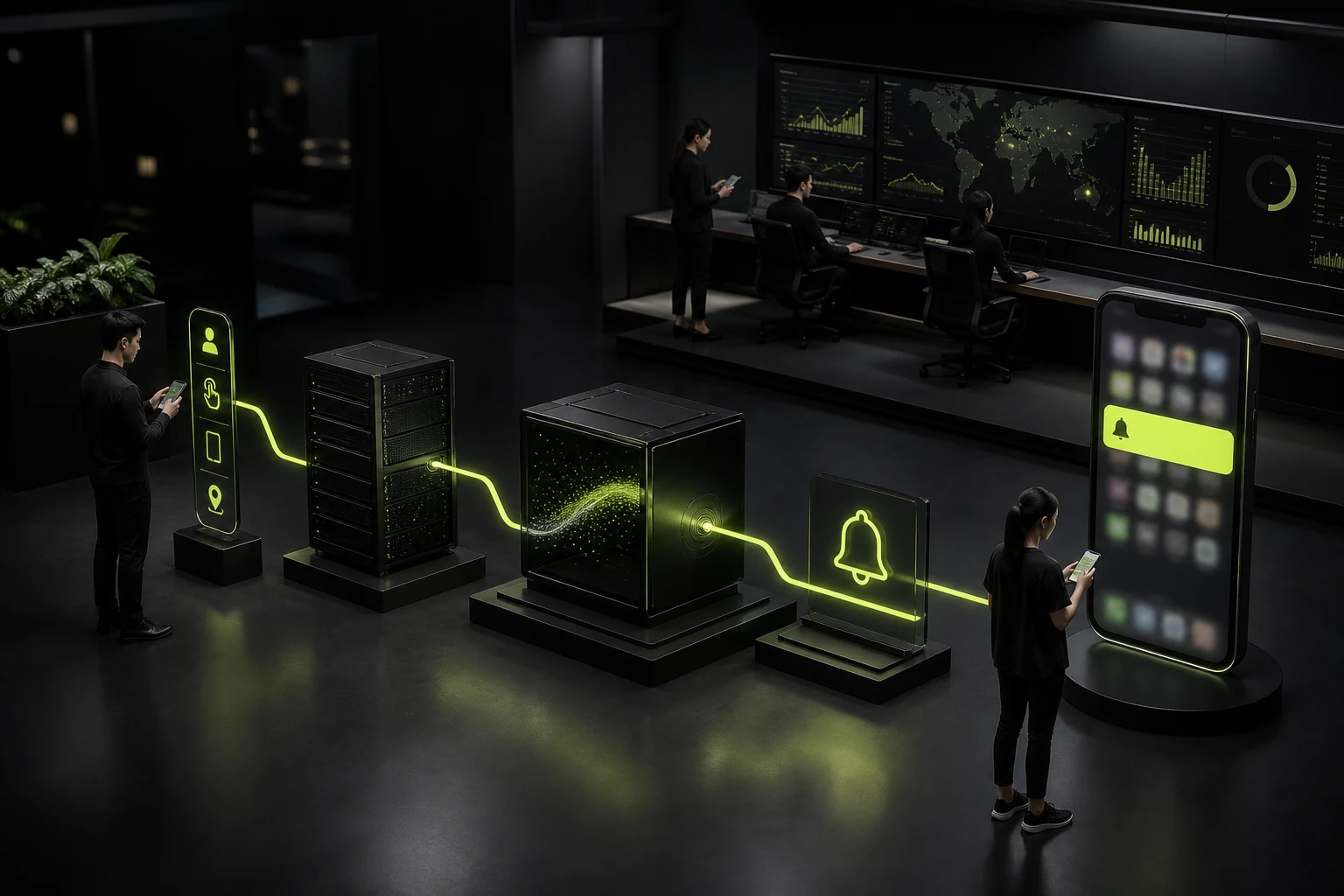
An APP that functions correctly but produces unreliable data can still compromise a launch. Verify that each critical event fires only once, parameters are complete, user IDs are correct, and cross-device events are not duplicated. For push notifications, test delivery, tap-through navigation, disabled permissions, and different login states.
Test the admin portal and APP together: verify that content publishing, listing and delisting, user suspension, order processing, refunds, and configuration changes take effect in real time, with appropriate permissions and audit records.
Freeze a Release Candidate Before Launch
Adding features repeatedly near launch causes regression scope to spiral out of control. Define a release candidate, freeze nonessential changes, and divide fixes into those required before launch and those that can enter a future release. Every fix should be tested both for the issue itself and for affected adjacent flows.
Use TestFlight, Google Play testing tracks, or enterprise distribution so internal and external testers can use a build close to the production environment. Feedback should include the device, operating system, account state, steps, and screenshots or screen recordings instead of only saying, “There is a problem here.”
Frequently Asked Questions
How many phones are needed for APP testing?
There is no fixed number. Build a matrix from actual user devices, operating-system versions, and required capabilities. Early testing may cover representative devices, while high-risk businesses need broader testing on physical devices and device clouds.
Can emulators replace physical devices?
Not entirely. Emulators support rapid functional regression, while physical devices are needed for performance, permissions, notifications, sensors, vendor operating systems, and interruption scenarios.
Is running one security scan enough?
No. Automated scans find only some issues. Architecture, source code, APIs, authentication, data flows, and unauthorized business actions still require review.
Can an APP launch with minor issues?
The decision may reflect risk, but the impact, owner, and target fix release must be documented. Problems involving data, funds, privacy, or core flows should not be carried into launch.
Is testing still needed after launch?
Yes. Production environments, real traffic, and new operating-system versions expose new issues. Continue monitoring crashes, performance, feedback, and critical business metrics.
Service | View |
|---|---|
APP and Mini Program Design and Development | |
UI/UX Design Services | |
Project Consultation |
Need design or website development services?
JVDS Design Studio is a professional design studio focused on digital product experiences and brand identity. We work with businesses in China and overseas that want to strengthen their brand image, improve user experience and grow their business, providing clear, usable UI/UX design, high-quality website design and development, app and mini-program development, and cohesive, distinctive brand identity design.
Working on a B2B system or an app? Share your current screens and key user tasks so we can discuss the design scope.
 Link copied