
How to Run a Design or Website Project Kickoff: Agenda and Follow-Up Checklist
After the contract is signed, the team immediately starts requesting materials in a group chat. The client sends scattered files over time, and the designer creates a home page from one of them—only for the project lead to say the direction is completely wrong. Many projects' first round of rework begins with a failure to establish a shared way of working at kickoff.
An effective kickoff does not need to be long, but it must produce clear decisions and responsibilities rather than merely introduce everyone.
01 Preparation Matters More Than Meeting Length
Send the agenda, requirements summary, project scope, materials checklist, and open questions in advance. The client should also identify the business, brand, and technical stakeholders and the final decision-maker.
An unprepared meeting easily becomes an improvised discussion, and the absence of key people forces the team to meet again.
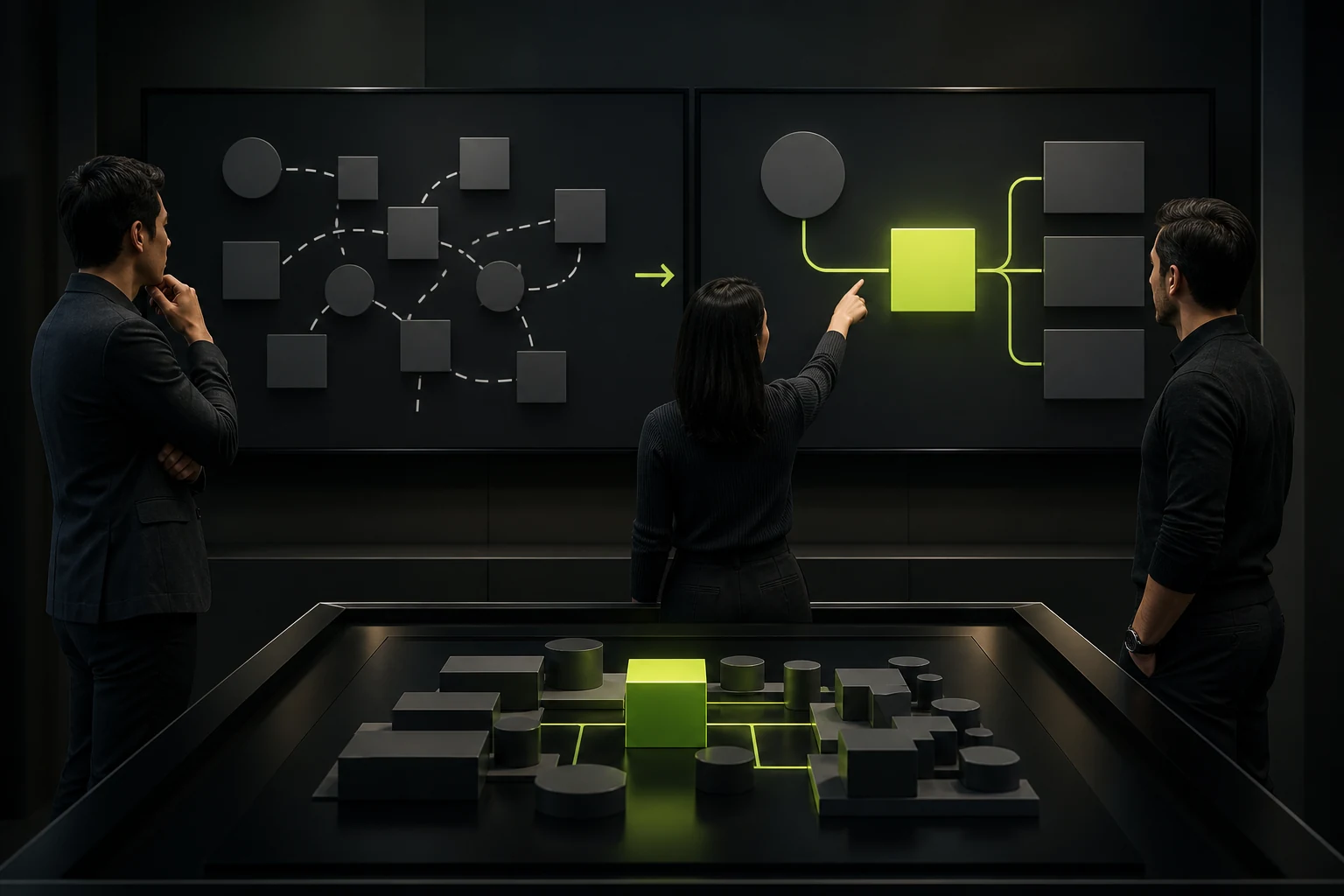
02 Align Project Goals and Success Criteria First
Confirm why the project exists, who the most important users are, what must improve, and how success will be evaluated after launch. Avoid merely repeating "strengthen the brand" or "improve the experience."
When objectives conflict, document their priority—for example, how to balance brand expression, SEO migration, and the launch date.
03 Confirm Scope and Exclusions Item by Item
Maintain a checklist covering pages, templates, features, languages, platforms, content, development, the admin system, third parties, and launch responsibilities. Any requirement added verbally must be written back into the documentation.
State clearly what the client will provide and what requires a separate quote.
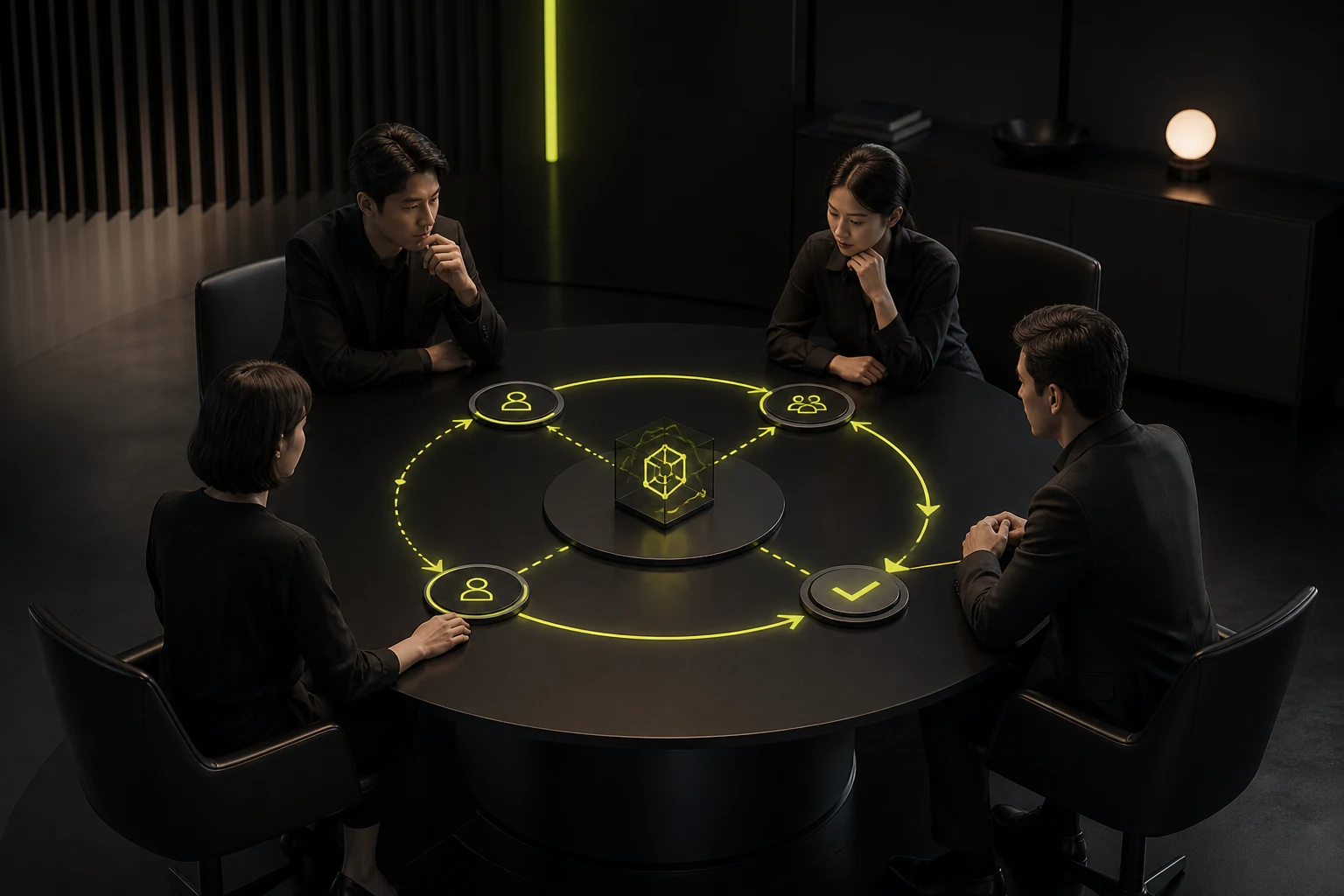
04 Establish Roles and the Decision-Making Process
Define who supplies materials, consolidates feedback, approves business requirements, approves technical requirements, and makes the final decision. Many people can participate, but feedback should flow through one designated owner.
Also define which channels will be used for urgent and routine questions.
05 Confirm Milestones, Feedback Windows, and the Change Process
Divide the project into reviewable phases and define the deliverables, feedback period, and payment milestone for each. Explain how new requirements are submitted, assessed, approved, and scheduled; "to be agreed by both parties" is not enough.
The response to delayed client feedback and delayed vendor delivery should be equitable.

06 Create an Action List Within 24 Hours After the Meeting
Minutes should record confirmed items, open items, owners, and deadlines and link to the latest scope and materials. First-phase tasks should identify who will provide what and by when.
A kickoff without written minutes is not complete.
Kickoff Meeting Agenda
Time | Topic | Output |
|---|---|---|
10 Minutes | Team and roles | Contacts and decision-makers |
15 Minutes | Business objectives and users | Priorities and success criteria |
20 Minutes | Scope and deliverables | Pages, features, and exclusions |
15 Minutes | Plan and collaboration | Milestones, feedback, and tools |
10 Minutes | Risks and dependencies | Materials, APIs, reviews, and third parties |
10 Minutes | Next steps | Owners, dates, and meeting minutes |
Frequently Asked Questions
Does a Small Project Need a Kickoff?
Yes, though it can be compressed into 30 minutes. At minimum, confirm goals, scope, owners, timing, and materials.
Who Must Attend?
The client's final decision-maker and business or content representative, plus the vendor's project lead and core delivery roles.
Who Writes the Meeting Minutes?
The party managing the project usually prepares them, and both parties confirm the minutes as a basis for execution.
Can the Kickoff Change the Contract Scope?
Changes can be proposed, but they should go through a formal change or supplemental approval rather than remain a verbal statement from the meeting.
What Is the First Action After the Meeting?
Send the minutes and action items, establish the shared file space, and begin first-phase material collection or research.
Service | View |
|---|---|
Related Services | |
Further Reading | View Service Details |
Design Case Studies | |
Project Inquiry |
 Link copied