
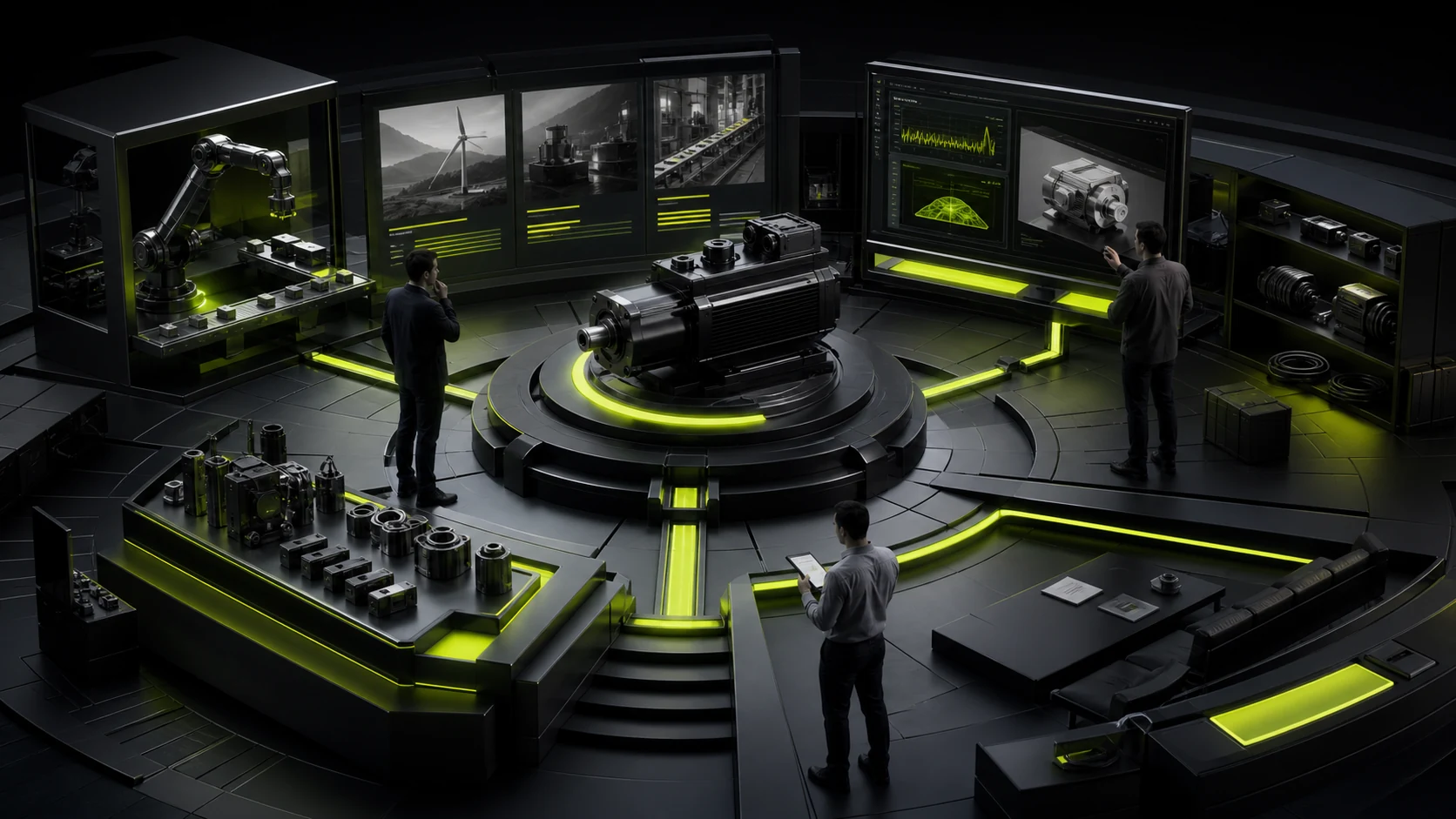
Some product pages look like promotional posters, filled with value claims but missing specifications. Others resemble internal databases: every parameter is present, yet no one can tell which use case the product fits. Both force the buyer to do the hard work of interpretation.
A more effective structure first explains positioning and intended users, then answers decision questions through use cases, capabilities, specifications, and evidence, before offering a next step that matches the buyer’s level of intent.
01 Explain What the Product Is and Who It Is For
Place a sentence beside the product name that an outsider can understand, and identify the main use case, audience, and differentiator. An internal model number is not a product explanation.
If several versions exist, provide selection cues on the first screen instead of making users discover later that they chose the wrong one.
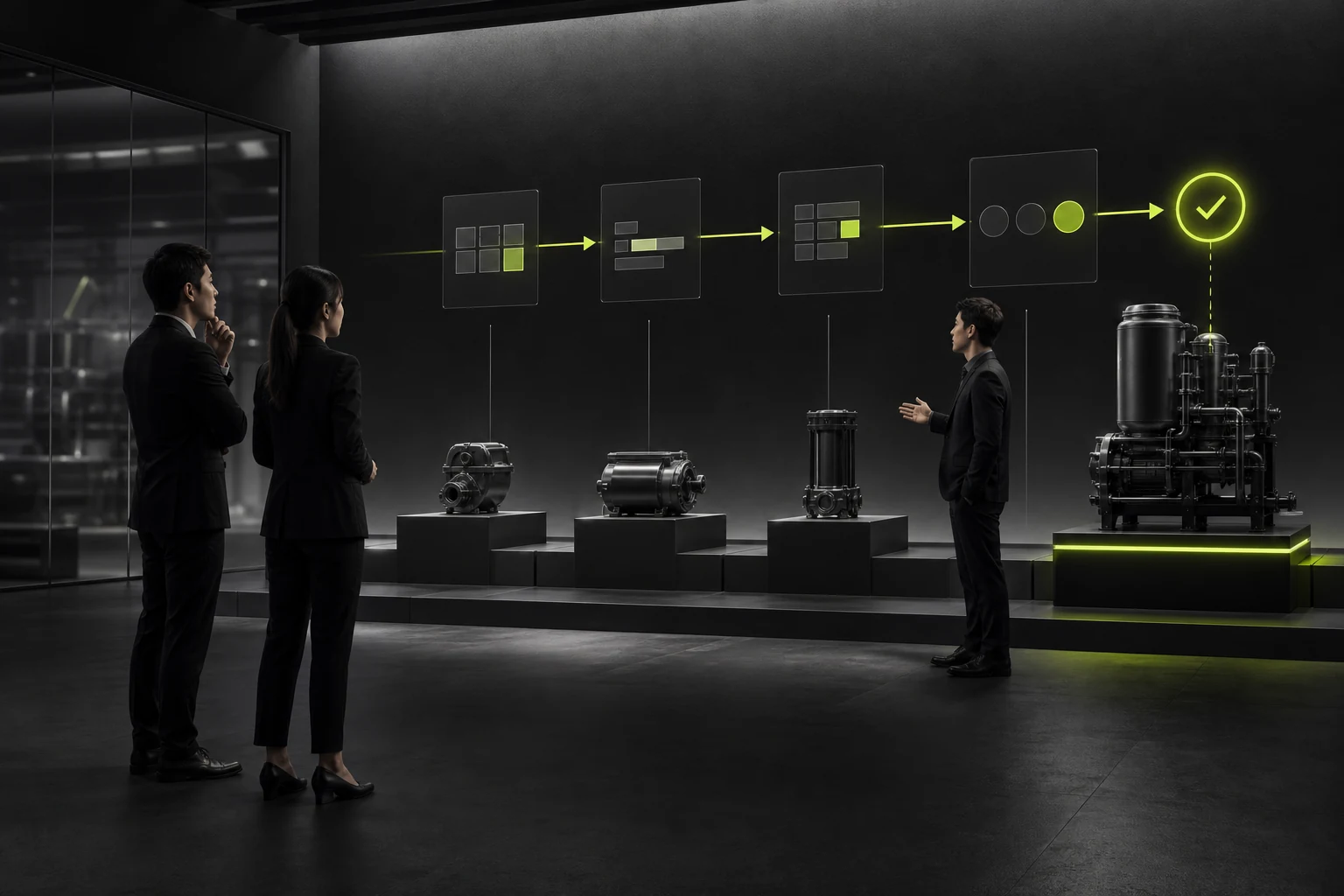
02 Use Scenarios to Explain Why Features Matter
A feature list says what the product can do; a scenario explains why it matters. Put key capabilities into tasks, industries, or problems so buyers can assess fit more easily.
Do not turn a “solutions page” into the same feature list under different headings.
03 Layer Specifications and Support Comparison
Show the parameters that affect selection first. Full specifications can be collapsed, downloaded, or placed in a technical data sheet. When many models are available, provide filtering, comparison, and compatibility guidance.
Units, test conditions, and versions must be consistent so information does not conflict across pages.
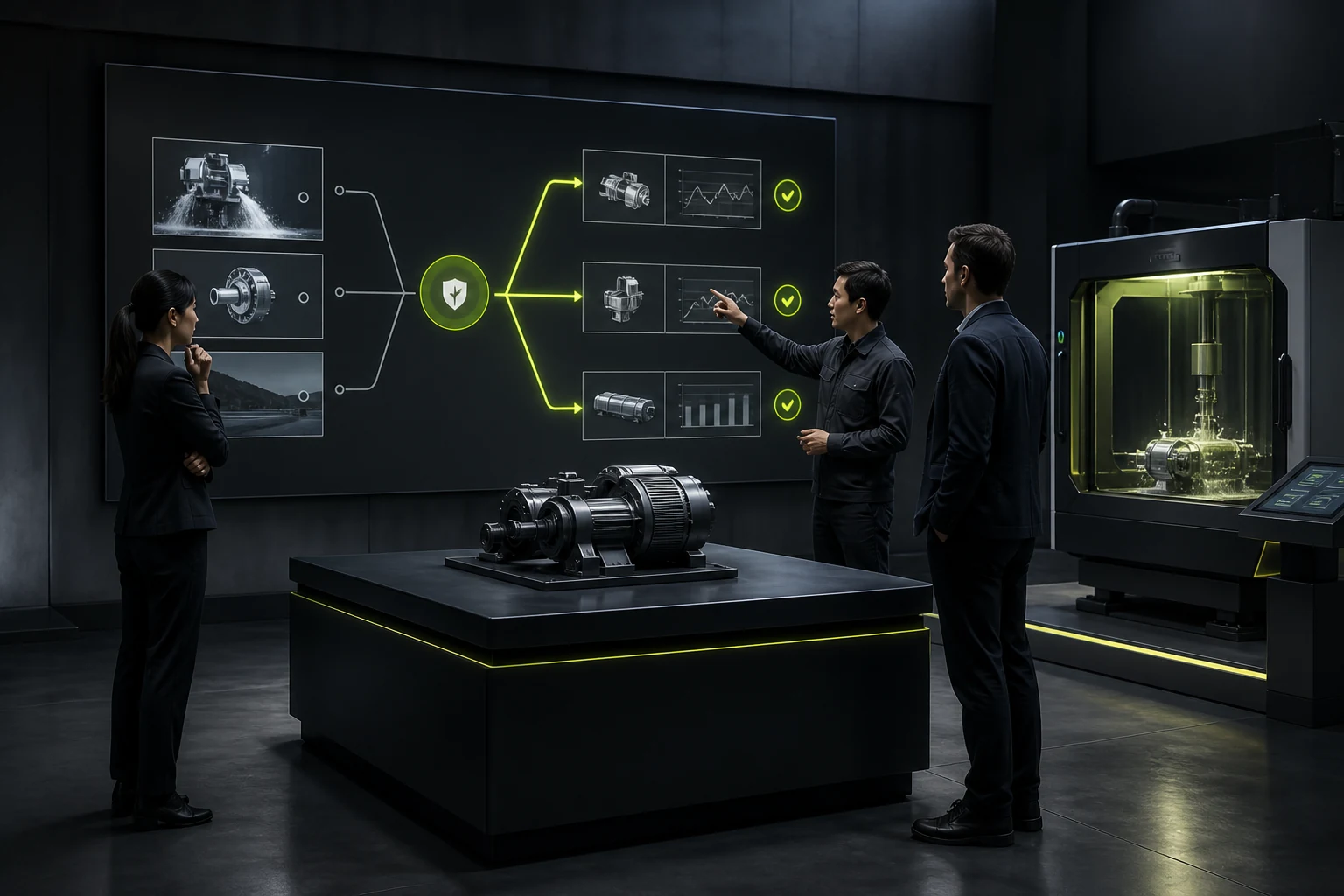
04 Use Evidence to Support Performance and Reliability
Test methods, certifications, customer scenarios, API documentation, demonstrations, and samples can support claims. Simply saying “stable and reliable” gives buyers no basis for judgment.
Evidence should state the applicable version and scope. Do not generalize a single test result to every model.
05 Address Limitations, Compatibility, and Implementation Conditions
Enterprise buyers fear discovering prerequisites late in the project. The page should explain deployment, integrations, environment, training, maintenance, and scenarios where the product is not suitable.
Clear boundaries do not necessarily reduce conversion. They can filter for better-qualified opportunities.
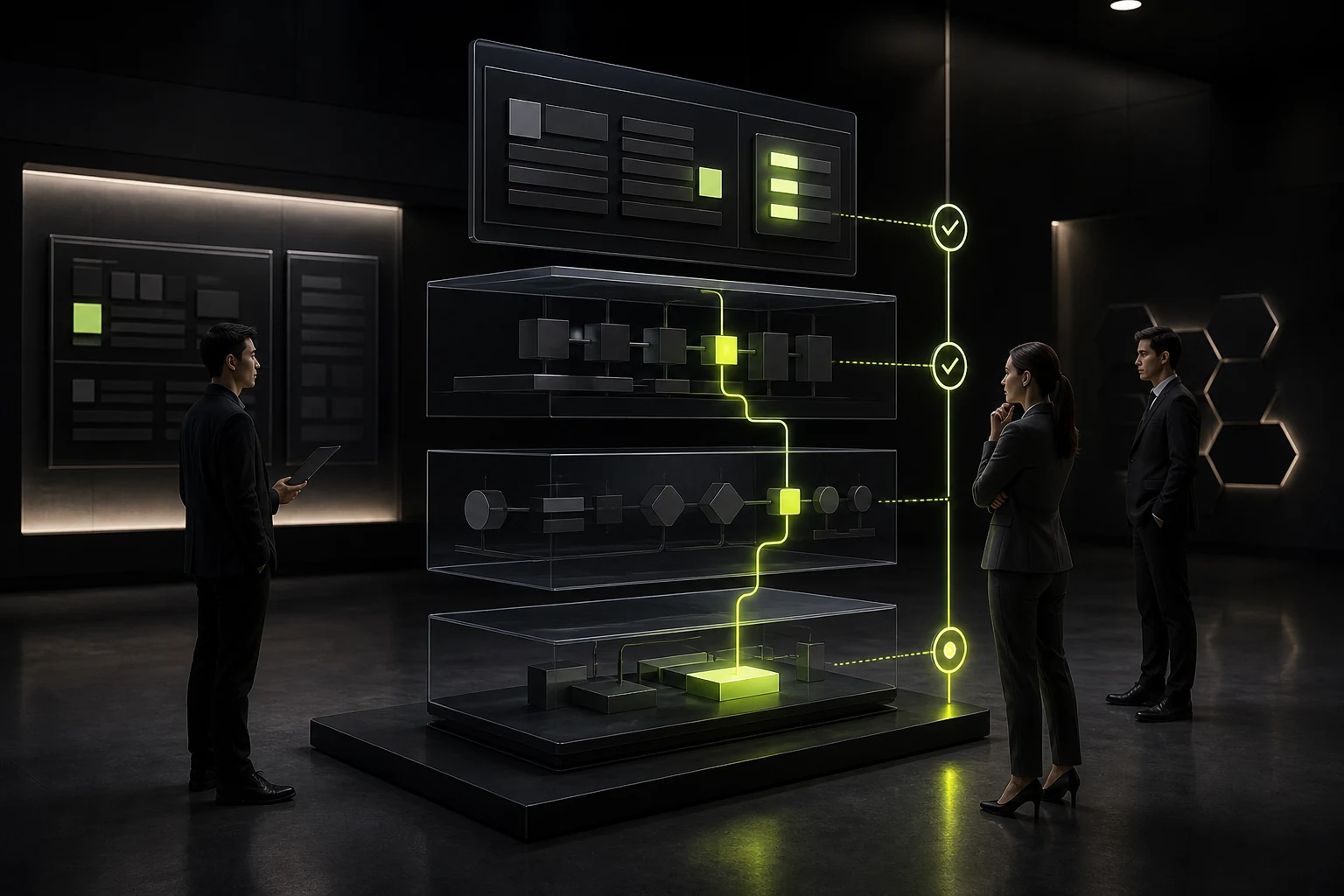
06 Design Tiered Inquiry Paths
Early-stage visitors can download materials, watch a demo, or ask a technical question. Buyers with a defined project can provide quantity, region, timeline, and integration requirements.
The form should automatically include the current product and source page to reduce repetitive entry.
Decision Content for a Product Page
Decision Question | Recommended Content | Common Gap |
|---|---|---|
What is it? | One-line positioning, intended users, versions | Only a model name |
What can it solve? | Scenarios, tasks, and business outcomes | Features only |
Will it fit? | Specifications, compatibility, limits, and comparison | Specifications scattered across PDFs |
Can we trust it? | Tests, certifications, cases, and documentation | Adjectives only |
How do we buy? | Delivery, service, inquiry, and materials | Only a generic contact form |
Frequently Asked Questions
Should a B2B product page publish every specification?
Publish the specifications that drive selection. Details involving trade secrets or complex configurations can be provided through documents and direct consultation.
What is the difference between a product page and a solution page?
A product page explains capabilities and selection. A solution page combines products, services, and implementation methods around a particular scenario.
How should we handle many models?
Create a clear taxonomy, filters, comparisons, and a shared data source instead of maintaining a separate manual structure for every model.
Should a product page show pricing?
Standard products can publish a price or range. Custom products can explain pricing factors and the information required for a quote.
How should product-page performance be measured?
Track qualified inquiries, document downloads, comparison usage, technical-document visits, and sales feedback—not page views alone.
Service | View |
|---|---|
Related service | |
Related article | Read the article |
Design work | |
Project inquiry |
 Link copied








