

When a page takes too long to respond after a user clicks a button, text lags during typing, or a menu opens sluggishly, the cause is usually script execution, layout calculation, or rendering during the interaction.
Use real interaction records to identify the slowest scenarios, then break the issue down into input delay, event processing, and presentation delay instead of looking only at total bundle size.
01 Use Real User Data to Find High-Risk Interactions
Analyze performance by page, device, version, and interaction type rather than relying on a single sitewide number. Search, filters, menus, forms, and complex editors often behave differently.
Use lab reproduction to locate the problem and field data to determine its reach.

02 Break Up Long Tasks and Yield the Main Thread
Large loops, data processing, component updates, and synchronous parsing can occupy the main thread continuously. Divide work into smaller tasks so the browser can respond to input and paint between them.
Delay, cache, or move work to a background thread whenever possible instead of placing it immediately after a click.
03 Keep Event Handlers Focused on Immediate Needs
Provide visible feedback as soon as a button is clicked, then handle noncritical analytics, prefetching, and complex calculations. Avoid triggering layers of duplicate listeners and unrelated state updates from one event.
Design debouncing and throttling for the specific task without causing user input to be lost.
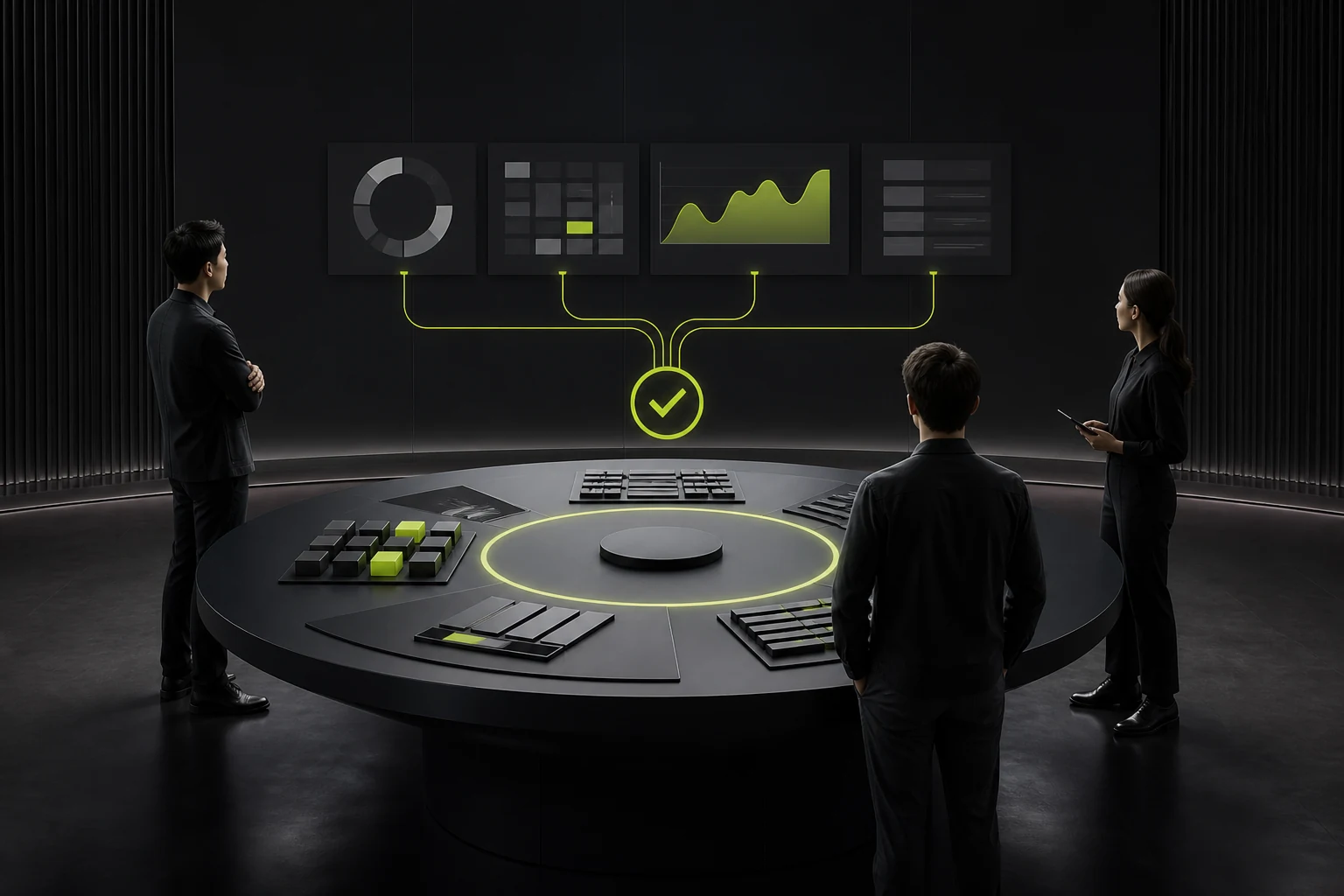
04 Reduce Unnecessary Rendering and Layout Work
Large lists, complex DOM structures, frequent layout reads and writes, and cascading component updates all extend response time. Use virtualization, targeted updates, and stable component boundaries.
Favor efficient properties for animation and avoid triggering large-scale reflow during interactions.
05 Audit Third-Party Scripts and Framework Overhead
Chat, analytics, advertising, and tag management scripts may run while users interact with the page. Confirm their load timing, event volume, and business value.
The framework itself is not always the only cause; component structure and data flow also require analysis.
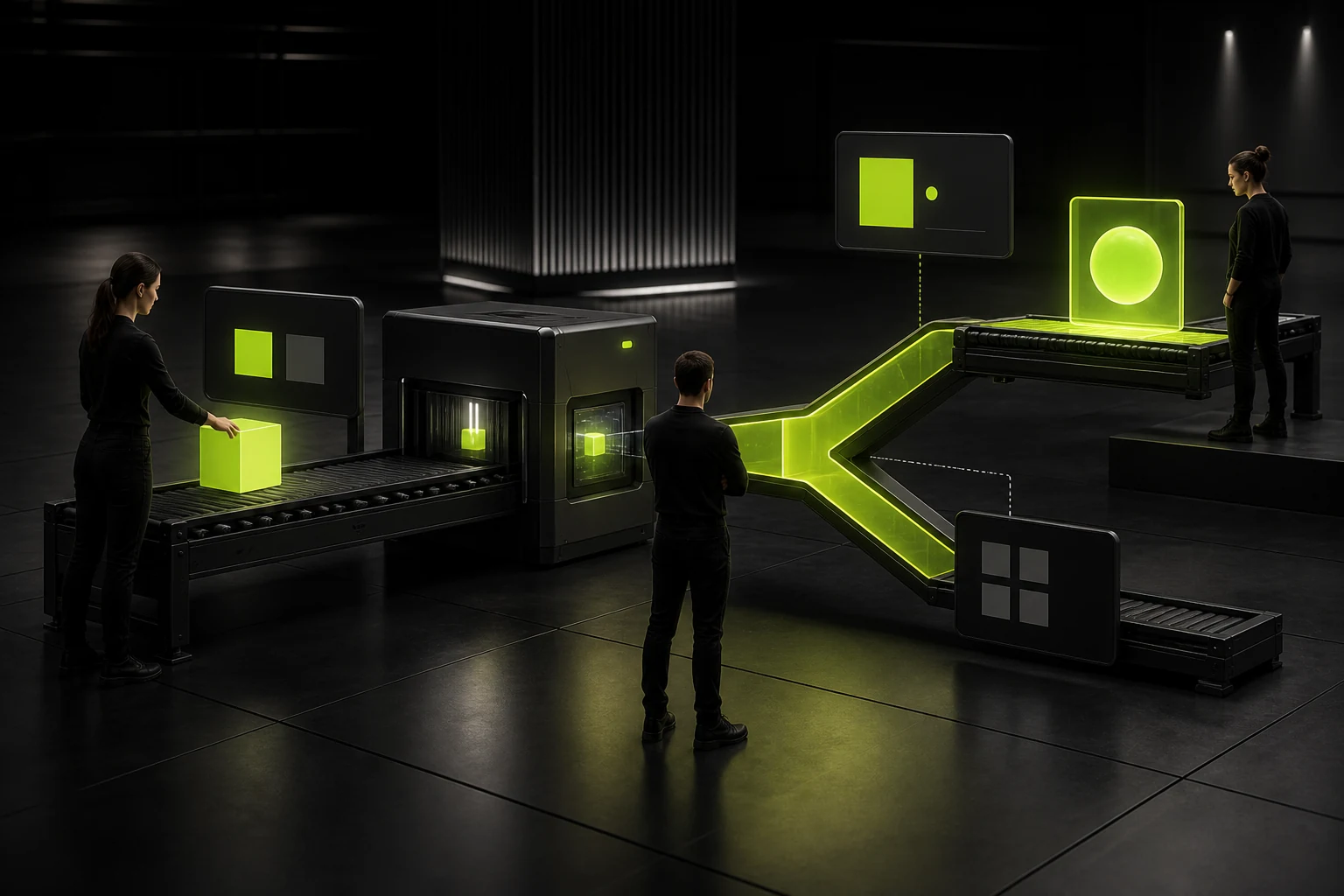
06 Separate Immediate Feedback from Final Completion
For time-consuming operations, first show a pressed, loading, or optimistic state after the click so users know the system received their action; then complete the request and final update.
Feedback must not conceal failures. Provide clear error and recovery paths.
Three Stages of INP Diagnosis
Stage | Common Bottleneck | Optimization Direction |
|---|---|---|
Input delay | Long task already occupying the main thread | Split or defer background work |
Processing time | Excessive event-handler execution | Streamline processing, cache, or use a Worker |
Presentation delay | Heavy rendering and layout work | Use targeted updates and virtualization; reduce the DOM |
Frequently Asked Questions
What is considered a good INP?
A common target is no more than 200 milliseconds at the 75th percentile of real users, but prioritize the interactions with the greatest business impact.
Will reducing the JavaScript bundle improve INP?
It helps, but it is not sufficient. Execution behavior during interactions, rendering, and third-party tasks often matter more.
Does debouncing improve INP?
It can reduce repeated work, but an excessive delay will make the interface feel sluggish. Set it according to the input scenario.
Can server-side rendering solve INP issues?
It mainly improves initial content delivery and does not automatically resolve long tasks in client-side interactions.
How can I identify the specific slow interaction?
Combine real user monitoring, Performance recordings, and reproduction of actual user paths.
Service | View |
|---|---|
Related service | |
Related reading | View service details |
Design work | |
Project inquiry |
 Link copied








