

"It looks fine in Chrome" is only the start of testing. Real visitors use different phones, browsers, networks, and input methods and enter landing pages from email, WeChat, advertising, and search. One overlooked form error can hurt the business more than a two-pixel spacing difference.
Test across seven dimensions: functions, content, compatibility, performance, security, SEO, and the operational back office, and assign severity. Recording every defect does not mean every defect blocks launch. Identify issues that interrupt core tasks, harm data, or affect indexing.
01 Build a Page and Task Matrix First
Do not mechanically click Home, About, Services, and Contact. List real tasks: find a service, view a case, download materials, submit an inquiry, change language, search products, register, or log in. Map each task to pages and devices.
This exposes cross-page issues, such as a missing CTA after an article links to a service or a mobile download button covered by bottom navigation.
Task | Entry Point | Critical Validation |
|---|---|---|
Understand a Service | Home, search landing page, and article links | Consistent heading, clear scope, and working CTA |
Submit an Inquiry | Service page, Contact, and floating entry | Validation, confirmation, email, and back-office record |
Find a Product | Navigation, internal search, and filters | Categories, no-results state, specifications, and return path |
Download Materials | Product page and resource center | Permissions, filename, size, and expired links |
Change Language | Navigation and in-page selector | Equivalent page, URL, content completeness, and remembered state |
02 Functional Testing: Focus on States and Failure
Clickable links are only the surface. Forms need empty values, invalid formats, duplicate submissions, long input, spam control, and server failure. Downloads need missing-file, insufficient-permission, and mobile-open tests. Search needs no-results, misspelling, and special-character tests.
Every function needs success, failure, cancellation, and recovery scenarios. On failure, preserve user input and explain how to fix the issue rather than showing only "Error."
□ Navigation, breadcrumbs, internal links, and return paths;
□ Client and server validation, notifications, and form data storage;
□ Search, filtering, sorting, pagination, and empty results;
□ Downloads, video, maps, phone, and email links;
□ Login, permissions, session expiry, and logout;
□ 404, 500, maintenance, and network-failure pages.
03 Responsive Testing Requires More Than Resizing a Browser
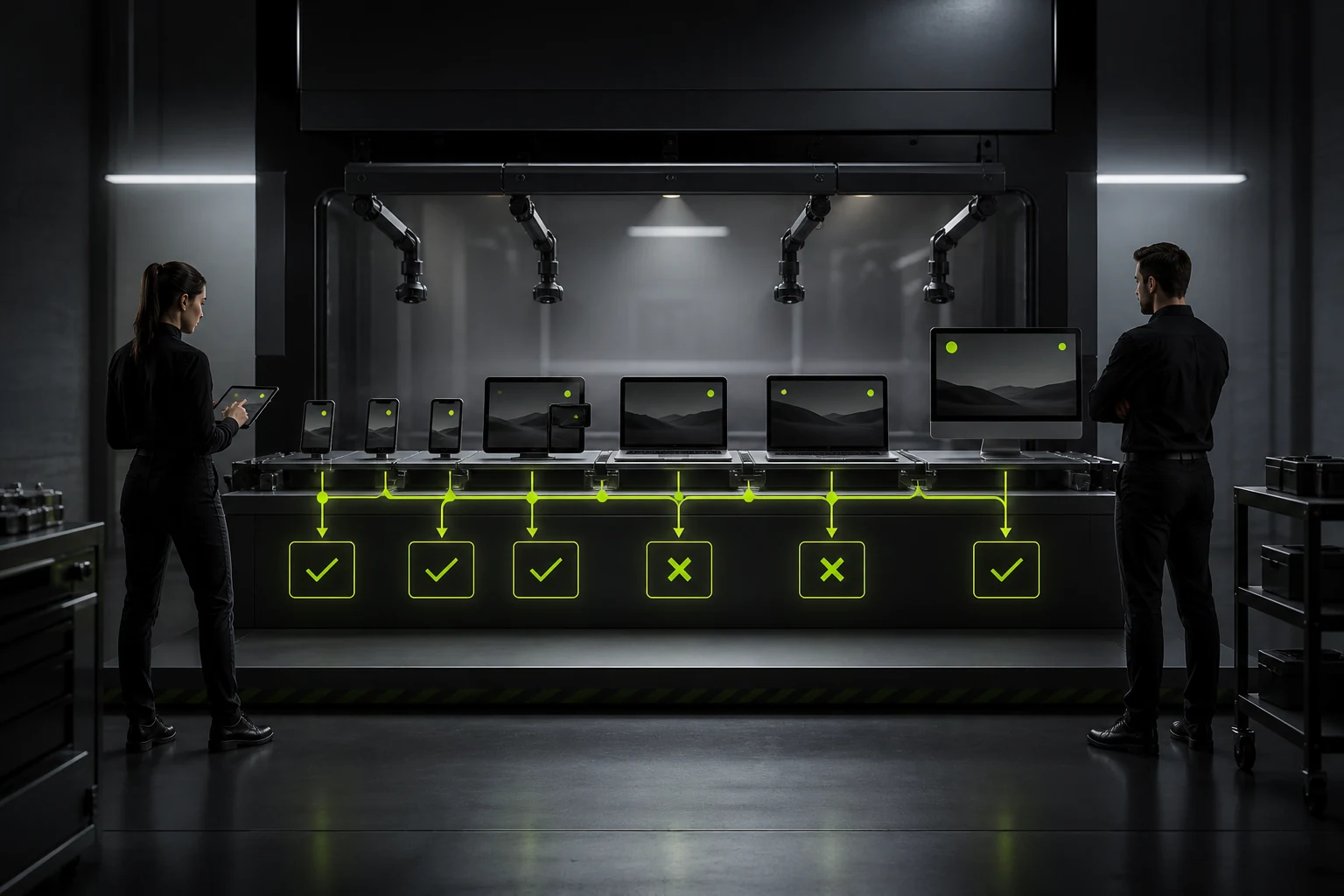
Narrowing a desktop browser reveals breakpoints but not mobile address bars, keyboards, touch, notches, safe areas, or real font rendering. Test menus, dialogs, forms, landscape, and long content on representative devices.
Watch for horizontal scrolling, small buttons, covered content, incorrect crops, unreadable tables, and keyboards hiding current fields. WCAG 2.2 also emphasizes visible focus, target size, and avoiding repeated input—requirements that improve every user's experience.
04 Choose Browser Support from User Data, Not Personal Preference
Define support from analytics and target markets. Usually cover current Chrome, Safari, Edge, and Firefox plus older systems with actual business users. For enterprise intranets, confirm customer devices and security policies.
Compatibility is not only visual. Font loading, date inputs, paste, downloads, print, video, and third-party scripts can behave differently. Minor visual differences are acceptable; core tasks must work.
Category | Priority Checks |
|---|---|
Desktop Browsers | Layout, fonts, downloads, printing, and keyboard operation |
Mobile Browsers | Menus, address bar, keyboard, touch, and safe area |
Embedded Browsers | WeChat, enterprise applications, and social platforms |
Assistive Methods | Keyboard, screen readers, zoom, and high contrast |
Low-Performance Environments | Old devices, weak networks, low memory, and data-saving mode |

05 Test Real Pages, Not One Performance Score
The home page is not always the heaviest. Test product details, long cases, articles, search, and multimedia pages. Record the impact of hero images, fonts, third-party scripts, uncompressed video, and excessive JavaScript.
Laboratory tools diagnose issues; real-user data measures impact. Fix resources that block the hero and interaction first rather than removing useful content to chase a perfect score.
06 Include SEO and Indexing in Development Acceptance
Pages need correct status codes, unique titles, canonical URLs, crawlable text, sitemaps, and internal links. Test environments must block indexing; production must not retain noindex or robots restrictions.
For JavaScript pages, confirm core content and links remain readable after rendering. Pagination, filters, and multilingual URLs should not create mass duplication. Google's canonical is a hint, so align sitemaps, redirects, and internal links.
□ Unify HTTP/HTTPS and www/non-www;
□ Indexable pages return 200 and removed pages return the correct status;
□ Title, description, H1, and body topic agree;
□ Canonical points to the preferred page without conflicts;
□ Sitemap lists only indexable canonical URLs;
□ Important pages have internal links and are not orphaned;
□ Images have suitable alt text and social images and structured data load.

07 Complete Baseline Security and Privacy Checks
Review back-office and form permissions, input validation, uploads, sessions, CSRF, brute-force controls, and sensitive-data exposure. Never leave secrets in front-end code, logs, or public repositories.
Analytics, chat, maps, and video introduce data and script risks. Confirm actual use, privacy disclosure, and loading scope. High-risk businesses need independent security testing; ordinary functional acceptance does not replace penetration testing.
08 Define Issue Closure and Regression Scope
Each issue should include page, device, steps, actual and expected results, screenshot, and severity. Another person retests the fix and affected functions. Developer-only confirmation often misses environment differences.
State launch gates clearly: no P0/P1 defects; core tasks pass on target devices; forms and monitoring work in reality; no blocking SEO issue; backups and rollback are ready.
Frequently Asked Questions
How long does website testing take?
It depends on templates, functions, devices, languages, and integrations. A simple corporate website may take days; complex catalogs or member systems need several testing and regression cycles.
Can automated testing replace manual testing?
Not completely. Automation supports repeated checks and API regression; people assess visuals, content, usability, and complex exceptions.
Must every browser be pixel-identical?
No. Core content, brand, and tasks should remain consistent, while font rendering and details may differ reasonably.
Who owns testing: client or vendor?
The vendor owns delivery quality; the client owns business rules and acceptance. Complex projects benefit from independent testing or joint execution.
Do both test and production environments need testing?
Yes. Test supports broad validation; production requires domain, certificate, cache, email, callback, and analytics checks.
Service | View |
|---|---|
Corporate Website Design and Website Development | |
Website Launch Process | |
Project Inquiry |