
How to Design a Corporate Presentation Template: Masters, Charts, Fonts, and Guidelines
Many brand projects deliver a "presentation template" with only a cover, agenda, and one content page. When sales teams need a comparison table, case study, quotation, or process diagram, they keep copying old files.
A usable corporate presentation template should cover frequent content so employees can create slides quickly without breaking the brand.
01 Collect Real Presentations Before Designing from a Blank File
Review presentations used in the past six months: company introductions, sales proposals, fundraising, reports, training, and case studies. Count frequent page types and common consistency failures.
The template should serve real content, not begin with twenty attractive layouts that force content into unsuitable frames.

02 Masters Control Structure; Layouts Provide Choices
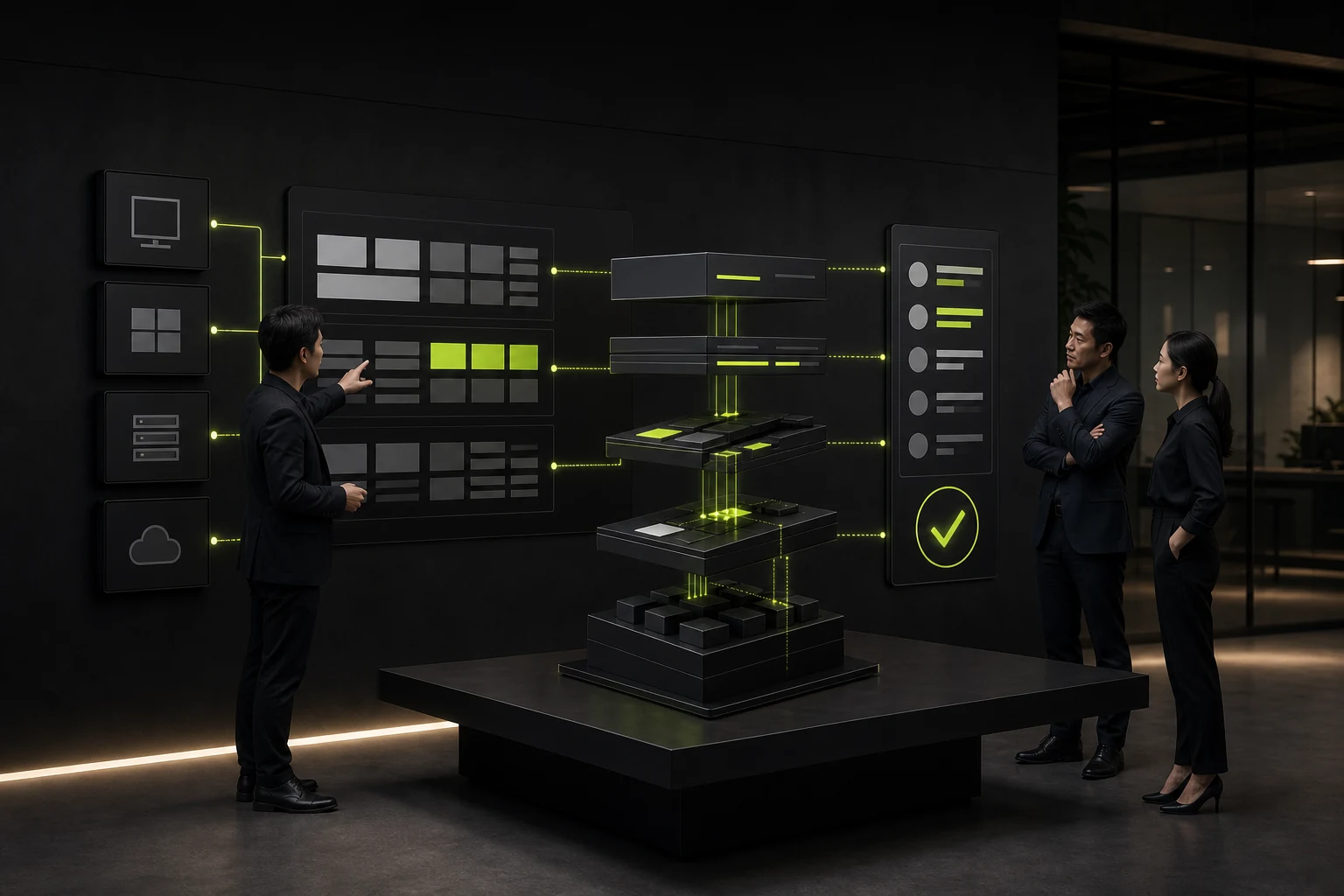
Set stable elements such as page numbers, Logo, title area, margins, fonts, and backgrounds; build selectable layouts for covers, sections, text, text with images, data, cases, and closing pages.
Do not turn every element into an uneditable background image or require users to align each slide manually.
What a Corporate Presentation Template Should Include
| Module | Recommended Content | Usage Guideline |
|---|---|---|
| Core Master | Page number, Logo, grid, and margins | Avoid manually moving fixed elements |
| Common Layouts | Cover, agenda, text and image, two-column, and case study | Choose by content, not decoration |
| Chart System | Bar, line, pie, funnel, and table | Standardize colors, labels, and data sources |
| Image Guidelines | Aspect ratio, cropping, corners, and copyright | Provide replaceable placeholders and examples |
| Icons and Components | Steps, labels, numbers, and quotations | Limit styles and combination methods |
| Fonts and Colors | Brand fonts, fallback fonts, and theme colors | Account for cross-device and cross-platform compatibility |
03 Font Selection Must Account for Deployment
If the brand font is not licensed for every user or supported across platforms, a presentation will substitute and distort it on a client's computer. Provide a legally deployable primary font and fallbacks.
Test Chinese, English, numerals, and symbols, especially bold text, tables, and long titles.
04 Charts Need More Than Brand Colors
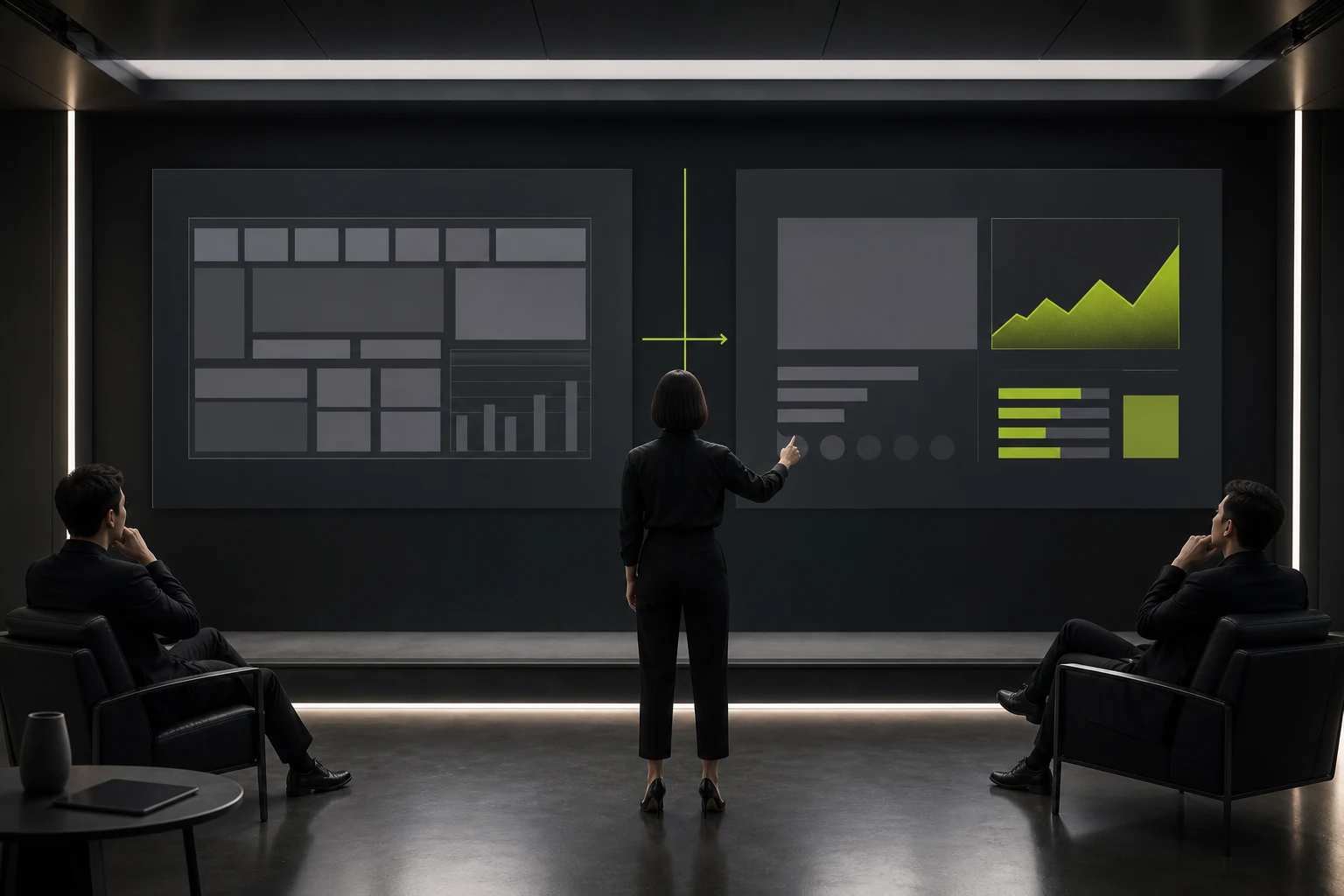
Define color logic for primary data, comparisons, warnings, and de-emphasized information. Labels, units, time ranges, and data sources must be clear.
Too many colors on one page weaken meaning and may be inaccessible to users with color-vision differences.
05 Leave Flexibility for Real Content
Test short and long titles, multilingual text, large tables, and high-resolution images. Rigid character limits force users to shrink fonts or overflow boundaries.
Examples showing how to split complex content across slides are more useful than adding more crowded layouts.
06 Provide Training and Governance at Handoff
Include a short guide explaining how to replace images, change colors, use charts, export PDFs, and install fonts. Run one practical exercise with frequent users.
Assign a template owner to update layouts and case studies as the business changes, preventing employees from circulating old versions.
Frequently Asked Questions
How Many Layouts Does a Presentation Template Need?
Base the number on frequent real content. A small, clear set is usually easier to use than dozens of similar layouts.
Can We Use a Commercial Brand Font?
Confirm licensing and installation for the company and users, and prepare compatible fallback fonts.
Can Presentation Icons Be Downloaded from Anywhere?
No. Confirm licensing and standardize the source, style, and delivery scope.
Should Templates Be Built for Both PowerPoint and Keynote?
It depends on the team's environment. When cross-platform needs are high, test both separately; do not assume full compatibility.
How Do We Prevent Employees from Changing Brand Colors Arbitrarily?
Configure theme colors, provide components and examples, and reduce arbitrary use through training and review.
| Service | View |
|---|---|
| Related Services | View Service Details |
| Project Inquiry | Contact JVDS Design Studio |
| Design and Website Development Articles | View Service Details |
 Link copied