How to Upgrade a Brand: Preserve Core Assets, Rebuild the System, and Roll Out in Phases
Companies often fall into two extremes during a brand upgrade: discarding years of accumulated recognition to look "completely new," or making changes so slight that customers barely notice because the team fears losing familiarity.
The appropriate depth of change should reflect business shifts, perception problems, and asset value. Audit first, then decide what to retain, strengthen, simplify, or rebuild.
01 Clarify Why the Upgrade Is Happening Now
Common triggers include business transformation, product expansion, international growth, mergers and acquisitions, dated visuals, poor digital adaptation, and inconsistent internal use.
The cause determines the scope. A digital adaptation issue may not require new positioning, while post-merger brand architecture cannot be solved by changing only the Logo.
02 Audit Existing Brand Assets
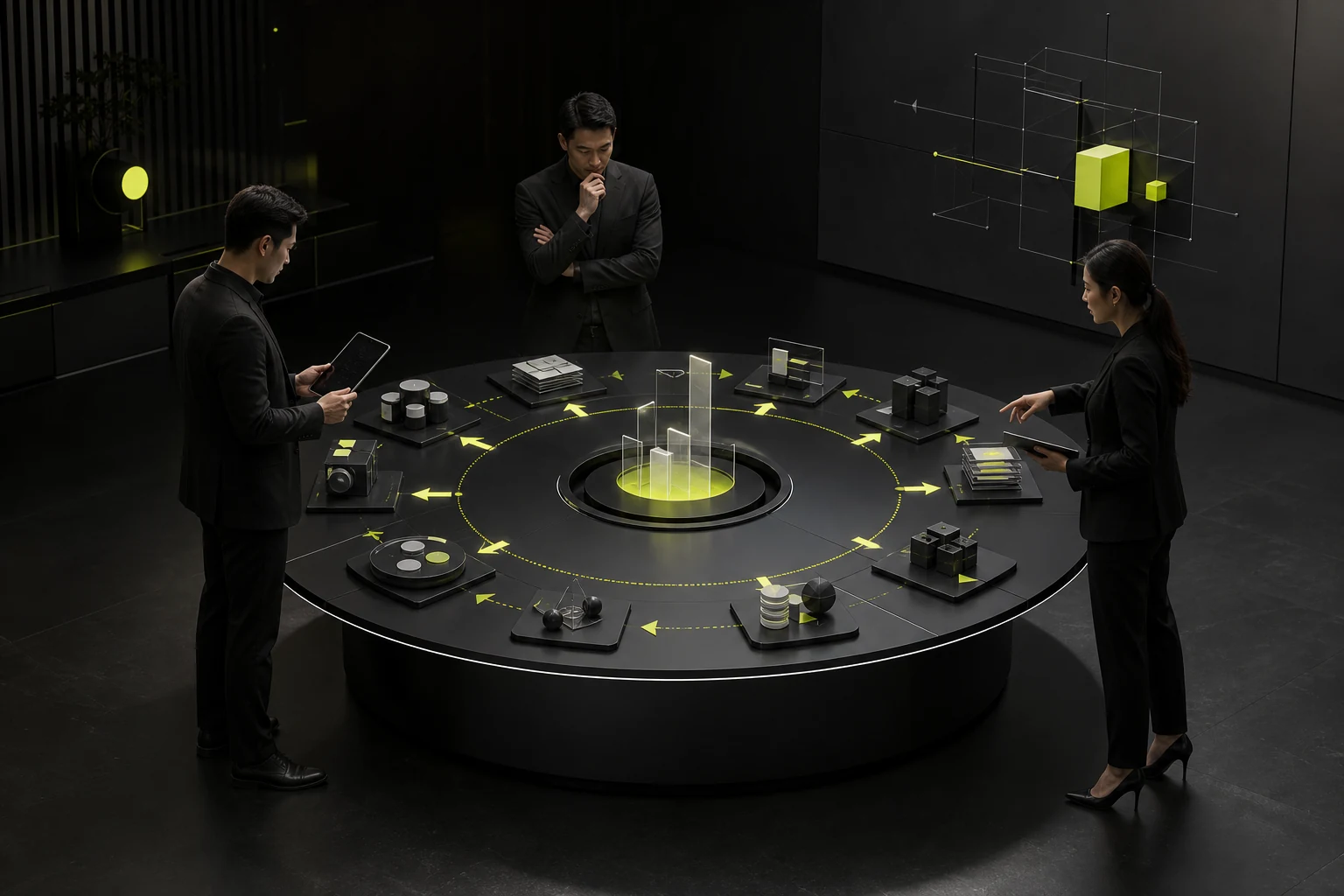
Inventory the name, Logo, colors, typography, graphics, sound, voice, product interface, and key touchpoints; interview customers, employees, and partners as well.
Classify assets into four groups: high recognition and high value, high recognition with clear problems, low value, and candidates for retirement.
Brand Asset Treatment Decisions
| Asset Condition | Recommended Action | Example |
|---|---|---|
| Highly recognized and effective | Retain and standardize | Core color, name, or signature symbol |
| Highly recognized but poorly adapted | Refine and rebuild responsively | Complex Logo or small-size wordmark |
| Weak recognition but potential | Strengthen and use consistently | Supporting graphics or content voice |
| Confusing or negative | Replace or remove | Multiple legacy templates or incorrect applications |
| Gap for a new business | Add a new system | Product brands, digital components, or icons |
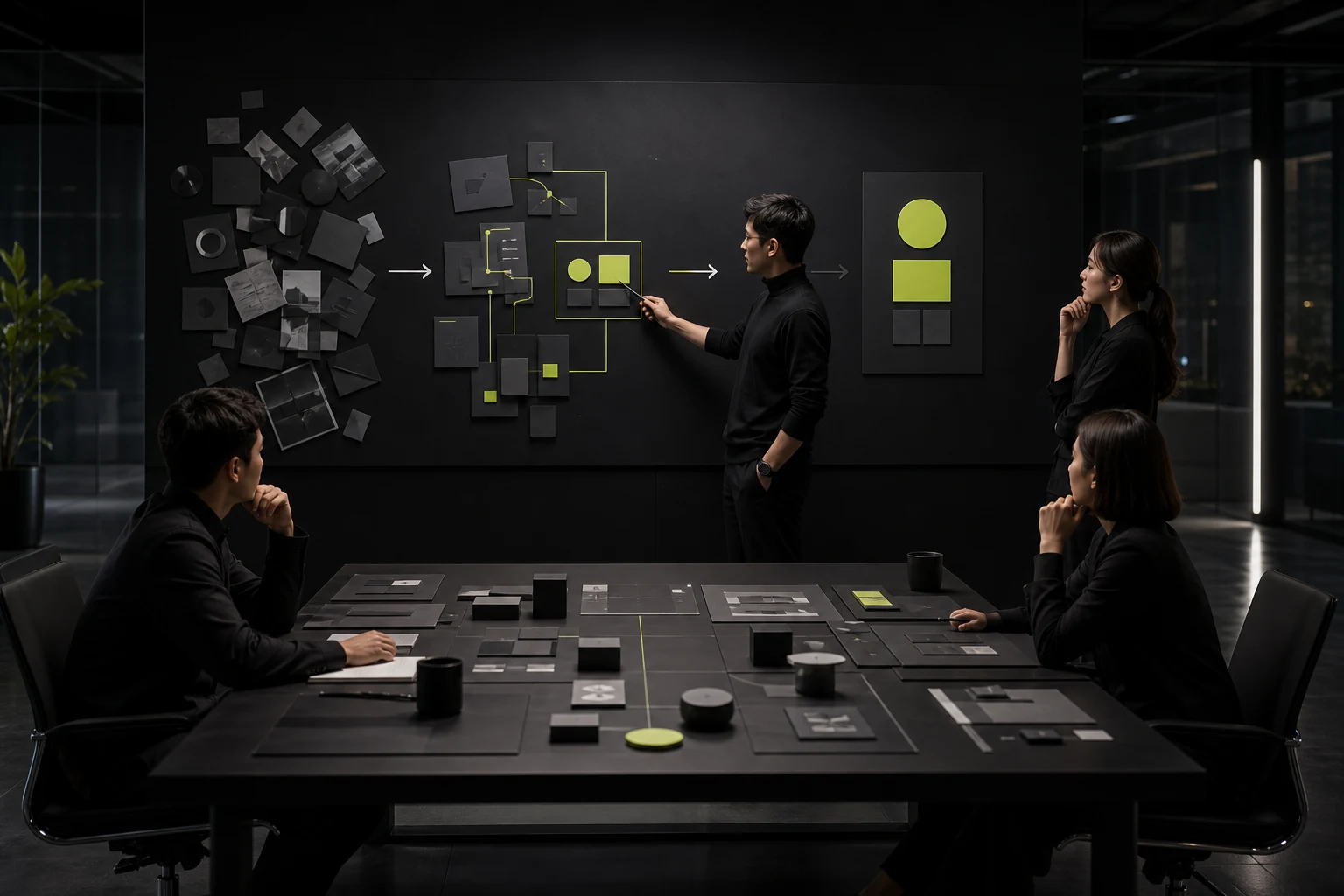
03 Confirm Strategy Before Starting Visual Design
Revisit audiences, competition, brand value, personality, and information hierarchy. Visual design must answer the new business position, not use trends to cover old problems.
Strategy need not become a lengthy report, but it must guide design choices and content expression.
04 Validate Directions in Frequent Touchpoints
Place candidate directions in real environments such as the corporate website, product, sales presentation, packaging, or stores to test recognition, legibility, and extensibility.
A visual direction that works only on a proposal cover may not withstand complex content and long-term operation.
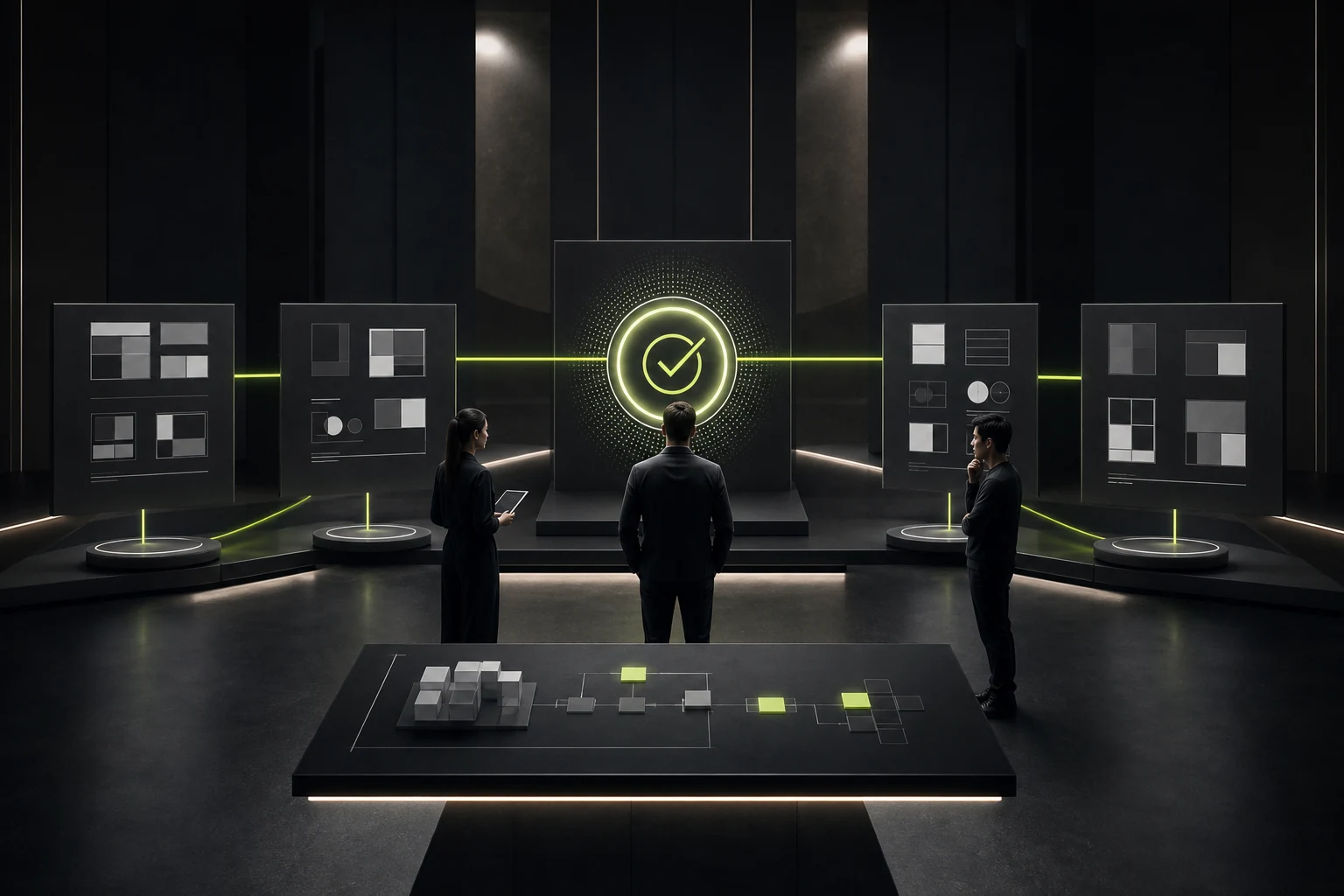
05 Plan the Transition from the Old System to the New
List every touchpoint, owner, inventory level, technical dependency, and replacement date. Update high-risk, high-exposure, and low-cost touchpoints first.
Set transition rules so teams do not mix old and new Logos, colors, and copy arbitrarily.
06 Drive Real Adoption Across Internal Teams
Provide templates, components, guidelines, and training so sales, operations, product teams, and suppliers can execute. Brand guidelines cannot sit only with marketing.
After launch, track consistency, asset-production efficiency, user recognition, and feedback from business touchpoints, then continue improving.
Frequently Asked Questions
Does a Brand Upgrade Always Require a New Logo?
No. The problem may lie in content, applications, product experience, or system governance, while the Logo remains useful.
What If the Old Logo Is Recognized but Looks Dated?
Assess its recognition assets and usage problems first. Simplification, proportion changes, and system improvements may solve the issue without a complete replacement.
How Long Does a Brand Upgrade Take?
It depends on research, decisions, system scope, and touchpoint migration. Visual approval is only one part.
What Should Happen to Legacy Materials?
Replace them in phases based on risk, exposure, inventory, and cost, with a defined transition period.
How Do We Measure Whether the Upgrade Succeeded?
Combine recognition, internal adoption, consistency, production efficiency, and business feedback instead of relying only on social-media reactions.
| Service | View |
|---|---|
| Related Services | View Service Details |
| Project Inquiry | Contact JVDS Design Studio |
| Design and Website Development Articles | View Service Details |
 Link copied