

“The app feels a little slow” is vague but real feedback. Developers may see an average API response of 300 milliseconds while users keep waiting on lower-end devices, weak networks, and long lists. Testing on one new phone rarely reproduces the problem.
Performance diagnosis should align technical metrics with user perception: Which action triggered the wait? Was there feedback? Could the user continue? Could the task recover after failure?
01 Describe the Problem by User Scenario First
Record the device, operating system, network, account data volume, screen, and exact action—for example, “On a midrange Android phone, the order list takes six seconds to open when the account has more than 1,000 orders.”
A specific problem is easier to connect to logs, traces, and reproduction than “the homepage is slow.”
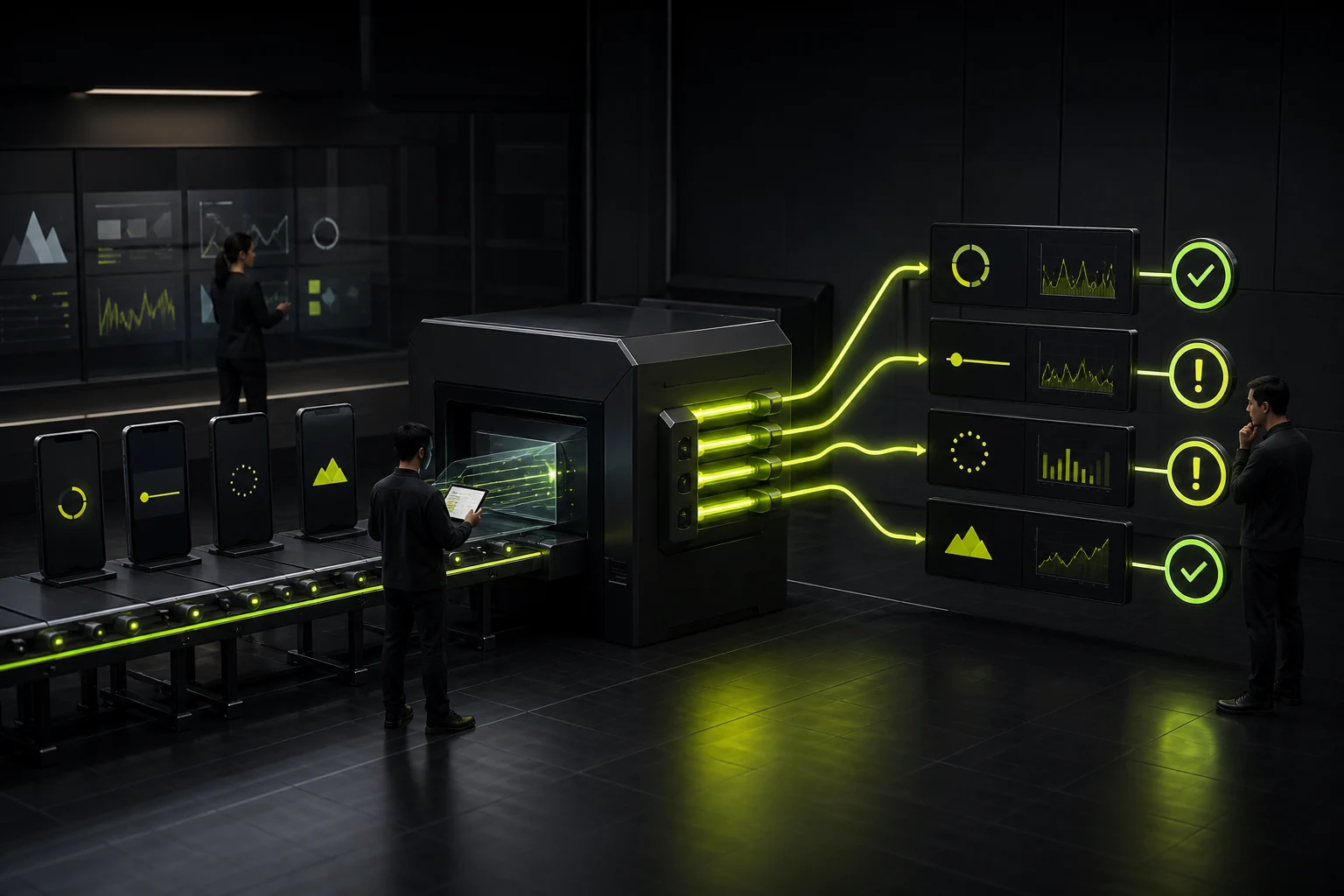
Common Performance Symptoms and Diagnostic Directions
| User Symptom | Possible Cause | First UX Action |
|---|---|---|
| Long cold start | Too much initialization, large resources, synchronous tasks | Show a usable first screen quickly and defer nonessential initialization |
| No response after tapping | Main-thread blocking or no request feedback | Show pressed/loading feedback immediately and split long tasks |
| Frame drops while scrolling | Complex layouts, images, frequent updates | Virtualize, cache, and reduce item complexity |
| Slow or flickering images | Oversized originals, no cache, missing placeholders | Use appropriate sizes, placeholders, and progressive loading |
| Failure after a network change | Insufficient retry and offline handling | Explain the error, preserve the task, and support retry |
| Slows down during long sessions | Memory leaks, uncontrolled cache, accumulated data | Monitor long sessions and large accounts |
02 Do Only What Must Happen Now During Launch
Configuration, analytics, advertising, recommendations, update checks, and large data prefetches should not all block the first screen. Let users reach an interactive state first, then complete lower-priority work in the background.
Do not treat the launch screen as a waiting mask. It can smooth the transition, but it cannot justify unbounded initialization.
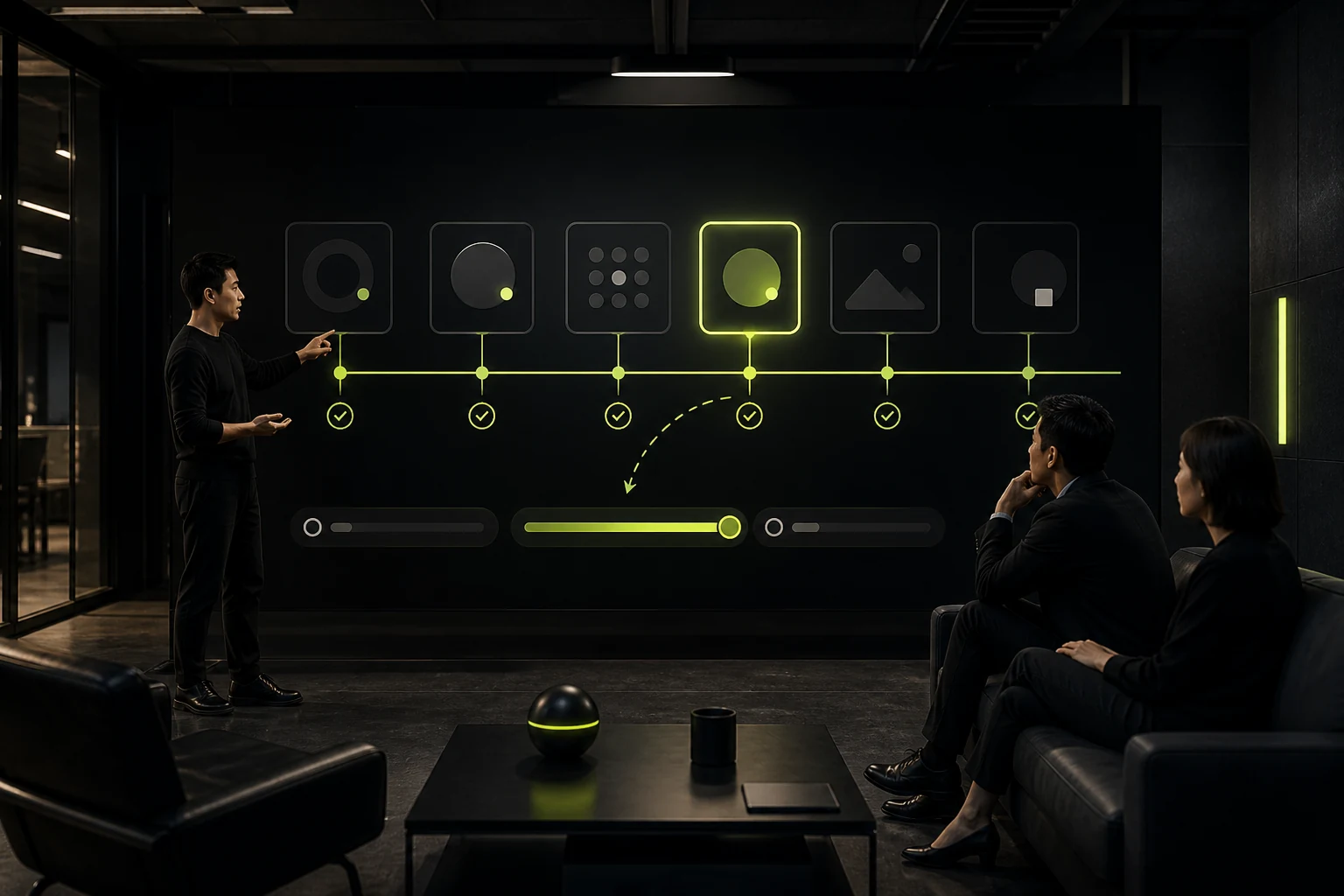
03 Provide Interaction Feedback Before the Task Finishes
A network request may take time, but taps, list refreshes, and submissions should respond immediately. Waiting feels shorter when users know the system is working.
Feedback must not be deceptive. Use indeterminate loading when progress is unknown and percentages only when progress can be calculated. Let users leave long tasks and notify them when work is complete.
04 Design Images and Lists for Real Data Volumes
Use appropriately sized and formatted thumbnails and reserve space in advance to prevent repeated layout changes during scrolling. Long lists need pagination, virtualization, and sensible caching.
Ten ideal records in a design file do not represent 100,000 records in a real account.
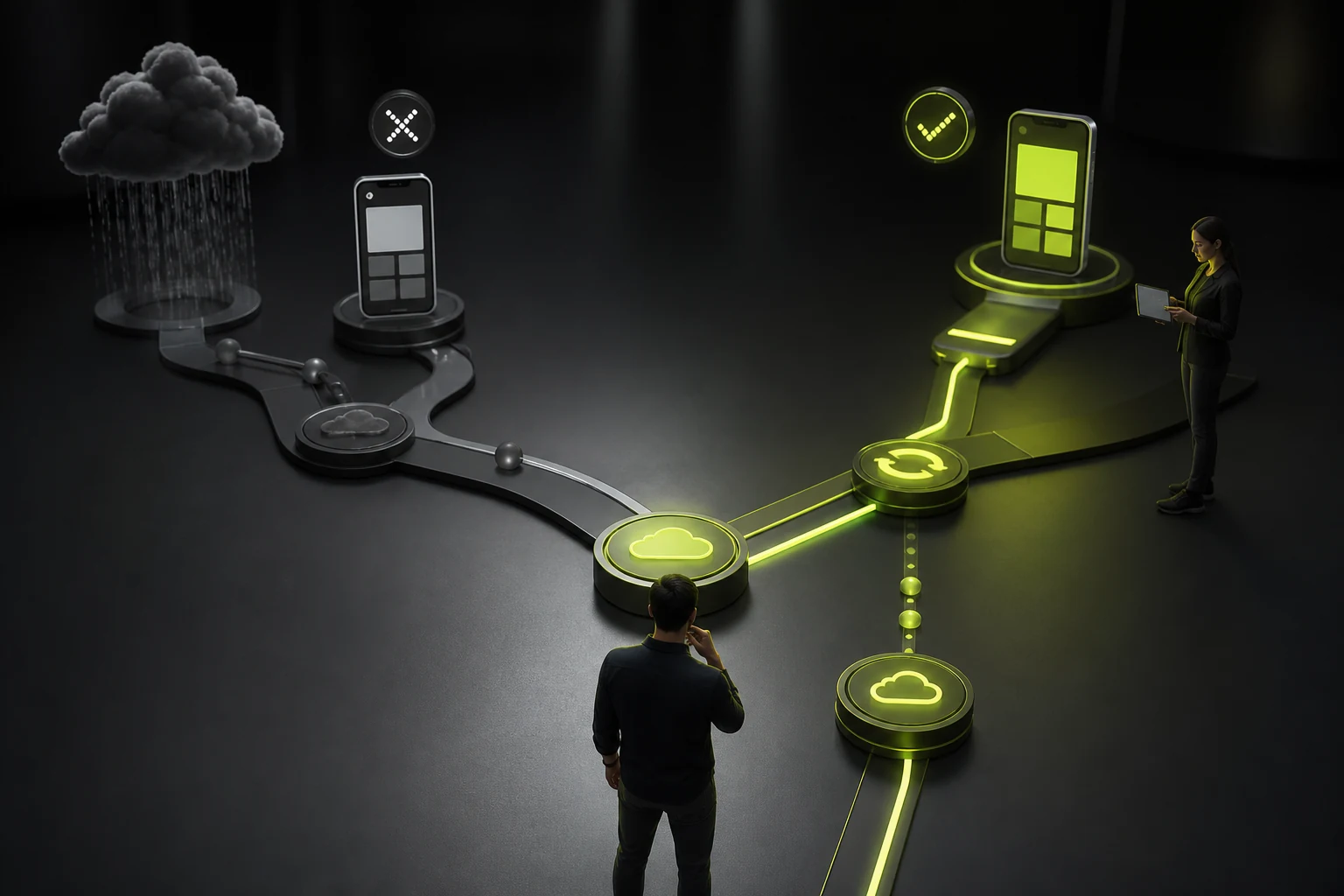
05 Make Network Failures Recoverable
Distinguish offline states, timeouts, server errors, permission problems, and empty data, with a different action for each. Submission tasks should use idempotency and local persistence to prevent duplicate payments or lost input.
Weak-network testing should cover uploads, downloads, network switching, and recovery from the background.
06 Monitor by Device and Version
Track launch time, frame rate, crashes, ANRs, APIs, and errors by device tier, operating system version, region, network, and screen. Averages conceal the worst user experiences.
Compare key metrics and user feedback with every release. A performance regression should block launch just like a functional bug.
Frequently Asked Questions
How many seconds makes an app launch slow?
There is no single threshold. It depends on the platform, task, and user expectations. The principle is to show usable content quickly and monitor the distribution across devices.
Are more skeleton screens always better?
No. They work well for stable, predictable lists; simple content may need only a loading indicator. A large mismatch between the skeleton and real content creates layout shifts.
Are performance problems mainly the developer's responsibility?
No. Product scope, design motion, image standards, data structures, and third-party SDKs all affect performance, so the solution is cross-functional.
Do lower-end devices need dedicated optimization?
Yes, when they represent a meaningful share of target users. Build the test matrix from actual device distribution rather than flagship phones alone.
How can you tell whether the API or interface is slow?
Analyze network traces, main-thread work, rendering, and interaction timing together. User perception begins with the tap, not only with server processing time.
| Service | View |
|---|---|
| Related services | View service details |
| Project inquiry | Contact JVDS |
| Design and web articles | View articles |
 Link copied








