
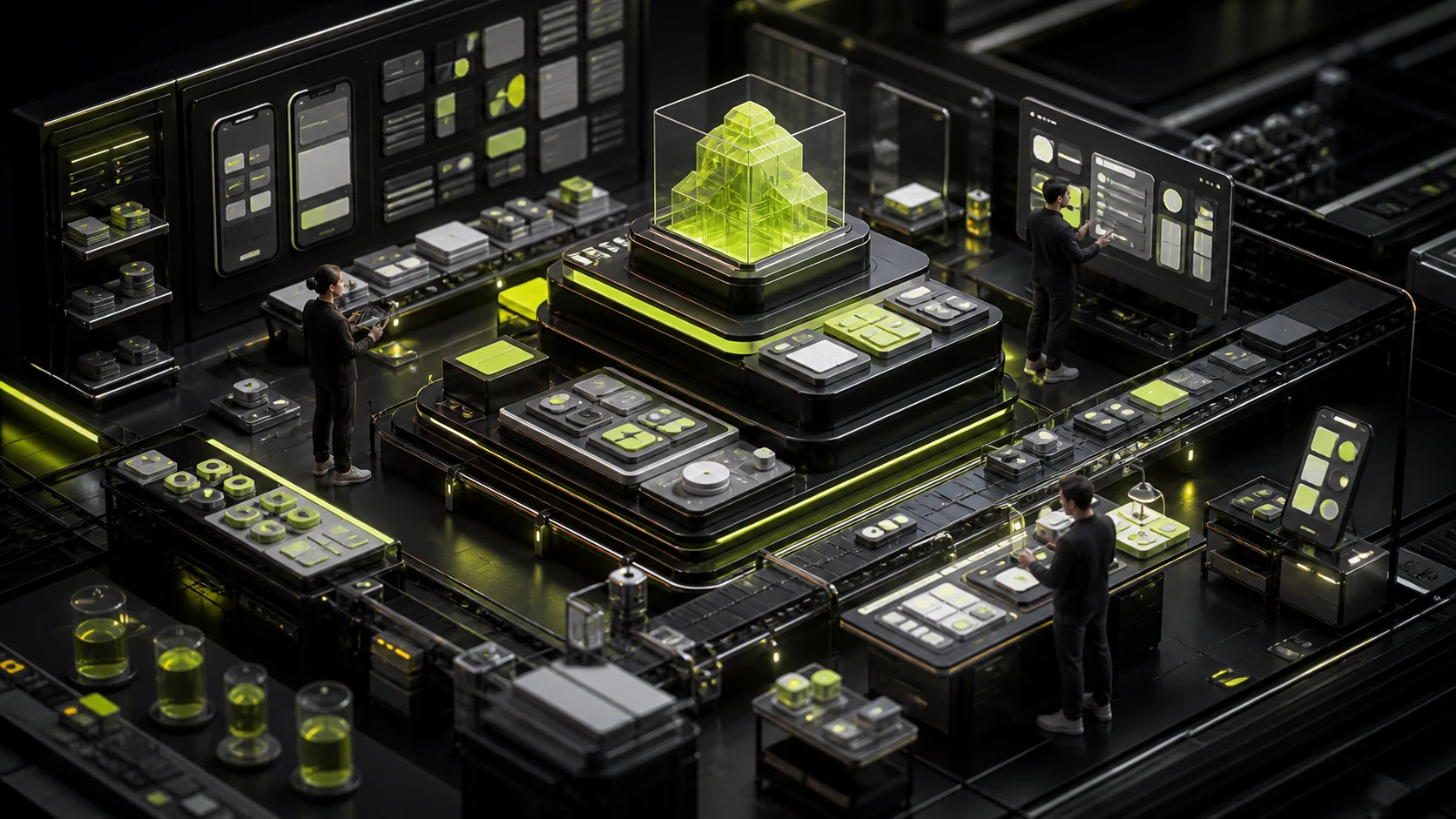
How to Build an APP Design System: Multiplatform Components and Brand Consistency
As an APP grows, color, spacing, and buttons diverge first; then one empty state, permission prompt, or order card gains several logics. A one-page UI Kit cannot solve this.
A design system reduces repeated decisions so teams focus on genuine business differences.
01 Build a Changeable Foundation with Tokens
Color, typography, spacing, radii, shadows, icons, and motion parameters need semantic names rather than hard-coded "blue 500" and "16 pixels."
Names such as text-primary and surface-danger express purpose and simplify brand changes or dark mode.
02 Separate Shared Rules from Platform Components
Business states, brand language, and content rules can be shared; navigation, system pickers, permissions, and some controls adapt to iOS and Android.
One architecture can provide platform variants, avoiding complete duplication or fragmentation.
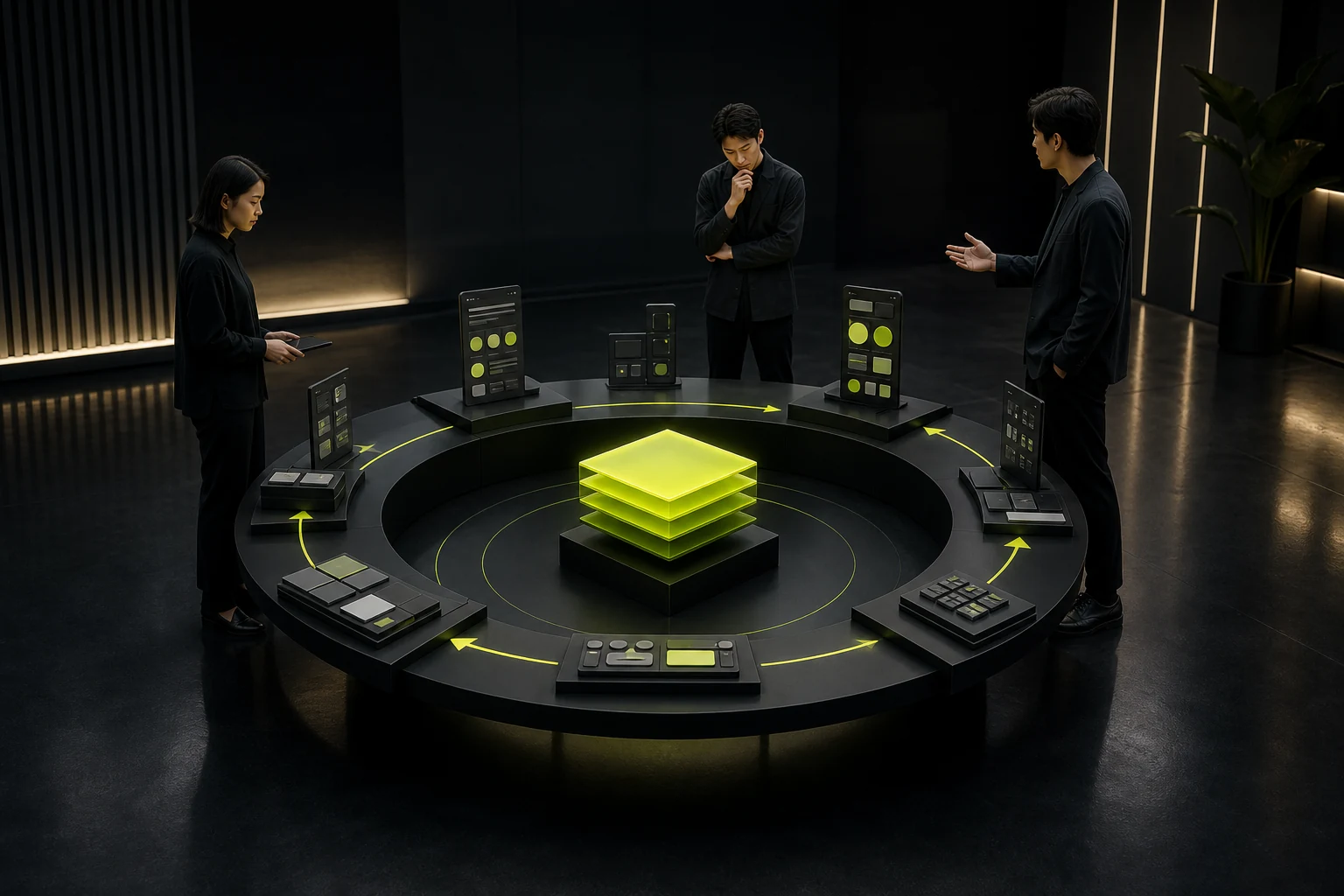
APP Design System Layers
| Layer | Included Content | Delivery Priority |
|---|---|---|
| Principles | Brand, usability, platform, and accessibility principles | Guide new problems outside existing rules |
| Tokens | Color, typography, spacing, shape, and motion | Align design and code names |
| Foundational Components | Buttons, inputs, selection, lists, and feedback | Complete, accessible, composable states |
| Business Patterns | Login, payment, upload, permissions, and order states | Explain workflows, boundaries, and exceptions |
| Templates | Home, detail, form, and workspace structures | Demonstrate composition without constraining the business |
| Governance | Owners, versions, contribution, deprecation, and migration | Prevent abandonment |
03 Cover High-Frequency and High-Risk Contexts First
Buttons and inputs are frequent; payment confirmation, deletion, permissions, and identity verification are high-risk. Prioritize them. Rare campaign components can wait.
Component quantity does not indicate maturity. A small set of complete, coded components is more valuable than hundreds of static graphics.
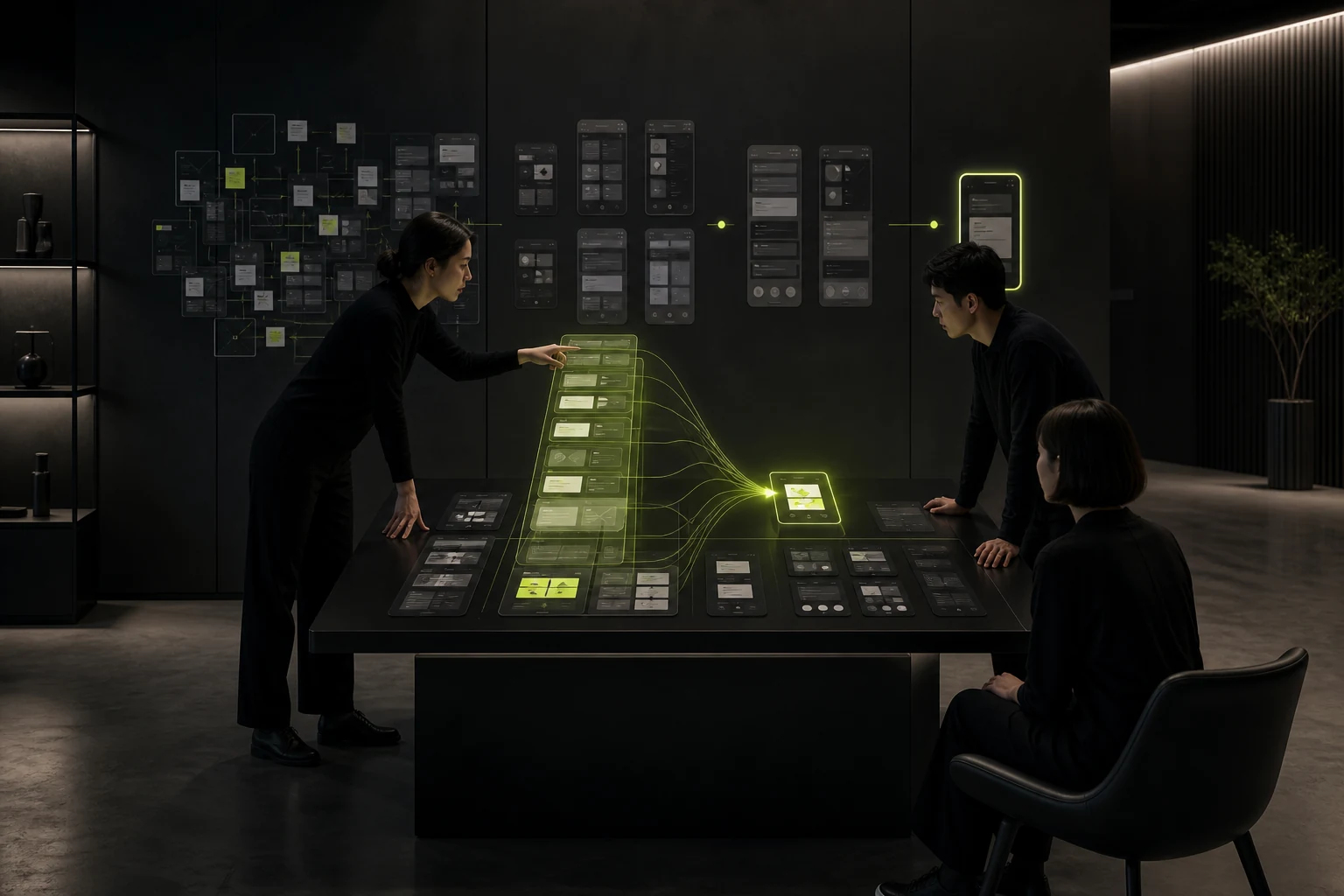
04 Content and States Belong to the System
Errors, success, empty data, loading, insufficient permissions, and offline behavior need consistent voice and structure. Button labels, dates, currency, and number formats also need rules.
Unified colors without unified behavior and language still feel assembled from parts.
05 Map Design Properties to Code APIs
Share language for component names, sizes, states, and variants so design and development reference the same object.
Not every design variant deserves an API. Before adding one, assess reuse, testing, and maintenance cost.
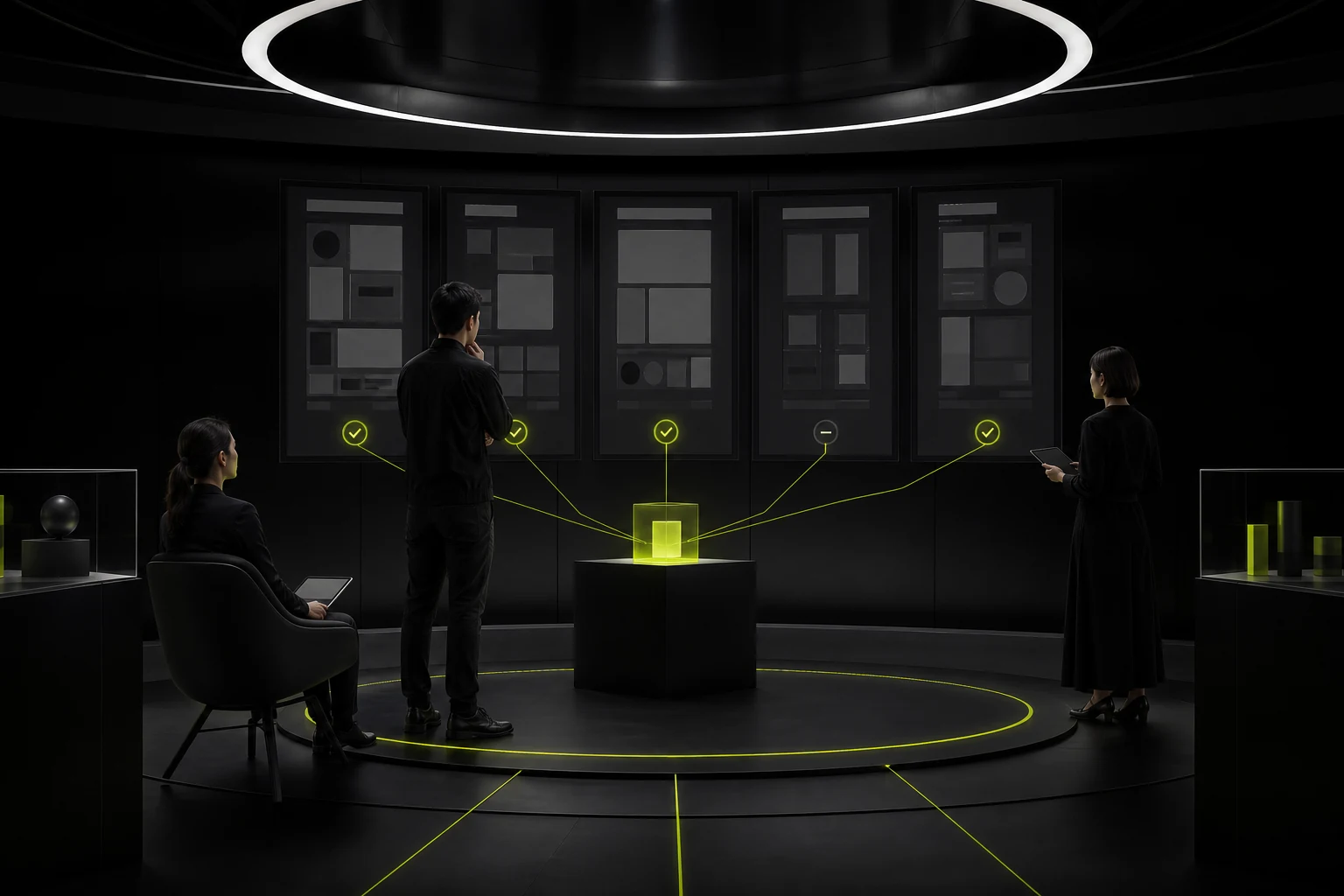
06 Document When Not to Use Components
Beautiful examples alone leave edge cases open to interpretation. Document intended use, counterexamples, content limits, accessibility, and platform differences.
Complex business patterns need real workflows and exceptions, not only final screenshots.
07 Measure Product Quality and Efficiency
Monitor repeated design and development, implementation discrepancies, defects, reuse, launch speed, and cross-platform consistency.
Do not target 100% component coverage. Innovation permits exceptions, but document them and consolidate stable patterns later.
Frequently Asked Questions
Does a Small Team Need an APP Design System?
It needs foundational tokens and frequent components, not a complete platform at once. Expand as the product matures.
Can Material 3 Be Used Directly as the Design System?
It can provide references or development components, but brand, business, and iOS experience still need tailored rules.
Who Maintains the Design System?
Prefer shared design and front-end owners, with product and business reviewing patterns. Put maintenance into the workflow.
When Are Business Components Needed?
Abstract them after one business structure repeats stably across workflows. Premature abstraction locks changing rules.
Does a Design System Limit Innovation?
It limits meaningless inconsistency, not purposeful difference. Test new patterns first and add them after validation.
| Service | View |
|---|---|
| Related Services | View Service Details |
| Project Inquiry | Contact JVDS Design Studio |
| Design and Website Development Articles | View Service Details |
 Link copied








