

When an app asks for location, camera, photos, notifications, and contacts immediately after launch, users cannot judge why each permission is necessary. The natural response is to deny everything. System prompts are limited opportunities, and recovery becomes harder after denial.
Permission design is not about making compliance copy longer. It is about creating a causal link between the current task and the request: users understand what they are trying to do and why the capability is required.
01 Request Access When the Feature Is Triggered
Ask for the camera when the user scans, location when they search nearby stores, and photo access when they upload an avatar. These moments make more sense than a combined prompt on the home screen.
If the task can work without permission, offer an alternative such as manual entry, city selection, or file upload.
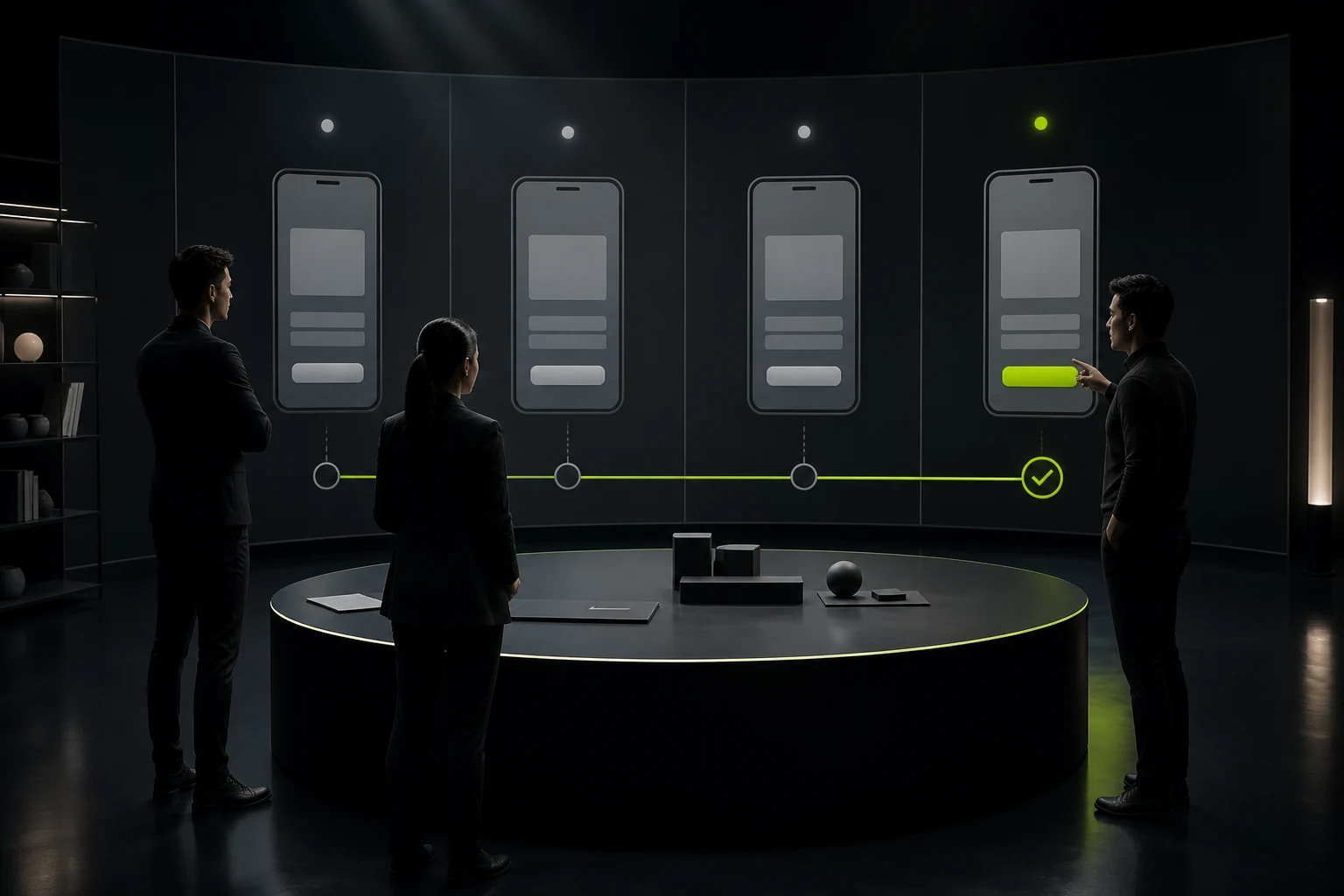
02 Keep the Explanation Before the System Prompt Short and Specific
Explain what the permission supports, when it is used, and whether collection continues, then let the user actively continue. Avoid generic reasons such as “to provide a better experience.”
Do not disguise the explanation as a system prompt or pressure agreement through fear or preselected options.
Appropriate Triggers for Common Permissions
| Permission | Appropriate Moment | Alternative | High-Risk Practice |
|---|---|---|---|
| Camera | User taps scan, capture, or recognize | Manual entry or choose from photos | Requesting at first launch |
| Location | Nearby search, navigation, or delivery address | Choose a city or address manually | Continuous background location without explanation |
| Notifications | User subscribes after experiencing core value | In-app message or email | Prompting immediately after registration |
| Photos or files | Upload avatar, proof, or attachment | Capture or another file source | Reading the full photo library without need |
| Microphone | Start recording, voice input, or a call | Text input | Requesting early because it “may be useful later” |
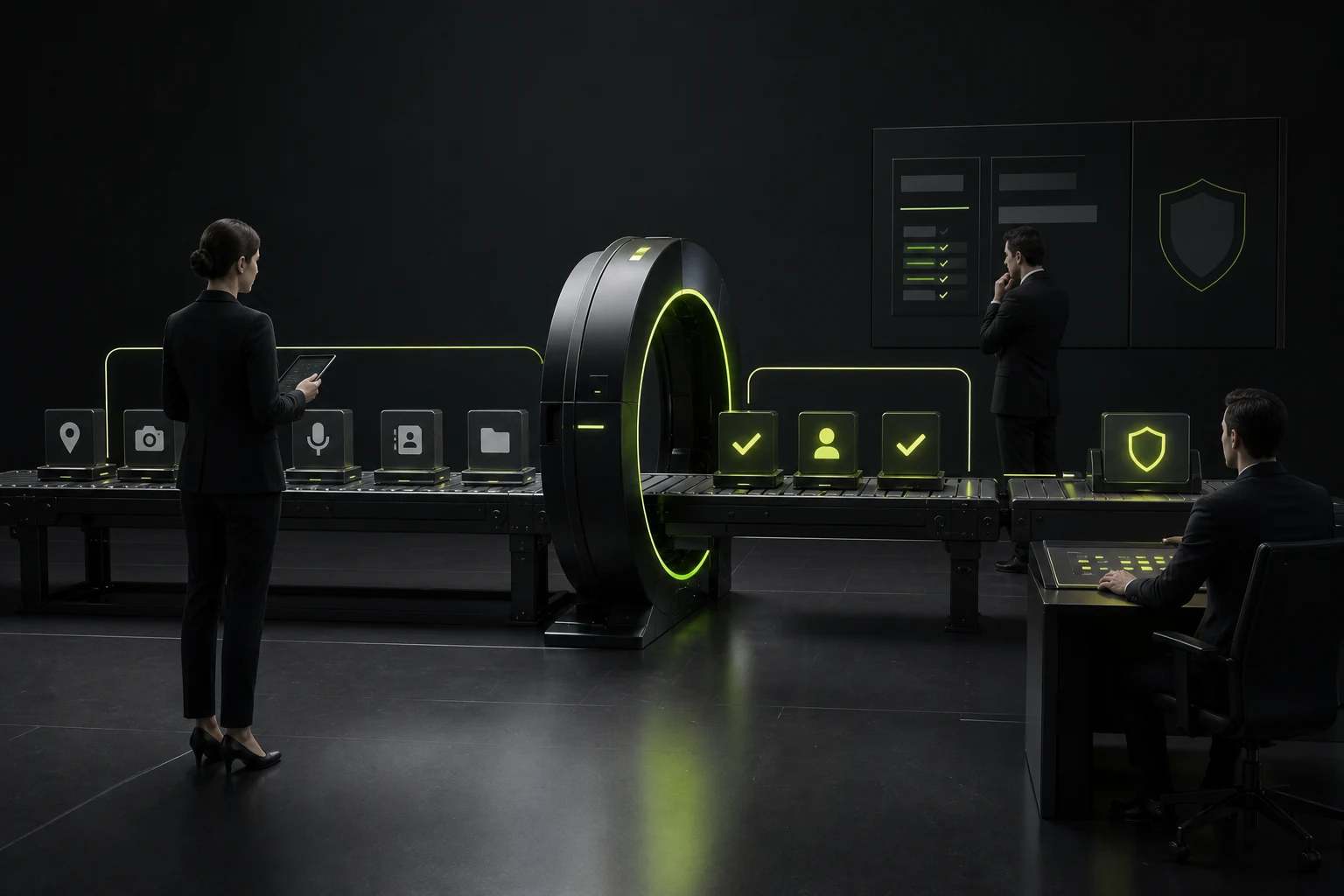
03 Follow the Minimum-Necessary Principle
Request only the scope and duration the current feature needs. If the user can select one photo, do not require access to the entire library. If location is needed only during use, do not default to continuous background access.
Permission and data collection are not the same. After system access is granted, still explain how data is used, stored, and shared.
04 Denial Should Not Be a Dead End
After denial, explain which feature is affected and provide a path that works without access. Prompt the user to open Settings only when they actively try that feature again.
Do not repeat a custom modal on every visit or make the entire app unusable unless the capability is truly essential and has no alternative.
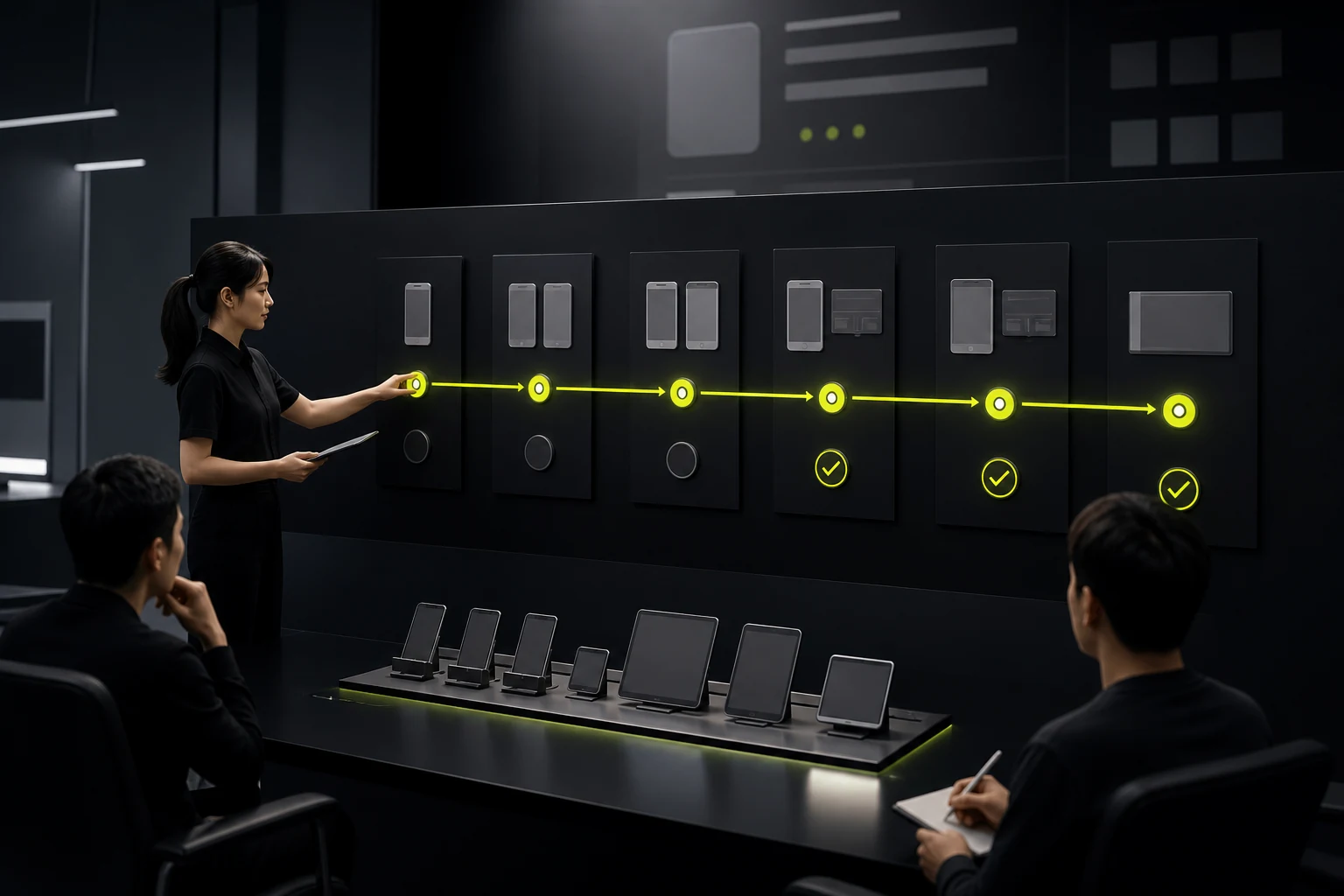
05 Validate Each Platform and Version Separately
iOS and Android have different permission types, system copy, and Settings paths, and operating-system updates can change them. Designs should note platform differences, and developers should use current official APIs.
Privacy disclosures, store information, and actual requests must agree to avoid review and trust problems.
06 Use a Permission Funnel to Find Problems
Track feature trigger, explanation view, system prompt, allow, deny, Settings recovery, and task completion. Do not monitor only the final acceptance rate.
If acceptance is low, check whether timing and value are clear. If acceptance is high but feature usage is low, the app may be requesting too much.
Frequently Asked Questions
When is the best time to request notification permission?
Usually after users experience value, create a task that needs reminders, or actively enable notifications—not immediately at first launch.
Can the system prompt appear again after denial?
Platform rules differ, and many cases require directing users to Settings. Avoid repeated interruption and provide an alternative.
Does location permission need “Always Allow”?
Most features need access only while in use. Request higher access only when a scenario truly depends on background location, and explain it clearly.
Does a pre-permission screen need lengthy privacy text?
No. The pre-prompt explains the current use, while the privacy policy covers full data handling. Both must be accurate.
Is permission handling a design or development responsibility?
Product, design, engineering, and legal teams must align. Design owns the scenario and explanation, engineering the API and states, and legal the purpose and disclosures.
| Service | View |
|---|---|
| Related service | View service details |
| Project inquiry | Contact JVDS |
| Design and website articles | View all articles |
 Link copied








