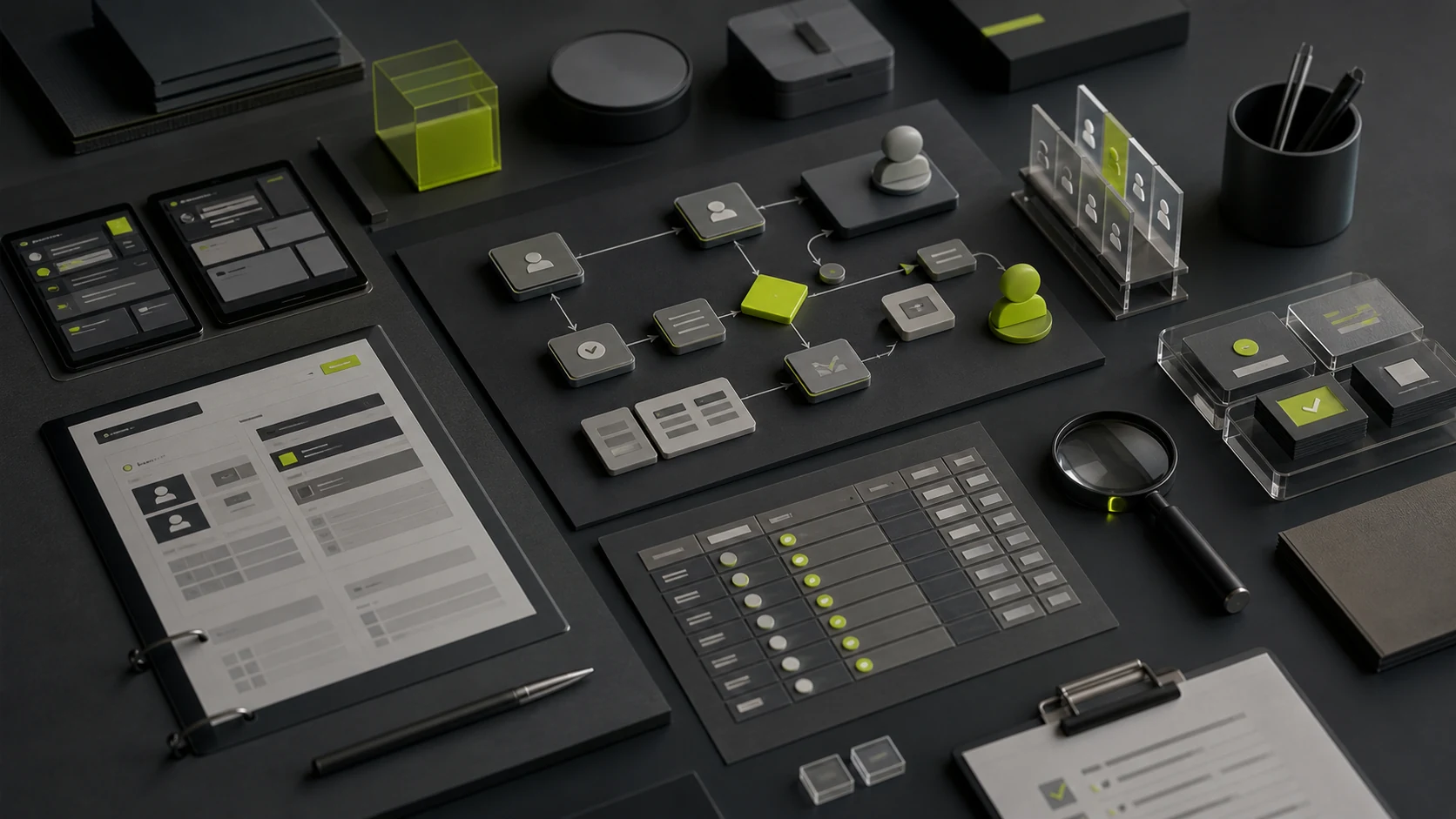
Enterprise UI/UX is not a cosmetic refresh for an admin interface. It starts with business processes, roles, permissions, states, data, and operating constraints, then turns them into an information architecture, task flows, prototypes, production UI, component rules, accessibility requirements, and implementation reviews.
The real deliverable in enterprise UI/UX is not a collection of admin screens. It is a coherent set of interface rules that business, product, design, and engineering can execute together. ISO 9241-210 treats human-centered design as an activity spanning the lifecycle of an interactive system—an especially important principle in complex enterprise software.
01 Enterprise and Consumer UI Differ in More Than Visual Style
Consumer products often optimize a small number of frequent tasks. Enterprise systems must also account for organizational structure, job responsibilities, approval chains, data permissions, bulk actions, and long-session efficiency. On the same customer-detail screen, sales, managers, finance, and administrators may see entirely different fields and actions.
Relative dimensions | Common for consumer categories | Common at the enterprise. |
|---|---|---|
Main objectives | Lower first-use threshold, upgrade conversion and retention | Improve mandate efficiency, reduce operational errors and ensure compliance |
User Structure | Fewer roles, limited permissions | Multiple roles, organizational levels, and permission scopes. |
Operating frequency | Short, infrequent, or fragmented work on a single task | Long periods of use, HF entry, query and batch processing |
Data expression | More content cards and simple lists | Complex forms, filtering, analytics, related records, and audit trails |
Number of states | Normal, empty, load, failure base state | Status of operations, approval status, synchronization, anomaly and recovery path |
Criteria for success | Registration, purchase, interaction, retention | Length of completion, error rate, training costs, data quality and processing capacity |
Enterprise design should therefore not begin with “how many screens do we need?” It should first identify the business objects, who handles them under which conditions, how information changes, and how users recover when something goes wrong.
02 Twelve Modules in a Complete Enterprise UI/UX Engagement
Module | Main tasks | Common deliveries |
|---|---|---|
1. Operational objectives and scope | Identification of system objectives, key indicators, version boundaries and constraints | Project Brief, scope table, priority and risk list |
2. Areas and targets of operations | Map customers, orders, contracts, tasks, equipment, and their relationships | Object relationship maps, glossary, key rules |
3. User roles and tasks | Identification of jobs, work scenes, frequencies and targets | Role maps, task lists, scene description |
4. Jurisdiction and data boundaries | Define visible, editable, approved, exportable and data ranges | Role-permission matrix, field permissions, and unauthorized-action feedback |
5. Processes, status and exceptions | Coverage of main processes, approval, failure, interruption, revocation and recovery | Flowchart, status machine, list of exceptions |
6. Information architecture and navigation | Organisation modules, tiers, global entrances and cross-object jumps | Charts, navigational models, page lists |
7. Wireframes and interactive prototypes | Validate task sequence, level of information, operational feedback and rules | Low- and high-fidelity prototypes with interaction specifications |
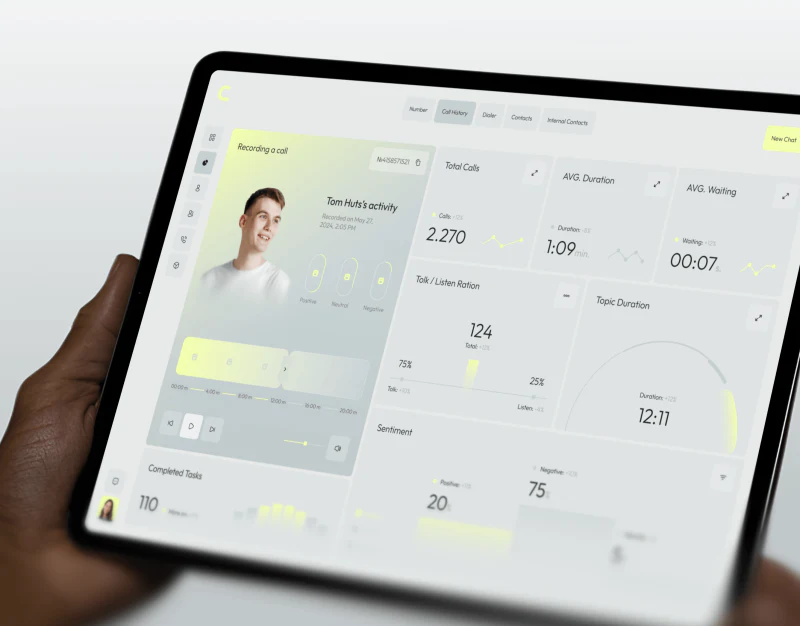
8. UI and data visualization | Create visual hierarchy, tables, charts, information density, and semantic color | Key visual direction, complete interface set, and responsive layouts |
9. Design systems and components | Establish tokens, basic components, business components, and reusable patterns | Description of the modules, status, specifications and versions |
10. Accessibility and multiple devices | Consider keyboard, focus, comparison, scaling and response | Check lists, rules of response, record of amendments |
11. Validation of availability | Task-based testing to identify comprehension, efficiency, and error risks | Test plan, problem level, iterative proposal |
Research and development collaboration and acceptance | Delivery labels, answers, design walk-ins and online checks | Delivery packages, walk-through records, acceptance lists |
These modules need not be fully covered by a single vendor, but each must be held accountable. The most dangerous state is not “the project did not do a user study”, but the team agreed that others had done it.
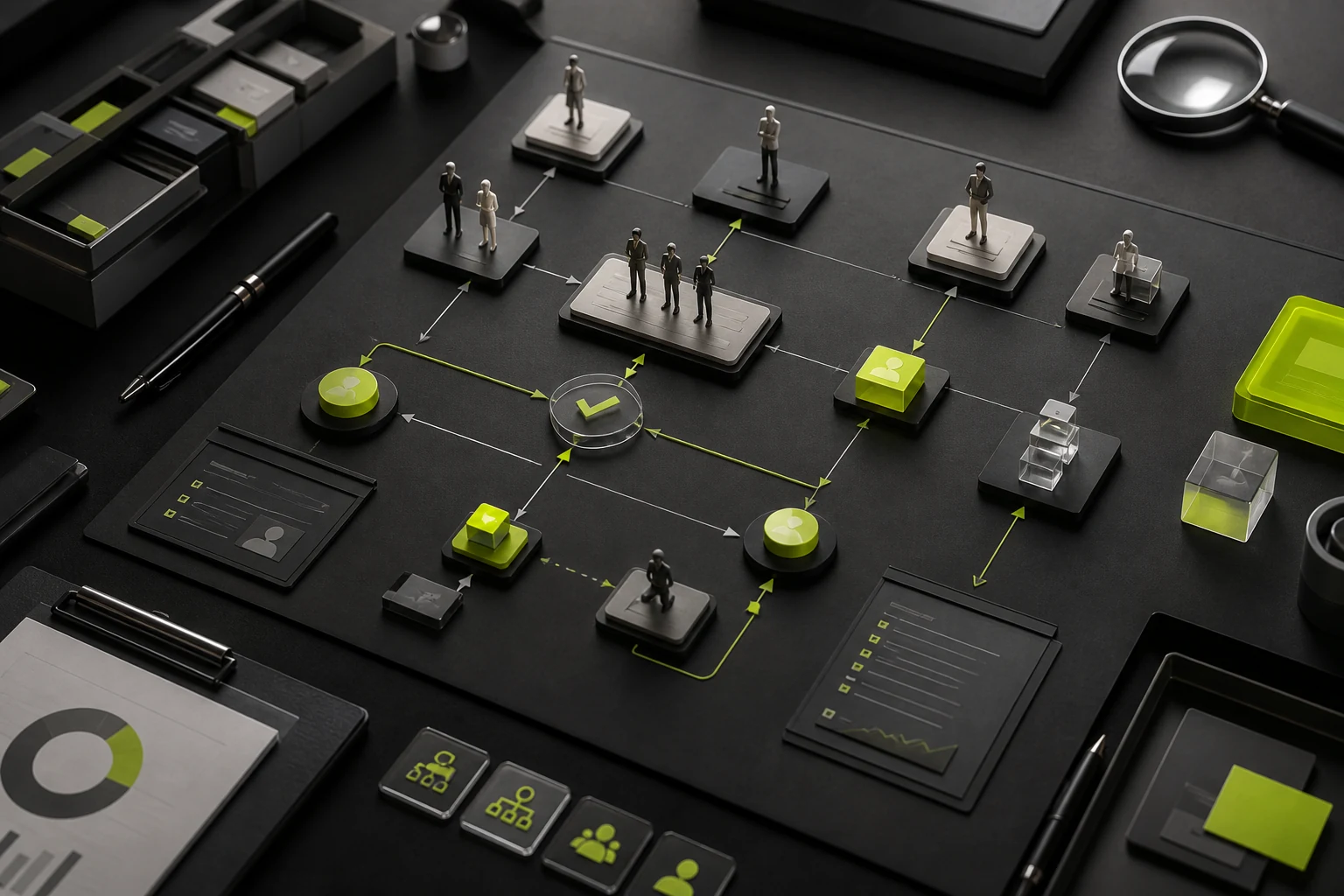
03 Four Critical Areas Often Omitted from Scope
A Role Is an Enforceable Set of Boundaries, Not a Persona Poster
B players need to be clear about jobs, organizational levels, objectives, frequency of operations, scope of data and responsibility for approval. Writing “administrators, ordinary users” alone is generally not sufficient to support real business.
Competence level | Issues to be identified |
|---|---|
Module Visibility | Whether the role can access the module directly or only through a task-specific entry point |
Record range | Users can see their own, team, department, regional, or all records. |
Field Permissions | Whether sensitive fields are hidden, desensitized, read-only or open on condition |
Operation Permissions | Who can create, edit, approve, export, delete, or transfer records |
Status Permissions | What can be done in draft, pending, completed, closed states |
Unauthorized-action feedback | Hide, disable, explain, apply for permission or contact administrator |
State Count Often Reflects Effort Better Than Screen Count
One screen may need loading, empty, partial-data, unauthorized, API-failure, conflict, locked, read-only, edit, bulk-processing, and success states. When an estimate counts only screens, these states often surface for the first time during development.
Complex Tables Require Readability, Interaction, and Responsive Behavior
A data table is not simply a row of fields. Designers must define identifiers, column priority, filtering and sorting, bulk selection, frozen columns, editing behavior, errors, exports, and small-screen behavior. SAP Fiori recommends retaining identifiers and key attributes on narrow screens while moving lower-priority details into expandable areas, rather than compressing every column until it is unreadable.
A Design System Must Include Business Patterns, Not Only Basic Controls
Mature enterprise products also require domain components for approvals, tasks, permissions, imports, bulk processing, data states, and exception recovery. A library that documents only basic visual styles will not prevent future screens from diverging.
04 Choosing Among Three Common Service Scopes
Service level | Suitable | Usually includes | Main risks |
|---|---|---|---|
UI execution only | Processes, prototypes and rules have been stabilized, only visual consistency required | Visual orientation, interface vision, basic components and delivery | If there are gaps in the upstream prototype, the UI phase will be difficult to remedy. |
Full UX/UI | New modules, adaptations or core processes need to be recombined | Scope, workflows, prototypes, UI, components, and engineering review | Ongoing involvement from product, operations, and engineering teams is required |
System-level experience adaptation | Multiple roles, multiple modules, historical systems or design inconsistencies are significant | Research, domain modeling, permissions, global architecture, design systems, and phased rollout | Longer engagements that require governance ownership and a clear release strategy |
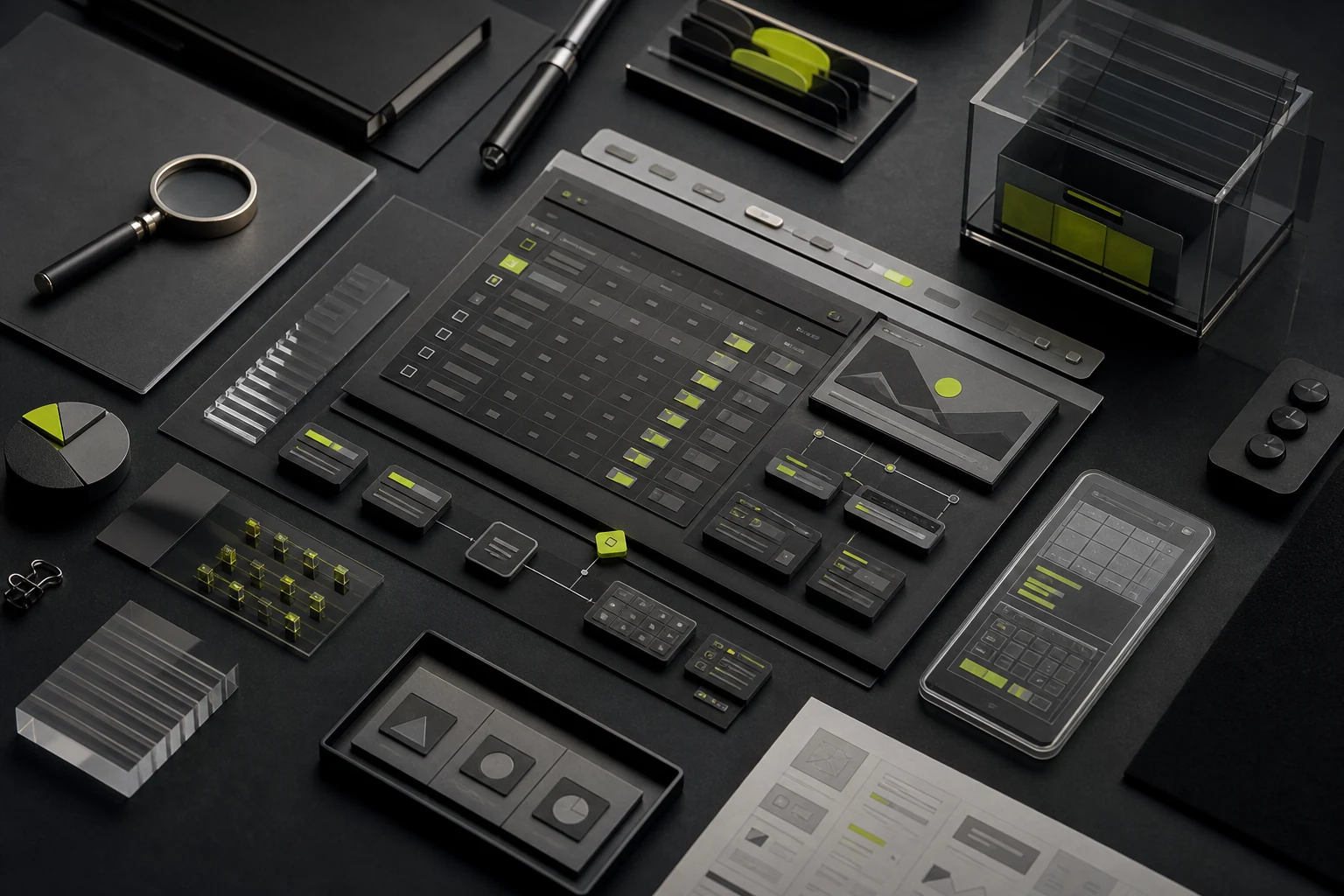
05 Deliverables and Acceptance Criteria by Phase
Phase | Key deliverables | Focus on acceptance and inspection |
|---|---|---|
Scope and diagnosis | Objectives, roles, modules, issues, constraints and plans | All participants have a common understanding of objectives, boundaries and priorities |
Operations and processes | Object, permissions, process, status and exceptions | Rules enforceable, key exceptions and those responsible |
Prototype | Key tasks, page structure, interaction and description | Core users are able to perform their tasks and develop rules that understand |
UI and component | Full interface, state, components, response and label | Visual consistency, complete state, reusable components |
Tests and Amendments | Task script, discovery, problem level and correction result | High-risk issues closed with clear plans to address the remaining issues |
Engineering handoff | Source files, components, assets, specifications, and review records | The build is accessible and reproducible, with traceable differences documented |
Do not accept a design merely because it looks polished. Validate it through critical tasks: can a specific role find the right information, complete the action under the required conditions, understand the result, and recover from failure?
06 Work That Should Not Be Assumed in the Base Scope
- Full business consulting, organizational process re-engineering or permanent presence of product managers;
- Back-end rules, databases, interfaces and technical architecture design;
- Formal security tests, penetration tests, regulatory reviews and privacy legal opinions;
- Large-scale user recruitment, offline research, travel and third-party research costs;
- All writing, data governance, chart calibration and historical data cleansing;
- Front-end development, component code, uplink peacekeeping operations on an ongoing basis;
- Add a new module, role, end or overall orientation after confirmation of need.
These elements may be added to the project, provided that responsibilities, costs, timeline and acceptance criteria are set out separately in the quotations and contracts.
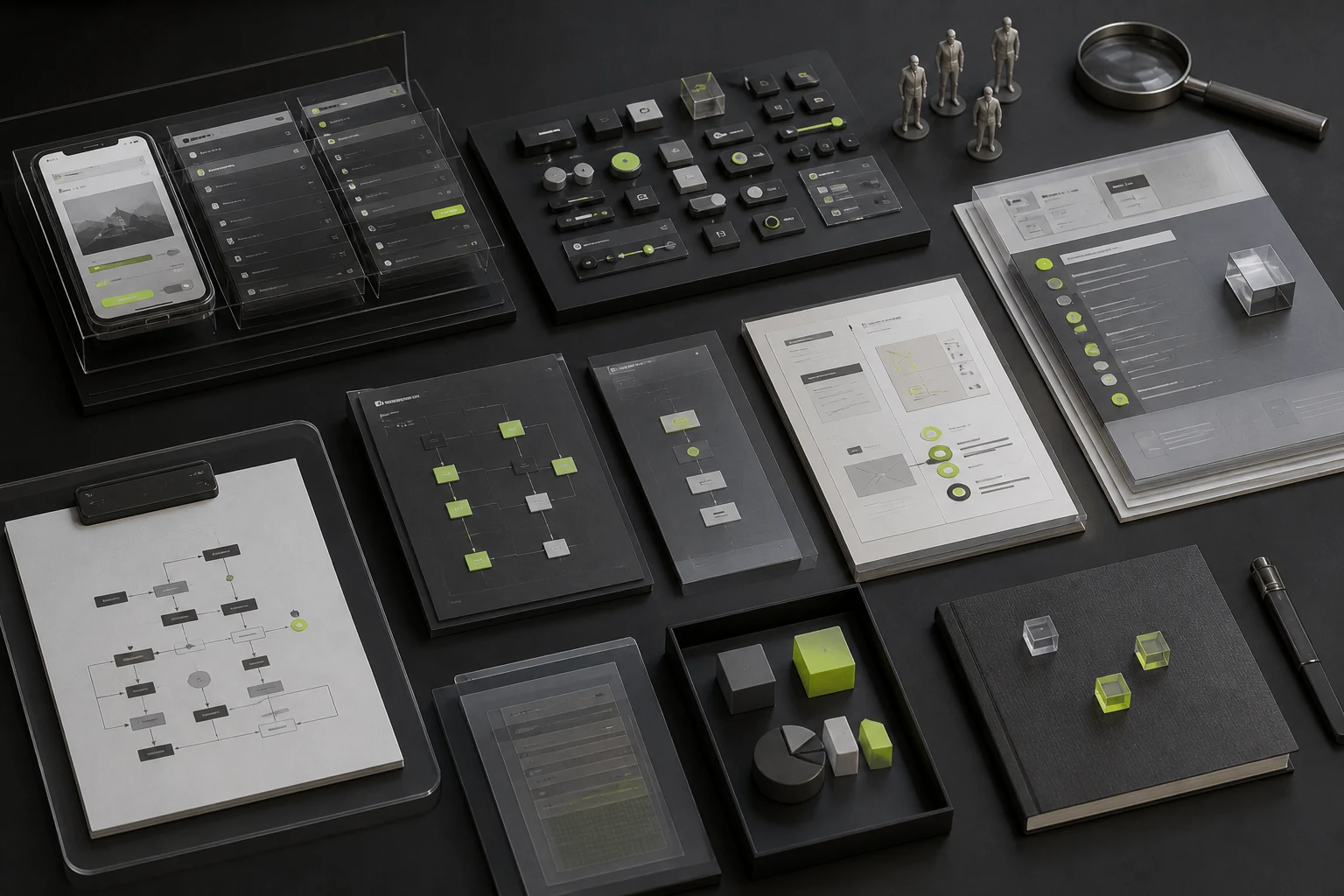
07 Composite Scenario: Why a CRM Redesign Cannot Start with Screens
A sales-management system initially asks to redesign 40 dated screens. Discovery reveals that sales, managers, and finance interpret account ownership, discount approval, and payment status differently; the same field has three names across modules, and exception orders have no recovery path.
Redrawing all 40 screens would improve visual consistency while preserving conflicting rules. A better sequence is to model relationships among accounts, opportunities, contracts, and payments; define roles, permissions, and states; validate three high-frequency workflows in prototypes; and only then expand to the complete interface and component library.
08 How to Prepare Requirements for Comparable Proposals
Required | Minimum valid information |
|---|---|
Operational context | What the system does and whether it is new or being redesigned |
Users and Roles | Main roles, organizational levels, frequency of use and data coverage |
Core tasks | The most important 3-5 processes and existing issues |
System Scope | Modules, platforms, existing screens, planned releases, and exclusions |
Available information | PRD, processes, screenshots, data, modules and technical framework |
Collaboration model | Decision-makers, product and engineering counterparts, review cadence, and feedback timelines |
Time and budget | Target launch milestones, budget range, and phasing requirements |
Require every vendor to respond using the same structure: phases, activities, deliverables, revisions, engineering collaboration, client responsibilities, exclusions, and change rules. Prices become comparable only when scope is comparable.
Frequently Asked Questions
1. Does Enterprise UI/UX Always Require User Research?
Large-scale research is not always necessary, but use at least stakeholder interviews, existing data, and support or operations records to validate critical assumptions. Do not skip research entirely when roles are complex, operations are high-risk, or stakeholders strongly disagree.
2. If a PRD Exists, Are Workflows and Prototypes Still Needed?
The PRD usually describes needs and rules, but does not necessarily provide a complete picture of user sequences, feedback and exceptions. The need for prototypes depends on the maturity of the PRD and the development risks, rather than the existence of a document.
3. Should the Design System Be Built at the Beginning or End?
The necessary base and core components are established and progressively expanded following validation of key processes. The premature pursuit of “large and complete” is prone to misdeterminating patterns, and late processing leads to inconsistent interfaces.
4. Does Every Enterprise Product Need a Mobile Experience?
Not necessarily. The decision should be based on the actual work scene. Approving, viewing and alerting may be suitable for the mobile experience, while complex entry and data analysis may still be dominated by the desktop end.
5. How Many Implementation Reviews Are Typical?
Milestones should be agreed upon, such as core components, core processes, full pages and each before going online. More important than “comprising two rounds” is to write down coverage and problem closure mechanisms.
6. How Can We Tell Whether the Scope Is Complete?
Select one high-risk task at random and verify that the design defines the role, permission, prerequisites, steps, data, success result, exceptions, recovery path, components, and acceptance criteria. Any missing element can become downstream risk.
Conclusion: Map Responsibilities Before Estimating Screens
When procuring enterprise UI/UX, the most valuable question is not “how many screens are included?” but “who owns the business rules, permissions, states, components, and engineering collaboration?” Clear responsibility enables phased acceptance and meaningful price comparison.
Project Scope Assessment
To obtain comparable proposals, provide the current business workflows, user roles, permissions, key objects, state rules, representative data, existing system constraints, priority scenarios, and expected engineering model.
Need design or website development services?
JVDS Design Studio is a professional design studio focused on digital product experiences and brand identity. We work with businesses in China and overseas that want to strengthen their brand image, improve user experience and grow their business, providing clear, usable UI/UX design, high-quality website design and development, app and mini-program development, and cohesive, distinctive brand identity design.
Working on a B2B system or an app? Share your current screens and key user tasks so we can discuss the design scope.
 Link copied