

From APP Testing to Store Release: Certificates, Assets, Review, and Phased Rollout
After the code is "development complete," a considerable distance remains before users can rely on the APP. Test findings, store rejection, certificate errors, and screenshots that conflict with real features can all invalidate the planned launch date.
The release plan should integrate technical, product, design, operations, legal, and account responsibilities rather than leave developers to handle everything alone on the final day.
01 Create a Release Candidate and Freeze the Scope
Define the version number, features, APIs, and configuration intended for release, and stop inserting new requirements casually. Afterward, fix only issues that affect the release instead of changing major features during testing.
Every build should be traceable to its code and change log.

02 Complete Functional, Compatibility, Performance, and Security Testing
Cover core workflows, exceptions, poor networks, permissions, different devices, and OS versions. Check crashes, launch time, memory, APIs, and data security.
After a fix, regress related modules rather than validating only one Bug.
03 Prepare Accounts, Certificates, and Environments
Developer accounts, signing, push notifications, domains, servers, production keys, and third-party services should belong to a clearly identified entity. Separate test and production environment configurations.
Expired certificates, insufficient permissions, and account reviews frequently block a release.
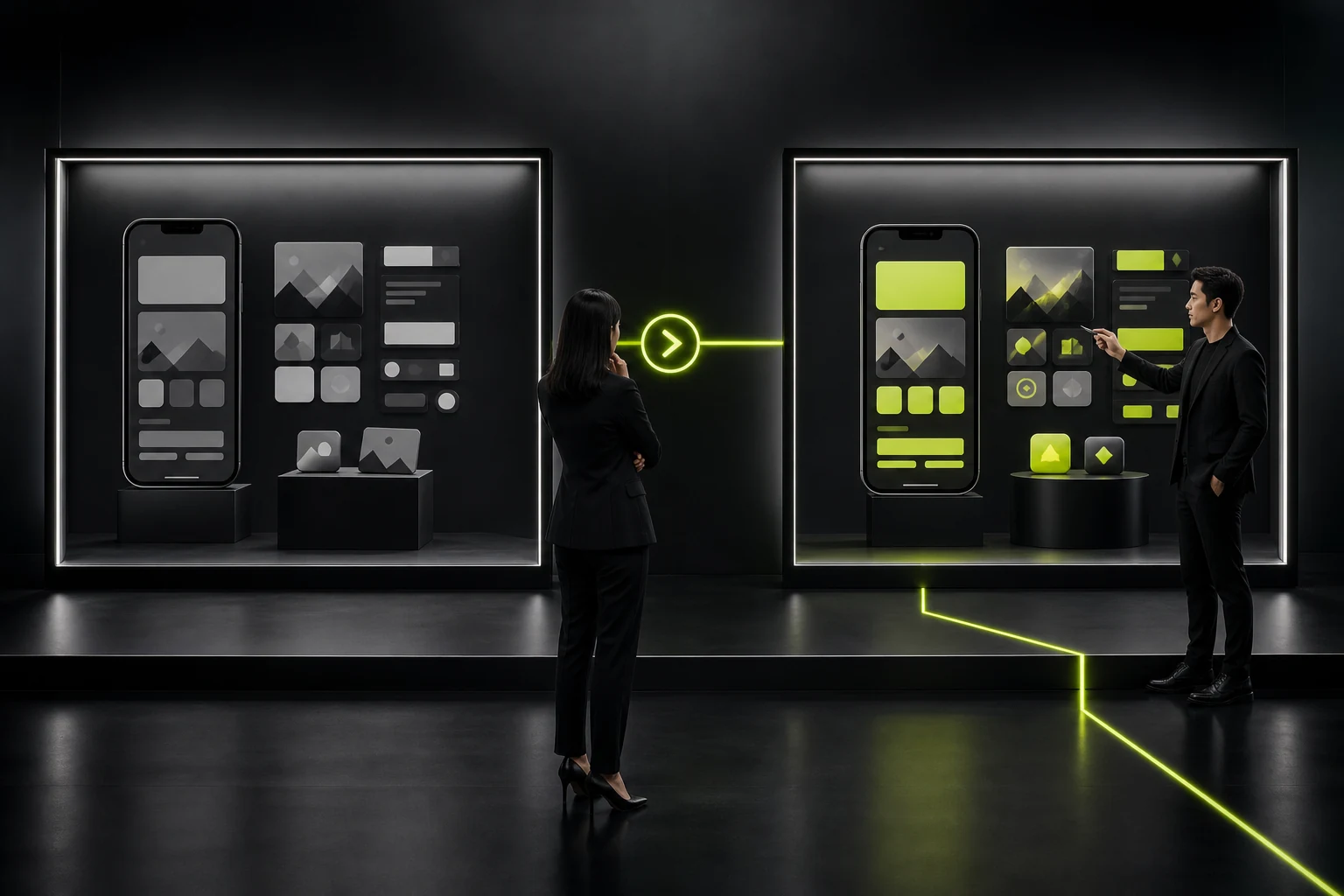
04 Complete Store Assets and Privacy Information
The title, description, keywords, screenshots, previews, category, age rating, privacy policy, and data-collection disclosures must match the actual features.
Use the real interface in screenshots, and prioritize the core value in the first set of assets.
05 Submit for Review and Allow Time for Remediation
Review may require a test account, explanations of unusual features, or metadata changes. A Beta version should use a dedicated testing channel; an unfinished product should not be submitted directly as a production release.
The schedule cannot treat submission day as a guaranteed launch date.

06 Release in Stages and Monitor
An important update can use a limited or phased rollout, monitoring crashes, login, payment, APIs, and reviews before expanding. Apple's phased release gradually increases the percentage of automatic updates and can be paused if a risk appears.
Retain a rapid-fix and rollback plan after launch.
Prerelease Checklist
Category | Required Confirmation | Owner |
|---|---|---|
Version | Feature freeze, version number, and change log | Product and development |
Testing | Features, devices, poor networks, security, and regression | Testing and development |
Accounts | Developer, certificates, and production permissions | Project lead |
Assets | Copy, screenshots, privacy, and review notes | Design, operations, and legal |
Review | Test account, contact, and remediation window | Release owner |
Monitoring | Crashes, APIs, key funnels, and alerts | Development and operations |
Frequently Asked Questions
How Long Does APP Review Usually Take?
There is no guaranteed duration. Allow time for review and remediation, and monitor the latest status of the target store.
Can a Test Version Be Published Directly?
It should not. A Beta should use testing channels such as TestFlight, while a production store release must satisfy completeness and review requirements.
Can Store Screenshots Use Concept Designs?
They should accurately reflect the real product experience and must not mislead users with features that do not exist.
What Is a Phased Rollout?
It releases to some users first and gradually expands after stability is observed, reducing the impact of a failure.
Which Data Should Be Monitored First After Launch?
Crashes, login, payment, core APIs, critical task completion, and store reviews.
Service | View |
|---|---|
Related Services | |
Design Case Studies | |
Project Inquiry |
 Link copied








