
How to Design an Automotive Digital Showroom: 3D Is Not the Whole Experience
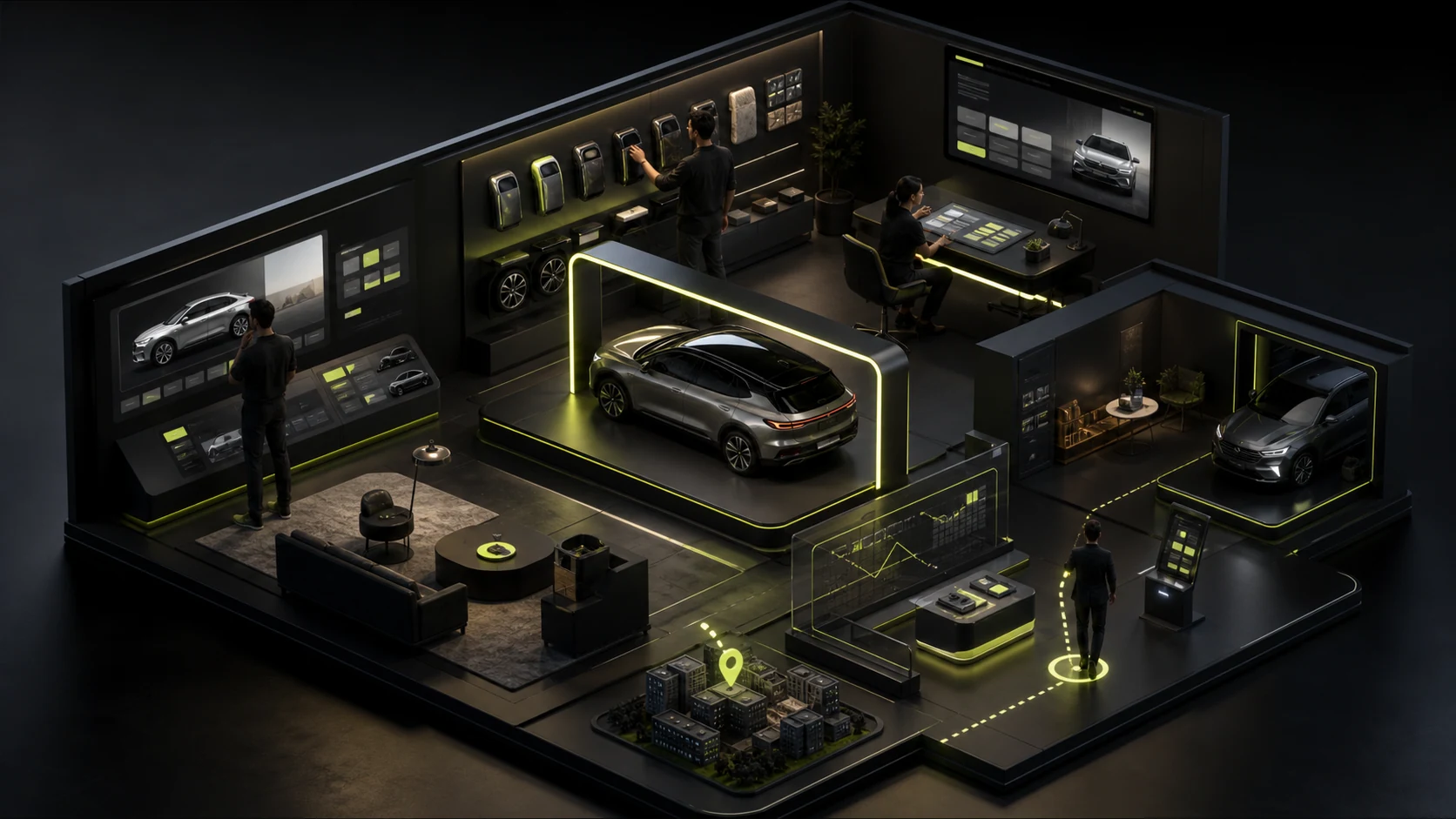
Many automotive digital showrooms are visually impressive, with rotating bodies, changing lights, and sweeping cameras. Yet users may still not know which model suits them, how trims differ, what ownership will cost, or where they can test-drive nearby. A digital showroom must move people from attraction to a shortlist, configuration understanding, and action.
Many automotive digital showrooms are visually impressive, with rotating bodies, changing lights, and sweeping cameras. Yet users may still not know which model suits them, how trims differ, what ownership will cost, or where they can test-drive nearby. A digital showroom must move people from attraction to a shortlist, configuration understanding, and action.
01 Accept That Buyers Do Not Follow One Standard Path
Some people begin with styling, others care only about range and space, and some already know the model and want to confirm price and delivery. The home page should not force everyone to start with a brand film or make Explore Models the only entry point.
Offer several paths: model, use case, budget, powertrain, household size, or popular scenario. Users should be able to switch from emotional storytelling to rational comparison at any time rather than becoming trapped in an unskippable immersive sequence.
| Customer Moment | Real Question | Next Step the Page Should Offer |
|---|---|---|
| Initial interest | How is this brand relevant to me? | Brand promise, signature models, use cases |
| Building a shortlist | Which models fit my budget and needs? | Filters, model families, key differences |
| Detailed comparison | How do trims, powertrains, space, and features differ? | Side-by-side comparison, standard/optional feature notes |
| Preparing to buy | What about price, inventory, financing, and delivery? | Drive-away estimate, regional details, dealers and advisors |
| Offline action | Can I quickly test-drive the model I want? | Booking that coordinates model, dealer, and time |
02 A Model Page Is Not a Poster Gallery; It Must Shorten the Decision
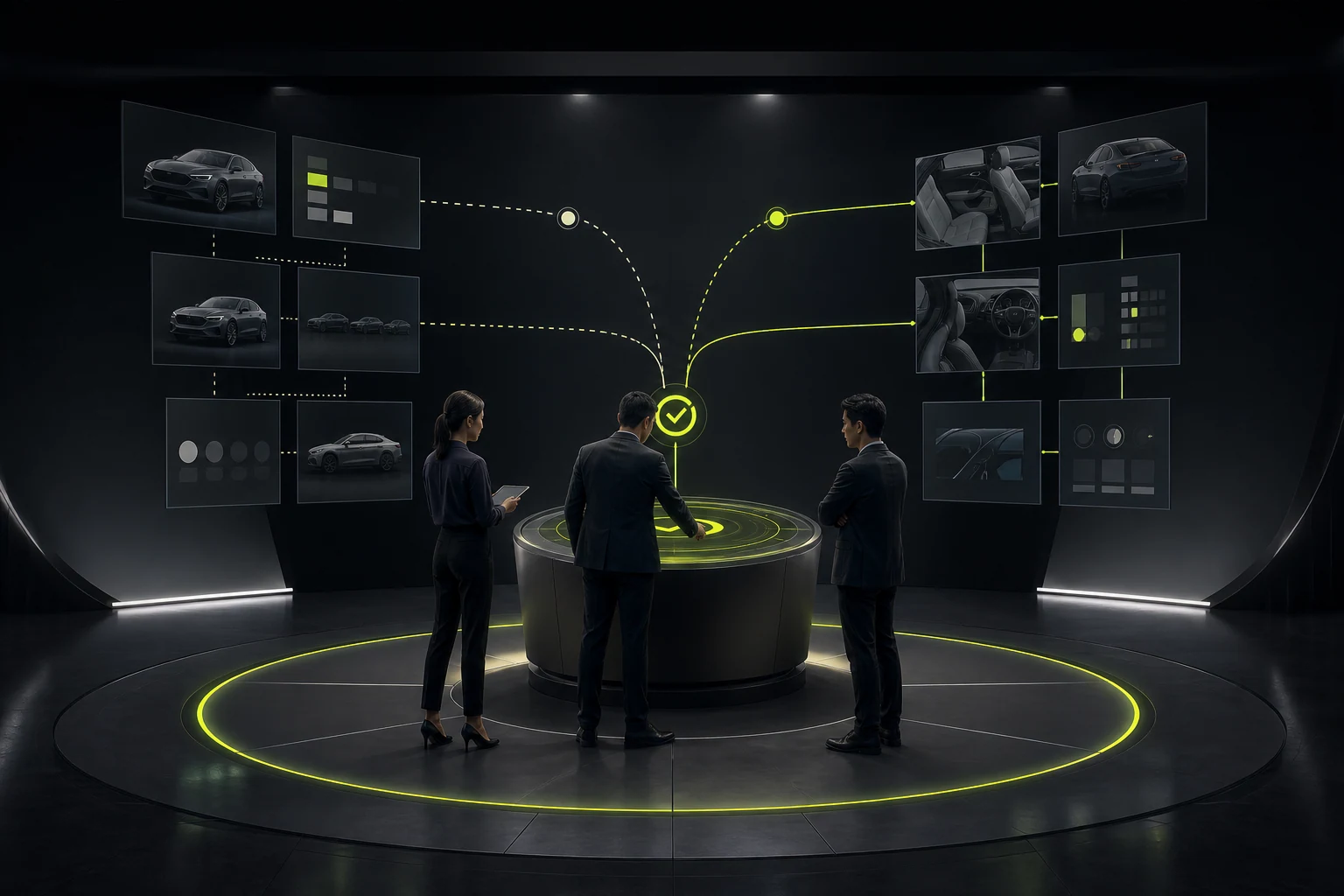
One large image and a set of specifications cannot support a high-value decision. A model page must address at least four information layers: the immediate value proposition, differences from other models, specific trims and options, and real-world use and service assurance.
Do not hide every specification in accordions. Explain high-interest areas—range, space, safety, charging, and smart-cabin features—through scenarios, then provide a complete specification table for detailed review. Emotional content builds expectation; specifications reduce risk.
Premium automotive web design does not reduce information. It sequences complexity according to the decision process.
03 Compare the Differences Customers Can Actually Experience First
Comparison tables often list dozens of features and bury the differences that matter. The default view should highlight items that change daily experience: seating and space, power and range, core driver-assistance functions, charging/refueling, warranty, and price. Full technical specifications can expand, but should not replace a clear conclusion.
| Comparison Layer | Suitable Content | Design Approach |
|---|---|---|
| Conclusion | Best-fit customer, clearest differences, price range | One recommendation plus 3–5 high-impact differences |
| Experience | Space, comfort, range, intelligence, safety | Scenario explanations plus key data |
| Specifications | Dimensions, performance, feature lists | Structured table, highlighted differences, search |
| Conditions | Regional versions, option dependencies, delivery changes | Regional and model-specific notices; avoid blanket promises |
04 The Hardest Part of a Configurator Is Dependencies and Reversibility, Not Color Changes
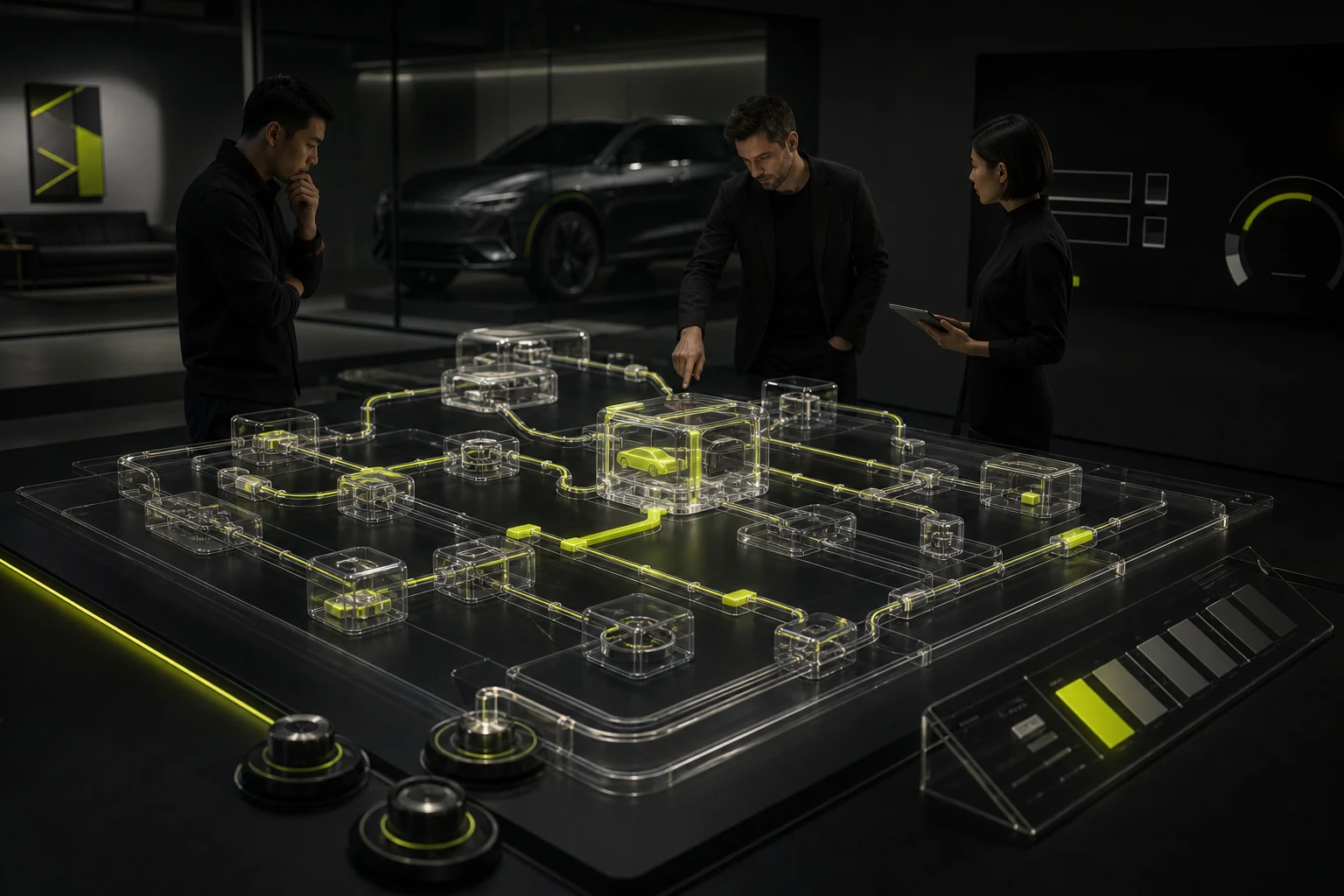
Selecting wheels, interiors, or packages may change price, delivery time, feature compatibility, or required trim. The configurator must explain why one choice replaces another and let users undo, compare, and save.
Keep price changes visible, but do not show only a constantly changing total. Separate base vehicle, options, incentives, and financing conditions, with clear regional and time limits. Saved configurations should remain available across devices, be shareable with family, and transfer directly to a dealer.
- Show the current model, trim, and cumulative price at every step.
- Explain conflicts instead of silently canceling an earlier choice.
- Allow multiple named configurations, such as Family and Budget.
- Provide a configuration summary as a PDF, link, or dealer handoff.
- Offer 2D images or preset views for lower-performance devices rather than forcing heavy 3D.
05 3D and Video Need Exit Paths and Performance Limits
Immersive content can communicate body proportions, colors, and cabin atmosphere, but should not carry all information. Poor networks, older devices, heat, and data use can turn a visual highlight into a reason to leave.
Set a loading budget before the project begins and create 3D-independent paths for core tasks. Show readable content and lightweight previews first, then load high-resolution models on demand. Users who disable motion or use assistive technology must still be able to view, compare, and book.
| Content | Appropriate 3D/Video Use | Required Fallback |
|---|---|---|
| Exterior exploration | Rotation, lighting, color changes | High-quality multi-angle images plus swatches |
| Interior space | Hotspot explanations, cabin switching | Section photos plus dimensions/function notes |
| Feature demonstration | Short scenario animation | Illustrated steps plus pausable video |
| Specifications and price | Immersion not recommended | HTML text, tables, and copyable data |
| Test-drive booking | 3D not needed | Fast form, dealer and time selection |
06 Test-Drive Booking Is a Dealer Handoff, Not Just a Phone Number
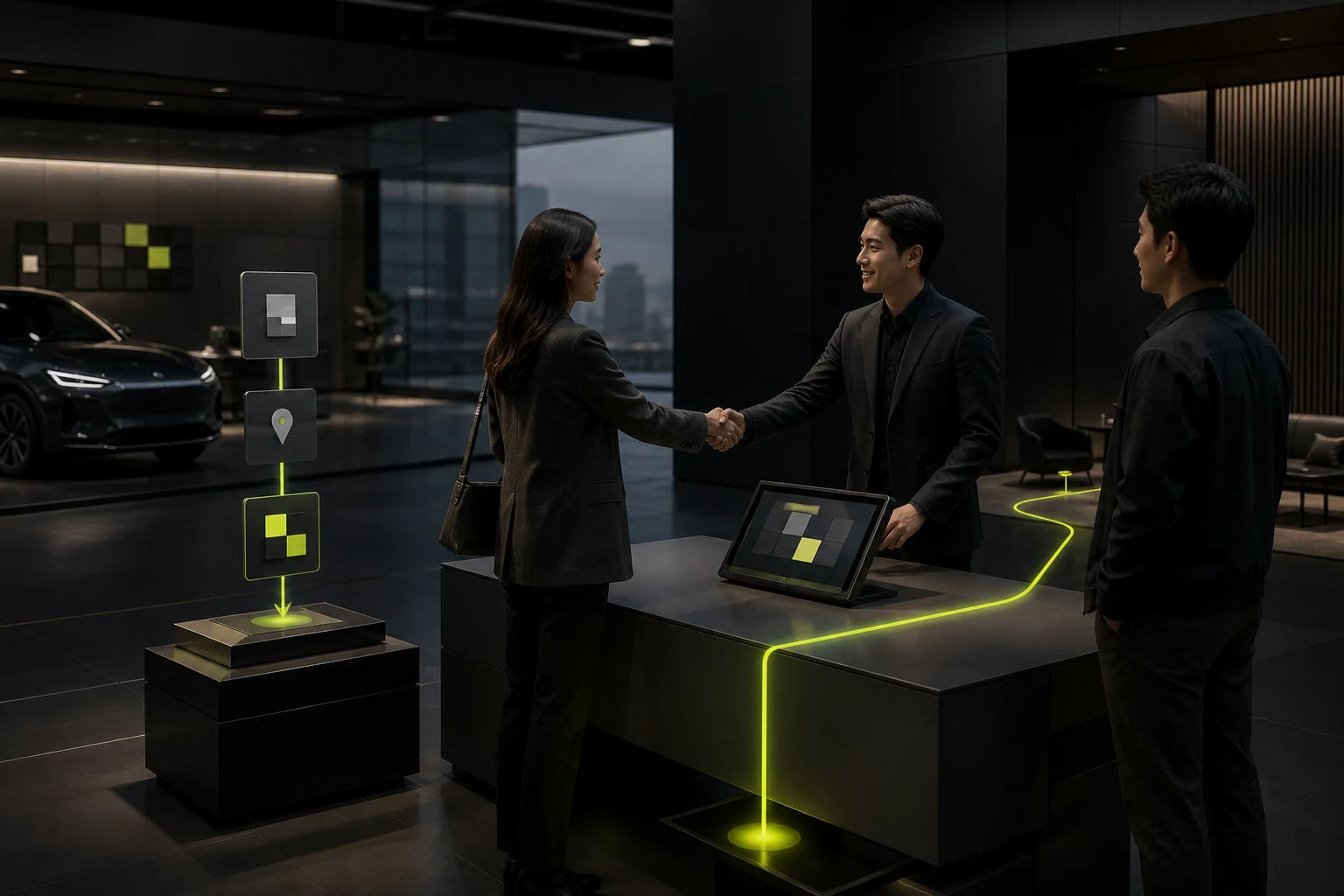
If a user has configured a vehicle, the booking page should not make them start over. Model, trim, color, and priorities should travel with the lead into the CRM or dealer system. Users need to know who will contact them, when, whether the desired model is available, and how to change the booking.
Reducing fields does not mean asking nothing. Region, dealer, time, and contact information directly affect fulfillment and should remain. Marketing preferences and budget details can come later. After submission, provide a specific confirmation rather than “we will contact you soon.”
07 Measure Decision Progression, Not Time on Page
Automotive showroom pages can generate long sessions simply because animations take time. More meaningful metrics show whether people move from browsing to comparison, comparison to configuration, and configuration to a dealer or advisor connection.
Track model-filter usage, comparison starts, configuration saves, configuration-to-booking conversion, dealer confirmations, test-drive attendance, and load-related exits by device. Segment data by model and traffic source; an aggregate conversion rate offers little optimization guidance.
Frequently Asked Questions
Does every automotive digital showroom need a 3D vehicle?
No. 3D can enrich exploration but is not required for vehicle selection. With limited budget, prioritize model structure, comparison, configuration logic, price, and booking handoff, then add 3D based on device coverage and brand needs.
Should a vehicle configurator display a final drive-away price?
It may provide an estimate, but must state the scope of taxes, insurance, regional policies, incentives, and financing conditions. If data is not synchronized in real time, do not present an estimate as a fixed commitment.
How can an automotive website balance brand experience and SEO?
Keep brand films, imagery, and motion, but express model names, key benefits, specifications, FAQs, and regional services in crawlable HTML. Give every model and important topic a stable URL.
| Service | View |
|---|---|
| UI/UX Design Services | View service details |
| Project Consultation | Contact JVDS |
| Design and Web Development Articles | Read more related articles |
 Link copied








