
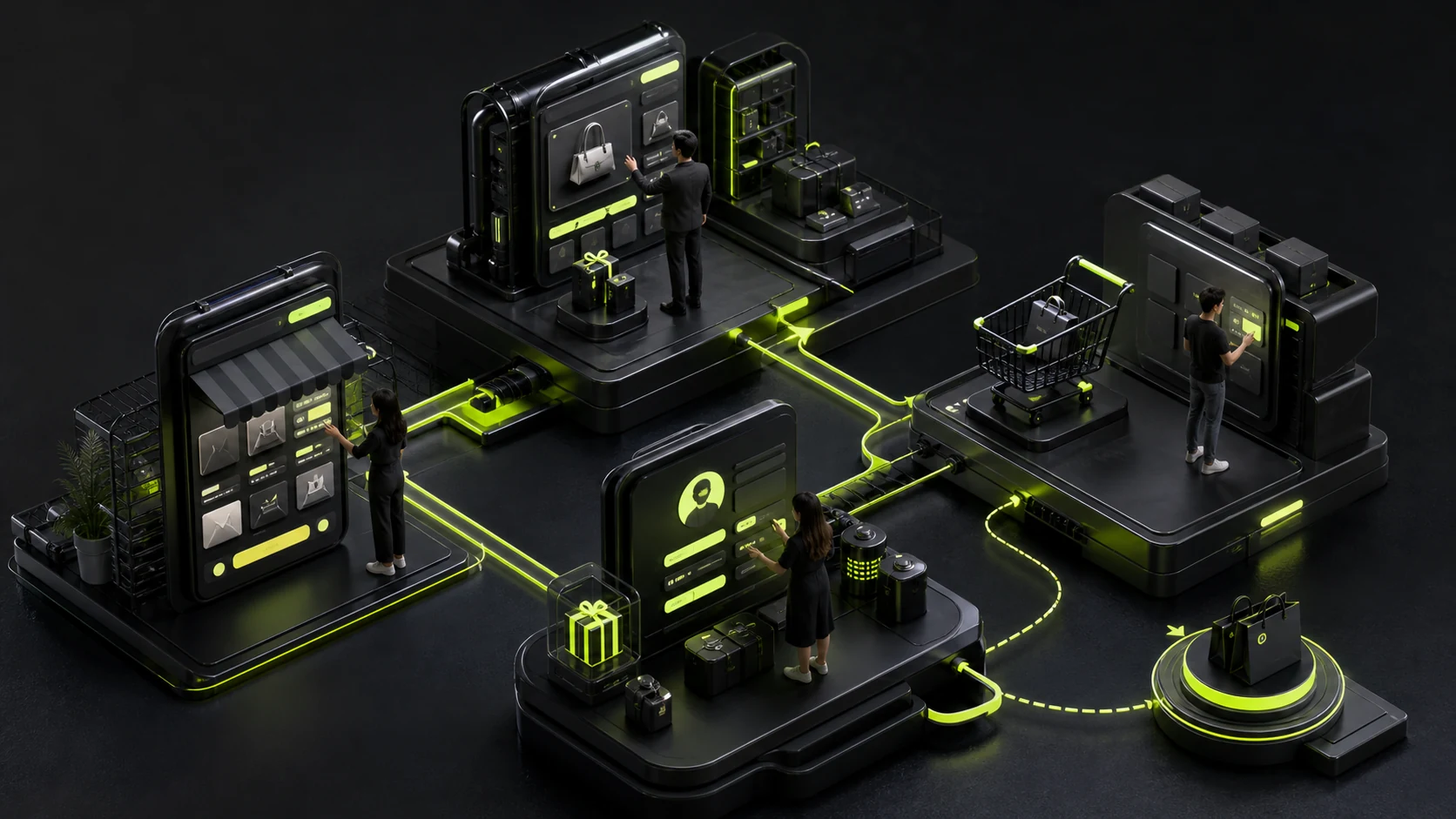
Users may enter a mini program from a group chat, Moments, an official account, or an offline QR code, landing directly on a product page instead of the homepage. If the design assumes one fixed, layered path, shared traffic gets lost immediately.
A store must balance transaction efficiency, the WeChat context, campaigns, and after-sales service. Its storefront cannot function only as a brand brochure.
01 Use the Homepage to Route Users, Not Stack Campaign Slots
Highlight primary categories, core campaigns, repeat-purchase entries, and brand differences. When carousels, popups, live streams, and coupons all compete for attention, users cannot find products.
Build modules around the actual product structure, not merely to fill the page.
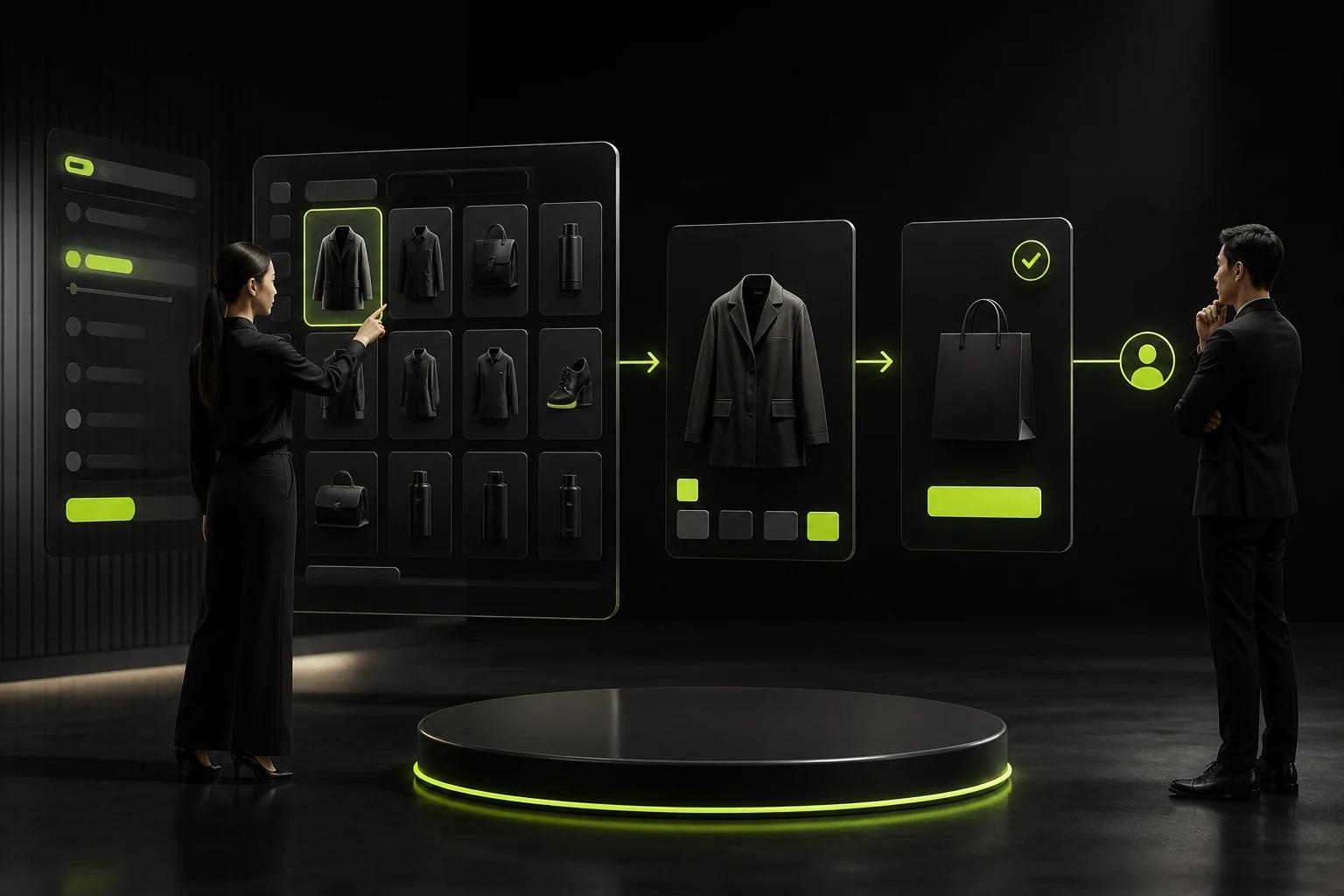
02 Help Users Narrow Choices in Product Listings
Categories, filters, sorting, and product cards should expose the information that drives selection. For complex specifications, guide users by purpose or audience before asking them to choose a model.
Promotion labels need clear rules. Avoid filling the page with red messages that users cannot compare.
03 Build Purchase Confidence on Product Detail Pages
The first screen should communicate the product, price, specifications, and primary action. Follow with benefits, details, fit, dimensions, delivery, after-sales terms, and authentic reviews.
Images and video should support purchase decisions rather than provide atmosphere alone.

04 Reduce Errors in Product Options and Carts
Make option names, inventory, price changes, and selected combinations clear. The cart should support edits, removal, discounts, and invalid-item notices so users do not discover rules only at checkout.
High-value or customized products can include consultation and confirmation.
05 Handle Addresses, Payment, and Exceptions at Checkout
Complete the experience for autofill, address management, invoices, discounts, delivery, and payment feedback. Provide recovery for network loss, duplicate payment, inventory changes, and refunds.
After successful payment, show order status and post-purchase service entry points.
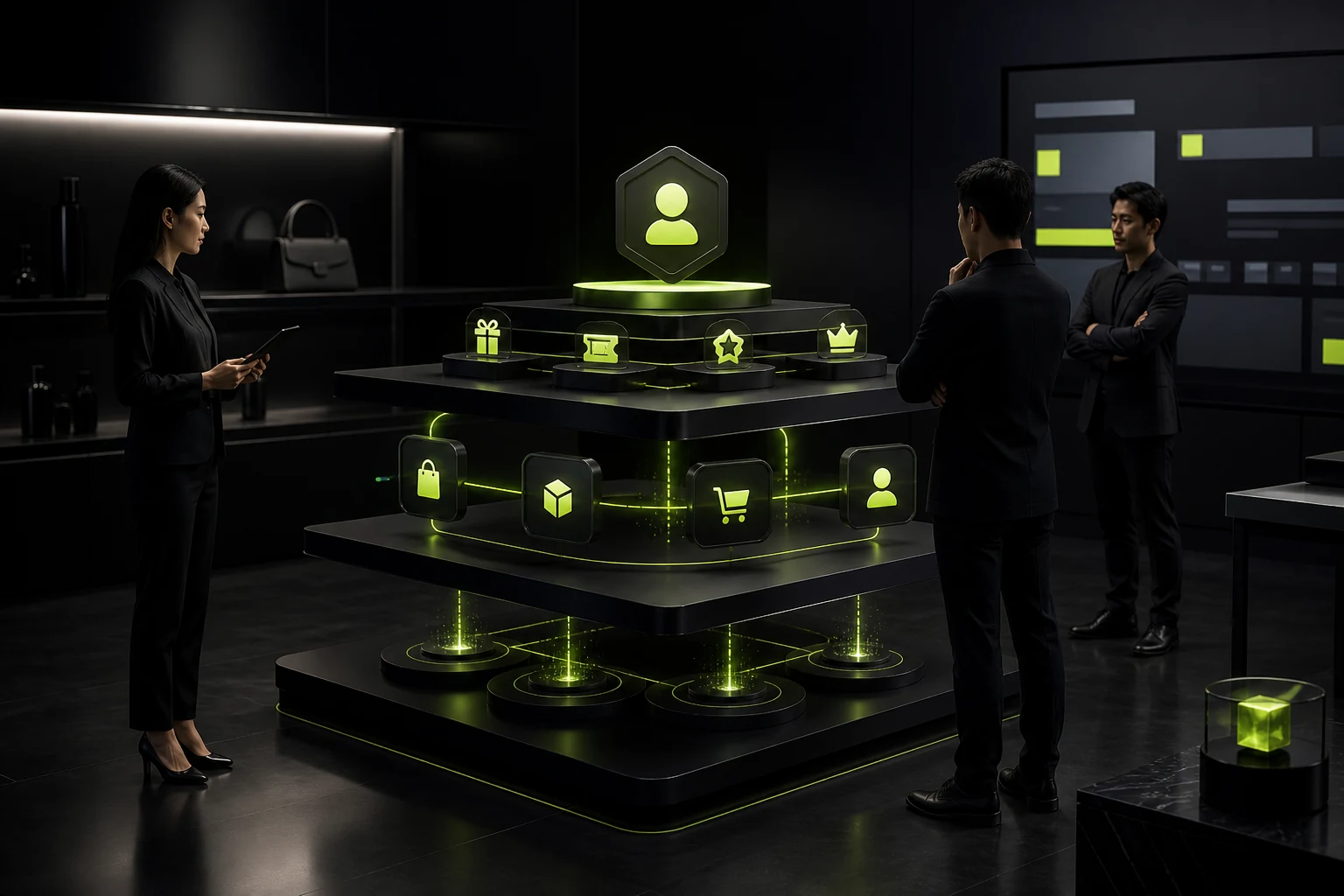
06 Create Real Value Through Membership and Repeat Purchase
The member center should combine orders, after-sales service, discounts, points, and frequently purchased products. Do not create complex tiers just to have a membership system; benefits must be understandable and usable.
Subscription messages, communities, and campaigns must follow platform rules and require explicit user choice.
Core Store Paths
| Stage | User Question | Design Priority |
|---|---|---|
| Entry | What store is this, and where do I start? | Route by brand, category, and campaign |
| Browse | How do I find a suitable product quickly? | Categories, filters, and card information |
| Evaluate | Is it worth buying, and does it fit? | Details, reviews, options, and after-sales terms |
| Checkout | Are the price and rules final? | Discounts, delivery, payment, and confirmation |
| Fulfillment | Where is my order, and how do I resolve issues? | Status, support, refunds, and after-sales service |
| Repeat purchase | How can I buy again faster? | Frequently purchased items, membership, reminders, and favorites |
Frequently Asked Questions
Does a mini program store need a long homepage?
Not necessarily. Module count depends on categories and operations; clear entry points, fast loading, and minimal repetition matter most.
How many images should a product detail page include?
Use as many as purchase decisions require. Clearly showing details, dimensions, use cases, and differences matters more than a fixed count.
Is a shopping cart always necessary?
A single product or instant service can support direct purchase. Multiple products and cross-store selection typically require a cart.
Is a membership points program worthwhile?
Only when repeat purchase exists and rewards can be redeemed. Otherwise, it adds rules and maintenance without value.
How can a mini program store improve conversion?
First analyze traffic fit, product information, options, checkout, and trust instead of merely adding promotional popups.
| Service | View |
|---|---|
| Related service | View service details |
| Related reading | Read the article |
| Design work | View selected work |
| Project inquiry | Contact JVDS Design Studio |
 Link copied








