

Scientific Software Design: Complex Tasks, Parameters, and Traceability
The most common problem in scientific computing platforms is not missing functionality, but that users need verbal training and trial and error to complete their first task. Numerous parameters, long-running jobs, complex data sources, and one changed setting can make results impossible to compare.
Good scientific software preserves professional depth while clarifying relationships among tasks, parameters, data, and results. It does not make research judgments, but reduces needless memorization and repetitive work.
01 Map Real Research Tasks Before Designing Menus
One platform may support data import, preprocessing, modeling, computation, comparison, and export. Follow a researcher through a real task first, recording inputs, decisions, waiting, rework, and handoffs before establishing navigation.
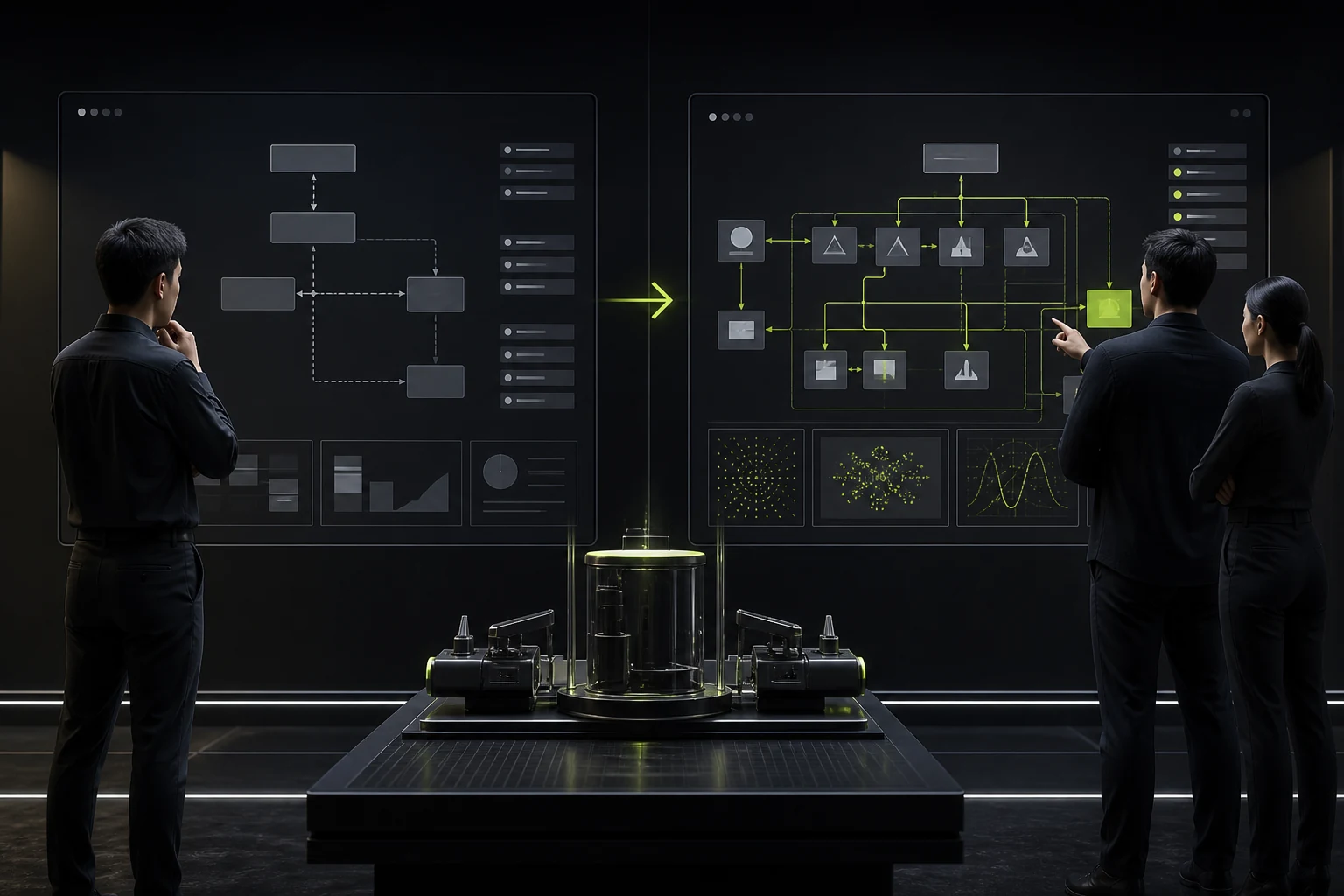
Feature categories support development management; task paths support user work.
02 Give Parameters Context, Defaults, and Dependencies
Explain units, valid ranges, affected objects, and recommended starting points beside each parameter. Options used only in advanced scenarios can unfold progressively but should not be hidden without reason.
When parameters depend on one another, warn about conflicts before a job runs for hours and fails.
03 Make Long-Running Job Status Understandable
Scientific computation may take minutes or days. Users need queue position, current stage, estimated progress, resource use, logs, and failure reasons.
“Running” is not enough. Cancellation, pause, retry, and checkpoint resumption also need clear consequences.

04 Design Result Pages for Comparison, Not Display Alone
Researchers usually compare different data, parameters, and versions instead of viewing one result. Result pages should support filtering, side-by-side comparison, difference markers, annotation, and export.
Important charts should include generation conditions so screenshots retain context outside the system.
05 Make Traceability a Core Experience
Every result should trace back to the data version, processing steps, software version, parameters, operator, and time. After copying a job, distinguish the original record from the new branch.
This supports reproduction and reduces explanation costs during team handoffs and paper review.

06 Center Onboarding on One Completable Example
Instead of presenting a dozen feature tooltips, provide sample data, a preset workflow, and a result that users can produce quickly.
After users complete the first loop, introduce advanced capabilities progressively through real tasks.
Relationships Among Core Scientific Software Objects
| Object | What Users Need to Know | Recommended Interface Capabilities |
|---|---|---|
| Data | Source, version, quality, and permissions | Data cards, version labels, preview, and validation |
| Job | Stage, resources, progress, and failure reason | Queue, logs, pause, and retry |
| Parameter | Meaning, range, default, and dependency | Units, help, presets, and conflict warnings |
| Result | Generation conditions, differences, and confidence range | Comparison, annotation, provenance, and export |
| Project | Members, history, and decision process | Permissions, timeline, and audit log |
Frequently Asked Questions
Should every parameter appear on one page?
No. Group parameters by task stage and frequency, retain search and advanced expansion, and keep important dependencies visible.
Does scientific software need a beginner mode?
It can, but beginner mode should not create a separate workflow users cannot leave. Presets and progressive disclosure work better.
What if long-running progress cannot be estimated accurately?
Show the current stage, completed steps, queue, and a range based on historical duration instead of fabricating an exact percentage.
What information is needed for result traceability?
At minimum, record data versions, parameters, workflow version, software environment, operator, time, and output files.
Does scientific software need a design system?
Yes. The more complex tables, parameter controls, chart states, and error messages it contains, the more unified rules reduce learning costs.
| Service | View |
|---|---|
| Related service | View service details |
| Design work | View selected work |
| Project inquiry | Contact JVDS Design Studio |
 Link copied








