

Google Video SEO: Helping Product Demos, Case Studies, and Tutorials Get Discovered
Embedding a video on a page does not guarantee that Google will discover it. Video SEO requires crawlers to access videos and thumbnails, understand metadata, and provide clear watch pages and context for important videos.
More and more corporate websites use product demos, customer cases, tutorials and brand videos. However, many of these videos are only used as backgrounds or embedded in third-party players, and have almost no independent value on the search end. The indexing and display of Google Video rely on whether the video can be discovered, whether the page contains the video as important content, and whether the thumbnails and metadata are accessible.
01 Important videos need a dedicated playable page
If a video is worth getting traffic from search, don't just hide it in the pop-up window on the home page. Provide it with a stable URL, a clear title, relevant body text, a crawlable player/embed and thumbnails.
02 Ensure Google can discover the video element
Google supports standard methods such as' <video> ', '<iframe>', '<embed>', and '<object>'. If the player is injected by JavaScript, it needs to be visible in the rendering result. Do not require users to click a button, change the URL fragment or complete the interaction before creating a video, otherwise the crawler may not be able to discover it stably.
03 Give important videos dedicated watch pages
If a product tutorial or case video has independent search value, it is best to provide a dedicated page rather than squeezing multiple videos into one Gallery. The H1, description, text summary, and related resources of the page are consistent with the video theme, which is helpful for Google and users to understand.
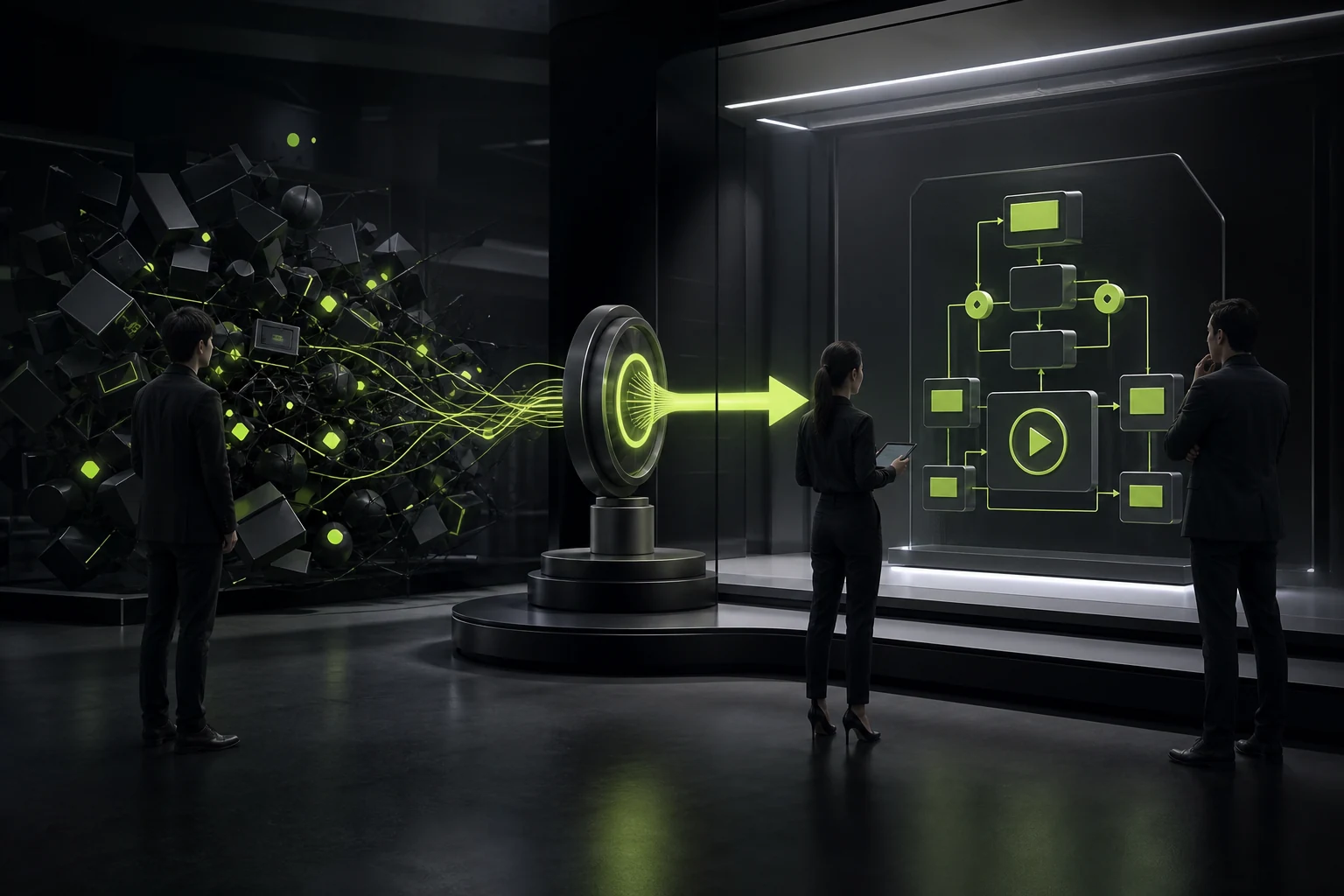
04 Add essential metadata with VideoObject structured data
VideoObject can provide information such as' name ', 'description', 'thumbnailUrl', 'uploadDate', 'duration', 'contentUrl' or 'embedUrl'. The tags must be consistent with the visible content on the page. Structured data provides understanding and rich media qualifications, but does not guarantee the occurrence of special results.
05 Use stable, crawlable, representative thumbnails
Thumbnails are an important visual entry point for video search. Do not use URLs that require authorization, short-term signatures or frequent changes. The thumbnail should represent the video content, rather than all videos wearing the same brand cover.
06 Use video sitemaps for large video libraries
When there are a large number of videos or complex links are found, the video Sitemap can supplement information such as the playback page, thumbnail, title, and description. It is particularly suitable for media libraries, courses, and case centers, but the page itself still needs to be accessible.
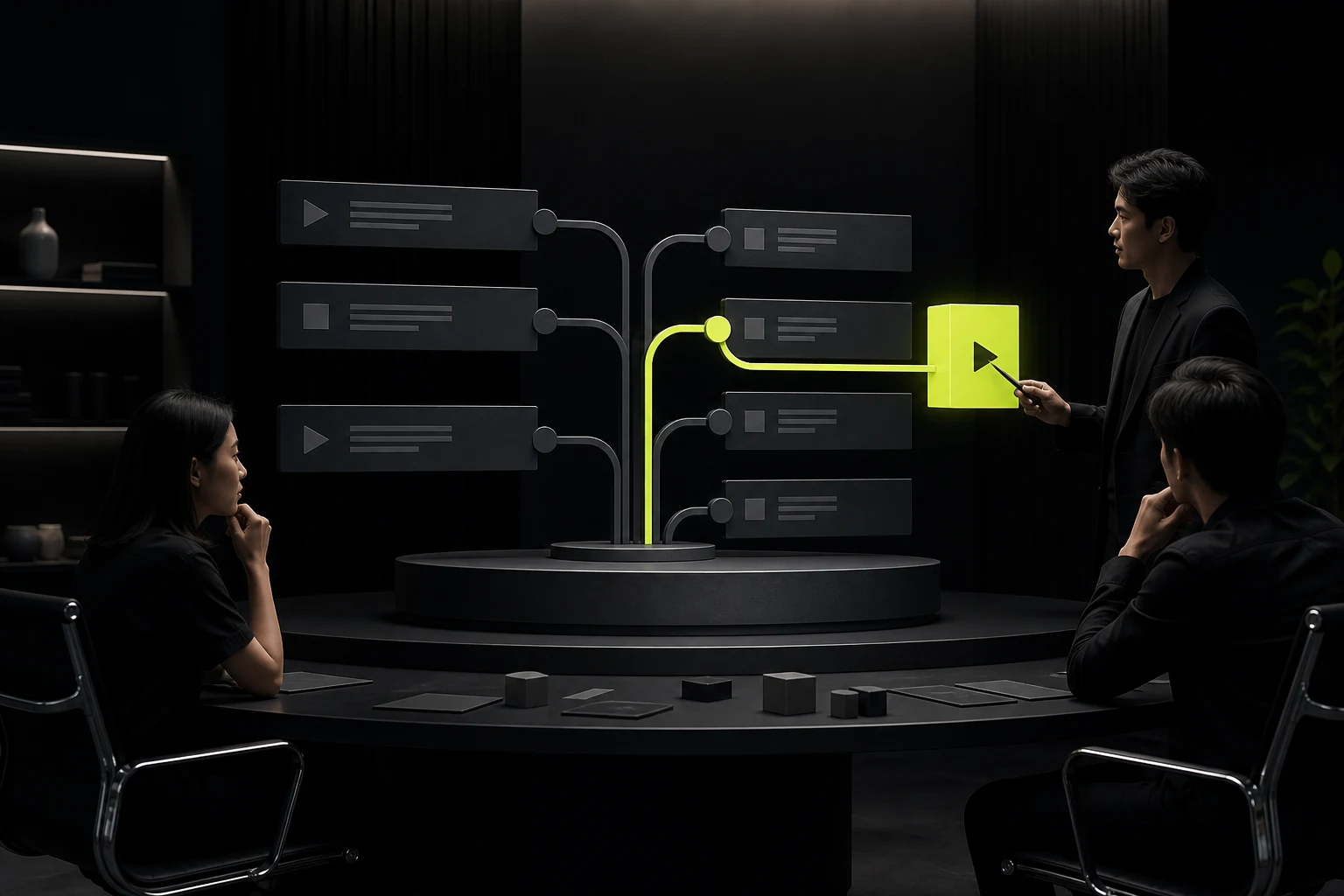
07 Text should complement the video, not transcribe it
Abstracts, key steps, chapters, FAQs, core data or complete transcriptions can be provided. Text helps people who cannot play videos and also enables search engines to obtain a clearer context. Don't just automatically transcribe ten thousand words without organizing them. A high-quality page should have text and video complement each other.
08 Background videos and SEO videos serve different purposes
The full-screen atmosphere video on the home page mainly serves visual expression and does not necessarily have to be a search video result. It should give priority to performance, noise reduction, Reduced Motion and alternative visuals. Videos that truly require SEO should have a clear theme, be independently viewable, and have user intentions.
09 Diagnose video indexing in Search Console
The video index report can help determine whether Google has found the main video, why there is no index, and whether there are problems with thumbnails, page or video positions. Don't judge the optimization as failed just by searching for "no video card seen" once.
10 Video SEO turns video into a searchable knowledge unit
For B2B enterprises, real product demonstrations, expert explanations and customer cases often have more search value than ordinary brand promotional videos. Only by organizing videos, text, authors, dates, evidence and related pages into a complete content asset can there be a chance to serve both Google and AI search simultaneously.
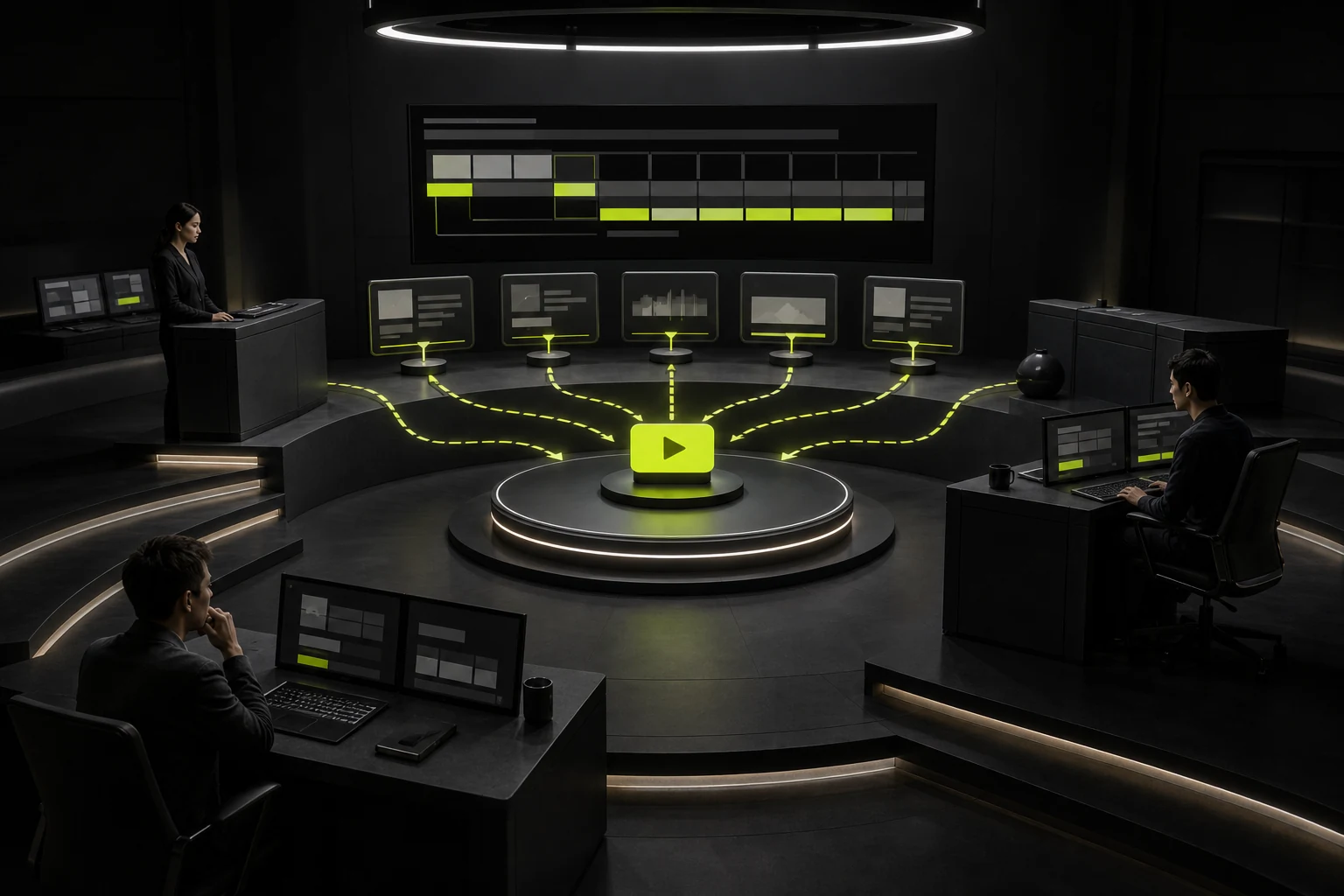
11 Chapters and key moments make long videos searchable
When tutorials, interviews and product demonstrations are long, chapter time points and summaries can be provided on the page to allow users to directly jump to the target paragraph. Google's video ecosystem also supports understanding videos around critical moments. Even if no special display is ultimately obtained, the chapter structure can still significantly improve the browsing efficiency of users.
12 Optimize video performance separately from indexing
Players are often very heavy. For videos below the fold, a lightweight thumbnail can be displayed first, and the player can be loaded after the user interacts. The primary video above the fold needs to be evaluated to determine whether it is a candidate for LCP. Video SEO should not come at the cost of slowing down the entire page. Performance and discoverability should be designed simultaneously.
Frequently Asked Questions
Is it still necessary to do video SEO when embedding YouTube videos into the corporate website?
Necessary. The corporate website page still needs to provide relevant titles, main text and clear playback pages. Whether a third-party hosting is used does not mean that the page automatically acquires video search value.
Does each video need a separate page?
Only videos with independent search intent and content value are worth a separate page. Pure decoration or short background videos are not necessary.
Will VideoObject improve the ranking of ordinary web pages?
It mainly helps Google understand videos and obtain rich media qualifications for videos, and is not a direct ranking guarantee.
Is automatic captioning/transcription helpful for SEO?
It is helpful for accessibility and understanding, but it should be organized, proofread and integrated with valuable page content. Do not treat machine transcription as the only main text.
Will slow video loading affect SEO?
It will affect the page experience and Core Web Vitals. Reasonable loading strategies should be adopted for players, covers and non-first-screen videos.
| Related Service | Learn More |
|---|---|
| Corporate Website Design Services | View Service Details |
| Project Consultation | Contact JVDS Design Studio |
| Design and Website Development Articles | Read More Related Articles |
 Link copied








