

What Should Corporate Website UI Designs Include? Pages, Breakpoints, and Interaction States
During web design acceptance, a client sees dozens of polished artboards. Developers, however, do not know how to handle pagination, form errors, expanded menus, mobile tables, or long titles. More pages do not necessarily mean a complete delivery.
Corporate website design files should support brand expression, content operations, and front-end implementation at the same time. In multipage, multilingual projects especially, rules matter more than individual mockups.
01 Use a Page Matrix to Identify Unique Pages and Templates
List the home, service, product, case-study, article, about, contact, and system pages and mark which ones share templates. Map every design file to the matrix.
Include pages such as 404, search results, privacy policy, and submission success.

02 Define Key Breakpoints and Adaptation Rules
Specify desktop, mobile, and any necessary tablet widths and explain changes to the grid, spacing, image crops, content order, and navigation.
Every page does not require every breakpoint, but critical templates and special modules need representative designs.
03 Cover Navigation and Global Components
Include complete desktop and mobile navigation, dropdowns, breadcrumbs, the footer, language switching, Cookie notices, and global CTAs.
Changes to global components affect the entire website and require separate approval.
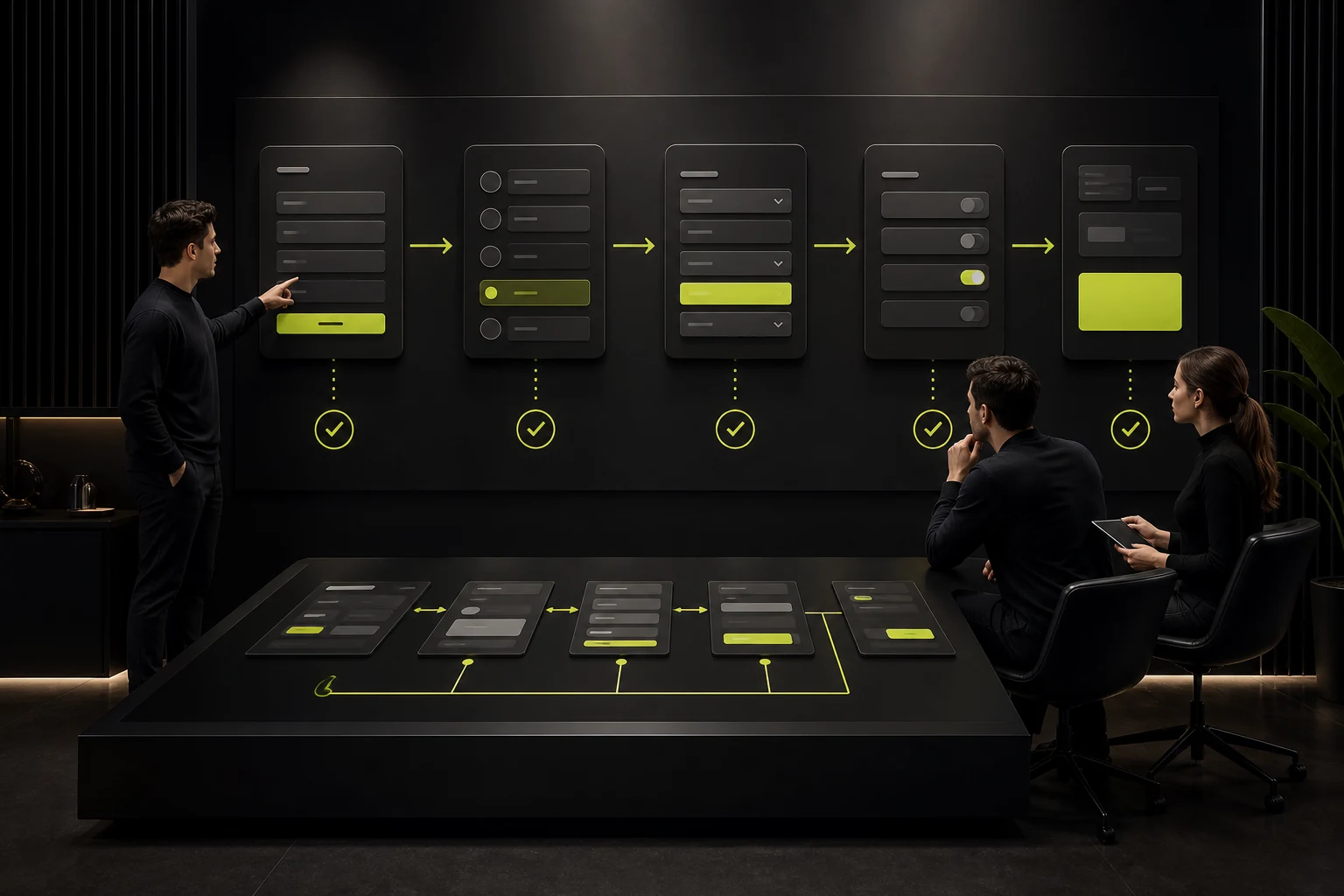
04 Define Forms, Filters, and Interaction States
Define default, hover, focus, disabled, loading, error, success, and empty states. Complex filtering also requires rules for selection, clearing, result updates, and mobile behavior.
Developers cannot infer all of the logic from static screenshots.
05 Test Content Length and Multiple Languages
Use real titles, long product names, empty data, image ratios, and different languages. Define truncation, wrapping, expansion, and missing-image behavior.
Short English copy does not mean every language is short. German, Chinese, and Arabic have more pronounced structural differences.

06 Provide a Design System and Developer Notes
Colors, typography, grids, spacing, buttons, forms, cards, and icons should use consistent components. Deliver complex motion, scrolling, and media behavior through prototypes or written notes.
Final designs should align with available assets, font licenses, and technical capabilities.
Corporate Website UI Delivery Scope
Category | Required | Acceptance Method |
|---|---|---|
Pages | Matrix, templates, and system pages | Check item by item |
Responsive Design | Critical breakpoints and rules | Preview on real devices |
Components | Global and business components | Check reuse and states |
Interaction | Navigation, forms, filters, and motion | Prototypes and notes |
Content | Length, missing images, multiple languages, and empty states | Test extreme content |
Assets | Fonts, images, icons, and exports | License and file checklist |
Frequently Asked Questions
Must Corporate Website Designs Include Mobile?
Critical pages and special modules need mobile designs. Repeated templates can use representative designs and documented rules.
Must the Design Files Contain Every Article's Content?
No, but they should contain an article template, realistic content examples, and tests for different lengths.
Must Hover States Be Designed?
Important desktop interactions should define them. Mobile also needs behavior for contexts without hover.
Are HTML Specifications Required?
Modern design tools can provide basic properties, but complex rules and interactions still require written notes or implementation reviews.
What If a Missing Page Is Found During Development?
Compare it with the requirements and page matrix to determine whether it was omitted or is a new addition, then handle it under the contract.
Service | View |
|---|---|
Related Services | |
Design Case Studies | |
Project Inquiry |
 Link copied








