Xpander.ai presents a brief claim on a black-purple hero, then opens a quiet white menu. Tool names and use cases are separate, with demos adding explanation. AI tool website design can learn from this order: recognize the topic, find a relevant directory, then decide how to proceed.
Actions and task examples have separate places
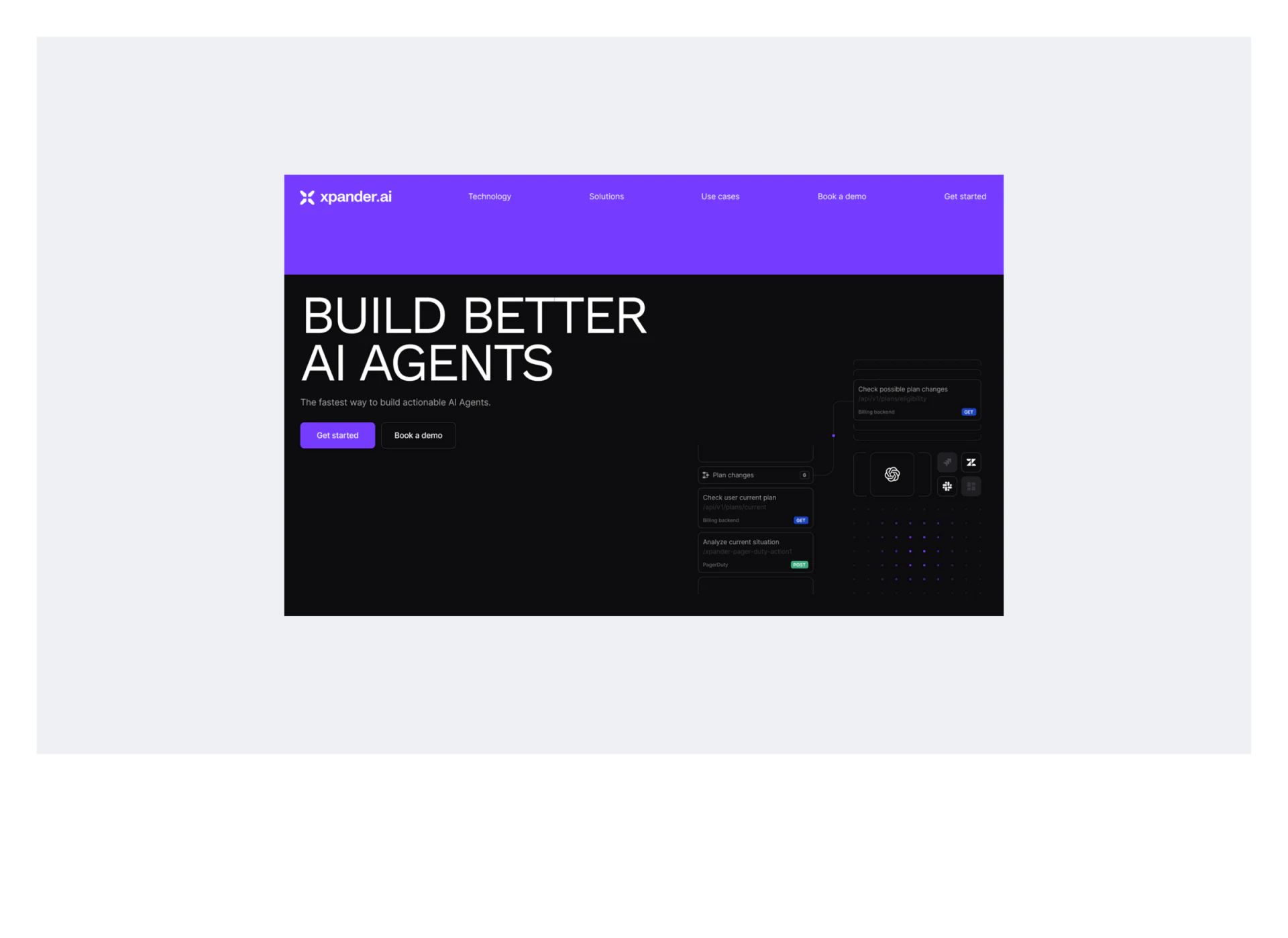
Purple navigation spans the top above Build Better AI Agents on black. Get started is solid purple and Book a demo dark outlined, with the same entries repeated in navigation. Consistent names maintain recognition of starting and exploring through a demo.
Interface-style cards on the right show tasks such as checking the current plan and available plan changes, with small GET/POST tags and connecting lines. Concrete verbs begin explaining work objects beyond an abstract technology image.
The cards are dark and harder to read when reduced. If they explain the product, task names and input/output relationships need clearer short text. If atmospheric, they should not replace capability boundaries in the body. Speed claims and tool marks are depicted statements, not evidence of performance or compatibility.
Tools and purposes have their own directories
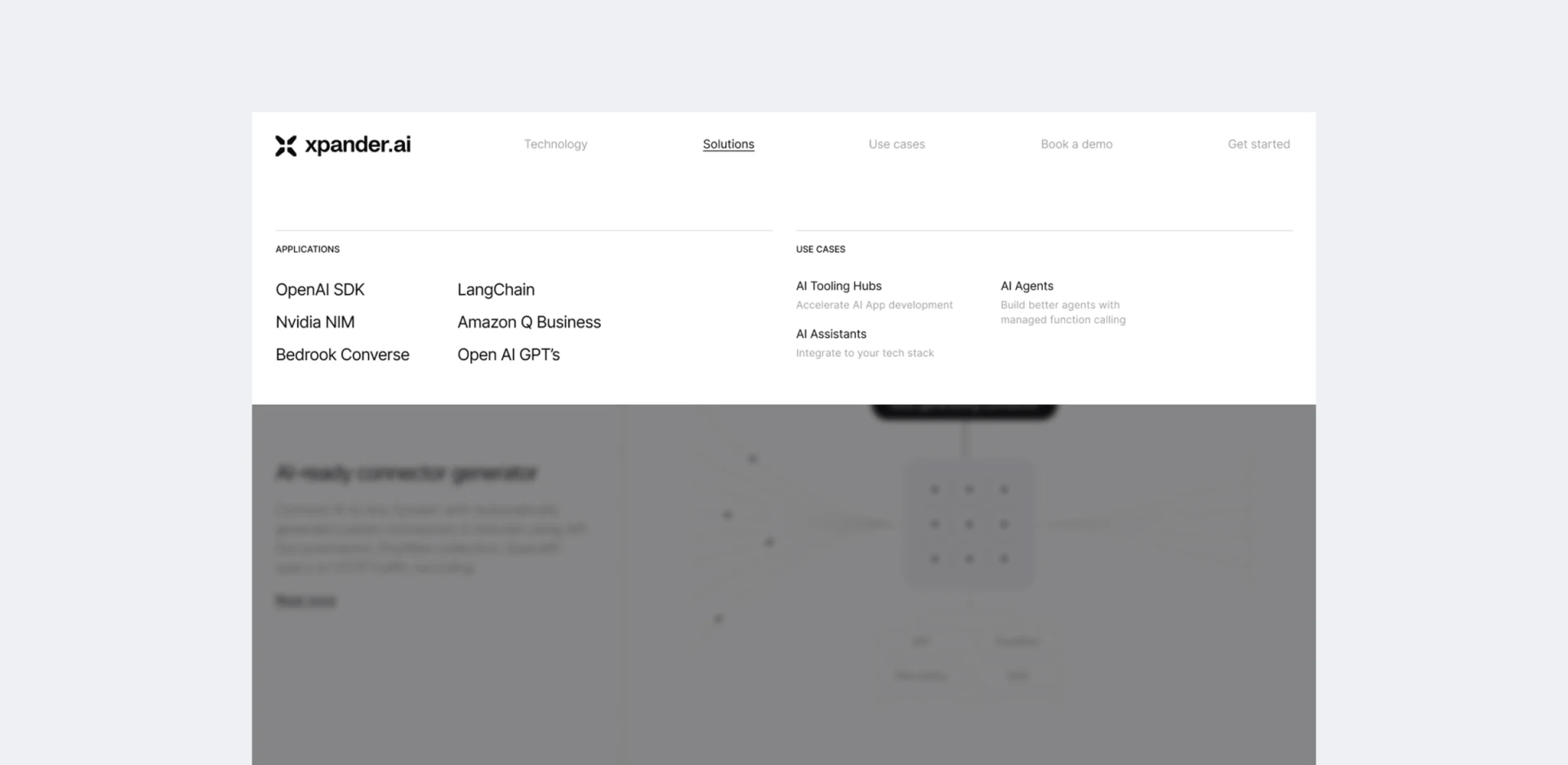
Expanded Solutions lists OpenAI SDK and LangChain under Applications, with AI Tooling Hubs, AI Assistants, and AI Agents under Use Cases beside short explanations. Categories precede entries, avoiding one mixed list of different-level terms.
Technical readers can start with familiar tools, while others begin with purpose. This suits products with several starting levels of understanding, provided landing pages continue into concrete tasks and conditions rather than repeat names.
JVDS Design Studio sees meaningful use-case differences mainly in the explanations beneath headings; their pale gray deserves stronger readability. Headings show available entries, descriptions help choose. Their contrast should reflect roles rather than making every secondary text equally faint.
Demo duration helps, and summaries add context
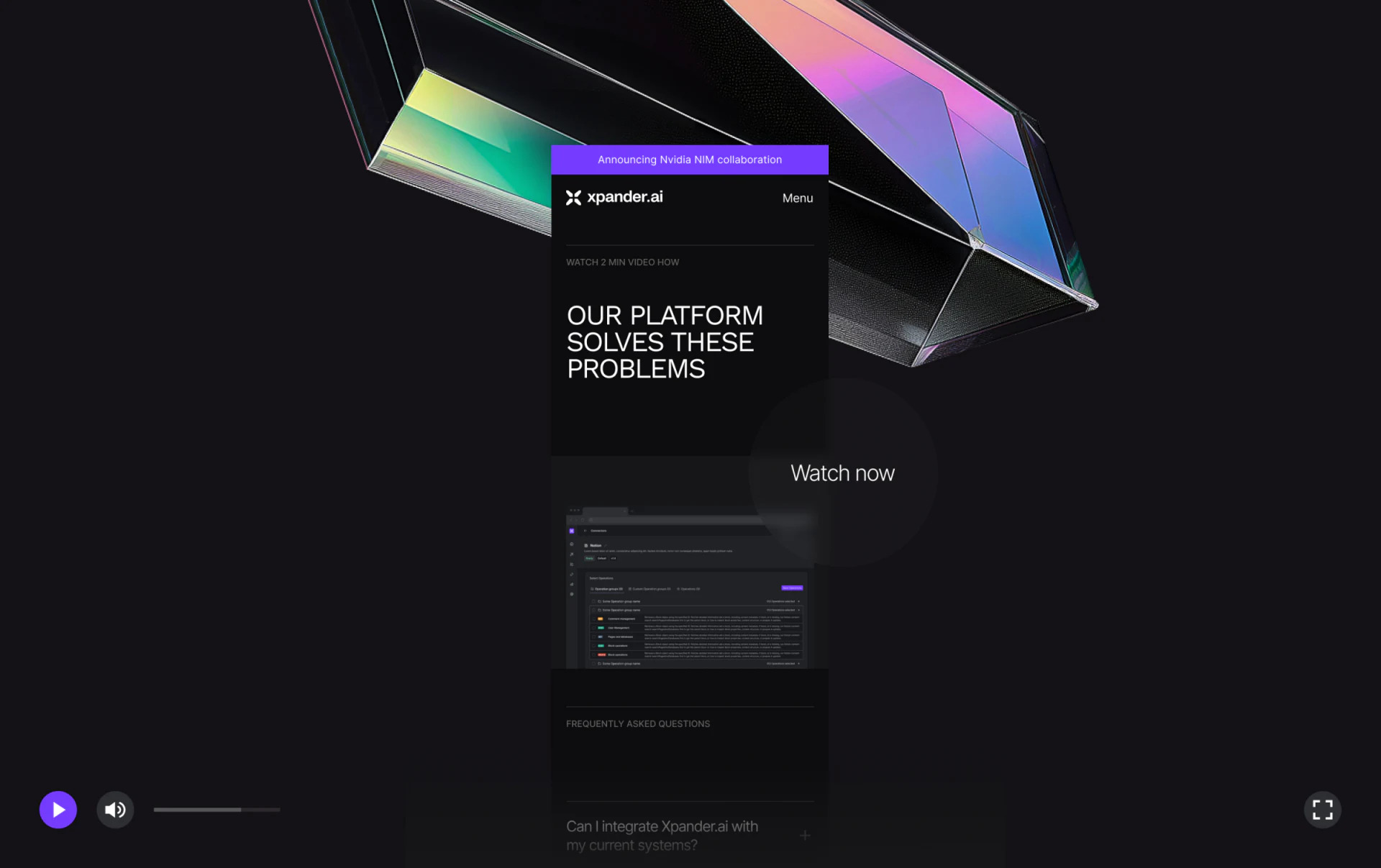
The mobile presentation arranges a two-minute video cue, topic, Watch now, and software image vertically before FAQ. Topic, action, and preview give a demo more context than an isolated play symbol. Refractive forms outside retain brand character while phone content uses black and fine lines.
Duration suggests commitment; a short summary could name what the two minutes cover. People unable to play should still understand key points before choosing documentation or booking. Play, volume, and full-screen controls outside the phone belong to the presentation, not confirmed website-player behavior.
Visible system-integration questions in FAQ can address practical concerns after watching. The useful pattern separates recognition, task directories, and explanation material, then connects them through clear start/demo actions rather than making abstract visuals explain everything.
Give technical products different starting points
AI tools, developer platforms, and enterprise software sites can plan both tool directories and task scenarios, with demos, documents, and inquiries serving different depths of understanding.
JVDS Design Studio provides UI/UX design, website design, and development services, helping organize technical navigation, explanation pages, and demo entries.
 Link copied