

Too many dialogs train users to click “Confirm” automatically, making warnings ineffective when an action is genuinely dangerous. At the same time, mistakes in bulk edits, cross-account actions, and status changes can have serious consequences.
Assess likelihood, impact scope, and recovery difficulty before choosing a safeguard.
01 Block Impossible or Unauthorized Actions at the Source
Permissions, state machines, data validation, and business rules should prevent invalid combinations. When a button is disabled, explain why so users do not keep trying.
Frontend guidance cannot replace server-side validation.
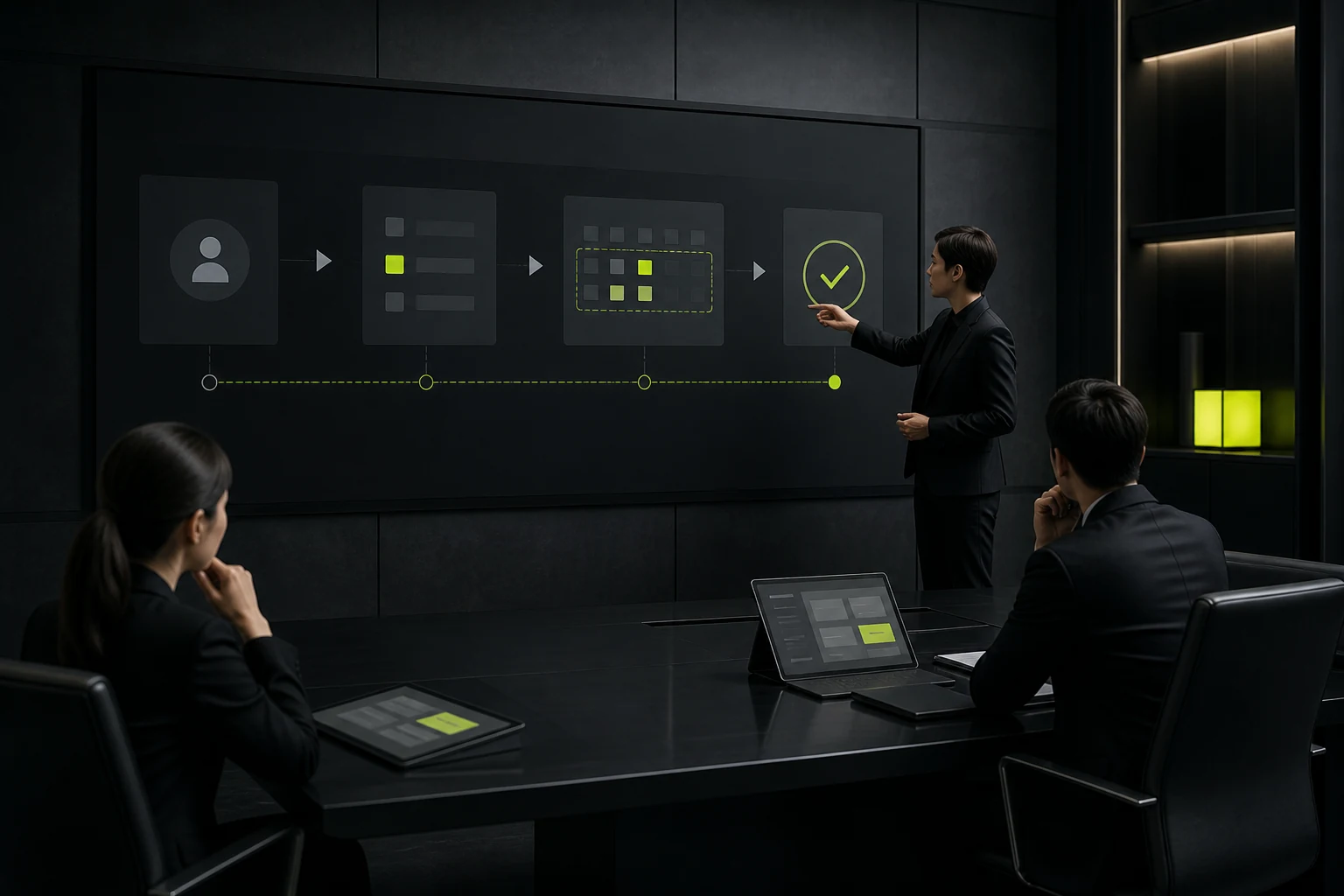
02 Use Safe Defaults and Scope Cues to Reduce Mistakes
Default to the safest or most common option, and clearly display the current organization, project, account, environment, and data scope.
Use prominent context for cross-scope actions so users do not confuse similar screens.
03 Preview the Outcome of High-Risk Actions
Bulk deletion, publishing, price changes, imports, and permission changes should show affected items, quantities, differences, and exceptions. Give users a chance to detect an incorrect scope before execution.
Allow them to download or save the change list.
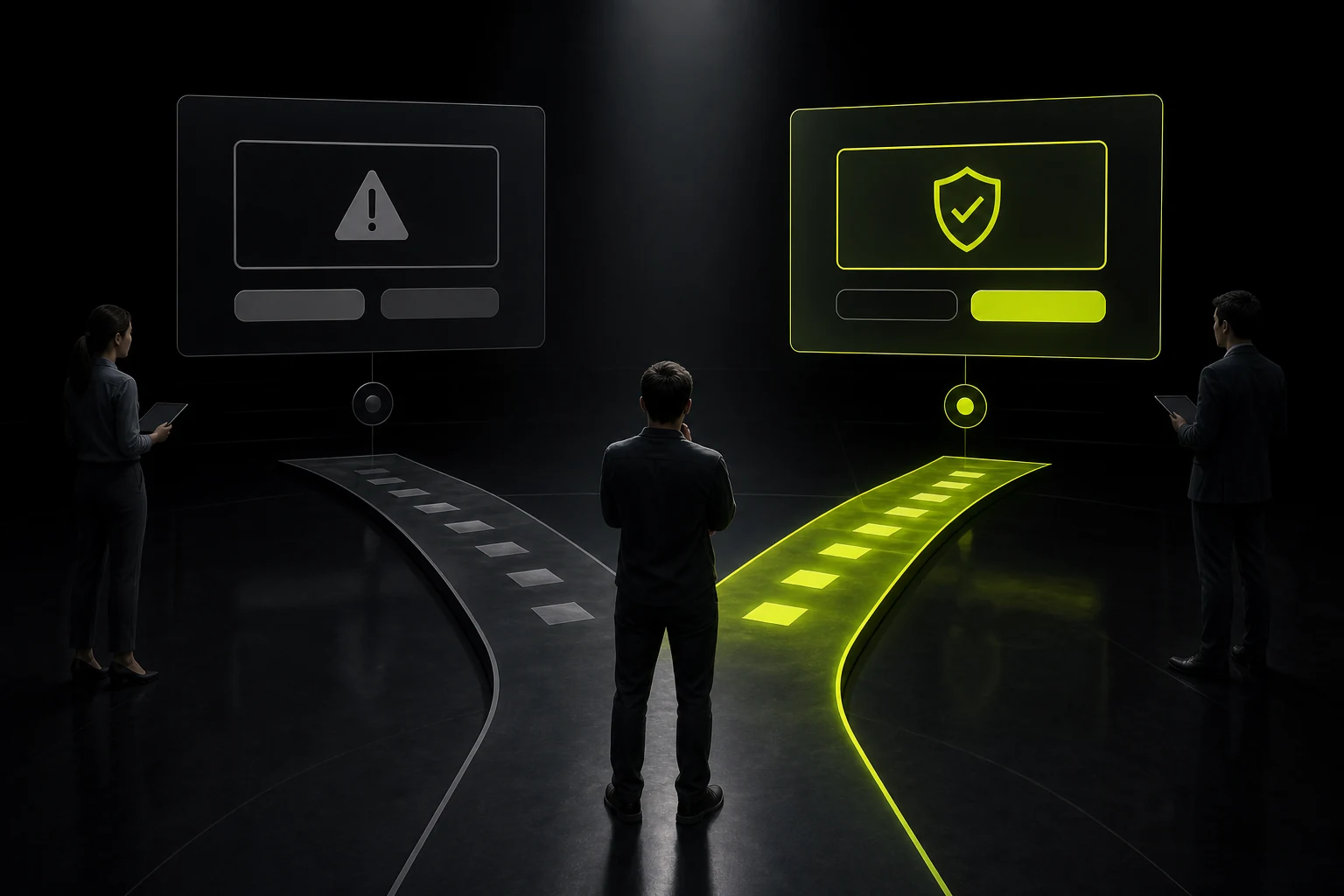
04 Reserve Confirmation Dialogs for Critical Moments
State the specific action, object, impact, and whether recovery is possible instead of asking only “Are you sure?” Extremely high-risk actions may require typing a name or passing a second authorization step.
For low-risk actions, complete them directly and provide undo.
05 Reduce the Cost of Errors with Undo, Drafts, and Versions
Soft deletion, undo, version history, drafts, and staged publishing significantly reduce error costs. Keep recovery controls visible for a reasonable period.
Irreversible actions must be explicit.
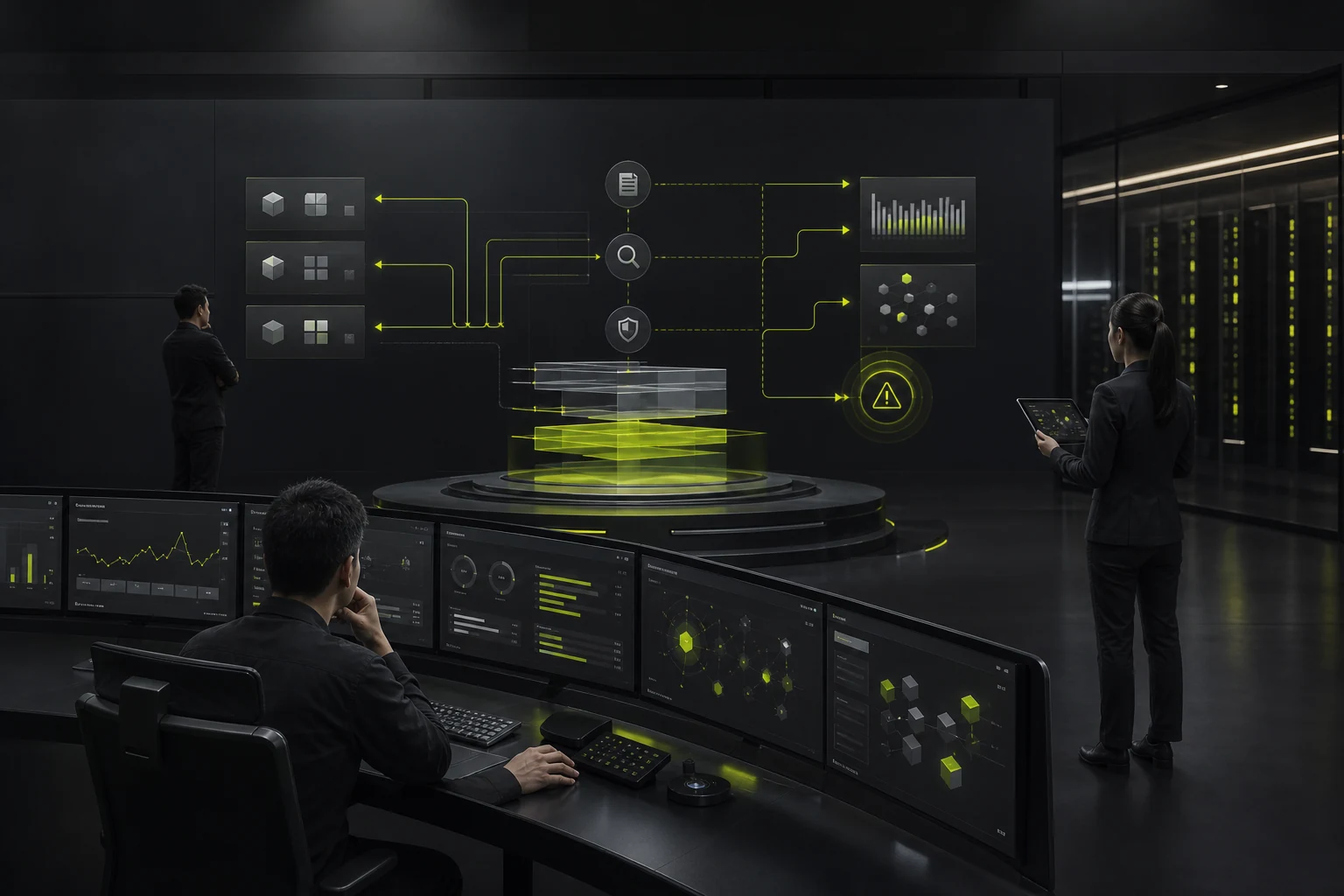
06 Manage Residual Risk with Audits and Anomaly Monitoring
Record the actor, time, object, before-and-after values, source, and approval. Trigger alerts or pauses for anomalous bulk behavior.
Audit logs need their own access, retention, and tamper-resistance policies.
Levels of Protection Against User Errors
Risk Level | Typical Actions | Recommended Protection |
|---|---|---|
Low | Sorting, tagging, ordinary edits | Autosave and undo |
Medium | Configuration changes and bulk updates | Preview, scope cues, versions |
High | Publishing, permissions, financial changes | Explicit confirmation, approval, audit |
Critical | Permanent deletion and cross-tenant actions | Strong validation, dual review, isolation |
Systemic | Imports, scripts, automation | Sandboxing, limits, staged rollout, rollback |
Frequently Asked Questions
Does every delete action need a second confirmation?
Not necessarily. Recoverable, low-risk deletion is often better handled with immediate action and undo. Permanent deletion needs stronger confirmation.
Should disabled buttons be hidden?
Keeping them visible and explaining why they are unavailable often improves understanding, but permissions and sensitive information must be considered.
Does typing a name to confirm help?
It is useful for extremely high-risk actions because it interrupts automatic clicking, but it cannot replace permissions and recovery mechanisms.
How can bulk actions avoid the wrong scope?
Continuously show the selected count and scope, preview before execution, and support locked filters and undo.
Should audit logs be visible to ordinary users?
Provide the records each role needs. Administrators and auditors require more complete information.
Service | View |
|---|---|
Related services | |
Design work | |
Project inquiry |
 Link copied








