

Can iOS and Android Interfaces Be Identical? Platform Conventions and Brand Consistency
Cross-platform projects often copy one design unchanged, confusing Android back behavior and showing unfamiliar controls on iOS—or redesign both completely and double maintenance cost.
A better goal is consistent experience with platform-native behavior. Task logic, brand language, and information architecture can align while interaction details respect each system.
01 Align the Business Experience Before Visual Appearance
Both platforms should share core tasks, content priority, state logic, terminology, and brand principles so users understand one business across devices.
Back behavior, system pickers, permission prompts, and navigation patterns are learned platform experiences; forcing uniformity can increase learning cost.

What to Share and What to Adapt
| Layer | Share | Adapt by Platform |
|---|---|---|
| Brand | Logo, brand colors, voice, and graphic language | Status bar and system-color adaptation |
| Information Architecture | Feature names, task logic, and data structure | Navigation containers and back behavior |
| Components | Business components, states, and content rules | System controls, pickers, switches, and menus |
| Gestures | Meaning of core actions | System back, edge gestures, and long-press conventions |
| Permissions | Request timing and explanation principles | System permission UI and Settings entry |
| Accessibility | Semantics, contrast, and readability goals | Platform assistive features and text scaling |
02 Navigation and Back Behavior Reveal Awkward Copies
Android emphasizes back hierarchy through device and system navigation; iOS often uses navigation stacks, edge-back gestures, and tab bars. Test deep pages, modals, and returns from external destinations separately.
Do not judge isolated screens in a design tool. Test complete task prototypes.
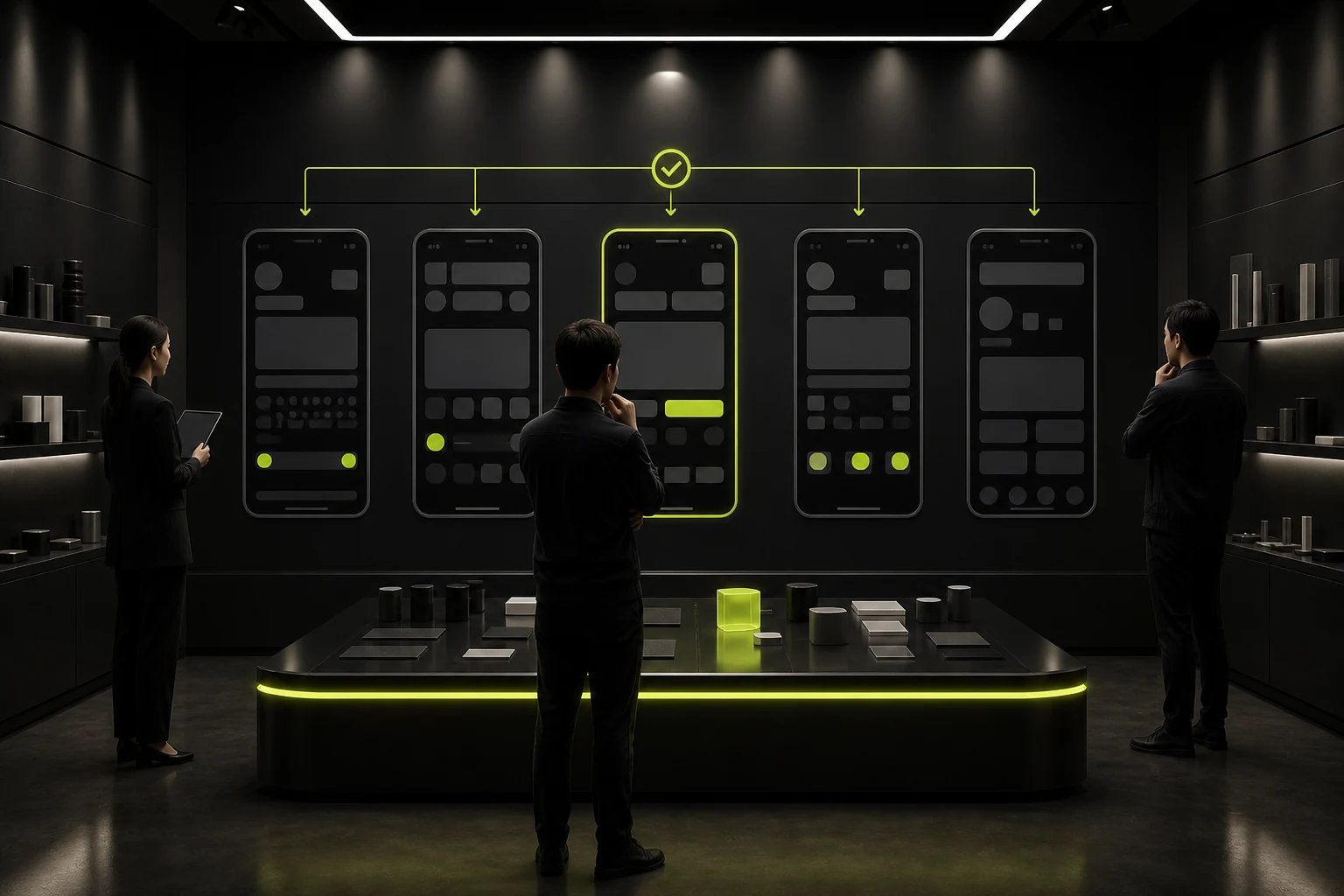
03 Prefer System Controls and Brand Them Selectively
Date, time, files, sharing, permissions, and payment often benefit from mature platform patterns. Customization can strengthen brand expression but adds development, adaptation, and accessibility cost.
High-frequency business controls can share a design language; infrequent system interactions need not be rebuilt merely for consistency.
04 Do Not Copy Font, Size, and Safe-Area Values Directly
Font rendering, default sizes, status bars, bottom safe areas, and device dimensions differ. Adapt around readability and layout rules rather than mechanically converting one pixel value.
Support text scaling, landscape, foldables, and other real conditions.
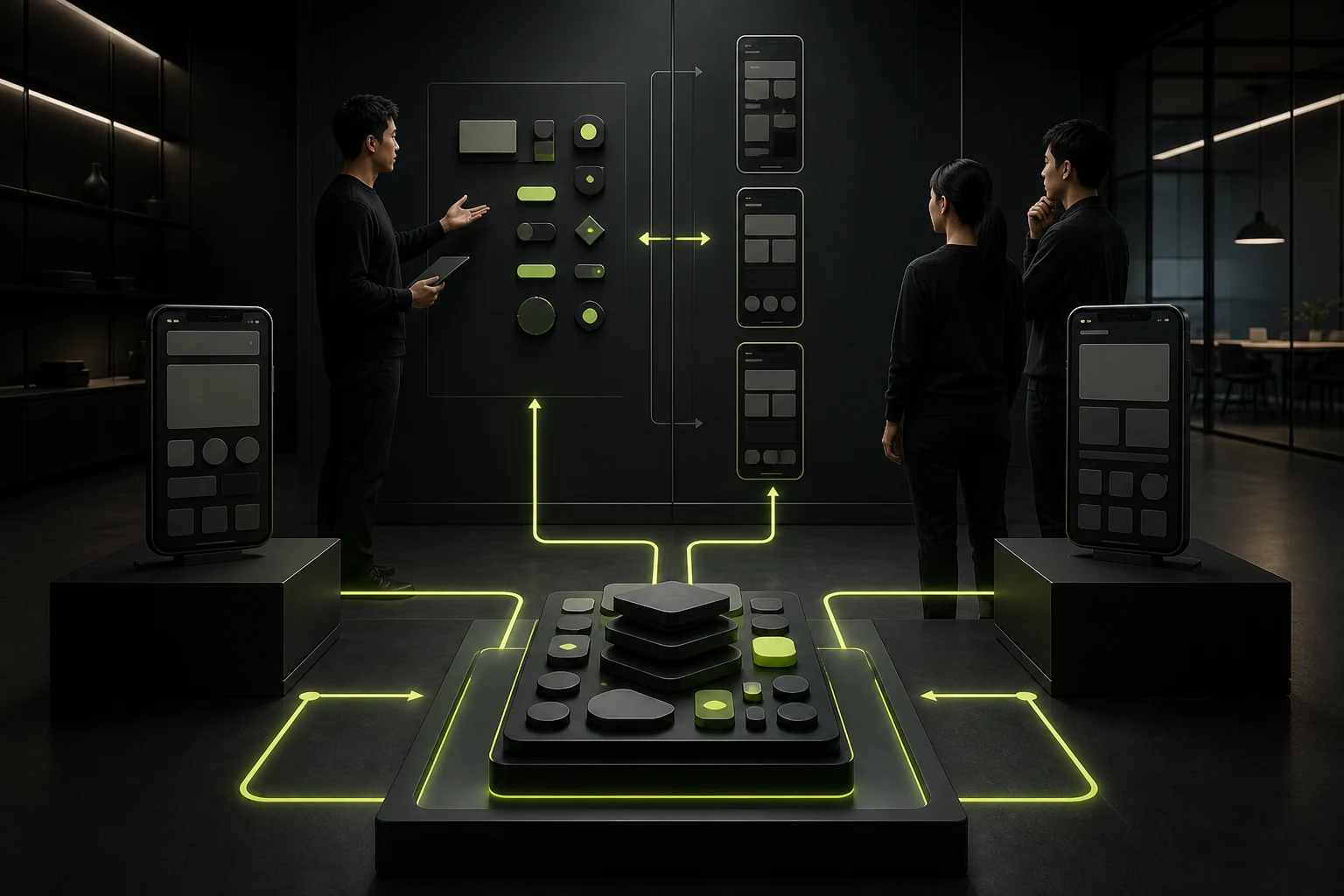
05 Build a Shared Design System with Platform Variants
Tokens can share brand colors, spacing, and semantic states; components can provide iOS, Android, and shared business variants. Consistent names and properties reduce duplication.
Mark differences clearly in design files so development does not guess which pages are shared or separate.
06 Prioritize High-Risk Adaptations When Budget Is Limited
At minimum, adapt navigation and back behavior, system permissions, keyboard forms, sharing and payment, text scaling and safe areas, and store-review pages.
Shared components can cover remaining visuals. Test critical workflows on real devices before investing in further differences.
Frequently Asked Questions
Can Flutter or React Native Make Both Platforms Identical?
They share substantial code, but platform interactions and system capabilities still differ. Adaptation is a product and design decision, not only a framework issue.
Must Brand Buttons Differ Across Platforms?
Brand appearance can align while press feedback, dimensions, and system states adapt. Prioritize usability and native behavior.
Do Both Platforms Need Complete Separate Designs?
Critical differences and special pages do. Shared pages can rely on component variants and difference notes.
Must Android Use Material and iOS Use HIG?
They are important guidance, not requirements for identical-looking apps. Build a brand while respecting behavior and usability.
Which Platform Should Be Designed First?
It depends on users, business priority, and technology. Even when starting with one, identify cross-platform architectural differences early.
| Service | View |
|---|---|
| Related Services | View Service Details |
| Project Inquiry | Contact JVDS Design Studio |
| Design and Website Development Articles | View Service Details |
 Link copied








