

Many project requests say only “make it premium, simple, and high-tech,” while leaving page counts, user roles, data, and deliverables unclear. Designers must guess as they work, and clients struggle to judge whether a proposal is right.
A brief does not need to be dozens of pages long, but it must answer the critical questions. Items that are not yet known should be identified rather than presented as settled.
01 Explain in One Sentence Why the Project Is Happening Now
Is this a new product launch, legacy system redesign, growth initiative, brand upgrade, or development refactor? State the trigger and the result the team hopes to change.
Avoid writing only “improve the user experience.”
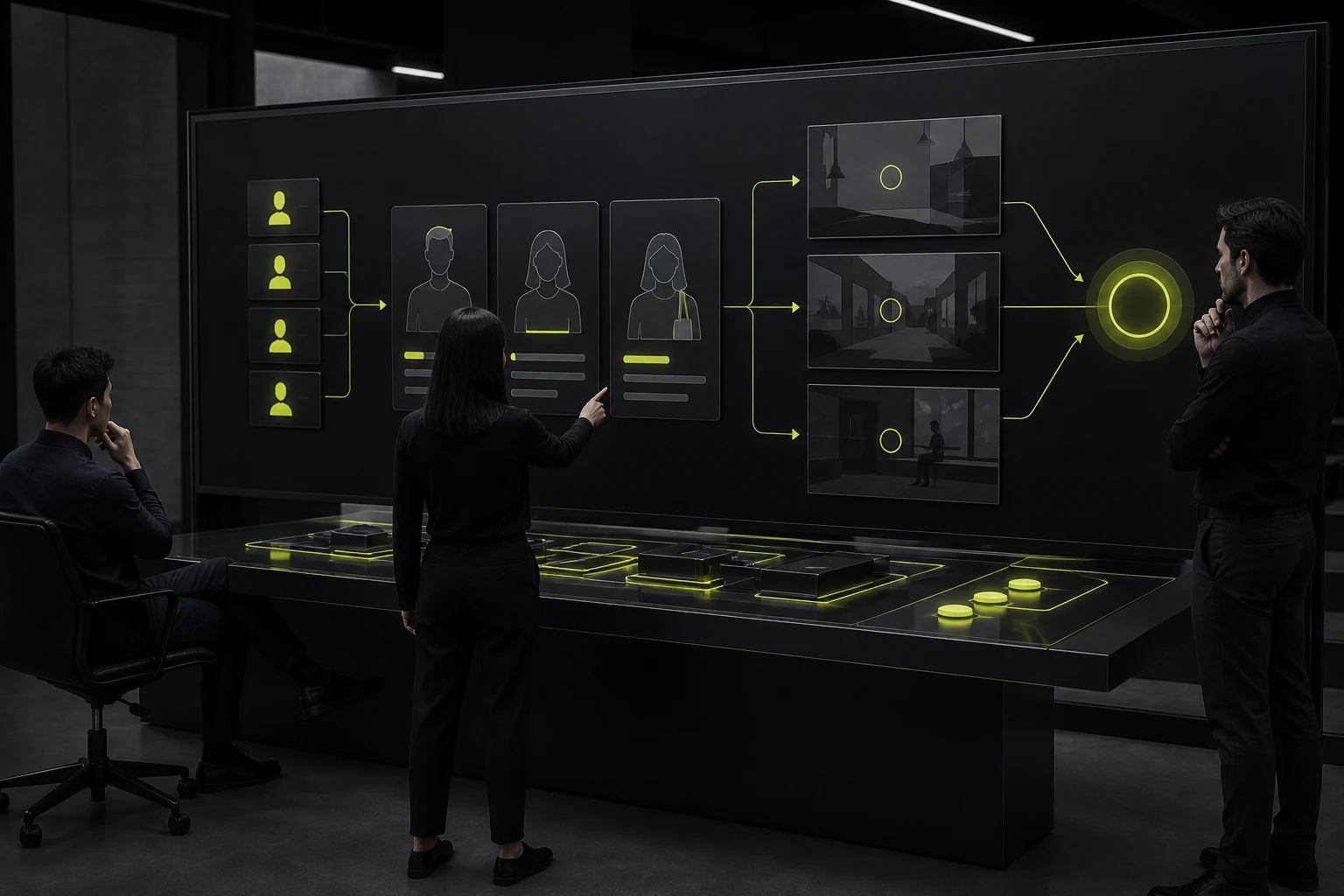
02 Describe Users, Roles, and Core Scenarios
List primary users, skill levels, devices, environments, and frequent tasks. B2B products also need role permissions, approvals, and handoff relationships.
Personas do not need invented details, but scenarios should reflect real situations.
03 Provide the Current State and Supporting Evidence
Bring together the existing product, analytics, customer support feedback, user research, competitors, technical constraints, and known problems.
Separate internal opinions from user evidence.
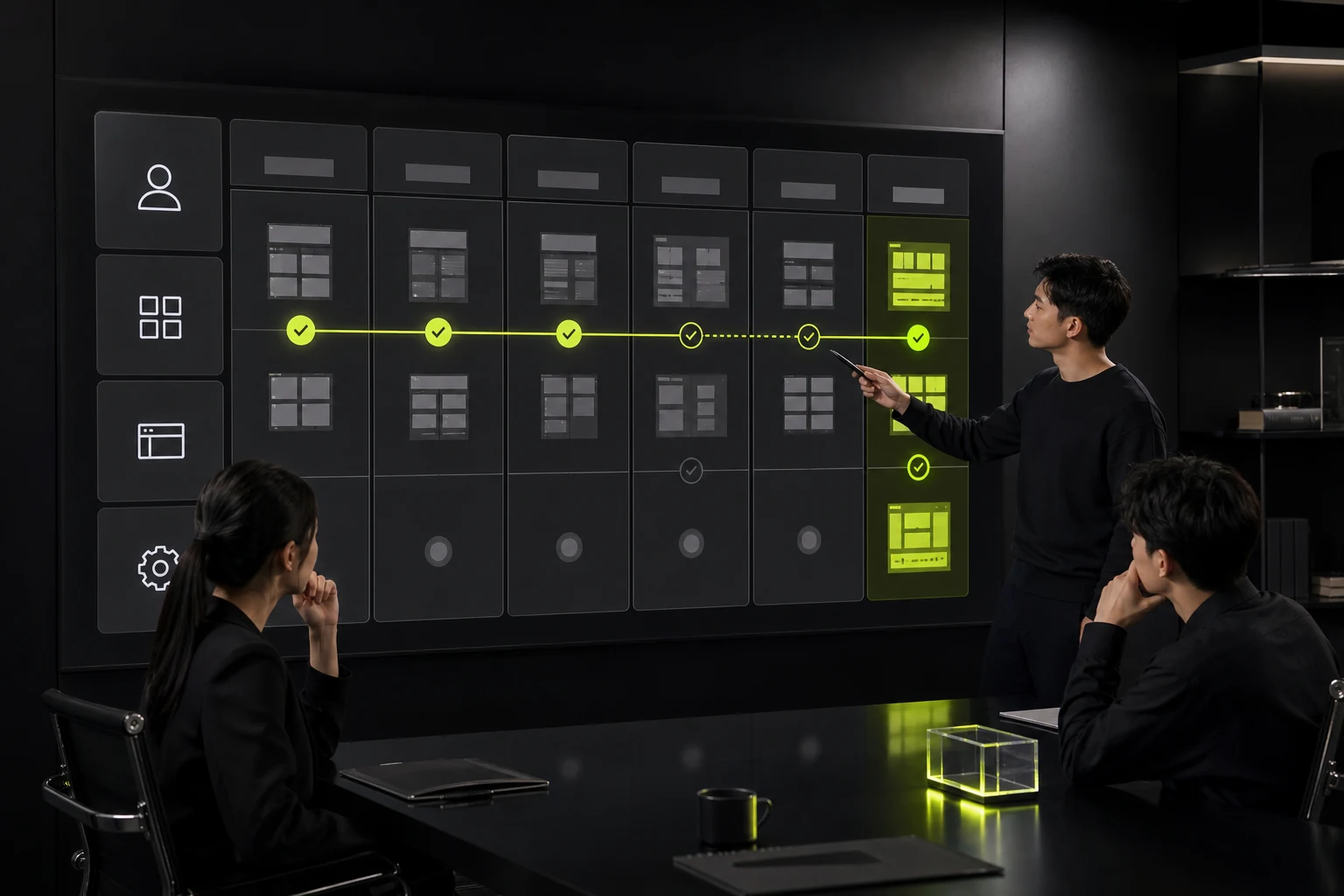
04 Define Scope with a Matrix
List flows, screens, platforms, breakpoints, states, languages, and whether the engagement includes prototyping, a design system, testing, and development review.
Also state what is excluded so proposals and schedules can be accurate.
05 Set Brand and Content Boundaries
Provide the logo, visual guidelines, tone of voice, real content, and asset licenses. When sharing references, explain specifically what you like rather than posting links alone.
Do not ask the team to copy a competitor directly.

06 Define Deliverables, Timing, and Decision-Making
Include file formats, naming, components, specifications, meeting cadence, revision rounds, milestones, budget, and the final decision-maker.
If the launch date is fixed, identify external dependencies and which parts of the scope can change.
Required Sections in a UI Design Brief
Section | Key Questions |
|---|---|
Background and goals | Why now, and what should change? |
Users and tasks | Who uses it, where, and to accomplish what? |
Current evidence | Data, feedback, current version, and problems |
Scope | Flows, screens, states, platforms, and languages |
Brand and content | Guidelines, copy, assets, and licenses |
Technical constraints | Frameworks, components, data, and devices |
Deliverables and schedule | Outputs, milestones, revisions, and acceptance |
Decisions and collaboration | Owners, feedback, and approvals |
Frequently Asked Questions
Can we write a brief without user data?
Yes. Identify assumptions and unknowns, then plan research or validation. Do not present internal guesses as facts.
Is a more detailed brief always better?
The goal is complete decision-making information. Excessive, irrelevant company history adds reading burden.
How many reference websites should we provide?
A small number is enough. Explaining what you want to borrow and what you dislike is more useful than sharing a long list of links.
Who should write the brief?
The project owner usually coordinates it, with input from product, business, design, engineering, and content teams.
Can a design company help structure the brief?
Yes. Requirements clarification can itself be a deliverable in the discovery phase.
Service | View |
|---|---|
Related services | |
Related reading | View article |
Design work | |
Project inquiry |
 Link copied








