
How Should You Use Hero Video on a Corporate Website? Balancing Premium Appeal, LCP, and Conversion
Hero video is one of the easiest ways to create a premium impression—and one of the easiest ways to create performance debt. The real question is not whether competitors use video, but whether video explains the business faster than static content without sacrificing load speed, readability, or the user's next action.
During a corporate website redesign, many teams treat "adding a full-screen video to the homepage" as a shortcut to a visual upgrade. Manufacturers film their factories, technology companies film servers and laboratories, and brand-focused companies produce mood films. Video can certainly establish an atmosphere within seconds, but it is also one of the heaviest and least predictable resources above the fold. If a 15-second video merely makes the site look more "international" while delaying the business message and slowing mobile loading, its commercial value may be negative.
01 The Bottom Line
• Video is more valuable than a static image only when motion, process, space, or the context of use is itself part of the information.
• An above-the-fold <video> can become the LCP candidate; how its poster or first frame loads affects perceived speed.
• Evaluate comprehension efficiency, the performance budget, and conversion behavior together—not merely whether the footage looks attractive.
02 1. Start with One Question: Can the Message Still Be Clear Without Video?
Hero video works best for subjects that a static image struggles to explain: how a robotic arm moves, the scale of an equipment line, how people flow through an architectural space, a product interaction, or a brand emotion that depends on time and sound. If the video is simply a slow sequence of still images, it adds little information. A static hero is usually faster, more stable, and easier to keep crisp on mobile.
This distinction matters particularly on B2B websites. Visitors usually arrive with a specific task: confirm what the company does, whether it serves their industry, whether its capabilities fit, and whether it is worth contacting. Video should answer these questions faster, not turn the hero into an advertisement that must be watched before it makes sense. The headline, core value proposition, and primary CTA should be visible, readable, and actionable before the video finishes loading.
03 2. Hero Video Is Not a Decorative Asset—it May Be the LCP Element
Google's current web.dev guidance states that a <video> element can count toward Largest Contentful Paint. The browser may use whichever appears earlier: the poster image load time or the presentation time of the video's first frame. In other words, if the largest visual area above the fold is a video, the loading strategy is directly tied to Core Web Vitals. The "good" LCP target remains within 2.5 seconds, measured at the 75th percentile of real visits.
This is why "lazy-load every hero video" is poor blanket advice. web.dev distinguishes between use cases in its video lazy-loading guidance: offscreen video is suitable for deferred loading, but a video that is itself the LCP candidate should not be delayed like a noncritical resource. A better approach is to identify the critical above-the-fold element first, then set priorities for the poster, preload behavior, and video file.
04 3. The Poster Is Part of the Hero Design, Not a Backup Image
A poster does more than fill the space until the video appears. It preserves the visual integrity of the hero during its most vulnerable seconds. On a slow connection, in power-saving mode, under browser autoplay restrictions, or when decoding fails, the poster may be all the user ever sees. Its composition, exposure, and text readability should flow naturally into the first frame so that playback does not create a conspicuous visual jump.
If the poster is the hero's LCP candidate, web.dev suggests preloading the image and increasing its fetch priority to shorten rendering time. But this should not be applied mechanically to every video. If the poster is not a critical above-the-fold resource, excessive preloading can compete for bandwidth with more important CSS, fonts, or hero imagery. Performance optimization is not about adding more preload tags; it is about setting resource priorities.
05 4. Autoplay Must Meet Three Conditions: Muted, Stoppable, and Non-Disruptive
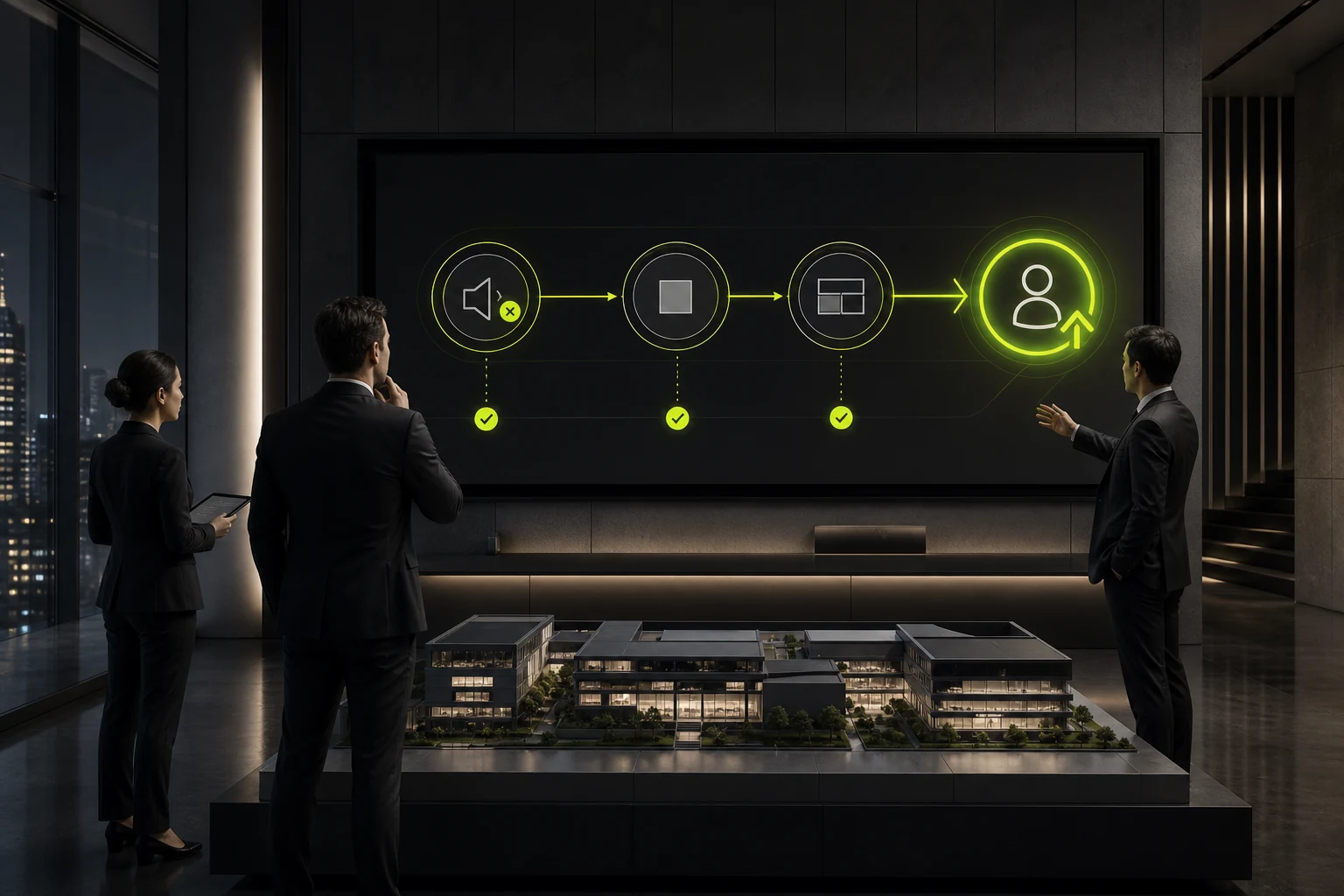
Browsers impose their own autoplay restrictions. In practice, background video usually needs muted and playsinline to play inline as expected on mobile devices. From a user-experience perspective, however, the more important rule is that sound must never begin unexpectedly without user action. W3C accessibility guidance for audio and video also emphasizes providing controls for autoplaying audio and persistent motion. If speech is essential to understanding the video, captions, a transcript, or another alternative must also be considered.
The design must also accommodate the system preference for reduced motion. prefers-reduced-motion is now a widely available media query. Large pans, zooms, parallax effects, and rapid cuts can create barriers for users susceptible to dizziness or discomfort. In reduce mode, a corporate website can hold on the poster, fade in a static image, or retain only extremely subtle motion instead of insisting that everyone watch the same brand film.
06 5. Mobile Adaptation Is More Than Shrinking the Desktop Video
Desktop heroes often use 16:9, 21:9, or even wider compositions, while phones have tall, narrow viewports. Center-cropping the same video most often removes the product, people's faces, or text embedded in the footage. Mobile needs a defined crop, safe area, and fallback from the outset rather than a last-minute object-fit: cover fix during development.
Three approaches are usually more practical: create a separate short vertical video for mobile; retain the same content but shorten it and lower the bitrate; or fall back to a static poster on slow networks or small screens. Companies should accept that different devices need not look identical. Brand consistency comes from consistent information and visual language, not from forcing every device to download the same file.
07 6. Keep Video as Long as It Helps Comprehension—not as Long as a Commercial
A website hero and a brand launch event are different media. Users may stay above the fold for only a few seconds, so the most distinctive information should appear early. Long logo sequences, empty establishing shots, extended aerial footage, and several seconds of black all consume the hero's most valuable attention. On most corporate websites, background video should behave more like a moving hero image than a complete brand film.
If the full video is genuinely worth watching, use a short loop in the hero and provide a clear "Watch the Full Film" entry point. Visitors can read the page first, while those who want more can actively open a complete player with audio, controls, and captions. Separating these two tasks is often more effective than asking one video to create atmosphere, explain the offer, sell, and tell the brand story all at once.
08 7. After Launch, Measure Four Types of Data Instead of Asking Whether It Looks Good
Whether the hero video stays should be validated with real traffic. Track at least four areas: LCP and overall loading performance on mobile and desktop; hero CTA clicks and scroll-through rate; whether the page remains complete when video loading fails or users are on slow networks or power-saving modes; and whether qualified inquiries or other key conversions change. Looking only at average homepage dwell time can easily misread the extra seconds users spend waiting for a slow page as stronger engagement.
If video helps people understand a complex product faster while staying within the performance budget, it deserves to remain. If it mainly adds visual impact, does not improve business comprehension or action, and continually hurts mobile performance, removing it is not a downgrade—it is a more mature design decision. Premium quality should emerge from content, photography, typography, pacing, and detail together, not depend on one large file.
Frequently Asked Questions
Does a corporate website need hero video to look premium?
No. High-quality photography, 3D graphics, typography, and whitespace can create the same sense of quality. Video is worth the extra cost only when it conveys information that static content cannot communicate quickly.
Can hero video affect Core Web Vitals?
Yes. A <video> can become an LCP candidate, and the presentation speed of its poster or first frame can affect LCP. Video therefore belongs in the above-the-fold performance budget.
Should a background video autoplay?
An atmospheric background may autoplay while muted, but essential information must not depend on playback, and the page should offer a pause or reduced-motion strategy. Content that requires sound is better played by explicit user action.
Should mobile devices play the same video?
Not necessarily. The video can be cropped separately, compressed, shortened, or replaced with a static poster. Mobile design should prioritize complete information and performance over identical presentation.
How can you decide whether the video is worth keeping?
Compare comprehension above the fold, LCP, mobile performance, CTA behavior, and qualified conversions together. If the video adds no explainable value while continuing to increase loading and maintenance costs, shorten or remove it.
Related Service | Learn More |
|---|---|
Corporate Website Design Services | |
Project Consultation | |
Design and Website Development Articles |
 Link copied








