
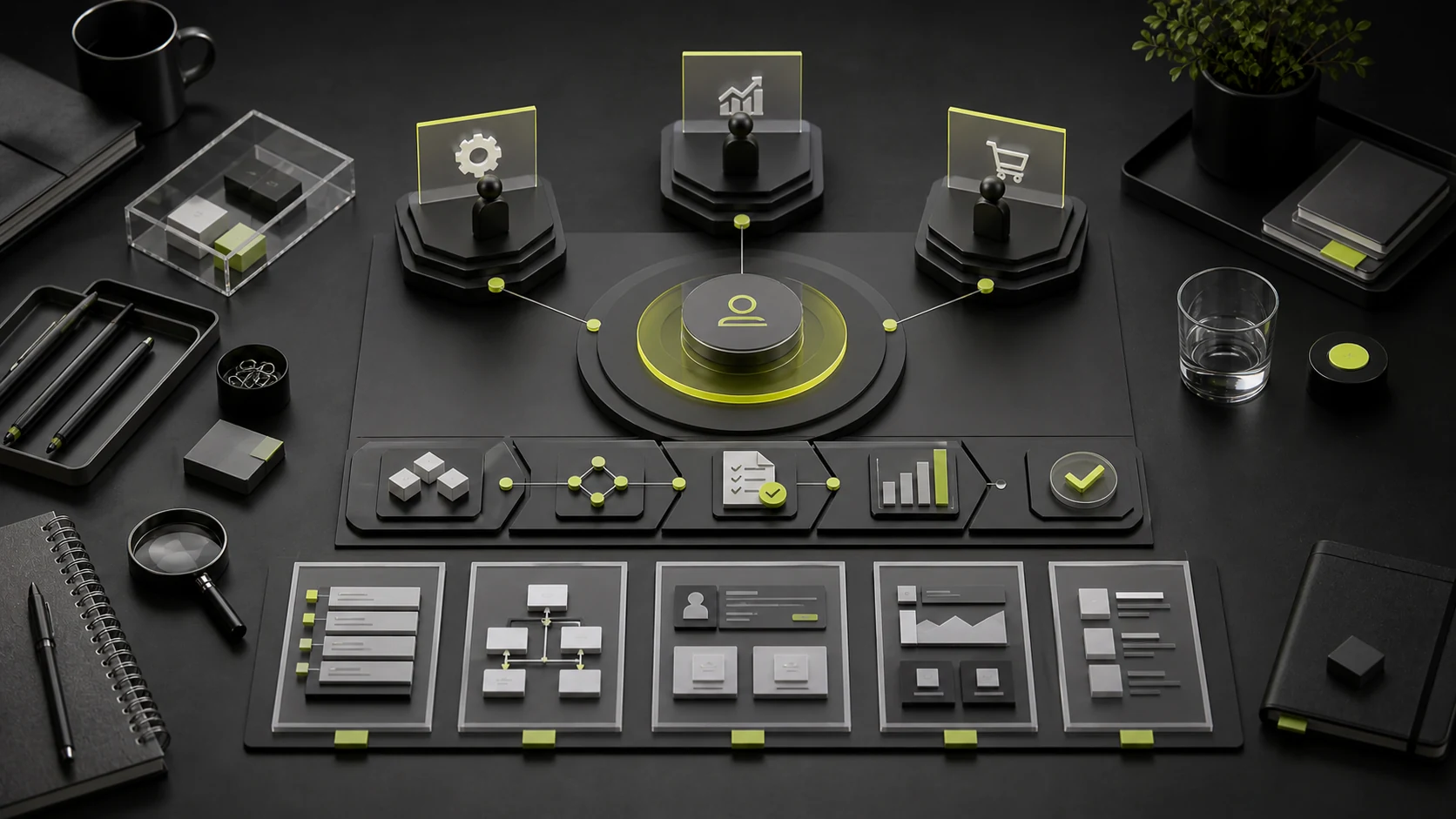
B2B customers rarely purchase after one person reads the home page. Business leaders assess value, end users assess usability, technical teams assess integration, IT and security teams assess risk, procurement reviews contracts, price, and vendor stability, and final decision-makers consider return on investment. The corporate website will be revisited and shared throughout a buying process that may last weeks or months.
A B2B website should therefore not try to persuade everyone with one message. It should create an evidence system that different roles can use. Each role enters through its own path but ultimately develops a consistent understanding of the product.
01 Map B2B Buying Roles First
Role | Primary Concern | Website Evidence Required |
|---|---|---|
Business Lead | Whether it solves a business problem and improves efficiency or revenue | Value, scenarios, solutions, cases, implementation path, and ROI logic |
End User | Whether it is usable and adds workload | Features, workflows, interfaces, demos, training, and support |
Technical Lead | Architecture, integration, performance, and maintenance | APIs, integrations, deployment, technical documentation, status, and support |
IT / Security / Legal | Data, security, privacy, compliance, and responsibility | Security white papers, privacy, certification scope, data processing, and contract information |
Procurement and Finance | Vendor, price, terms, and total cost | Company entity, pricing method, service scope, SLA, payment, and delivery |
Final Decision-Maker | Strategic value, risk, and sustainability | Customer evidence, differentiation, implementation capability, long-term roadmap, and business results |
02 The Home Page Creates Shared Understanding; It Does Not Do All the Persuasion
A B2B home page should help every role quickly understand whom the product or service serves, which problem it solves, its core capabilities, credible evidence, and where to go next. Do not pack the hero section with industries, features, technical terms, and company awards. Establish shared language with one clear value proposition, then let visitors navigate by role and task.
Home-Page Order | Purpose |
|---|---|
Value Proposition and Target Customers | Let users confirm, "Is this relevant to me?" |
Business Outcomes or Core Scenarios | Translate features into understandable business value |
Product / Service Capabilities | Explain how it works instead of listing labels |
Customer and Case Evidence | Reduce uncertainty about whether the company has delivered this before |
Security, Integration, or Delivery Capabilities | Address critical concerns of technical and procurement roles |
Tiered CTAs | Offer demos, solutions, documentation, materials, and inquiries with different commitment levels |
03 Solution Pages and Product Pages Serve Different Tasks
A solution page begins with an industry or business problem and explains the current situation, workflow, combined capabilities, implementation, and outcomes. A product page begins with a specific capability and explains features, mechanisms, boundaries, integrations, and configuration. They can link to one another, but should not be identical feature cards under different headings.
Page Type | Question It Should Answer | Primary Roles |
|---|---|---|
Industry Solution | What problems and constraints are specific to this industry? | Business, decision-makers, and sales |
Business Scenario | How is a particular workflow improved? | Business and end users |
Product / Feature | How does the product work in practice? | Users and technical teams |
Integration / Developer | How does it connect to existing systems? | Technical and IT teams |
Security and Compliance | How are data and responsibilities controlled? | IT, security, legal, and procurement |
Implementation and Service | How long does launch take, who owns it, and how is it supported? | Business, procurement, and project leads |
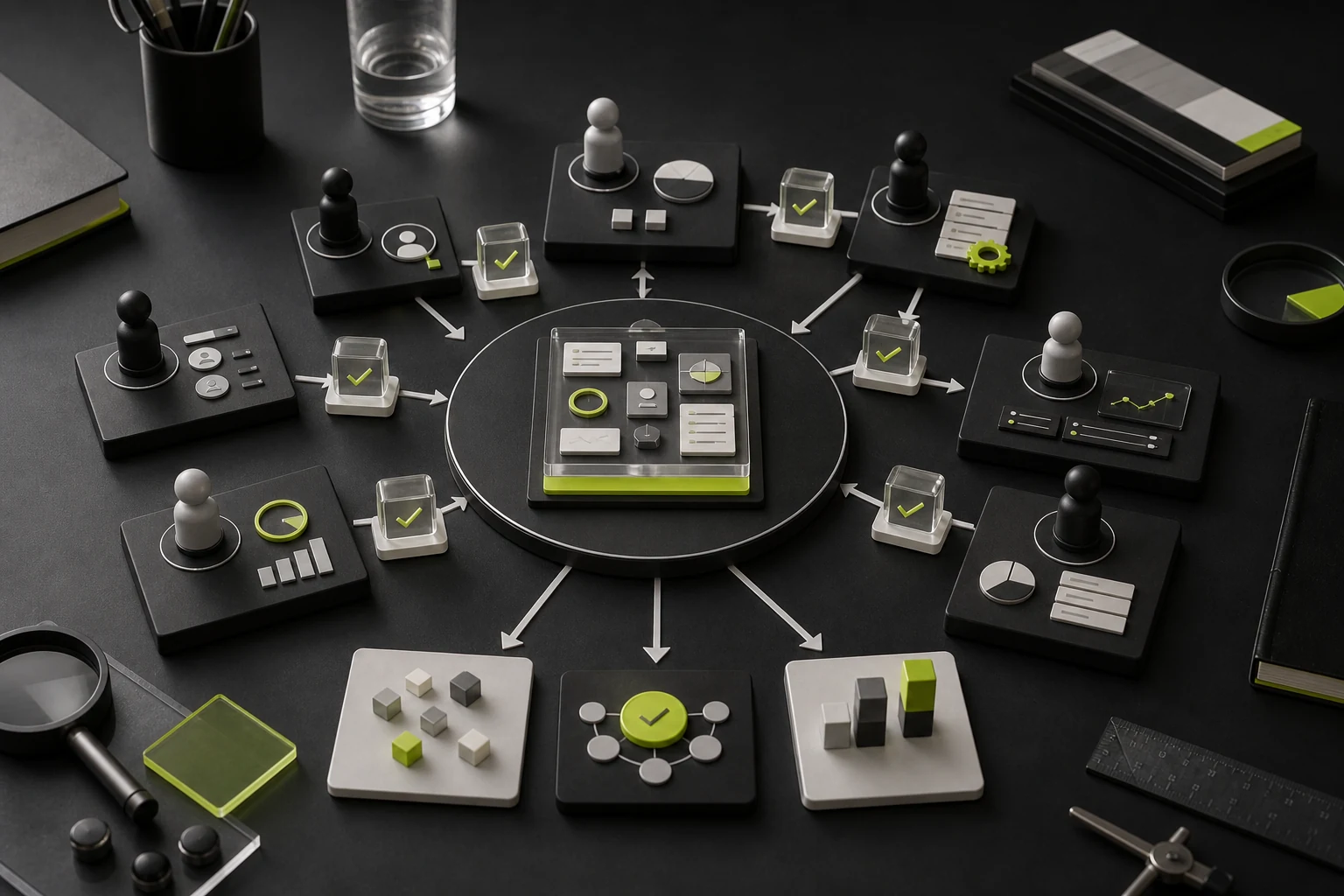
04 Cases Must Work for Different Roles
A B2B case needs more than one visual and "the client was highly satisfied." A decision-ready case explains the client context, problem, scope, key constraints, implementation process, tradeoffs, and outcomes. Technical roles need the systems context, business roles need workflow changes, and procurement needs evidence of the team and delivery capability.
- □ Clearly identify the client type and use case without exposing sensitive information;
- □ State specific problems and goals instead of vague phrases such as "comprehensive upgrade";
- □ Define service scope, team roles, and implementation period;
- □ Show critical interfaces, workflows, architecture, or deliverables, not only renderings;
- □ Use verifiable results; when data is unavailable, explain observable business changes;
- □ Provide links to relevant products, solutions, or inquiry paths.
05 Build an Evidence Ladder
Users need different evidence strength at each stage. During discovery, customer Logos and a one-line value proposition may be enough. When shortlisting, they need complete cases, methods, team, and delivery. Technical and procurement reviews require security, documentation, contracts, and service information. Keeping all materials with sales staff removes the website's value during a long decision cycle.
Decision Stage | User Question | Supporting Evidence |
|---|---|---|
Discovery | What do you do, and is it right for me? | Positioning, scenarios, product overview, and customer types |
Comparison | Why is this a better fit than alternatives? | Differentiation, cases, features, methods, and limitations |
Validation | Is it reliable, integrable, and implementable? | Technology, security, team, process, status, and support |
Procurement | Are price, responsibilities, and delivery clear? | Pricing logic, contracts, SLA, implementation, legal, and procurement materials |
Use / Expansion | Can it be supported and expanded continuously? | Documentation, training, updates, roadmap, help, and customer portal |
06 CTAs Need a Commitment Ladder
Placing "Contact Us" on every page asks too much of early-stage users. Offer actions by maturity: view a case, download a checklist, read technical documentation, calculate a solution, book a demo, submit requirements, or contact sales. Low-commitment actions help users continue evaluating; high-commitment actions serve those ready to buy.
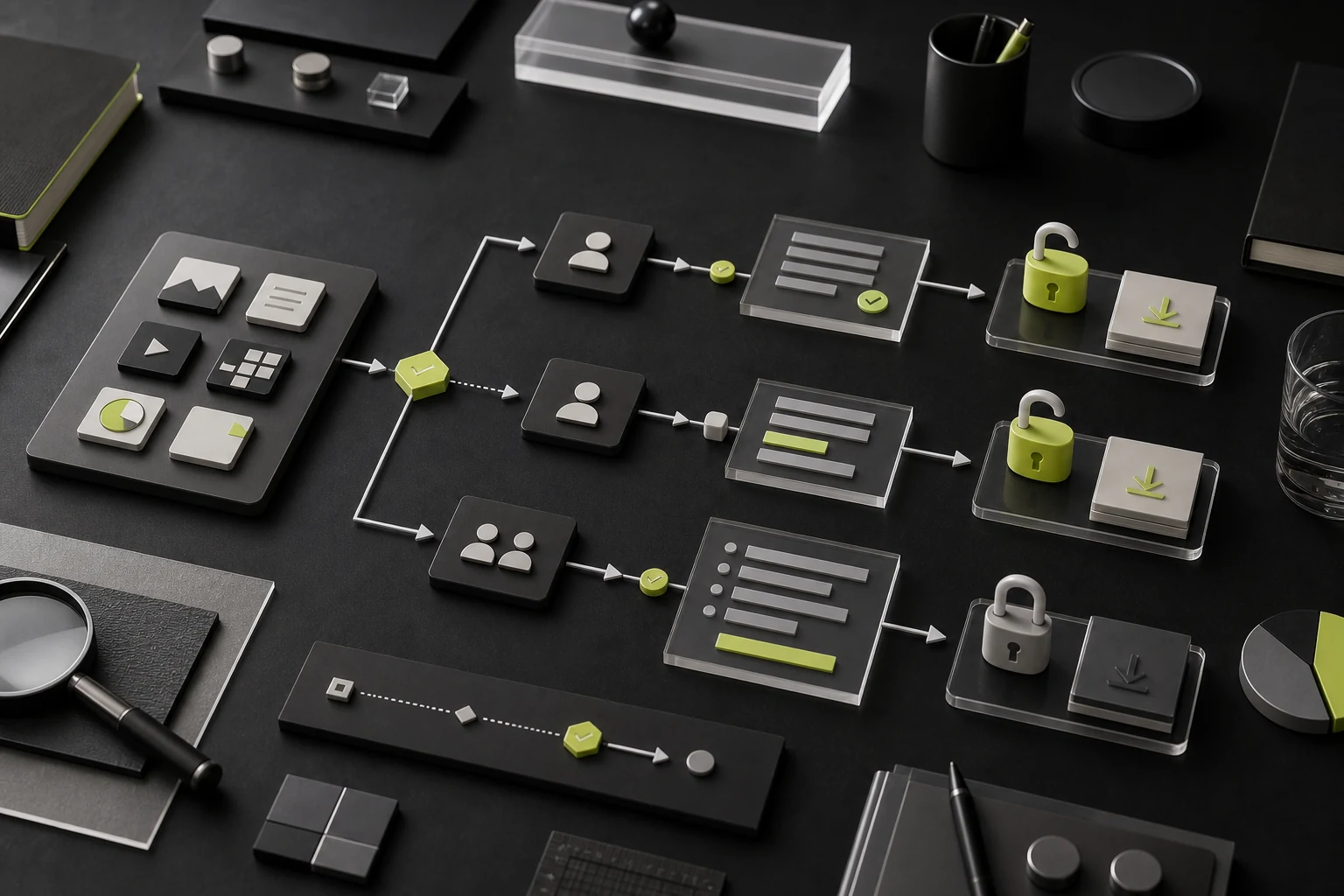
07 Downloadable Content Does Not Always Need a Form
Gating every PDF obstructs technical teams, procurement, and existing customers. Public product information, baseline security details, and documentation should be directly readable. High-value custom reports, detailed quotes, and materials needing sales explanation may require contact details. Form fields should match the follow-up service and clearly state privacy use.
08 Three Ways to Navigate for Multiple Roles
- By Task: explore solutions, evaluate products, integrate as a developer, assess security and procurement, or get support;
- By Role: business, developers, IT security, partners, and customers;
- By Content Type: products, solutions, cases, resources, documentation, and company.
Do not place all three complete classifications in the main navigation. Select the structure closest to the user's mental model and express other dimensions through page entry points, tags, and related content.
09 Connect Website Leads to the Sales Loop
A B2B website should not track form count alone. Forms should capture the source page, content topic, user action, and requirements. In the CRM, distinguish lead stage, role, and business value. Sales feedback about which pages support deals and which inquiries are poor fits should improve content and keywords in return.
Layer | Recommended Metrics |
|---|---|
Traffic Quality | Target industries, nonbranded topics, critical landing pages, and regions |
Content Engagement | Role journeys, depth on case/security/technical pages, and material usage |
Conversion | Qualified inquiries, demos, sandboxes, downloads, and form completion |
Sales Results | Qualified leads, opportunities, decision cycle, deals, and influenced revenue |
Customer Value | Help-center success, support, renewal, and expanded usage |
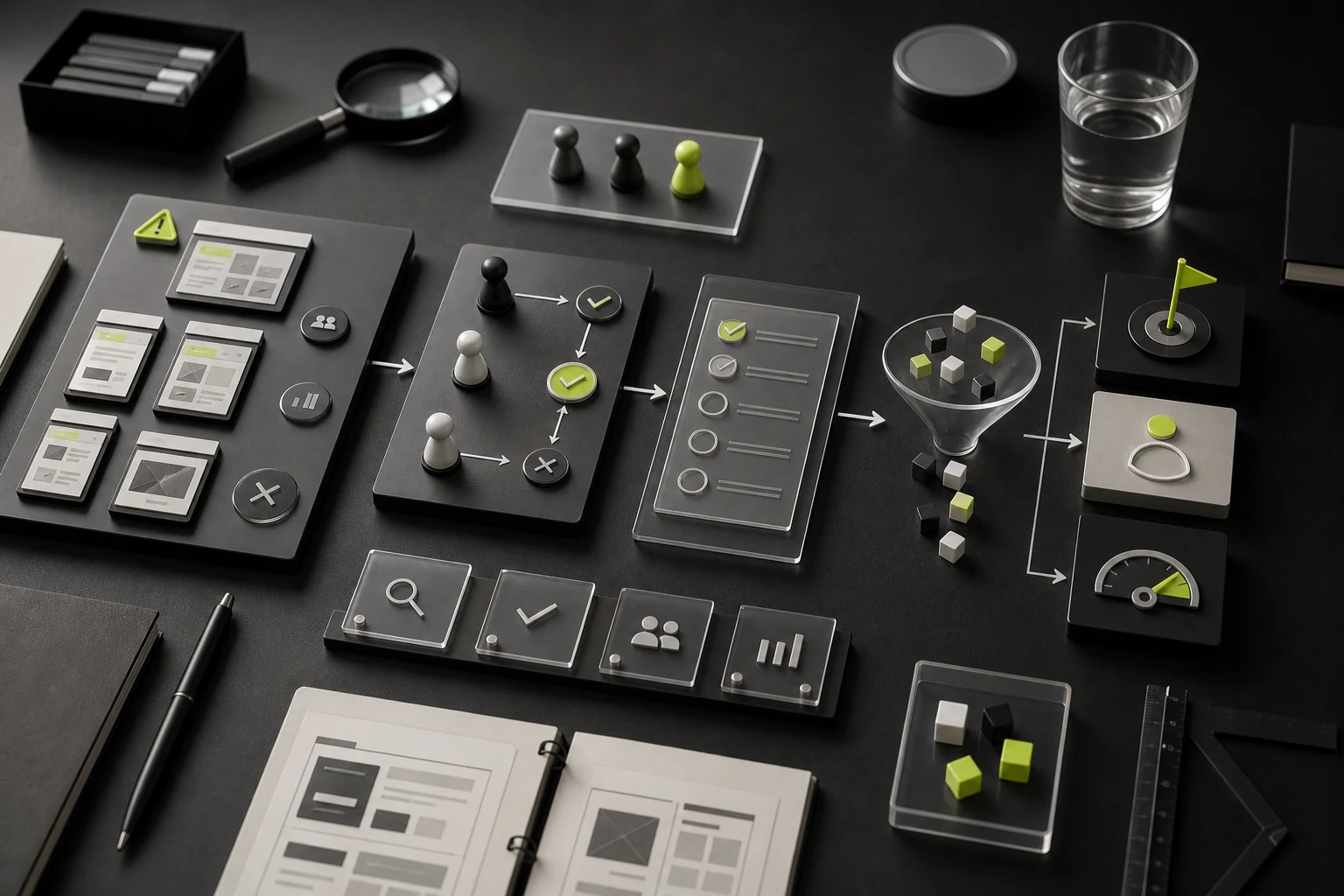
10 The Most Common B2B Website Failures
- Writing lofty value statements only for executives while users and technical roles cannot find details;
- Listing product features without workflows, outcomes, or usage boundaries;
- Showing only customer Logos instead of problems, processes, and evidence;
- Requiring sales to send all security, technical, and procurement information privately;
- Using only "Buy Now" or "Contact Us" CTAs without maturity tiers;
- Losing source, role, and sales-outcome data after forms reach an inbox;
- Organizing the site by department, forcing users to understand the company's internal structure.
Frequently Asked Questions
Should a B2B website show pricing on the home page?
Publish standardized pricing when possible. For highly customized projects, explain the pricing method, cost variables, and procurement process to reduce unqualified inquiries.
Does each role need a separate website?
Usually not. Use one content foundation and create distinct journeys through role entry points and solution, technical, and security pages.
What if case data cannot be published?
Anonymize it and use scope, process, interfaces, deliverables, and observable changes instead of confidential business data. Never invent results.
Is online purchasing suitable for B2B websites?
It can work for standardized, low-complexity products. High-value, complex projects are better served through demos, requirements submissions, trials, and procurement materials.
How often should a B2B website be updated?
Products, solutions, cases, security, documentation, and content must evolve with the business. There is no universal cadence; update important facts promptly when they change.
Service | View |
|---|---|
Corporate Website Design and Website Development | |
UI/UX Design Services | |
Project Inquiry |
Need design or website development services?
JVDS Design Studio is a professional design studio focused on digital product experiences and brand identity. We work with businesses in China and overseas that want to strengthen their brand image, improve user experience and grow their business, providing clear, usable UI/UX design, high-quality website design and development, app and mini-program development, and cohesive, distinctive brand identity design.
Planning a corporate website, a multilingual site or a redesign? Tell us about your audience, existing website and the work you need.
 Link copied








