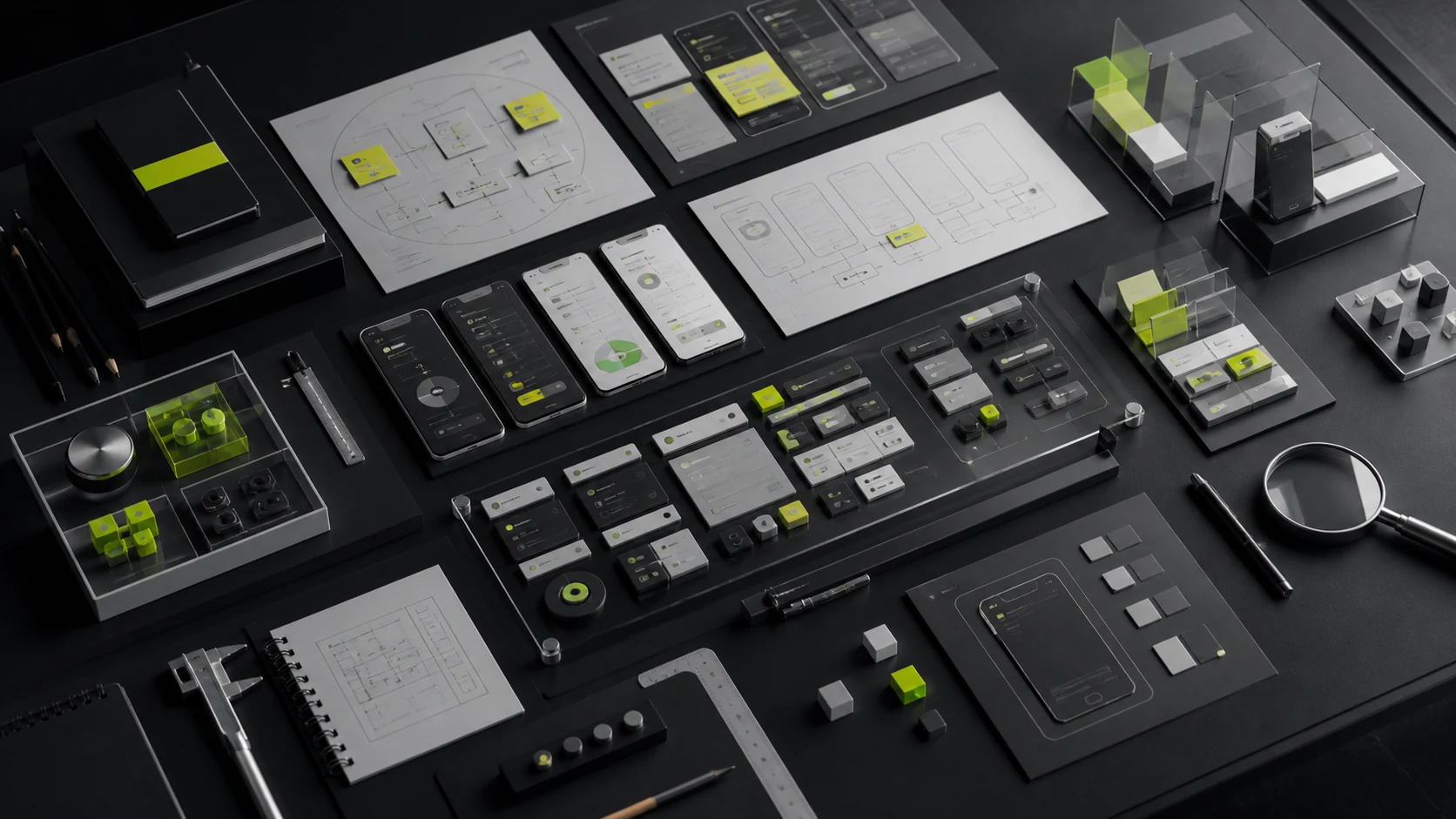
Mobile app design is often reduced to drawing screens from a feature list. In practice, entry points, workflow sequence, input effort, status feedback, error recovery, and platform conventions determine whether users can complete their goals. Visual design alone is appropriate only when the product definition and interaction model are already mature.
The most important procurement decision is whether the company needs visual UI execution, complete UX/UI design, or a broader service that includes product strategy and requirements definition. All three scopes can be valid, but they cannot be evaluated as the same deliverable at the same price.
01 First Distinguish Three Services That Are Often Confused
Service Level | Problem It Solves | Typical Prerequisites | Primary Deliverables |
|---|---|---|---|
Visual UI Design | Establish a visual direction and produce final interface designs | Requirements, workflows, prototypes, and copy are stable | Visual direction, complete UI, foundational components, and assets |
Complete UX/UI Design | Improve information, workflows, interaction, and visual design | Business goals are clear, but the experience solution still needs to be designed | Workflows, prototypes, UI, states, components, testing, and implementation reviews |
Product Strategy plus UX/UI | Define what release one should contain, who it serves, and how it will be validated | New product, unstable requirements, or limited internal product capability | Research, scope, priorities, product prototypes, UI, and a validation plan |
If a client purchases visual UI only, the vendor should not be assumed to own product strategy. If the proposal covers complete UX/UI, it should deliver more than final screens. The service label must correspond to specific activities and deliverables.
02 Eleven Modules in a Complete Mobile App UI/UX Engagement
Module | Primary Work | Typical Deliverables |
|---|---|---|
1. Goals and Scope | Business goals, users, releases, metrics, technical constraints, and compliance constraints | Brief, scope matrix, priorities, risks, and success criteria |
2. Users and Scenarios | Tasks, motivations, environments, frequency, pain points, and evidence | Scenarios, user tasks, research findings, and assumptions |
3. Product Structure | Feature hierarchy, navigation, content, objects, and entry points | Information architecture, feature map, and screen inventory |
4. User Flows | Primary flows, branches, back navigation, interruption, failure, and recovery | Flowcharts, business rules, and exception inventory |
5. Wireframes and Prototypes | Screen structure, actions, feedback, input, and clickable validation | Low- or high-fidelity prototypes and interaction specifications |
6. Visual UI | Color, typography, icons, hierarchy, imagery, and brand expression | Visual direction, complete interfaces, and platform adaptations |
7. State Design | Loading, empty, error, permission, network, success, and business states | State inventory, component states, and interface copy |
8. Design System | Design tokens, components, patterns, assets, and naming | Component library, documentation, and version rules |
9. Motion and Feedback | Transitions, microinteractions, gestures, loading, and critical state changes | Motion specifications, prototypes, or production assets |
10. Testing and Accessibility | Task testing, text scaling, contrast, screen-reader support, and touch targets | Test report, issue severity, and revisions |
11. Implementation Review | Specifications, assets, engineering questions, implementation review, and launch acceptance | Handoff package, review records, and issue list |
Not every project needs all 11 modules, but every module must have a named owner: the client, design partner, development partner, or another specialist.
03 Mobile App Design Effort Is Not the Number of Primary Screens
A “25-screen mobile app” may count only the homepage, list, detail, and account screens while omitting failed login, unauthorized access, loading, empty data, canceled and failed payments, network interruptions, form validation, keyboard overlap, and different account states. In delivery, states and components often represent effort more accurately than primary screens.
Unit of Estimation | What It Describes | Best Use |
|---|---|---|
Primary Screens | Independent information and task containers such as home, detail, and orders | Quickly frames overall product size |
Workflows | Connected steps through which users complete a task | Estimates UX, business-rule, and exception complexity |
States | Changes to one screen under different data, permissions, and outcomes | Estimates completeness and engineering effort |
Components | Reusable buttons, inputs, cards, lists, dialogs, and other controls | Estimates design-system and consistency work |
Platforms | iOS, Android, mini app, tablet, or web | Estimates platform adaptation and duplicated effort |
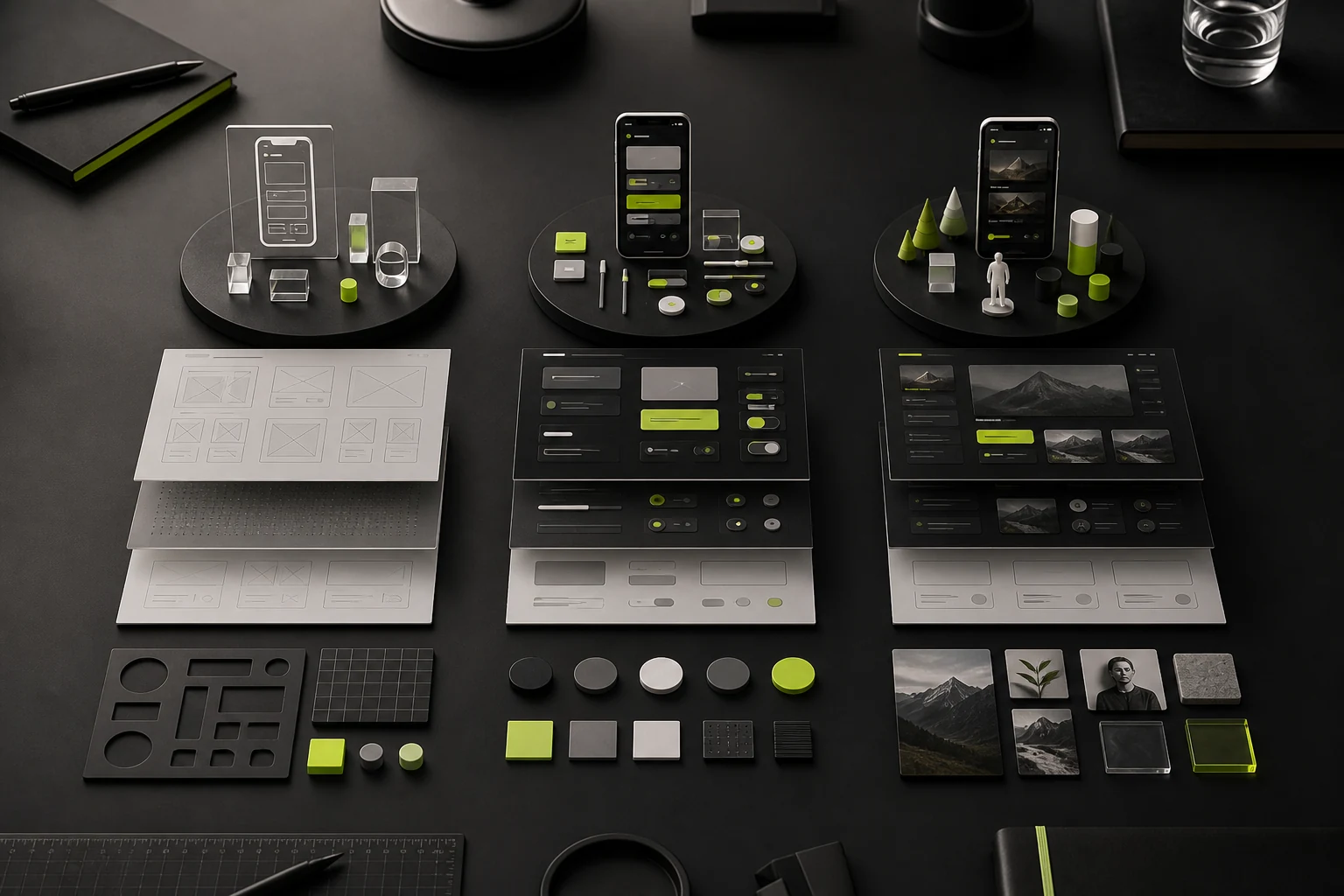
04 iOS, Android, and Mini Apps Require More Than Resizing
Area of Difference | What to Consider |
|---|---|
Navigation and Platform Patterns | Back behavior, tabs, top bars, dialogs, sharing, permissions, and entry points to system settings |
Devices and Screens | Safe areas, keyboards, edge-to-edge displays, tablets, foldables, and orientation |
Interaction Conventions | Gestures, long press, system pickers, input methods, and haptic feedback |
Permissions and Privacy | Request timing, explanation, paths after denial, data deletion, and privacy disclosures |
Store and Platform Rules | Accounts, payments, content, user-generated content, and review requirements |
Component Implementation | Native platform controls, cross-platform libraries, development frameworks, and feasibility |
To control cost, share brand foundations and design tokens across platforms while adapting critical platform patterns. Do not force every platform to behave identically.
05 Choosing the Right Service Scope for the Project
Project Situation | Recommended Scope | Not Recommended |
|---|---|---|
Mature product and complete prototype; only a brand refresh is needed | Visual UI plus foundational components and implementation review | Repeating extensive research |
New feature or clear experience problems | Complete UX/UI plus testing of core workflows | Jumping directly into full visual production |
New product with changing requirements | Product strategy, prototype validation, and phased UI | Locking every screen at once |
Complex transactions, finance, healthcare, or multiple roles | Complete UX/UI, high-risk workflows, accessibility, and compliance collaboration | Per-screen visual UI only |
Rapid Mini App Validation | UX/UI focused on the core loop with a simplified system | Copying every feature from a full mobile app |
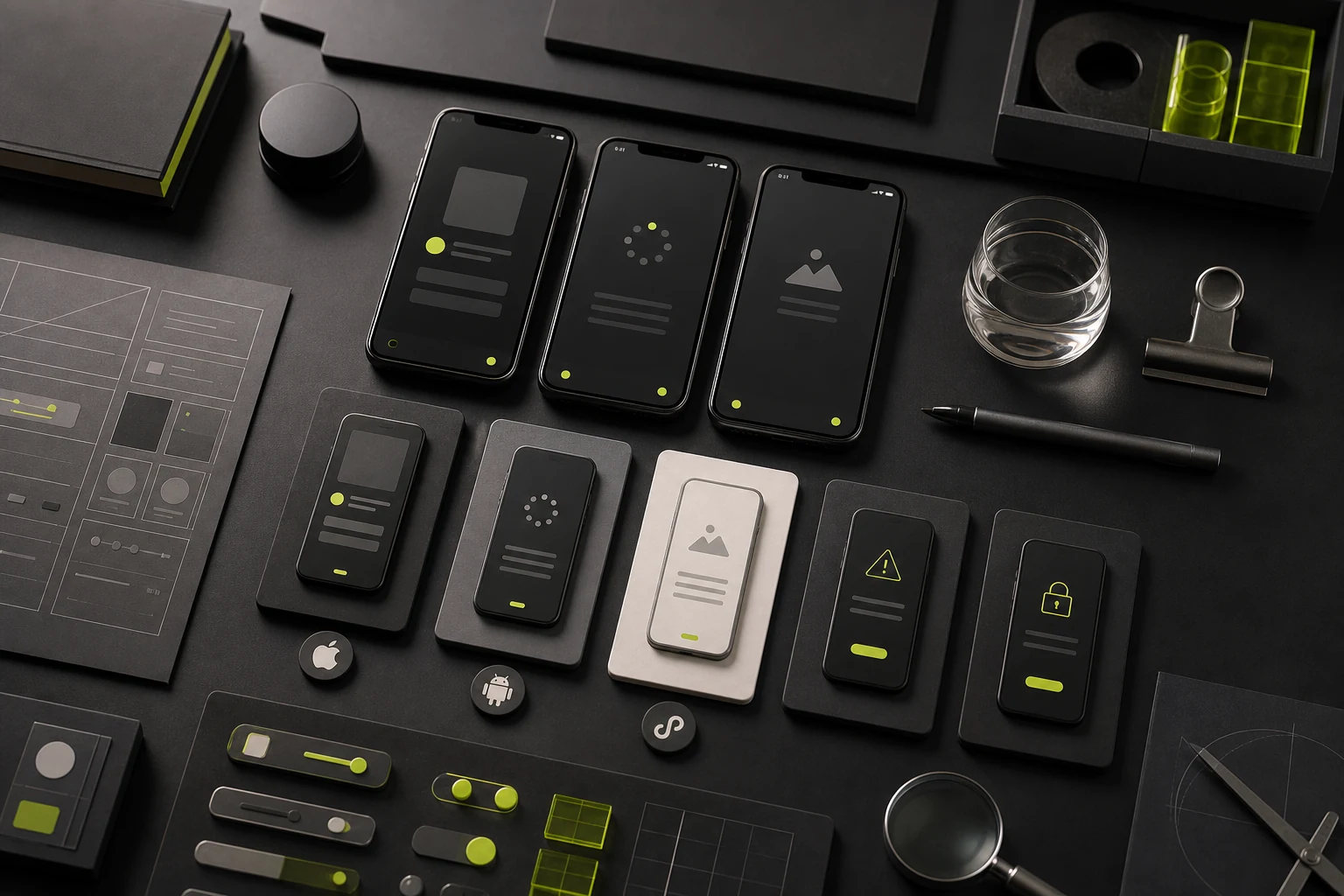
06 Deliverables and Acceptance Criteria by Phase
Phase | Deliverables | Acceptance Question |
|---|---|---|
Scope | Goals, users, features, releases, and exclusions | Do we know why the product is being built, what release one contains, and who owns each responsibility? |
Structure and Workflows | Architecture, screens, workflows, states, and rules | Can users complete critical tasks, and can they recover from exceptions? |
Prototype | Clickable prototype and interaction specifications | Were critical decisions validated before visual production? |
Visual Design and Components | Interfaces, states, assets, components, and platform adaptations | Is the brand consistent, hierarchy clear, state coverage complete, and component implementation reusable? |
Testing | Tasks, findings, severity ratings, and revisions | Were high-risk issues resolved or explicitly accepted with rationale? |
Engineering Handoff | Source files, specifications, assets, documentation, and review records | Can engineers find the current version and implement it correctly? |
For acceptance, walk through high-risk flows such as registration, purchase or submission, cancellation or refund, and account recovery. Do not review only a random set of attractive screens.
07 Work Typically Excluded from the Base Scope
- Complete business consulting, market sizing, business-model design, and financial forecasts;
- Backend rules, databases, APIs, technical architecture, and code development;
- Formal legal opinions, licensing applications, privacy compliance, and store appeals;
- Large-scale participant recruitment, field research, travel, and third-party research expenses;
- All operational copy, content production, photography, illustration, and 3D production;
- Brand logo, complete visual identity, and marketing collateral;
- Post-launch operations, analytics, and design for new releases.
These services can be included, but budget, timeline, owner, and acceptance criteria must be agreed separately.
08 Development Handoff Is More Than Sending a Figma Link
Handoff Area | Minimum Requirement |
|---|---|
Files and Versions | Final files, screen naming, history, and approved states are unambiguous |
Components and Styles | Design tokens, components, variants, states, usage guidance, and prohibited use |
Assets | Icons, images, fonts, motion, dimensions, formats, and licensing information |
Interaction and Rules | Navigation, gestures, feedback, keyboard behavior, exceptions, boundaries, and data conditions |
Responsive and Adaptive Behavior | Safe areas, breakpoints, text length, localization, and device rules |
Reviews and Acceptance | Milestones, issue severity, correction ownership, and prelaunch verification |
Apple review requirements, privacy disclosures, and platform permissions affect interfaces and workflows. Design and engineering should verify feasibility early rather than discovering after handoff that payment, account, or data use violates platform rules.
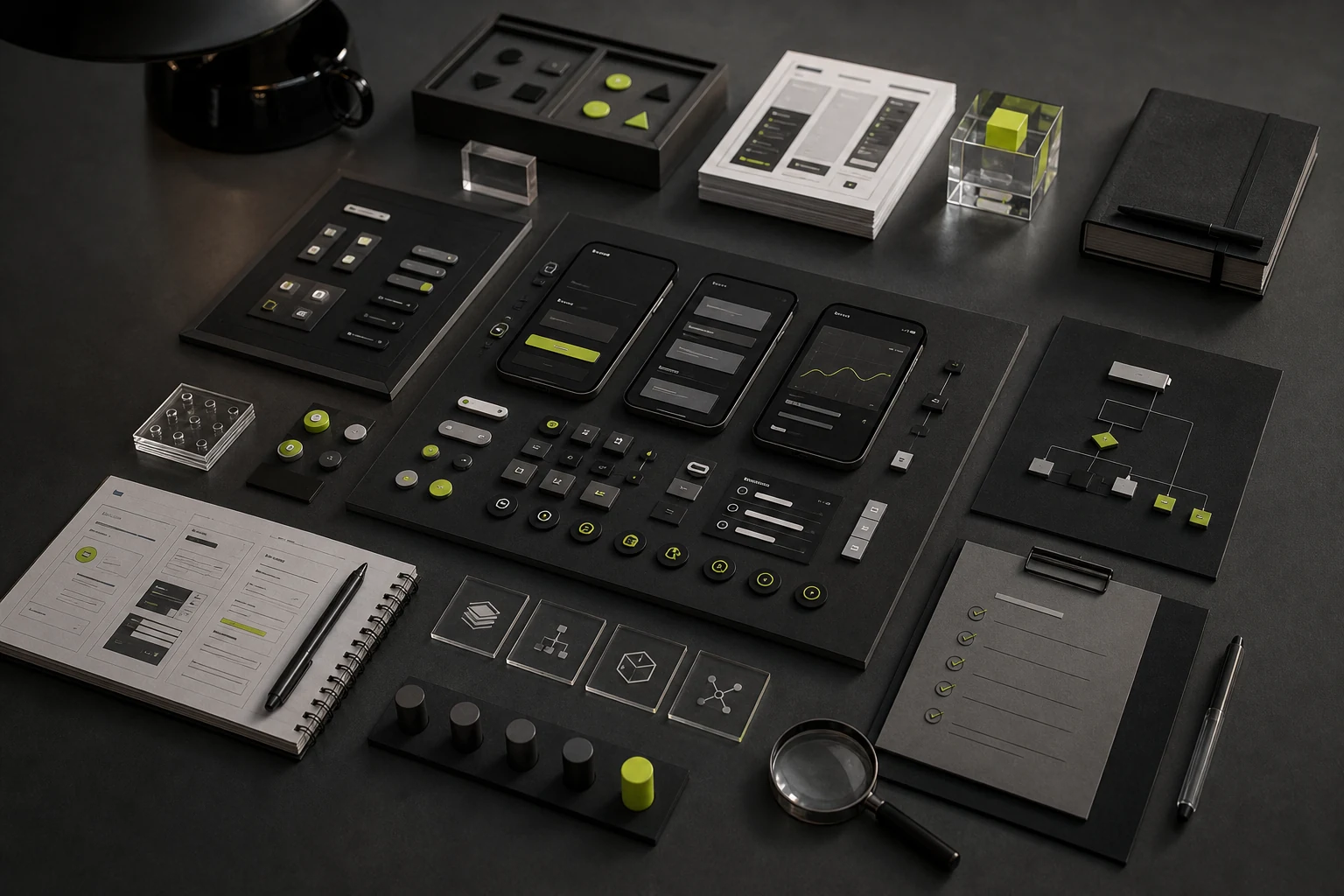
09 Composite Scenario: Why a Product with a PRD May Still Need UX
A service-booking app already has a detailed PRD and screen list, and the client asks to begin with UI. Prototype review shows that cancellation and rescheduling rules appear only in documentation, with no deadline in the interface. The order state after failed payment is unclear, and service staff have no path for resolving exception bookings.
The team does not discard the PRD. It first completes four state chains—booking, payment, cancellation, and refund—then begins visual design. The added UX work reduces later API and support disputes and makes the true UI state count visible before pricing.
This composite scenario reflects common project problems. It does not represent one client or verified business results.
10 Minimum Information to Prepare Before Requesting a Proposal
Information | Why It Matters |
|---|---|
Product Goals and Users | Defines release-one tasks and experience priorities |
Feature List or PRD | Shows business rules and scope maturity |
Core Workflows | Helps estimate prototype, state, and risk work |
Existing Design and Competitors | Clarifies what to retain, restructure, and express through the brand |
Technical Approach and Platforms | Clarifies native, cross-platform, and component adaptation |
Launch Timeline and Budget | Determines phases, priorities, and collaboration model |
Internal Team and Decision-Makers | Defines product, engineering, review, and feedback responsibilities |
Frequently Asked Questions
1. Can We Start UI Design with Only a Requirements List?
Yes, but first confirm that the list covers workflows, states, exceptions, and platform rules. Otherwise, requirements clarification must be added to the scope.
2. Does Every Mobile App Need a High-Fidelity Prototype?
No. Core workflows and high-risk interactions need enough fidelity to validate behavior. Simple content screens may move directly into UI design.
3. Does a Small Mobile App Need a Design System?
Even a small project needs foundational styles and core components, but it does not need a complex governance program. System depth should match product lifespan and expected iteration.
4. Do iOS and Android Need Separate Design Files?
They can share most brand and structural decisions, but critical navigation, system controls, permissions, and device differences must be specified. Whether every screen needs two versions depends on the development approach.
5. What Does Motion Design Usually Include?
Critical transitions, state feedback, loading, gestures, and brand motion. Define whether delivery includes an interactive prototype, parameter specifications, or production-ready animation files.
6. Should Designers Stay Involved After UI Delivery?
Yes. At minimum, designers should answer handoff questions and review critical implementation milestones. Without collaboration, the build can drift in spacing, states, components, and responsive behavior.
Conclusion: Choose the Right Service Level First
More scope does not automatically make a mobile app design engagement better. A mature approach selects the work required for the product stage and defines responsibility, deliverables, and acceptance for every item. This avoids paying for unnecessary research without postponing critical experience problems until development.
Mobile App Design Scope Assessment
Share the product goals, primary users, feature list, current prototypes, target platforms, and launch timeline. JVDS can help determine whether the project needs visual UI, complete UX/UI, or phased product design.
Need design or website development services?
JVDS Design Studio is a professional design studio focused on digital product experiences and brand identity. We work with businesses in China and overseas that want to strengthen their brand image, improve user experience and grow their business, providing clear, usable UI/UX design, high-quality website design and development, app and mini-program development, and cohesive, distinctive brand identity design.
Working on a B2B system or an app? Share your current screens and key user tasks so we can discuss the design scope.
 Link copied