
Website Motion Design: Balance Visuals, Performance, and Accessibility
Motion can make a brand website memorable and is also easy to abuse: every word appears letter by letter, scrolling is hijacked, and cursor effects never stop. It looks impressive once, but returning visitors simply want to find information quickly.
Professional motion begins with purpose: what should it emphasize, explain, or confirm? If the purpose is unclear, the animation can usually be removed.
01 Divide Motion into Three Purposes
Brand expression supports hero sections and major transitions. Explanatory motion shows processes, relationships, and data. Interaction feedback supports buttons, forms, and states.
Each needs a different intensity. Microinteractions should not overpower content, and brand animation should not appear in every module.
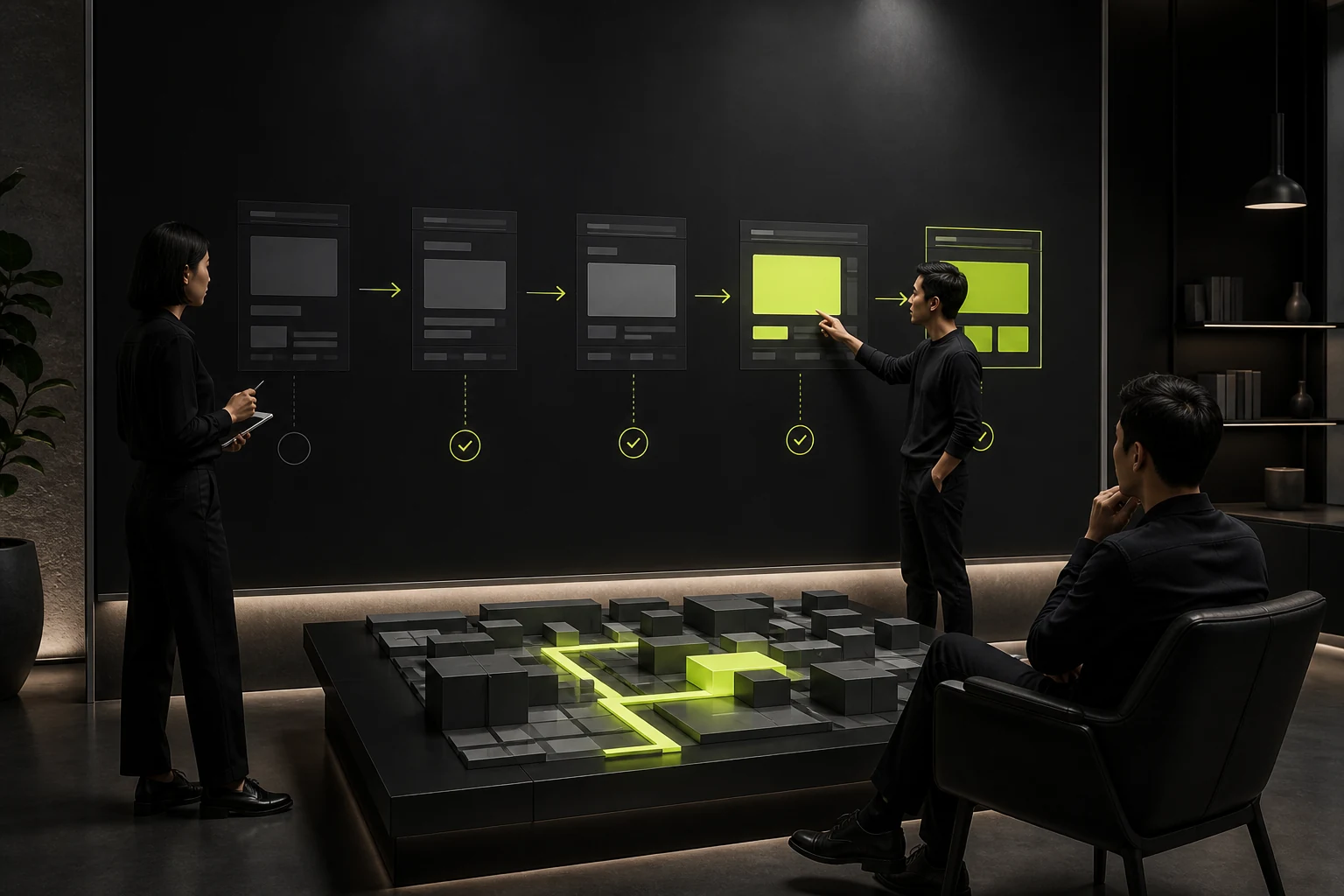
02 Keep First-Screen Content Immediately Available
Critical headlines, product information, and CTAs should not wait through long animations. Images, video, and 3D need posters, loading states, and fallbacks.
Keep initial HTML and accessible names complete so content does not exist only after animation runs.
Common Website Motion Types and Boundaries
| Type | Suitable Use | Common Risk |
|---|---|---|
| Fade or movement | Establish reading rhythm | Delaying every element |
| Scroll storytelling | Explain complex processes | Hijacked scrolling and poor scanning |
| Page transitions | Maintain brand continuity | Blocking back navigation and deep links |
| Data animation | Clarify change | Spectacle over readable values |
| Cursor response | Desktop brand detail | No touch equivalent and high performance cost |
| Video or 3D | Show products and spaces | Bandwidth, heat, and accessibility |
03 Define One Rhythm Instead of Letting Every Module Improvise
Establish duration, easing, distance, hierarchy, and trigger rules so motion forms one language.
Fast feedback and narrative animation use different timing, but neither should create unnecessary waiting.
04 Provide Reduced-Motion and Fallback Versions
Respect the user's system preference by disabling large movement, parallax, and autoplay while keeping all information available.
Use static images or lightweight alternatives on mobile, low-performance devices, and poor networks.
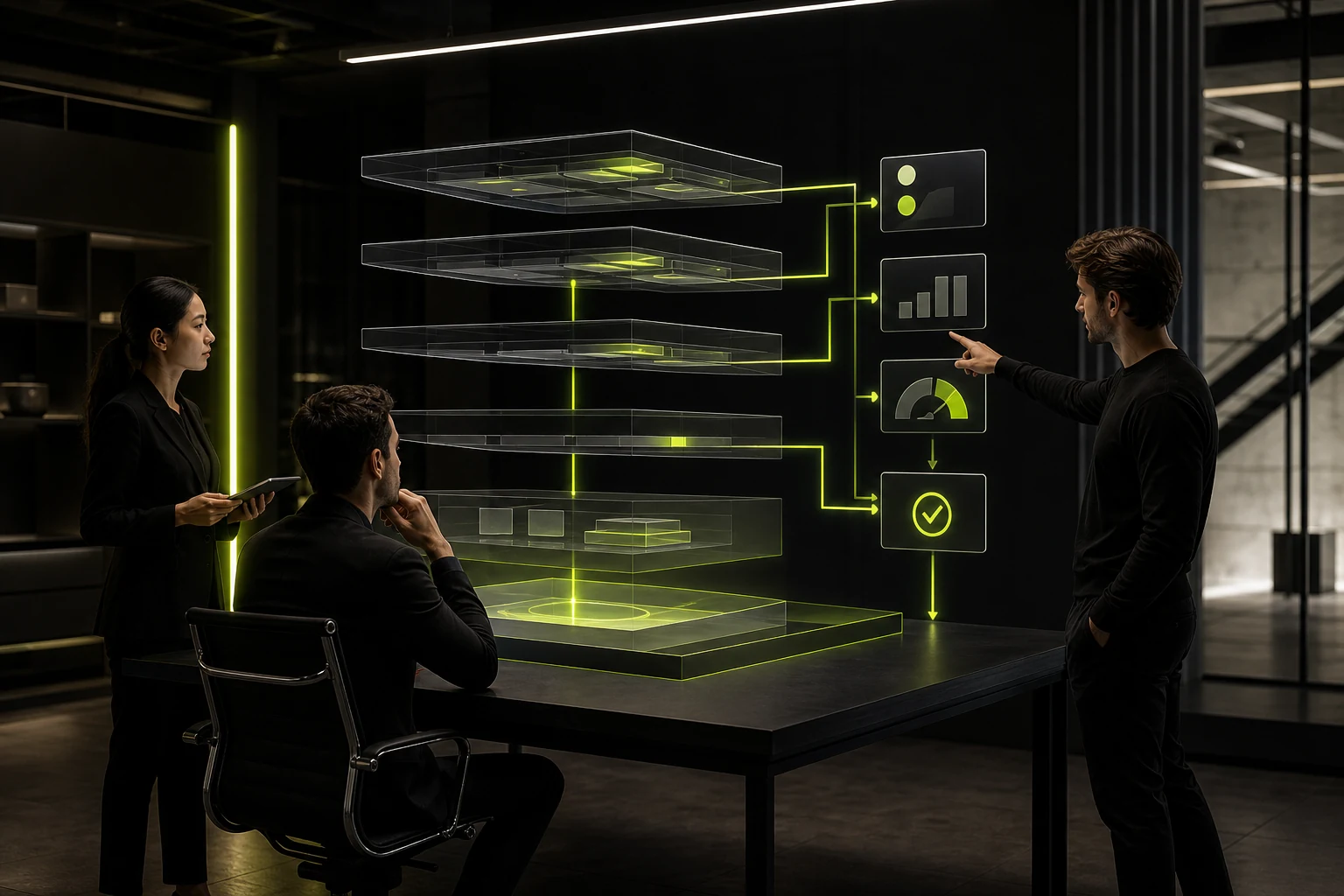
05 Evaluate Performance During Design
Prefer efficient properties such as transform and opacity, and control large blurs, filters, particles, and third-party libraries.
Test frame rate, input responsiveness, page weight, and battery use on real devices—not only recordings from a designer's computer.
06 Document Triggers and States in Handoff
Specify start conditions, duration, easing, loops, skip behavior, load failures, and reduced-motion versions.
Review development on real devices instead of asking only whether it looks like the video. After launch, monitor bounce, performance, and feedback.
Frequently Asked Questions
Does every corporate website need motion?
No. Content, structure, and performance come first; motion needs a clear value.
Does scroll animation affect SEO?
Not inherently, but problems arise when important content depends on scripts, loads slowly, or is inaccessible.
Is Lottie always lighter than video?
No. It depends on file complexity, assets, and rendering, so measure the real implementation.
Should mobile retain every animation?
No. Redesign or simplify motion for touch, performance, and screen size.
How can motion sickness be reduced?
Limit large parallax and continuous movement, support reduced motion, and preserve user control.
| Service | View |
|---|---|
| Related service | View service details |
| Project inquiry | Contact JVDS Design Studio |
| Design and web articles | View all insights |
 Link copied








