
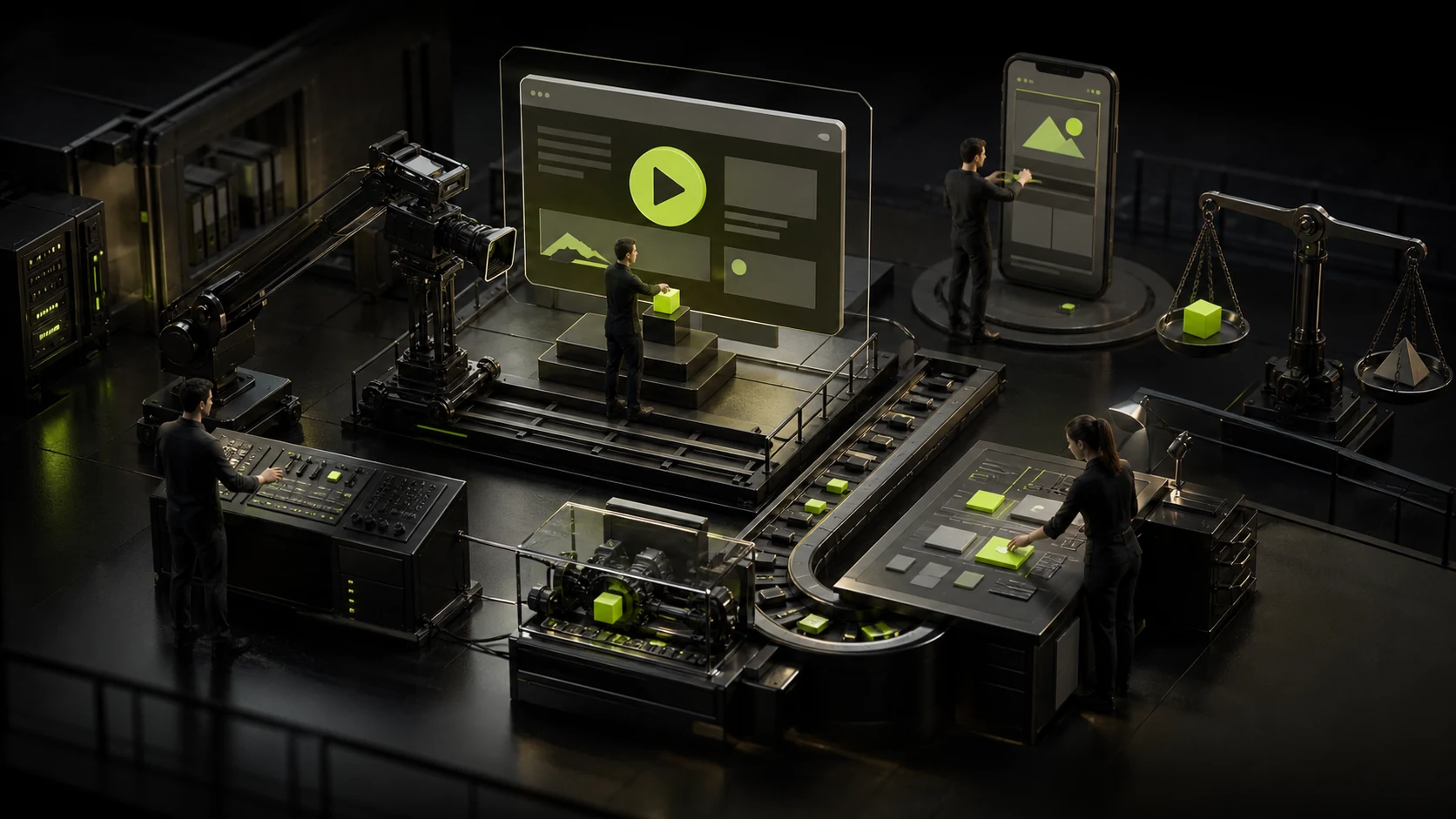
Should videos be placed on the first screen of the corporate website? First, prove what it says more than a single picture
Many corporate websites cut one-minute promotional videos into a looping background. After muting, only handshakes, office buildings and aerial shots remain. The screen is moving, but the user still has no idea what the company is doing. Whether a first-screen video is worth making or not does not depend on how cinematic it is, but on whether it can provide information that static pictures cannot convey within a few seconds.
01 Let's go through these five questions first, and then discuss the shooting plan
| Judgment problem | What does "yes" mean | "No" is a more suitable solution |
|---|---|---|
| Does movement itself constitute information? | Product operation, manufacturing process, spatial flow or changes before and after must be understood dynamically | High-quality photography or storyboards |
| Can you understand the core content in the first five seconds? | The shot is short, the subject is clear, and no sound explanation is needed | Click to play the full brand video |
| Is the page still complete when there is no video? | The title, value, CTA and evidence are all presented in HTML | First, correct the text and content structure |
| Is there an independent fallback option for mobile devices? | You can use poster images, short clips or turn off auto-play | By default, only static main visuals are loaded |
| Can the team be continuously updated? | There are video source files, compression processes and replacement mechanisms | Use maintainable images and light animations |
As long as two or three of them cannot be answered, the video is usually not the top priority on the first screen. It is often more effective to first establish the value of a sentence, the core evidence and the entry point for action than to switch to a more expensive film.
02 Write the information script first, and then the shooting script
Many video briefs start directly with a list of shots: office environment, team discussions, close-ups of equipment, and client handshakes. A more reliable sequence is to first clearly state what the user should understand at the first second, the third second, and the fifth second, and then decide what kind of screen is needed. Each shot should respond to a piece of information, such as "The device can operate continuously", "The software combines three steps into one", or "the space is suitable for multi-person collaboration", rather than merely pursuing emotions.
- Review the title of the first screen and the video storyboard together to avoid both repeating the same thing.
- Write the subject, action, information and alternative static images for each shot.
- Confirm the character portrait, venue, product interface, music and material authorization in advance.
- When shooting, keep the horizontal, vertical and poster image materials simultaneously to reduce the need for forced cropping in post-production.
- Include subtitles, pause control, reduction of dynamic effects and low network speed retreat in the acceptance.
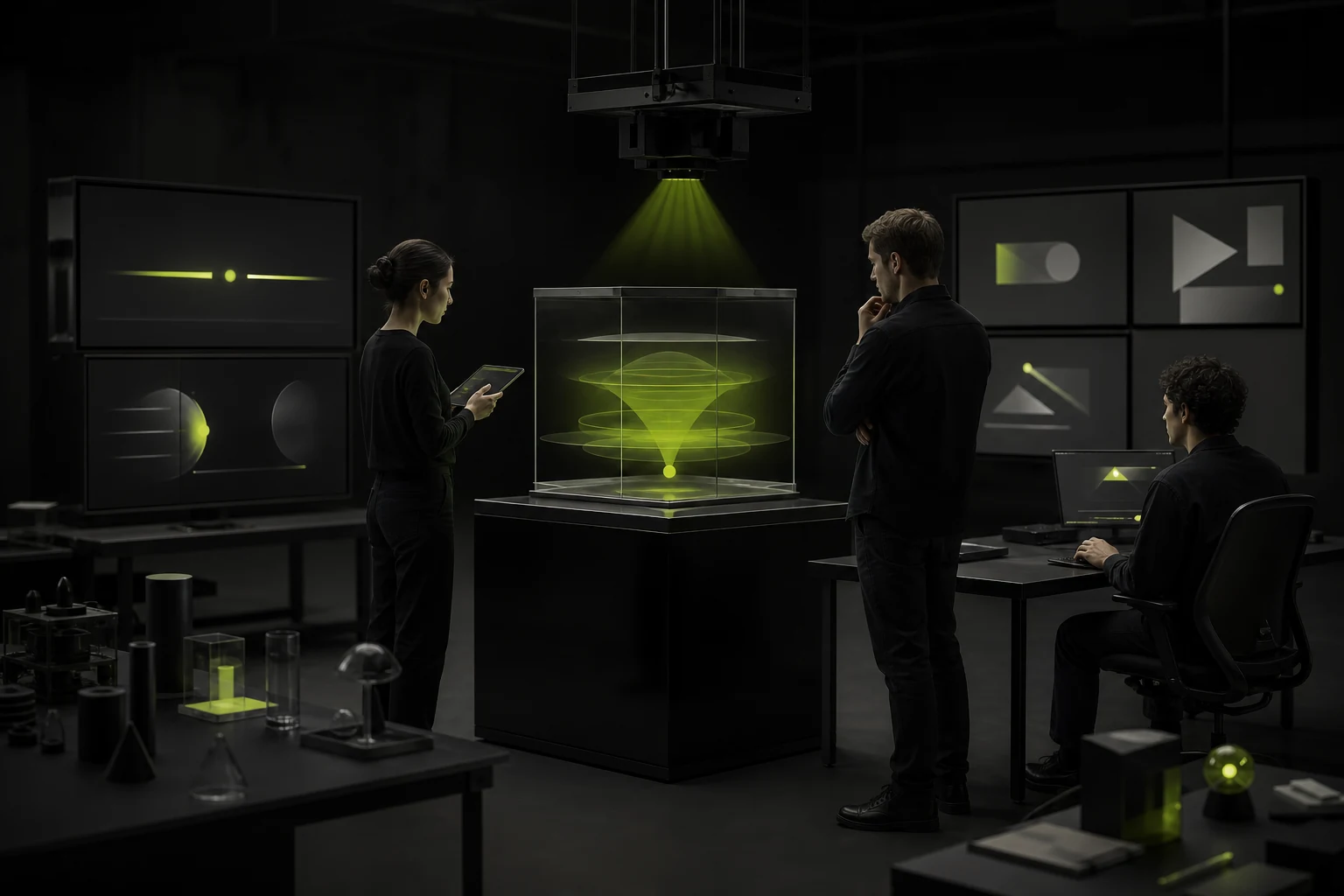
03 The video must complete a clear task
Dynamic content suitable for the first screen is usually very specific: how mechanical equipment moves, how software automatically handles a task, how space changes from day to night, and what differences there are before and after product use. Pure emotional shots can also be used for brand expression, but they should serve to clarify the temperament rather than fill in the content gaps.
The first-screen video is not a "moving background image", but a piece of content that takes up bandwidth, attention and maintenance budget.
04 The title, value and button must exist independently of the video
Videos may not play due to network, browser policies, traffic-saving Settings, or user preferences. The company positioning, product value and CTA on the first screen must be carried by real text and cannot be imprinted in the picture. The poster image should also be designed separately to ensure that the page remains like a complete product when the video is not loaded, rather than a black screen or the first frame.
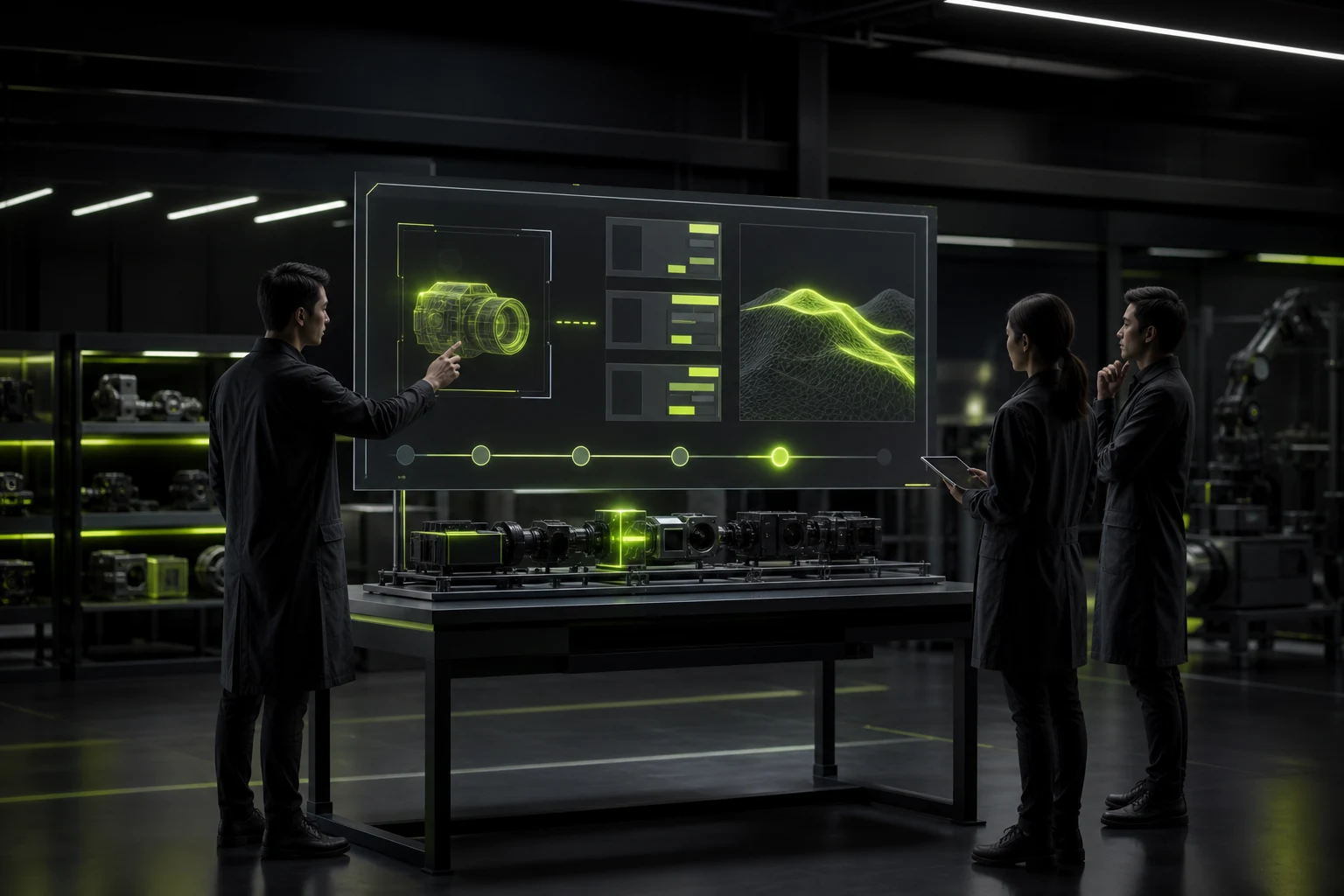
05 Include the performance budget in the video Brief instead of compressing it before going live
| Deliverables | Clear requirements are needed | How to check during acceptance |
|---|---|---|
| Fragment length | Only keep the shots that can complete the tasks on the first screen to avoid looping the entire promotional video | Observe the start playback time on a low-speed network and a regular mobile phone |
| Coding and Dimensions | Output in multiple formats and resolutions according to the actual display size | Check whether the browser selects the appropriate resources |
| "Poster" | Compose the text separately, compress it and ensure the contrast of the text | Whether the page remains intact after disabling the video |
| Loading strategy | Unnecessary video lazy loading; The first-screen video also avoids seizing key text resources | Check the sequence of network requests and the appearance time of the core content of the page |
| mobile strategy | Choose one of the three options: static image, short video or click play | Is it available in traffic mode and power-saving mode |
| Replacement mechanism | Record the source file, cover, encoding parameters and CMS location | Can it be independently replaced by the operation team after half a year |
Auto-play videos usually start downloading as early as possible, especially when placed on the first screen, they compete with fonts, CSS, main images and scripts for online resources. Do not replace the real test with a fixed "The file must be less than a certain number of MB". The first screen presentation should be verified in the target region, target device and common network environment.
06 Auto-play should respect users rather than force them to watch to the end
The background video should be muted by default and provide a clear pause or stop method. Continuous exercise may affect reading and attention, so the preference for "reducing dynamic effects" needs to be considered. The camera should avoid rapid flickering, sharp zooming and competing for focus with the main text. The video is not a ticket to the content. Users must be able to directly operate the navigation and CTA.
07 Mobile devices should usually be more restrained
The screens of mobile phones are smaller, and the differences in network and battery life are greater. After cropping, many desktop cameras only leave blurry areas. Rather than forcing consistency, it is better to define a "core image": short videos on the desktop and carefully selected poster images or shorter vertical clips on the mobile phone. Consistent experience does not mean that the media files are exactly the same.
08 Four lighter alternatives
- Strong photography + slight parallax or local motion effects: suitable for brand atmosphere, more controllable loading.
- Short sequence or product micro-demonstration: Only show one key action and do not play the full promotional video.
- Click to play the product video: Hand over control to the user and retain the sound and subtitles.
- Step-by-step diagram of scroll-triggered: Suitable for explaining the process, but a static degradation solution should be provided.
09 Effect evaluation cannot be based solely on the number of plays
| Indicator | The questions it answers | Need to be vigilant |
|---|---|---|
| First-screen comprehension test | Can the user tell what the company does within a few seconds | Remember the scene but can't describe its value |
| The appearance time of the core content | Are the titles, buttons and poster images quickly visible | The video moves first, but the text appears very late |
| Click and scroll down on CTA | Does the video help to continue exploring | Users either skip directly or leave quickly |
| Mobile exit and traffic | Whether the weak network equipment is obviously damaged | Good desktop performance can mask phone problems |
| Maintenance cost | Can the content update be completed quickly | Every time the video is changed, it needs to be redeveloped |
Frequently Asked Questions
Must the background video on the corporate website be muted?
When auto-playing, it should be muted by default; otherwise, it is likely to be blocked by browsers and also disturb users. Content that requires sound is more suitable for users to click and play, and should provide subtitles and volume control.
How long should the first-screen video be?
There is no uniform second count. The background loop should be as short as possible, retaining only the shots that can complete the task. The complete brand video or product introduction should be placed in a player that can play actively.
Will videos affect Google rankings?
The video itself is not a negative factor, but if it slows down the core content, causes unstable layout or makes the main text only appear in the video, the page experience and understandability will be affected. The text content, loading and structure should be completed first.
Can AI videos be used without a professional shooting budget?
It can be used for concept exploration or non-realistic expression, but it is necessary to check the authenticity of the picture, brand consistency, authorization and subsequent editability. If the product requires genuine proof, generated videos cannot replace real shooting.
| Related Service | Learn More |
|---|---|
| Corporate Website Design Services | View Service Details |
| Project Consultation | Contact JVDS Design Studio |
| Design and Website Development Articles | Read More Related Articles |
 Link copied








