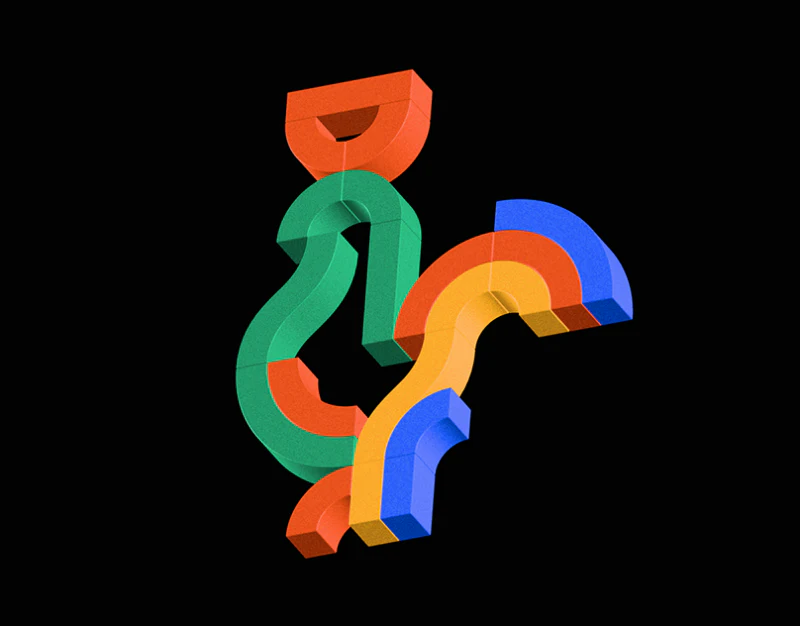
Der Baukasten builds animal silhouettes from colored arcs and places blue, red-orange, and yellow panels beside them. Forms are expressive against black, while names, stories, and Download 3D model stay in the same unit, keeping viewing and access together.
Key takeaways
- Forms and colored explanations are paired, making series viewing and understanding continuous.
- Downloads sit near current work, while formats, versions, and usage scope need actual resource information.
Every animal has a nearby explanation
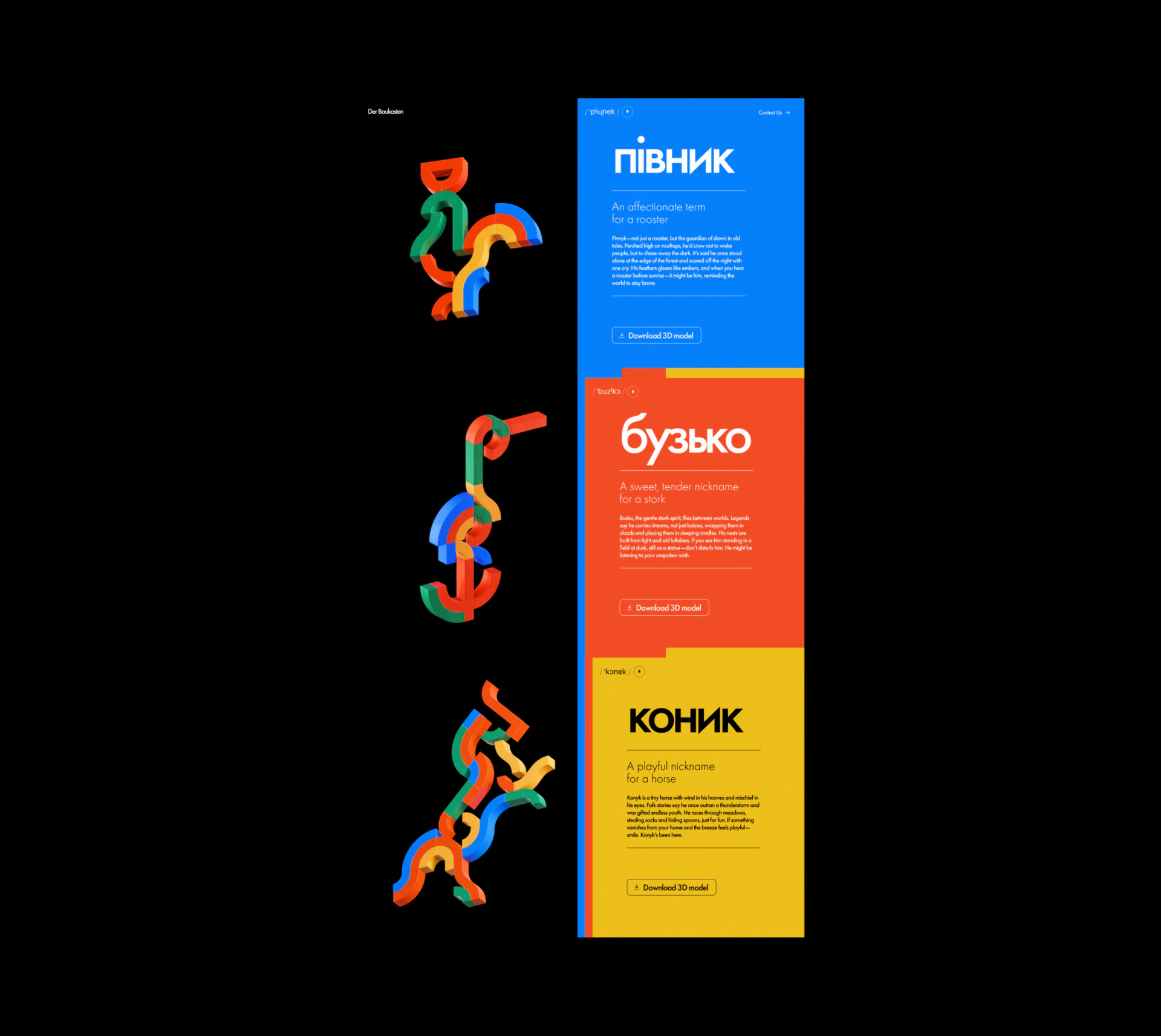
Three forms run down the left of the long page, matched in height with three colored panels on the right. Arcs, bars, and rounded components recur in green, blue, red-orange, and yellow, creating a series with distinct animal outlines.
This suits portfolios emphasizing a series language. Repeated components reveal a system, while names and short phrases distinguish works. Stories remain beside each object instead of gathering at the page bottom.
JVDS values keeping pairs on narrow screens. Vertical arrangement works if each form and explanation remain consecutive rather than all images preceding all text. Stories explain themes; file information should identify the specific obtainable work.
A large title makes the hero memorable
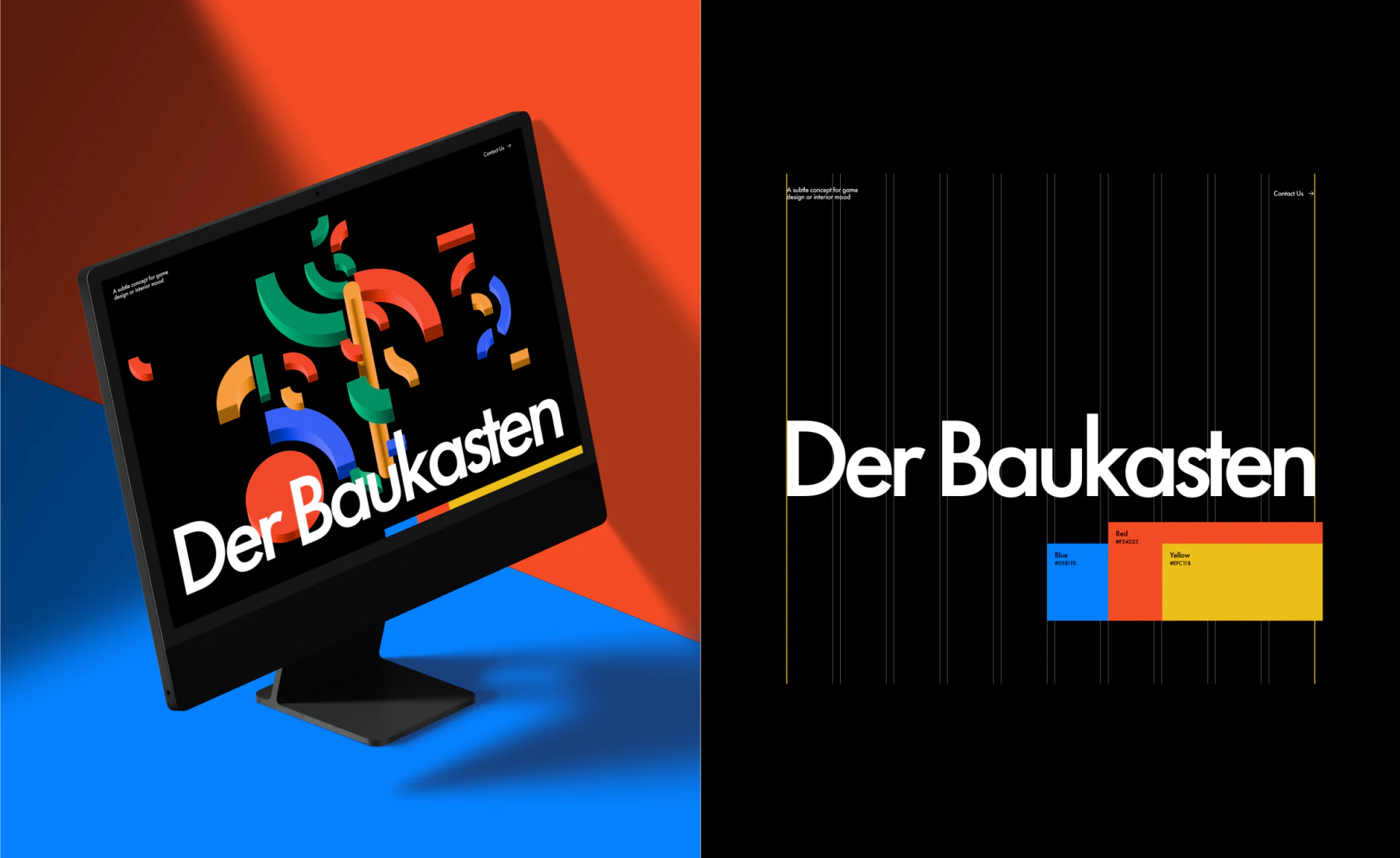
In the monitor mockup, Der Baukasten spans the lower view beneath colorful components, with only short explanation and contact above. Large type contrasts with black, and the work’s name joins the composition.
The adjacent specification image places a grid and three colors near the lettering, showing clear color and alignment rules. A grid organizes imagery but cannot establish responsive behavior in the actual website.
Contact starts discussion and download obtains a specified work. They can share concise button language while retaining precise objects. JVDS would inspect the upper text at actual display size rather than judging all readability from the mockup’s large letters.
A clear download entry can add resource identity
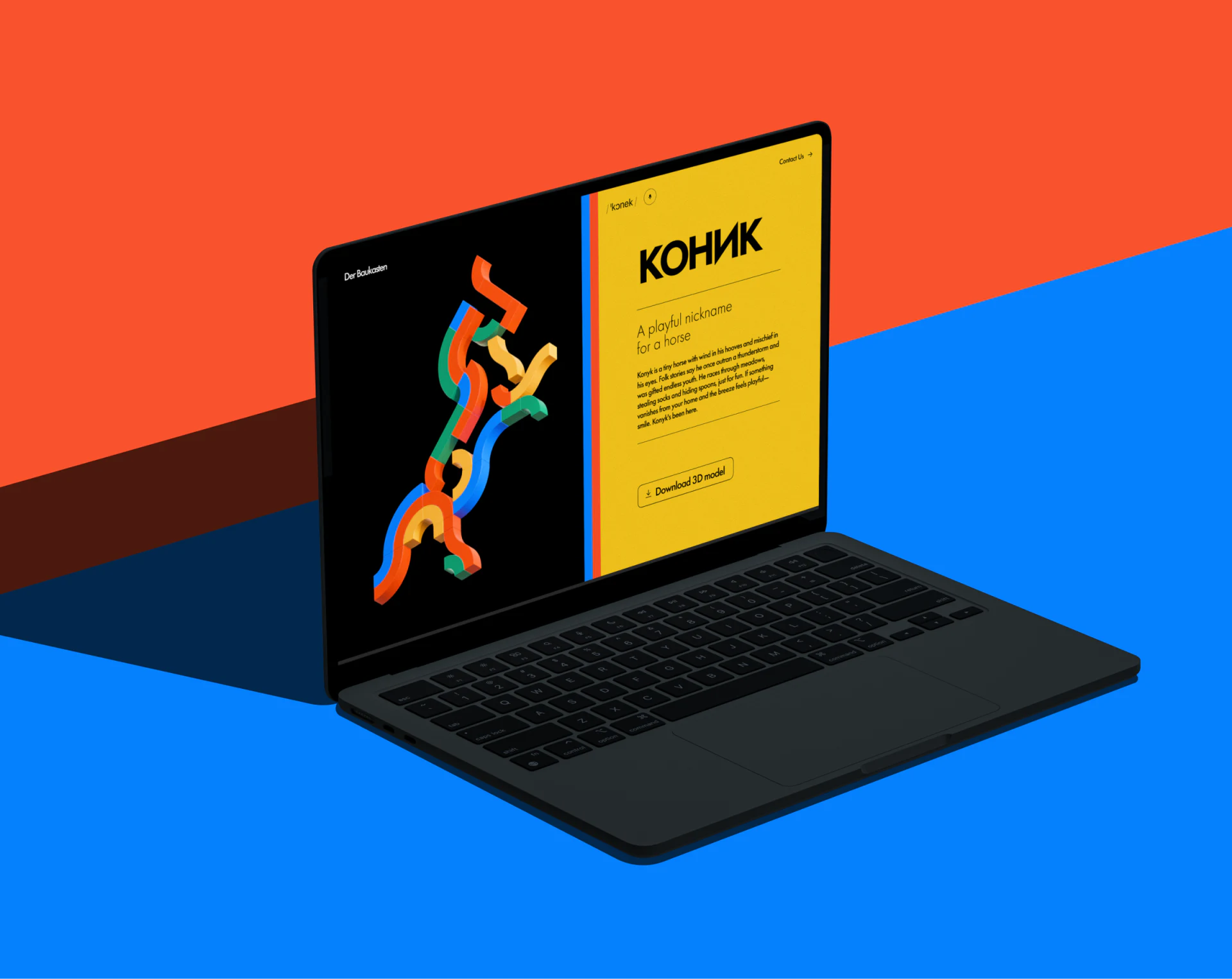
A laptop shows the horse form left of a yellow story panel, with Download 3D model below its explanation. The nearby button makes the object-resource pairing practical, avoiding a separate search for its name.
People using the model need format, size, version, and usage scope. The button names an action; resource summaries provide conditions from actual files. Rendered appearance cannot establish topology, compatibility, or licenses.
JVDS recommends the essential file line near the button, with details elsewhere. Download filenames, retries, and return to the work should identify the same resource. Bold expression can continue while access conditions remain simple and accurate.
Frequently asked questions
What belongs beside a 3D download button?
At least verifiable format, version, and usage scope. A rendering cannot prove compatibility or permission.
Design review checklist
- Confirm each image-text pair remains consecutive on mobile.
- Check that downloaded resource names match the current work.
Make displayed work easy to obtain
If your portfolio or asset website combines visuals, explanations, and downloads, bring work and file lists to discuss.
JVDS Design Studio provides UI/UX design, website design, and development services to help organize page content, interface structure, and implementation needs.
 Link copied