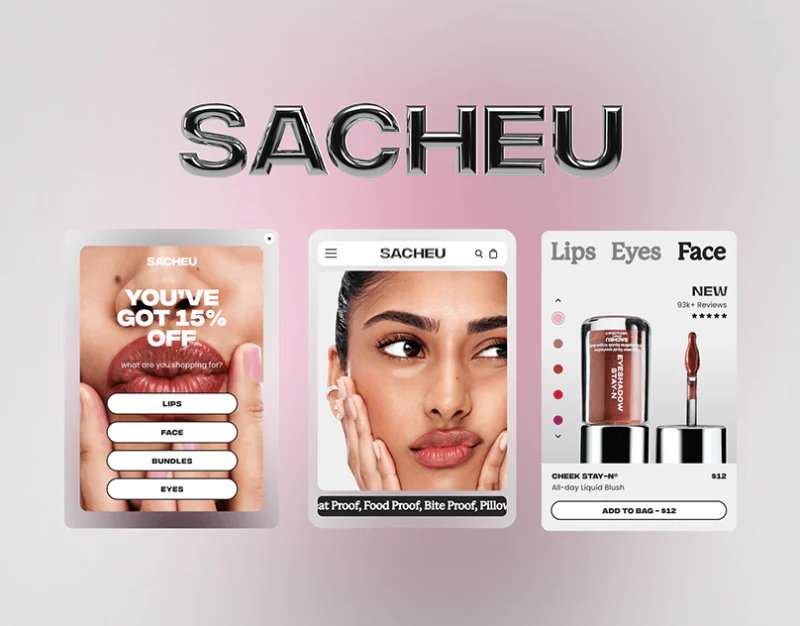
SACHEU’s beauty ecommerce website gives makeup close-ups a large scale: skin, lips, and pink nails almost fill the hero, while black, white, and soft pink keep the surrounding interface restrained. Images establish an impression, but interest in a look still needs to reach a product category. Hero copy, four category cards, and footer services form different parts of that route.
Key takeaways
- Hero close-ups suggest looks while product topics and shopping copy identify the featured object.
- Body-area categories sit beside Bundles; titled images identify destinations.
- Dark-footer support and signup need gift prompts close to specific conditions.
Keep a product topic beside the close-up
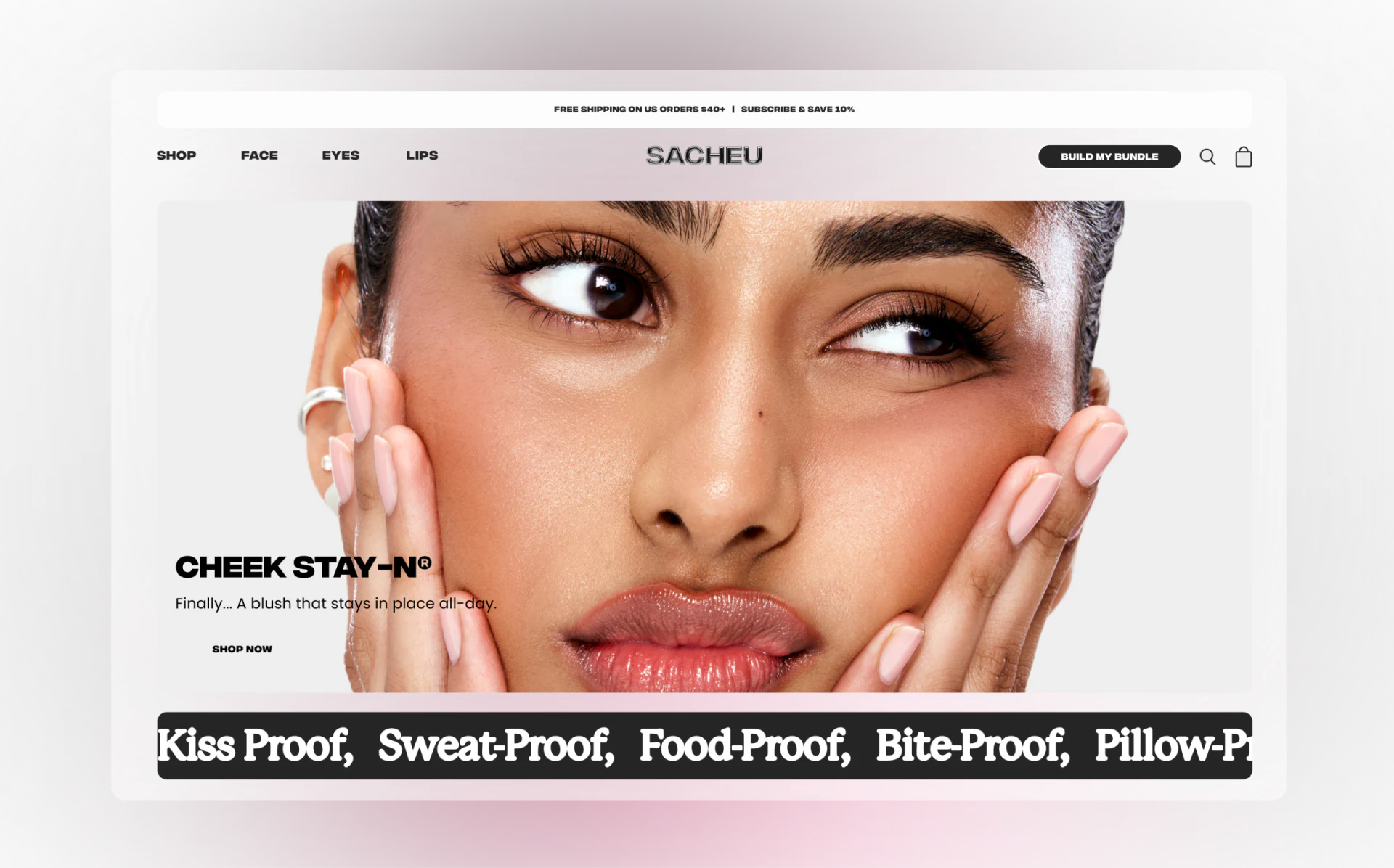
The hero centers face and hands, with blush, shine, and skin tones dominating. Bold black CHEEK STAY-N sits lower left with a blush description and Shop Now. Images convey the look while words identify the featured product, rather than treating all facial makeup as one item.
Shop, Face, Eyes, and Lips remain in navigation. Build My Bundle is a black capsule beside search and shopping bag. Clear intentions have a direct route, while inspired visitors can explore other areas or combinations. The large image does not displace categories.
A top promotion states delivery thresholds and Subscribe & Save, while a black-white performance claim sits below the hero. These bars add density. Actual pages should link each activity to its conditions and check mobile layouts for conflicts between topic, shopping action, and promotion.
Category cards turn looks into searchable scope
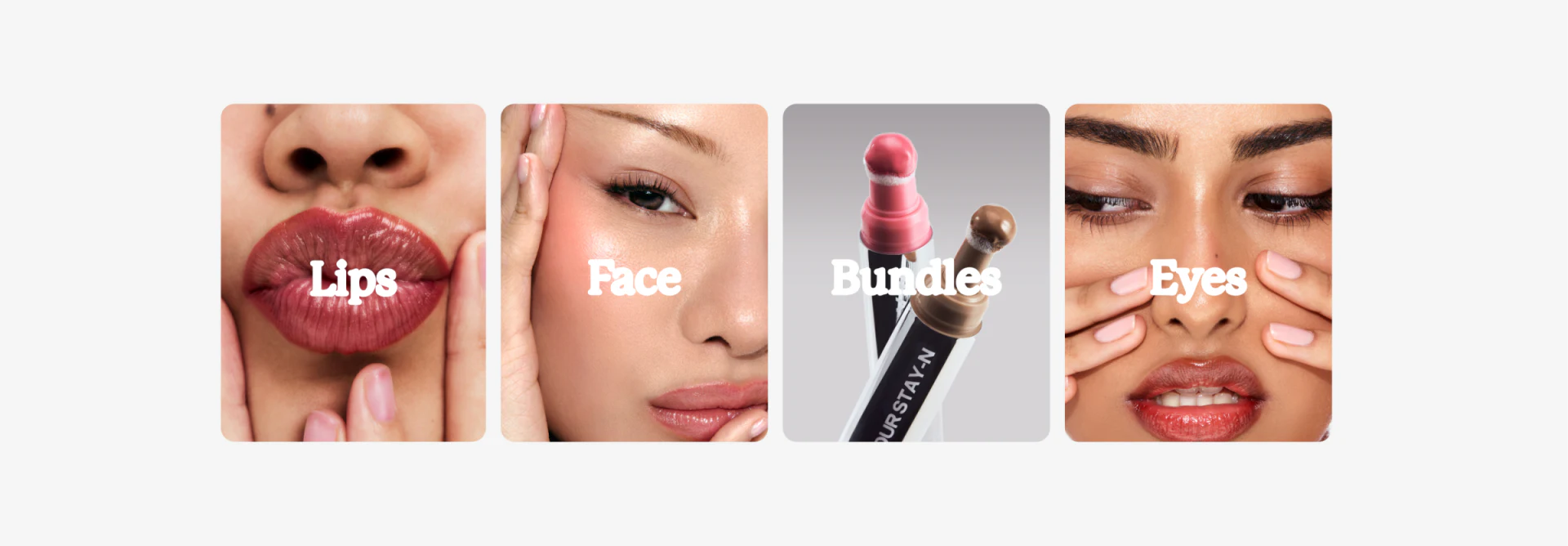
Four cards use a lip close-up for Lips, cheek for Face, two products for Bundles, and eyes with face for Eyes. Centered white serif titles, rounded frames, and shared space extend the photographs while creating a scannable row.
Images do not isolate only one area: Eyes also shows lips and hands, while Face includes eyes. Titles therefore matter, assigning complex looks to categories. JVDS prefers direct category names in these visual entries, leaving photographs to express style so destination does not require interpreting composition.
Bundles shares the row with body-area categories but offers a different selection method. Its destination should distinguish premade sets from custom combinations and connect with Build My Bundle. Products, shades, quantities, and costs need a focused check area to turn an attractive group into a definite choice.
The footer groups tasks beyond shopping
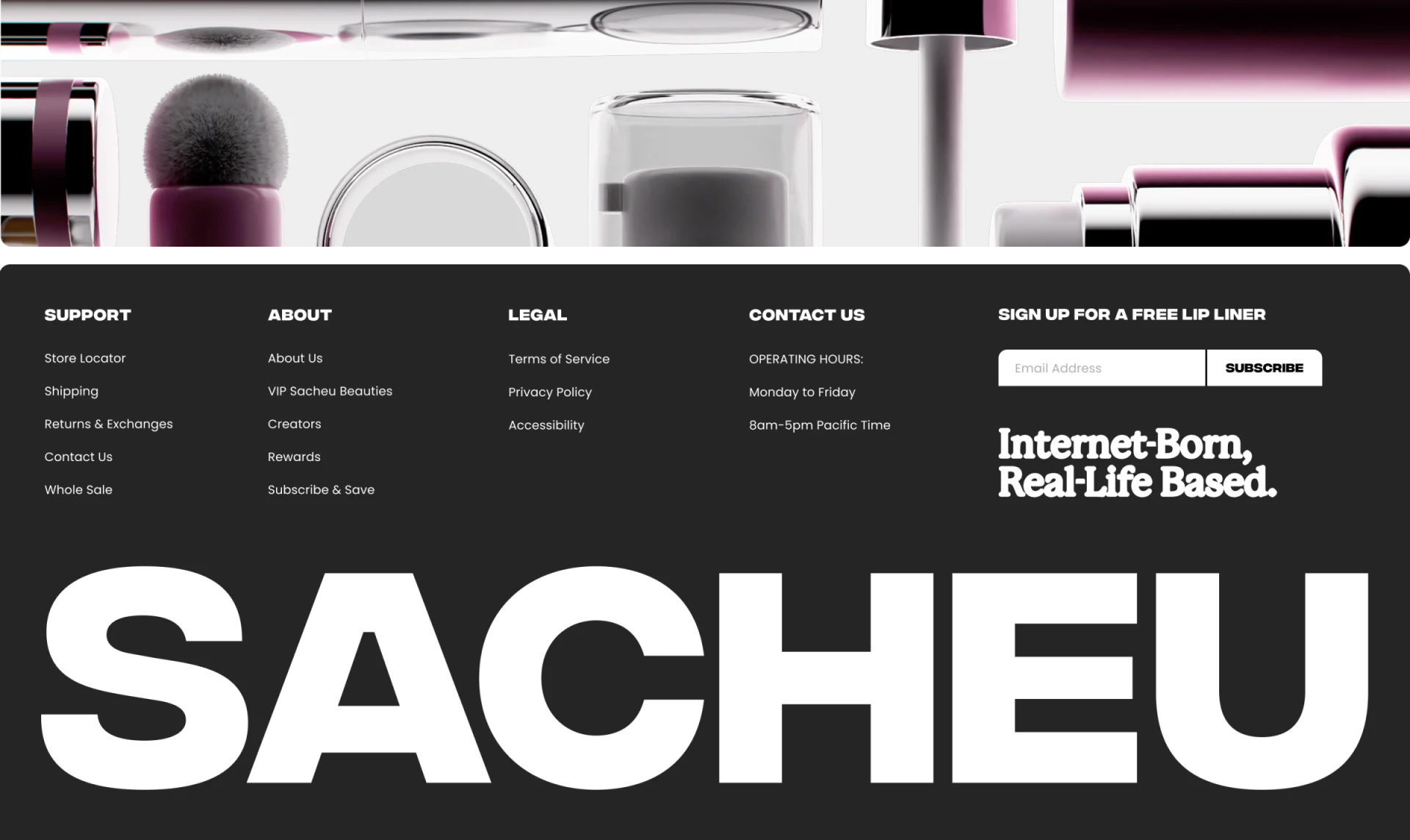
Support, About, Legal, and Contact Us form dark-footer columns. Support includes shipping and returns; contact states weekdays and time zone. Heavier headings and white-on-black contrast make types findable without a mixed list.
Sign Up for a Free Lip Liner sits beside email input and Subscribe, making the gift a reason to enter an address. A slogan and huge SACHEU below reinforce memory. Services, subscription, and branding have separate positions, but gift conditions are not expanded here.
Email signup can appear connected with Subscribe & Save above. Input should explain email content, gift fulfillment, and conditions, distinguishing information emails from recurring purchases. Confirmation should identify the subscription and next gift step so footer and hero promotions remain individually clear.
Frequently asked questions
Must beauty category images show only the named area?
No. Complete looks can maintain brand character. Keep clear titles and matching product scopes afterward: images attract, while categories help people find.
Design review checklist
- Match hero topic and category names to actual lists.
- Explain premade sets versus custom bundles, with shade and quantity checks.
- Distinguish email signup, gift offers, and recurring purchases, then check submission feedback.
Connect makeup presentation with definite choices
If a beauty website needs links between looks, body-area categories, and custom bundles, JVDS Design Studio can help with UI/UX design, ecommerce website design, and development, organizing browsing and product information.
Discuss category, bundle, and subscription boundaries first, then plan hero, catalog, and support areas.
 Link copied