

Will the design system limit creativity? The real problem is not that the components are too uniform, but that the system is designed too rigidly
What the design system should truly restrict is repetitive work and meaningless differences, rather than business innovation. Mature systems usually maintain strictness at the basic layer and reserve space for combination and expansion at the business layer.
01 Why do many teams feel that the design system "becomes less and less creative as they go on"
When the design system is first established, the team usually clearly feels the improvement in efficiency: buttons do not need to be redrawn, colors do not need to be reselected every time, and forms, pop-ups, and tables can all be reused quickly. But after running for a while, another voice will emerge: "The page is getting more and more like it", "The designer is just assembling components", "New business can only apply old templates". This is not an illusion. Some design systems do indeed lead teams to rigidity, but the root cause often does not lie in the "systematization" itself, but rather in the fact that the system locks down things that should not be locked down.
Atlassian has a very worthy principle for its design system: Do not unify for the sake of uniformity, and at the same time, reject unlimited freedom. This statement precisely illustrates the boundaries of a mature design system - it is neither a template that everyone must mechanically copy, nor a material library that only provides a few color values and ultimately allows for arbitrary changes to everything. The value of a system lies in distillating the public decisions that have already been verified, allowing the team to focus their energy on the areas that truly require judgment.
02 First, distinguish between two types of design decisions: repetitive decisions and business decisions
In an enterprise product, rules such as button height, basic font size, error color, form spacing, focus status, and disabled status often recur on dozens or even hundreds of pages. If every designer were to make a new decision, these differences would hardly create business value; instead, they would increase development costs, testing costs and user learning costs.
However, questions such as "Where should this function be placed?", "Should a complex task be broken down into several steps?", "Should users first view the overview or handle exceptions first?" and "Does a new business require a completely different way of information organization?" all fall under the category of business-level design decisions. They cannot be decided in advance just because there is already a certain template in the component library. A good design system should standardize the first type of problems as much as possible and leave the second type of problems to be judged jointly by designers, products and business.

03 Mature design systems are usually not one layer but four layers
The first layer is the basic design language, including color, font, spacing, rounded corners, shadows, animation duration, etc. Nowadays, more and more teams will abstract these rules into Design tokens. Atlassian defines a Token as a "single source of fact" that names and stores design decisions. Its value is not to pursue a sense of technology, but to enable design and code to share the same set of semantics, such as the color of success text, dangerous background color, and tight spacing, rather than copying specific color values everywhere.
The second layer consists of basic components such as Button, Input, Select, Checkbox, and Dialog. This layer should be highly unified because users have already formed interaction expectations. The third layer consists of combination and business components, such as order cards, approval blocks, AI result modules, and risk control status panels. They should be able to be extended on top of the basic rules. The fourth layer is the page and task flow. This layer needs to retain the most freedom because the page is supposed to solve specific business problems.
A common failure is to directly leap from "component unification" to "page unification": the home page must use some kind of template, the detail page must have a fixed three-segment structure, and the data page must have four metric cards plus one line chart. At this point, the system is no longer merely infrastructure but begins to make business judgments for designers.
04 How should the fixed area and the free area be demarcated
A simple principle can be used to judge: the closer to the basic layer, the stricter the norms. The closer to the business layer, the more combinations and expansions are allowed. Color semantics, font size hierarchy, focus status, and keyboard usability should not be innovated every time. However, complex business processes, information priorities, task paths and page structures must allow for redesign.
This also means that components cannot only offer two options: "use or not use". A mature system requires reasonable variants, sizes, states, slots and combination methods. Atlassian's development documentation even clearly provides an idea: prioritize the use of ready-made components. When components are insufficient, first utilize the existing customization capabilities, and then combine basic primitives with tokens. Create custom components only when there are indeed new requirements. This kind of layering is much healthier than "it's not in the component library, so it's not allowed to be done."

05 What truly kills creativity is treating historical solutions as permanent answers
Many systems' initial components were designed for old businesses. As the product develops, user roles have changed, data density has changed, AI capabilities have been added, and mobile scenarios have increased. If the team still forces reuse on the grounds that "it was done this way before", the system will become a debt.
There should be three normal actions in the design system: reuse, expansion, and obsolescence. Reuse solves repetitive problems, expansion handles similar but more complex scenarios, and elimination is responsible for cleaning up patterns that are no longer suitable for the product. System governance is not about constantly stuffing new components in, but about continuously judging which rules still hold.
06 Brand sense does not mean that every page must look different
Those who oppose design systems sometimes worry that brands will be smoothed out by "componentization". However, truly stable brand recognition often stems from a consistent visual language over a long period of time: font proportions, color relationships, graphic features, white space methods, dynamic rhythm, and language tone. Brands do not need to reinvent buttons on every page to gain recognition.
In fact, once the basic layer stabilizes, designers can more easily create truly valuable differences in photography, illustration, graphic systems, content arrangement, and key scene experiences. Random changes create "differences", while conscious changes on top of the system are closer to "creativity".
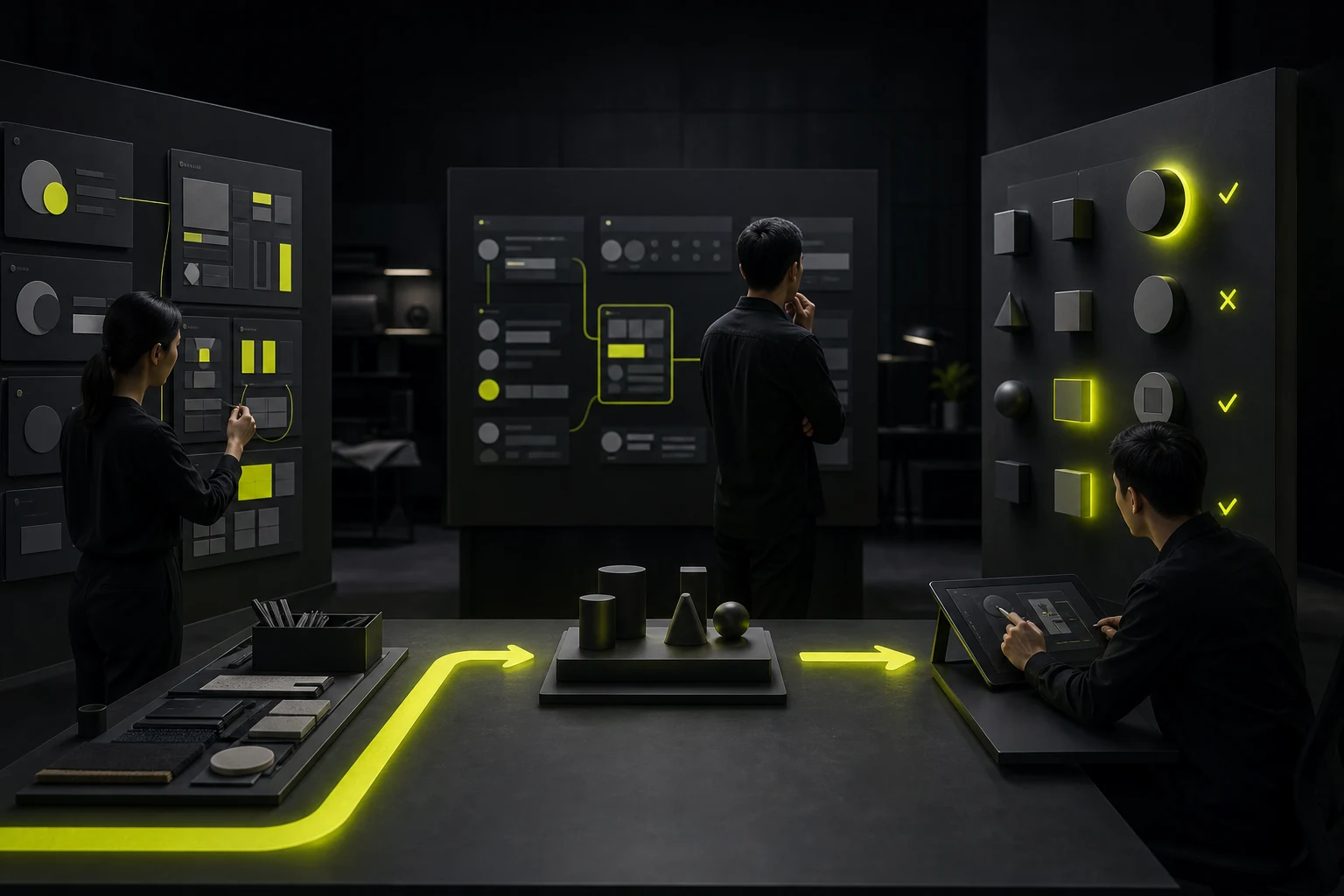
07 How to determine if your design system has been overly constrained
Several signals can be observed: In design reviews, the phrase "Since there is only this one in the component library, it can only be done this way" often appears. New business must first find an old page to fit the structure. A large number of components are barely compatible with different requirements by adding dozens of Boolean attributes. Designers have to frequently detach components to complete the solution. Developers are writing more and more exception code to comply with components.
If these situations persist, the problem is usually not that the team is "not following the norms", but that there has been a gap between the system and the real business. Rather than continuing to emphasize execution, it is better to re-examine the system boundaries.
08 Conclusion: The design system should reduce meaningless choices rather than thinking
To measure whether a design system is mature, one should not look at the number of components or whether all the pages are similar enough. More valuable indicators to look at are: whether repetitive problems are stably resolved, whether new businesses can be rapidly expanded on the system, whether design and development share rules, whether the product experience remains consistent, and whether the team still has the ability to make new design judgments for important scenarios.
When the system achieves this, it won't turn designers into "component assemblers". On the contrary, it frees designers from a large number of low-value pixel decisions, allowing time to truly return to user, business and experience issues.
Frequently Asked Questions
Is it true that the more components a design system has, the more mature it is?
No. The number of components can only indicate the coverage range but not the quality. Maturity depends more on naming, rules, status, documentation, code consistency, governance methods, and whether it can support real business expansion.
Can special pages required for business be separated from the design system?
Sure, but there should be a reason. Give priority to judging whether it can be achieved through existing tokens, basic components and combination capabilities; If a new common model does emerge in the business, then consider consolidating it into a new component.
What's the difference between a design system and a component library?
The component library mainly addresses reusable UI elements. A design system typically also includes design principles, basic rules, tokens, content norms, accessibility requirements, development implementation, and governance mechanisms.
Will a design system cause a brand to lose its differentiation?
It won't necessarily be so. Basic interaction consistency and brand differences can coexist. Brand differences stem more from visual language, content, images, motion effects and key experiences rather than each basic control being different.
When should old components be phased out?
When a component requires a large number of exceptions for a long time, cannot cover the core business, conflicts with new technologies or accessibility requirements, or there are more stable new models, migration and obsolescence should be evaluated.
| Related Service | Learn More |
|---|---|
| UI/UX Design Services | View Service Details |
| Project Consultation | Contact JVDS Design Studio |
| Design and Website Development Articles | Read More Related Articles |
 Link copied








