
Product UI Redesign: Diagnose Problems or Change the Style First?
“The page does not feel premium enough” is often only a surface description. The real issue may be confused information priorities, detours in core tasks, missing component states, or even a changed product position.
If the diagnosis is wrong, new colors and corner radii create only temporary novelty. The original problems soon return in another form.
01 Rewrite Subjective Opinions as Testable Problems
Break “too cluttered,” “unprofessional,” and “hard to use” into specific scenarios: who cannot understand or find something, makes errors, or lacks trust during which task.
Problems without scenarios cannot be prioritized or accepted objectively.

02 Distinguish Five Reasons for a Redesign
Visual consistency, content expression, information architecture, interaction flows, and technical implementation require different solutions. If the business model or audience changes, reassess the product structure as well.
Do not substitute a visual solution for a product decision.
03 Establish a Baseline Through a Current-State Audit
Inventory pages, components, states, content, devices, roles, and data, then combine funnels, search, customer-service input, and usability testing.
Record current metrics first so the team can determine whether the redesign actually improves them.
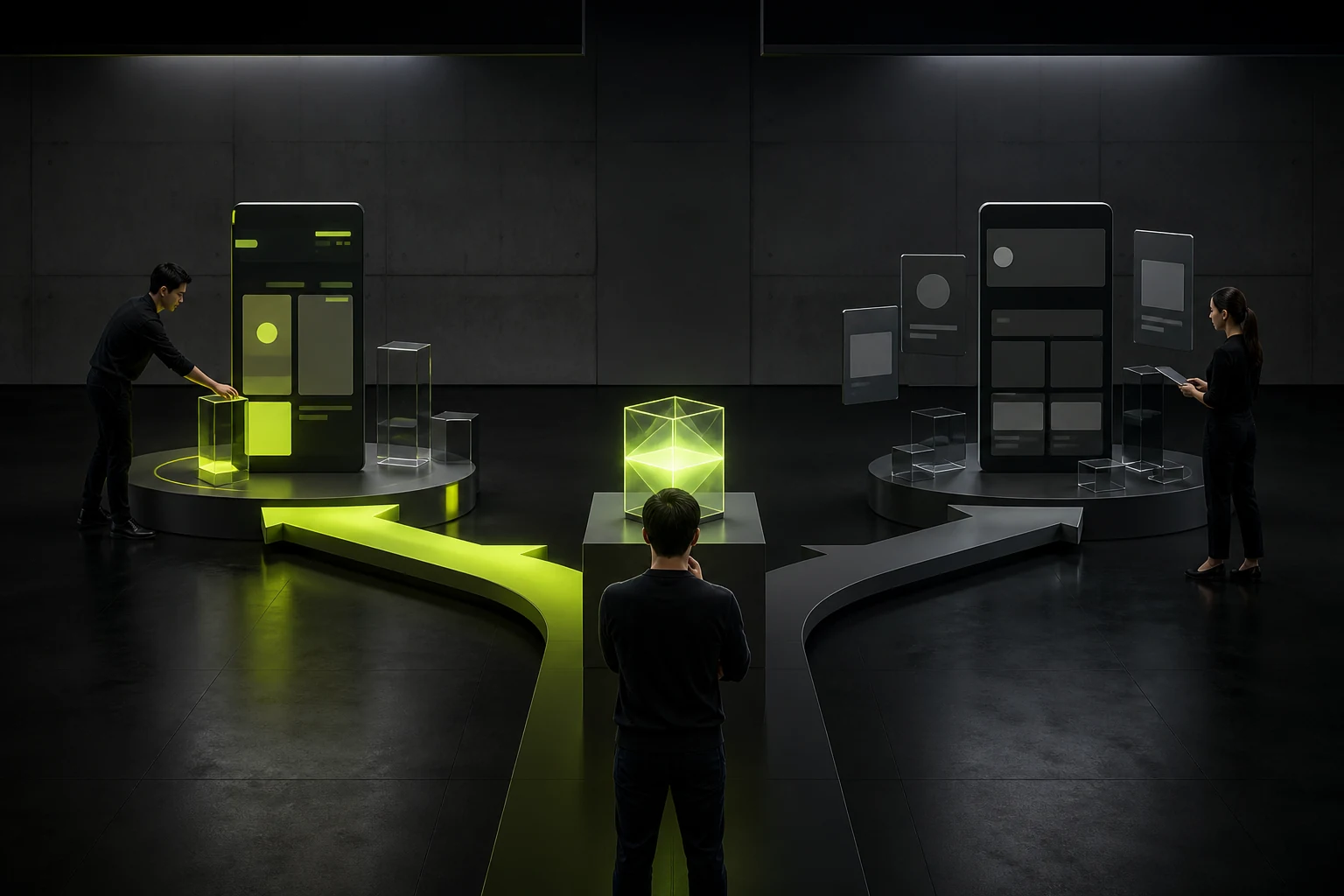
04 Choose Between Targeted Fixes and System Reconstruction
If problems concentrate in several high-frequency flows, begin with targeted optimization. If components, navigation, and rules are broadly inconsistent, system reconstruction is more effective.
Match scope to the team’s development capacity and release schedule.
05 Test Concept Directions in Real Tasks
Style exploration cannot show only a homepage or ideal data. Test long copy, complex tables, error states, and mobile screens to validate the system’s resilience.
One attractive proposal is not an extensible product.

06 Define Stop Conditions and Acceptance Criteria
At every stage, define the decision-maker, feedback window, revision boundaries, and success metrics. Avoid endless iteration around the vague goal of making it “more premium.”
Keep rollback and continued-optimization plans after launch.
UI Redesign Diagnostic Matrix
Symptom | Possible Root Cause | Priority Validation |
|---|---|---|
The page feels cluttered | Inconsistent hierarchy, content, or components | Task testing and interface inventory |
Users cannot find features | Navigation, terminology, or permissions | Search and path data |
Conversion declines | Value expression, flow friction, or traffic mismatch | Funnels and user interviews |
Poor design-to-code fidelity | Guidelines, components, or collaboration | Code and delivery audit |
Weak brand presence | Visual system or content voice | Cross-touchpoint consistency |
Frequently Asked Questions
Does every UI redesign require user research?
At minimum, validate the key problems. Research scale can follow risk, but the team should not rely entirely on internal aesthetic preferences.
Can we begin with a visual direction for the homepage?
Yes, for alignment, but test it in real core flows and edge states as soon as possible.
Can the old design system continue to be used?
Audit adoption, defects, and technical implementation first. Retain stable parts instead of replacing everything simply to appear “new.”
Is a short-term decline in data normal after a redesign?
Adaptation costs may exist, but do not assume they are normal. Monitor key tasks and prepare fixes or rollback.
Who determines scope, the product manager or the designer?
Business, product, design, and technical teams should decide together based on goals, risks, and resources.
Service | View |
|---|---|
Related service | |
Related reading | View service details |
Design work | |
Project inquiry |
 Link copied








