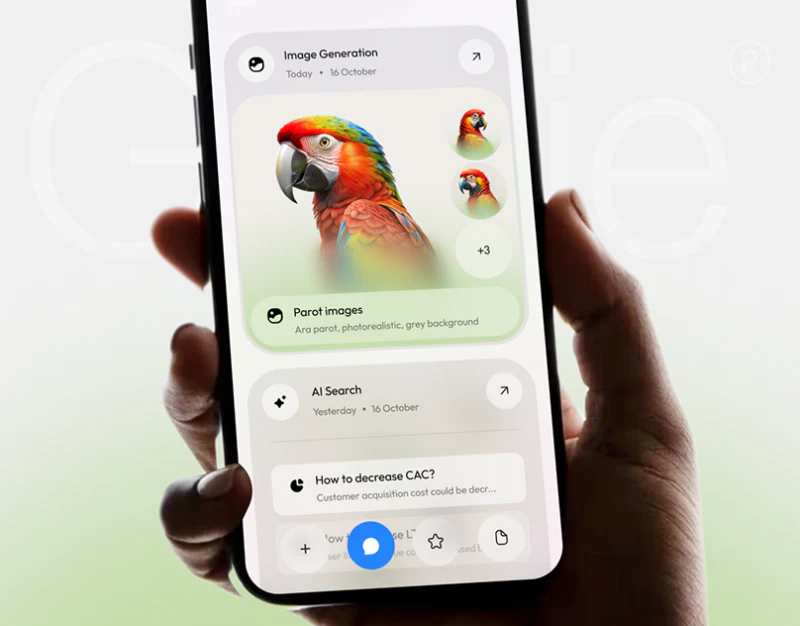
Genie introduces document, image, translation and voice capabilities with cards, then retains image and search results in different history cards. Multi-capability AI chat UI design has two stages: helping people find directions initially and helping them finish reading answers at work. Adjusting entry position and weight across stages is worth examining here.
Capability cards suggest starting directions
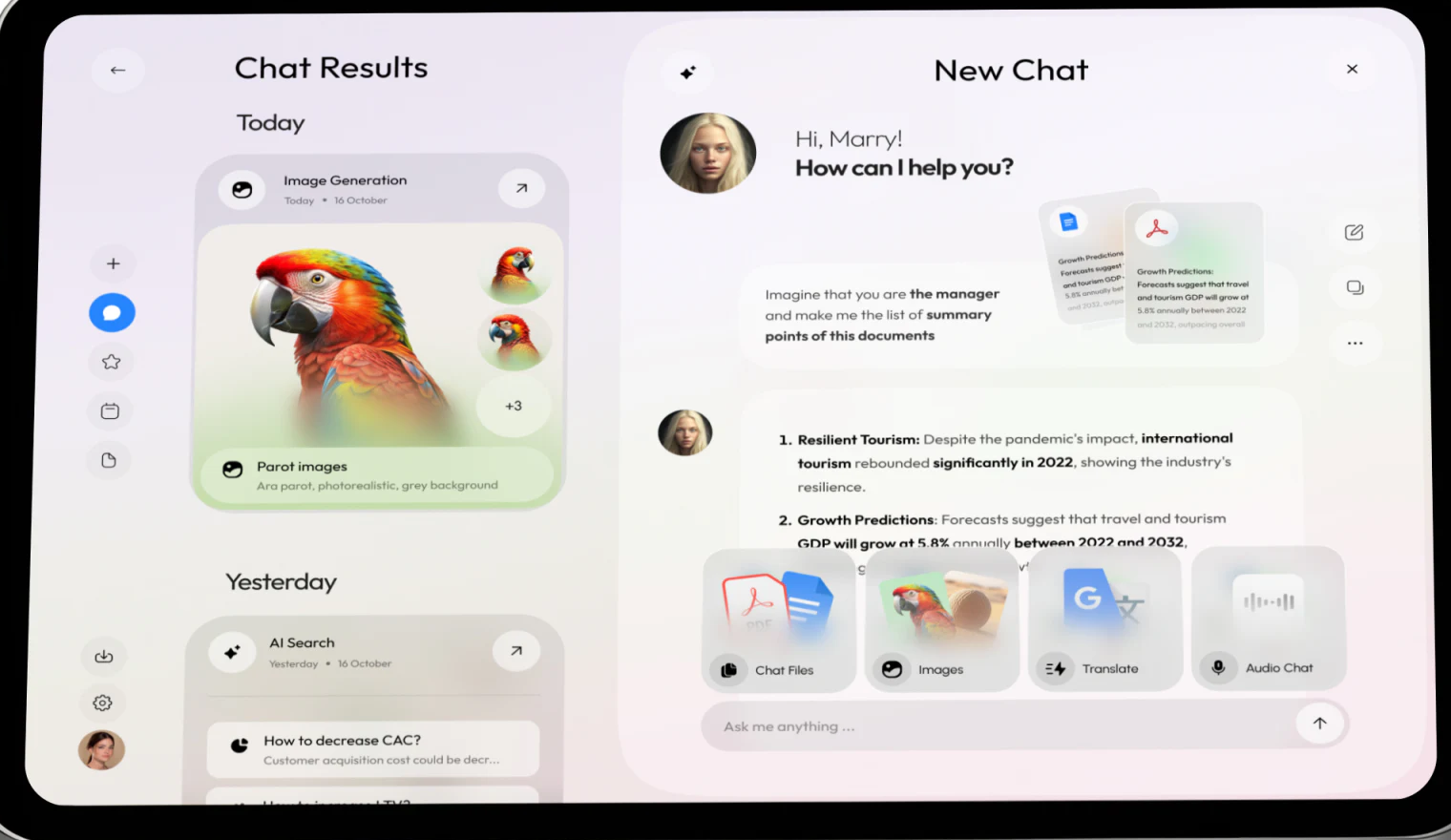
Chat Results appears on the large screen’s left, with New Chat right. Four cards above input combine graphics and names for Chat Files, Images, Translate and Audio Chat. Pale-purple and green rounded cards feel light and expose names beyond sidebar icons.
History and current work sit together with distinct places for returning and continuing. Generated images use large pictures and thumbnails, while conversation documents use previews and original questions. Different objects do not all become identical text rows.
An answer is already visible, however, and capability cards cover part of it. Discovery value at the start should give way to compact mode identity or expandable entries after answers appear. Discoverability and readable results need space allocated by task stage.
Attachments follow questions and need findable identities
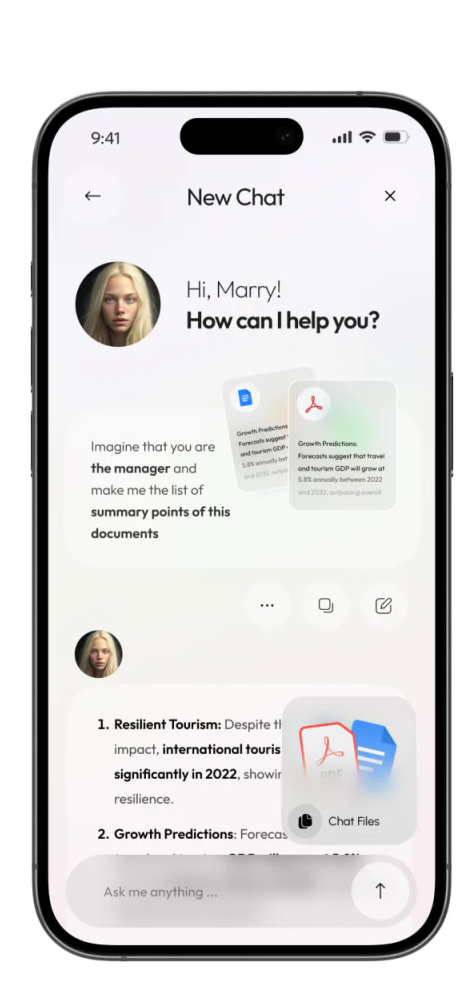
Mobile places document previews beside the original question, then lists answers below. Material, request and response belong to one traceable round. Two format icons identify file types, but tiny text cannot replace full filename, version and processing status.
Multi-file answers can point each item to its source location. People should not need to guess among previews to identify a sentence’s source; numbers in an answer do not automatically become verified facts.
JVDS would adjust stage rules for the mobile Chat Files float card. It covers the first answer’s right half, while another sits near input, affecting current work. Initial choice, processing and answer reading can use different layouts so long text retains full scrolling and viewing room.
History retains recognition cues and continuation
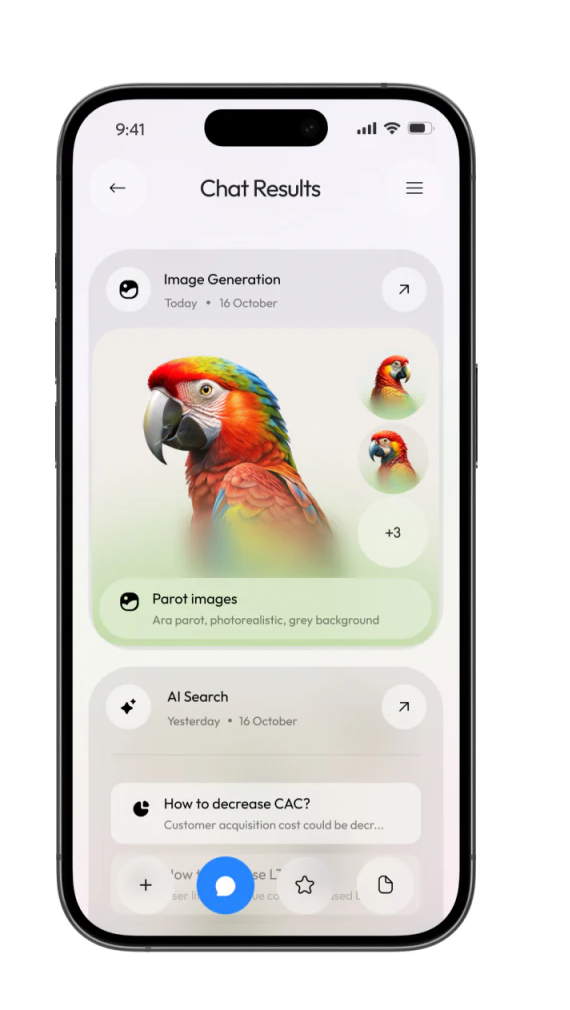
Mobile image-generation history has a parrot main image, thumbnails and +3; search shows a question summary. Images identify image tasks and questions identify searches, avoiding memorizing which repeated title belongs to which task.
Each card has an opening arrow. Its destination should distinguish complete results, original requests and resumable conversations. +3 should connect remaining content rather than only decorate with a count.
Today and Yesterday both show 16 October, requiring date-rule correction. History helps recover a particular task, so time and content cues must agree. Genie’s identifiable entries and results are useful; next, let entries recede while material, answers and history remain connected.
Retain one task thread across capabilities
AI assistants, document tools and multimedia workspaces can arrange entries for starting, processing, reading and returning, keeping modes, material and results related.
JVDS provides UI/UX design and website design and development, helping plan multimodal conversations, file processing and result history.
 Link copied