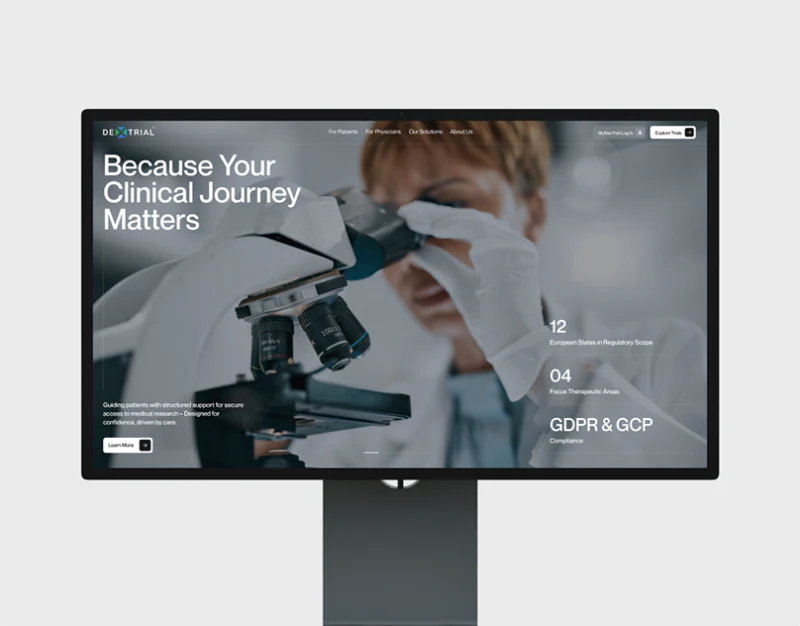
Dextrial’s clinical trial website design uses cards for patients, doctors and research organizations to explain different tasks, then gives lists and details common study cues. Pale backgrounds, people photographs and light icons make the pages approachable; titles, identifiers, statuses and contents navigation support finding information.
Key takeaways
- Three role entries clarify reading purposes, with separate places for basic explanations and research categories.
- List identifiers and detail contents navigation support record verification and paragraph finding respectively.
Three role cards show where to begin
Three pale-gray cards sit horizontally below the project introduction, with small green heart and blue stethoscope icons above explanatory text. Patient search, doctor referral and research organization tasks occupy separate areas of similar visual size. Readers can find their direction without first reading a mixed block of explanation.
This multi-role website acknowledges that people need information in different orders. Patients may begin with basics, professionals with study design and conditions, and organizations with another service. A shared style does not require everyone to start with the same long article.
JVDS sees role entries as aids to orientation without locking people into a route. Lists and details should retain recognizable study identities, so a change in reading path still leads to the same record. The three cards show the intended roles; actual connections between paths need interaction checks.

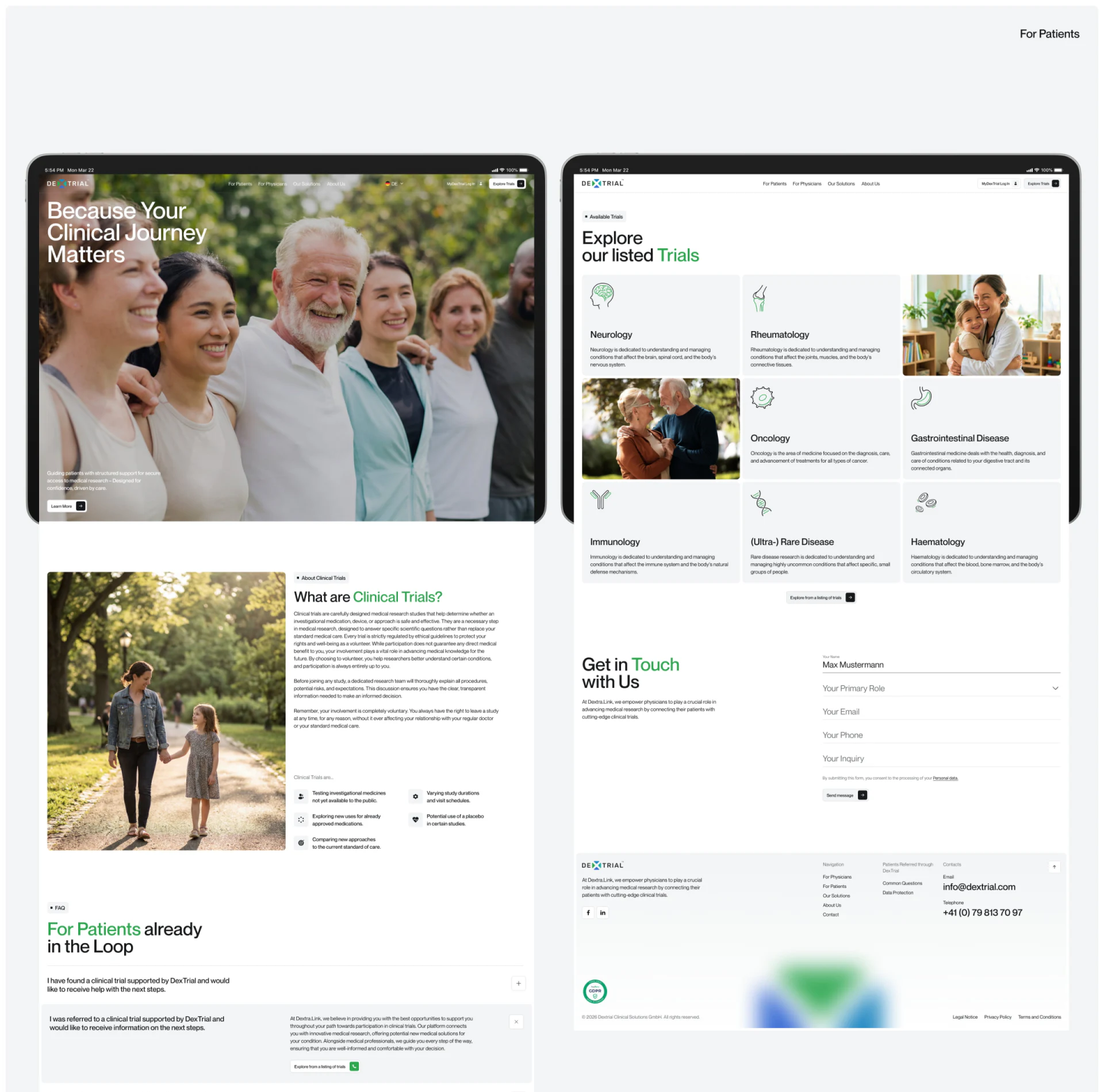
The patient page pairs warmth with explanations and entries
The patient page opens with people photographs and white type over a darker area, then moves to a white-background introduction and an outdoor photograph. Basic explanations sit near a short summary of points, with questions and answers further down. The people imagery feels approachable, while white areas leave room for text requiring careful reading.
An adjacent page lists research areas through light line icons and words, with photographs between them. Get in Touch with Us and a form appear below. This categorization explains where to go next more clearly than a people image alone. Icons are cues; area names remain the primary identifiers.
Reading information, sending an inquiry and formally participating in research should use different action labels, so readers recognize their current stage. Medical research information should also state content responsibility and update time; entry formats and wording need to match their purposes.
Lists and long details provide stable places to search
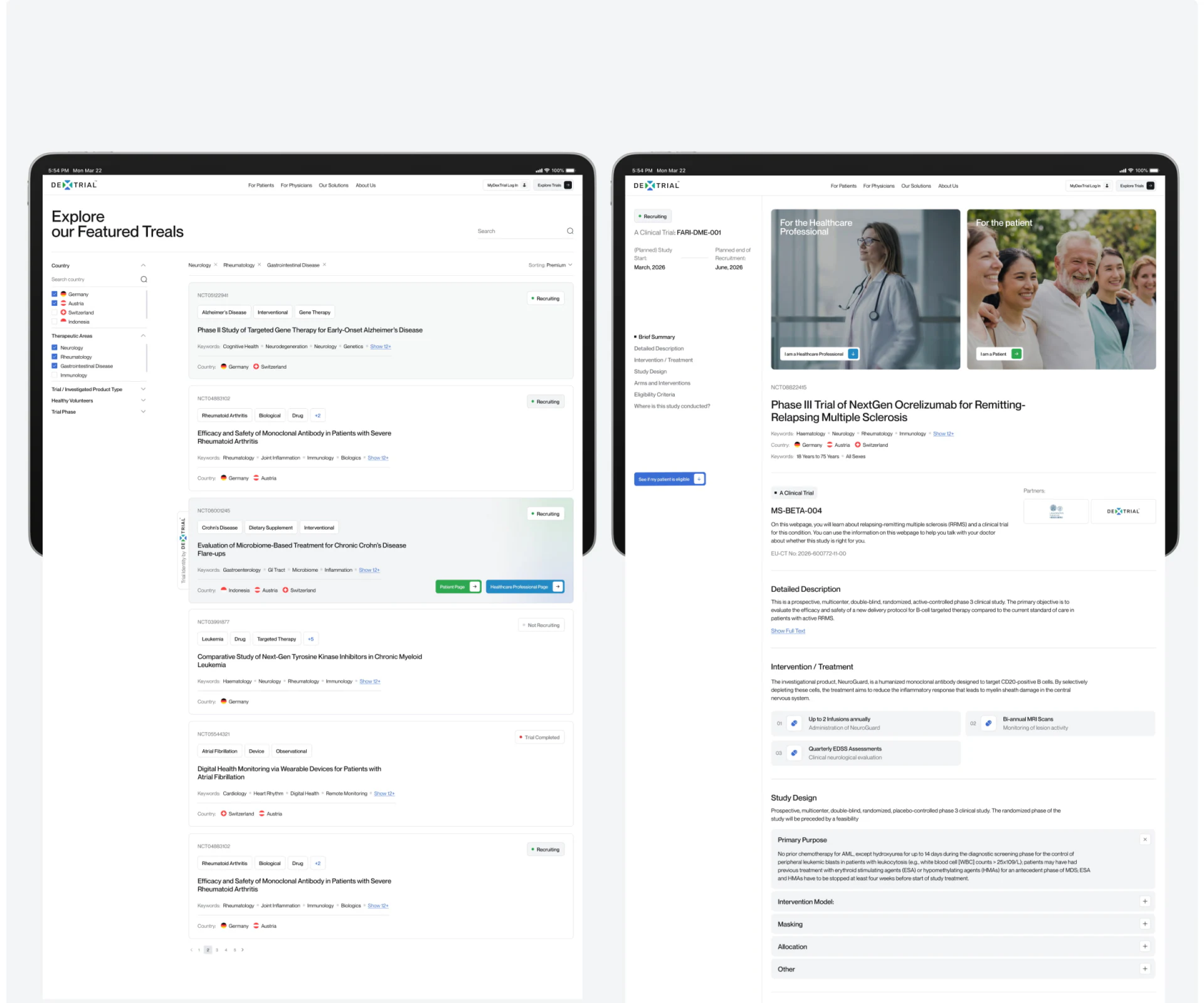
The study list has conditions on the left and records separated by thin lines and white space on the right. Titles, identifiers, countries and written statuses appear together. Some entries offer Patient Page and Healthcare Professional Page, indicating two reading directions around the same object.
The long detail page adds contents navigation on the left, with separate entries for introduction, design and conditions; headings and groups extend down the right. Contents navigation locates passages, while identifiers and study names verify identity. Pale backgrounds and green-blue markers continue the site’s appearance without replacing written statuses.
JVDS would first check that titles, identifiers and dates agree between lists and details, then check audience switching and contents navigation. Recruiting in a static example is not evidence of current recruitment; a status should also have a maintenance source and update time. Once the layout is orderly, content consistency remains central to this type of information interface.
Frequently asked questions
Why do professional information websites need different audience paths?
Different roles often need information in different orders. Paths can differ while a record’s name, identifier and status remain consistent.
Design review checklist
- Verify study identity between each list entry and its details.
- Confirm that status explanations have a maintenance source and update time.
Organize information paths for multiple roles
If your professional service or information platform serves both the public and business users and needs reorganized categories, contents navigation or inquiry entries, start with role tasks and a content inventory.
JVDS provides UI/UX design and website design and development. We can work through page content, interface structure and implementation needs together.
 Link copied