
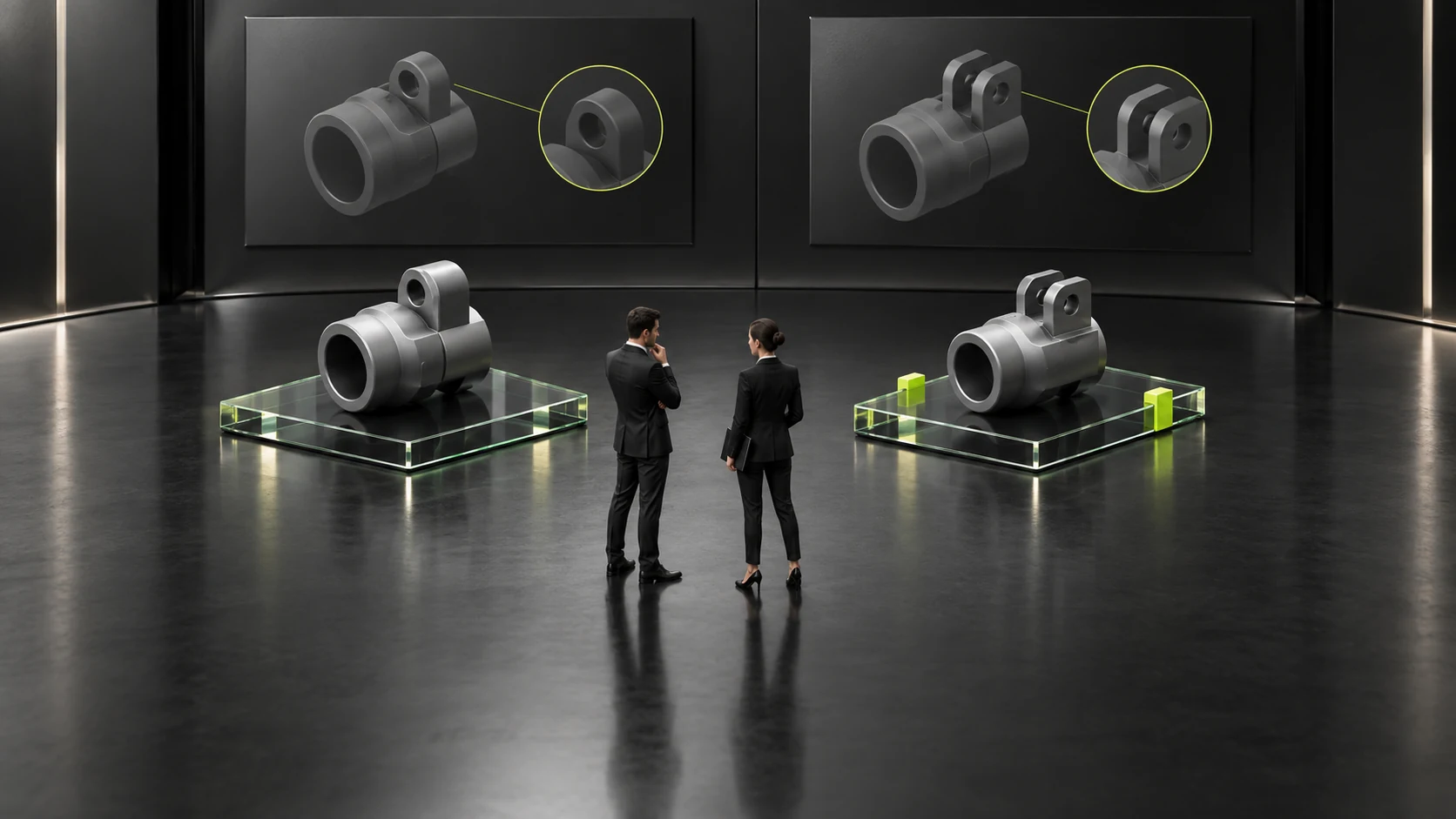
Customers inquire after viewing several models: how can the website retain the products they were comparing?
Multi-product inquiry context should help sales understand what customers are comparing rather than merely receive contact details from a product page. Visitors may view several models and choose one, or remain undecided and want to understand actual differences. If the route carries only the last viewed product, it can lose the inquiry’s original intent.
First organize product identities, selection statuses and comparison questions, then decide page form. Retaining context does not mean collecting all browsing records or building a complex cart. Clear guidance can serve small catalogs too. Recipients must be able to identify the items customers actively ask about.
Product identities should be recognizable independently, beyond thumbnails
Models, series names and corresponding documents identify items. Images alone may not distinguish similar-looking products, while an internal abbreviation may not lead to the same page. Use confirmed identities rather than infer the specification of interest from an image.
If names change or old names exist, retain company-checked relationships. Users with old document names can add that background. Without a confirmed relationship, do not automatically map them to similar new models. Accurate identity matters more than every item appearing to have a standardized name.
If users can actively select inquiry items, show those items before submission. Lists should be visible for checking and explanation rather than hidden back-office IDs. Without that feature, ask for the two models and page names rather than claim automatic preservation of everything.
The source product page helps locate context but cannot replace current expression. Users may specify another product or change their intent. Page origin and active inquiry are different background types. Recognize both rather than treat the initial page as the final decision.

Distinguish selected, still being compared and only being explored
Selected items usually need further purchasing or suitability discussion. Comparison candidates need questions explained. Items merely being explored may not yet enter selection. Calling all of them an intended purchase list leaves recipients uncertain whether to evaluate quotations or explain materials first.
Let users state “one is the main choice and the other a backup” or “neither is confirmed.” This needs no premature professional conclusion and does not make candidates formal purchases. Use ordinary language rather than teach internal lead tiers.
When users change items, let them check current content first. A previously compared model may no longer matter, and the last viewed item may not be the main choice. If only text additions are supported, say so clearly rather than use icons implying every change is automatically recorded.
Main and backup choices may serve the same task. Recipients should see their intended use rather than only flat names. If items serve different tasks, allow that relationship too rather than force products that cannot be directly compared into one selection decision.
Place comparison questions with their product items
“Which is better?” does not express assessment conditions. Ask about differences of interest, known uses and unresolved conditions. Recipients need to know why customers hesitate between products rather than default to a generic recommendation from two parameter tables. See How to design a B2B product comparison page? The more parameters there are, the more necessary it is to help customers make decisions quickly for related checks.
Suppose customers compare two connecting components and mainly question their relationship to existing equipment rather than appearance or price. They can identify existing equipment and materials requiring checking, with technical personnel determining necessary background. This illustrates communication rather than mutual compatibility or a specific selection outcome.
Where public product differences are already explained, include corresponding materials as context. Retain specific remaining questions rather than simply require every manual to be read before contact. Public documents support initial judgment, while technical discussion addresses unclear parts.
If users remember only “the smaller product,” request a model, page or document name. If identity cannot be confirmed, arrange identification rather than guess from apparent size in marketing images. Display size does not establish actual product dimensions.
Related materials aid checking but do not replace current requirements
Multi-product inquiries can refer to confirmed product pages or document names so recipients locate the same items. Actual links should work and have correct scope. Do not assume a series document accurately describes every model. Materials should match inquiry items.
When users reference older versions, identify the current item of interest and existing version. New pages may have changed, and recipients need to know what users saw. The site need not retain every historical browsing step, but should allow specific material background affecting assessment.
Names on different language pages should correspond accurately too. This article concerns identity rather than language-switch implementation. Use confirmed relationships where available; otherwise check first. Similar English names do not automatically establish the same item.
A working document link does not mean its content matches the current model. Recipients should check applicable items rather than only that links return no errors. Product maintenance should also review whether inquiry-route names and associated materials still match current information.
Small and complex catalogs can use different methods
With few products and inquiries usually involving two or three, clear text guidance may suffice. Customers state names, statuses and questions; recipients find materials accordingly. A confusing comparison tool need not be added solely to retain background.
With many similar models and frequent cross-page inquiries, consider active selection lists. Implementation should support item checks, removal of irrelevant items and supplementary questions. Validate functionality with actual tasks rather than assume a few checkboxes establish success.
Whatever the form, users should know which items they submit. The system must not silently expand to all browsed products or treat automatically imported content as confirmed requirements. Clearly displaying current items helps detect incorrect context before submission.
If a product leaves the catalog, actual business arrangements determine handling. Retain its original name with pending-check status rather than automatically replace it with a currently sold item. Alternatives need professional judgment; do not rewrite requirements to keep a list looking complete.
Users retaining no products may still have valid questions. They may find every original candidate unclear and want to discuss application direction instead. Allow that change or identify another actual route. Do not automatically restore the last product to fill an empty list and make recipients think it remains relevant. An empty list and no requirement are different contexts.
Test received context through one cross-product inquiry
Construct a task where a visitor views two products, ultimately focuses on one but retains a comparison question. Move from catalog to pages and contact route, checking accurate current status. Use fictional product clues without sending tests to real customers or unknown contacts.
Then construct two products serving different tasks and check whether they are incorrectly understood as alternatives. Lists may match while relationships differ, and recipients should recognize this. If the page only offers “add product” without use explanations, add background guidance.
Ask actual recipients to restate the main question, remaining candidates and material locations. If they cannot, find missing identities or question relationships first rather than collect more browsing history. Actively provided inquiry context should support next-step communication.
Finally, check that post-submission content retains intent. Multiple models do not mean every purchase is confirmed, and a source page does not mean selection is unchanged. Accurately describe the received inquiry, leaving quotation and selection conclusions to subsequent checks. See How can B2B corporate website forms be designed to enhance effective consultation rather than receiving a bunch of junk leads? for related checks.
Complete context has recognizable identities, distinct main choices and candidates, and questions connected to items. Sales can continue from the current issue, while users verify that the website retained what they wanted to ask.

Frequently asked questions
Can one inquiry include several products?
Yes, where actually accepted. Explain each item’s relationship to the current task rather than simply accumulate names.
Is automatically importing the source product enough?
Not always. Users may change choices or ask about other items. Let them check their active expression before submission rather than treat origin as the final decision.
Must candidates receive separate quotations?
That depends on the discussion task and supply method. Retain candidate status first rather than promise every quotation simply because a list exists.
Can context be retained without comparison tools?
Clear text prompts can collect models, statuses and questions. Make manual communication workable first, then assess new features.
Can discontinued or renamed products automatically become new versions?
Avoid replacement without confirmation. Retain original names and material background so professionals can check whether identities match or other products can be used.
Need design or website development services?
JVDS Design Studio is a professional design studio focused on digital product experiences and brand identity. We work with businesses in China and overseas that want to strengthen their brand image, improve user experience and grow their business, providing clear, usable UI/UX design, high-quality website design and development, app and mini-program development, and cohesive, distinctive brand identity design.
Planning a corporate website, a multilingual site or a redesign? Tell us about your audience, existing website and the work you need.
 Link copied








