


Website & Design Insights
All Insights
 Web Insights
After website source code is delivered, why must you verify that it can run again?
After website source code is delivered, verify that the receiving team can rebuild a working environment from the supplied materials and check representative pages and functions. This applies to projects that include source-code delivery. Code files, dependency configuration, and business data are different objects. Rebuild verification reveals gaps but does not replace comprehensive security or quality review.
 Web Insights
Before website development, how should inquiry form failures be specified?
Before website development, specify how an inquiry form handles input validation, submission processing, result confirmation, and error recovery. In particular, distinguish an on-screen success message from actual receipt of the information. This suits companies that collect requests through their websites. Acceptance must test the agreed chain in practice; a message box alone does not establish completion.
 Web Insights
After a corporate website is built, how can the receiving team learn to update it in practice?
Training after corporate website development should address the updates the receiving team actually needs to perform. Require independent entry, previewing, publication, and correction instead of merely watching an administration demonstration. This suits projects with content management. Confirm functions and permissions first, then test agreed samples to see whether handover instructions are genuinely usable.
 Web Insights
Before a corporate website is built, who should supply materials so the project does not keep waiting for copy?
Before developing a corporate website, assign material providers, factual reviewers, and final approvers by page and material type, and track material states in an inventory. This suits projects involving several departments. Designers can help organize structure but cannot determine unconfirmed business facts for the company. Establishing responsibility early makes subsequent work easier to schedule.
 Web Insights
When a website budget must be reduced, which functions can wait without blocking the core journey?
In real website project planning, a company's marketing team often has a long ideal requirements list (for example, Chinese, English, and German versions, 3D product interaction, an online selection calculator, a customer community, a recruitment system, and 50 industry reports, all at once), but the approved current budget or launch window can cover only 60% of it.
 Web Insights
How should website costs be checked to distinguish page design from content entry?
When checking website costs, ask separately about page structure design, content preparation, and individual content entries, then establish who supplies the original materials and how acceptance works. This suits corporate website procurement involving substantial materials. Even a quotation that ‘includes publishing content’ does not necessarily include rewriting, image processing, and factual verification.
 Web Insights
When a web design company prepares a handover, which accounts and files need individual checks?
A web design company's handover should verify account holders, usable permissions, file versions, and checks by the receiving team. Receiving a ZIP file alone does not establish completion. This applies when a company changes maintainers or finishes a website project. Ownership and licenses for each asset still depend on the project agreement; prepare an inventory before arranging transfer and testing.
 Web Insights
At a first meeting with web design companies, how can the same materials help compare their answers?
When many business leaders choose a web agency, the first round of meetings turns into a “PowerPoint show-and-tell contest.” Company A's salesperson presents 40 pages of beautiful case-study screenshots in the morning, and Company B's account manager shows 50 pages of even flashier mockups in the afternoon. After meeting three agencies, each has confidently promised “fully custom delivery from start to finish, SEO taken care of, and all source code included,” yet you still have no confidence. Who is bluffing, and which team can actually turn our business needs into a working website?
 Web Insights
Text changes disrupt the web layout: how can real content help you check the design?
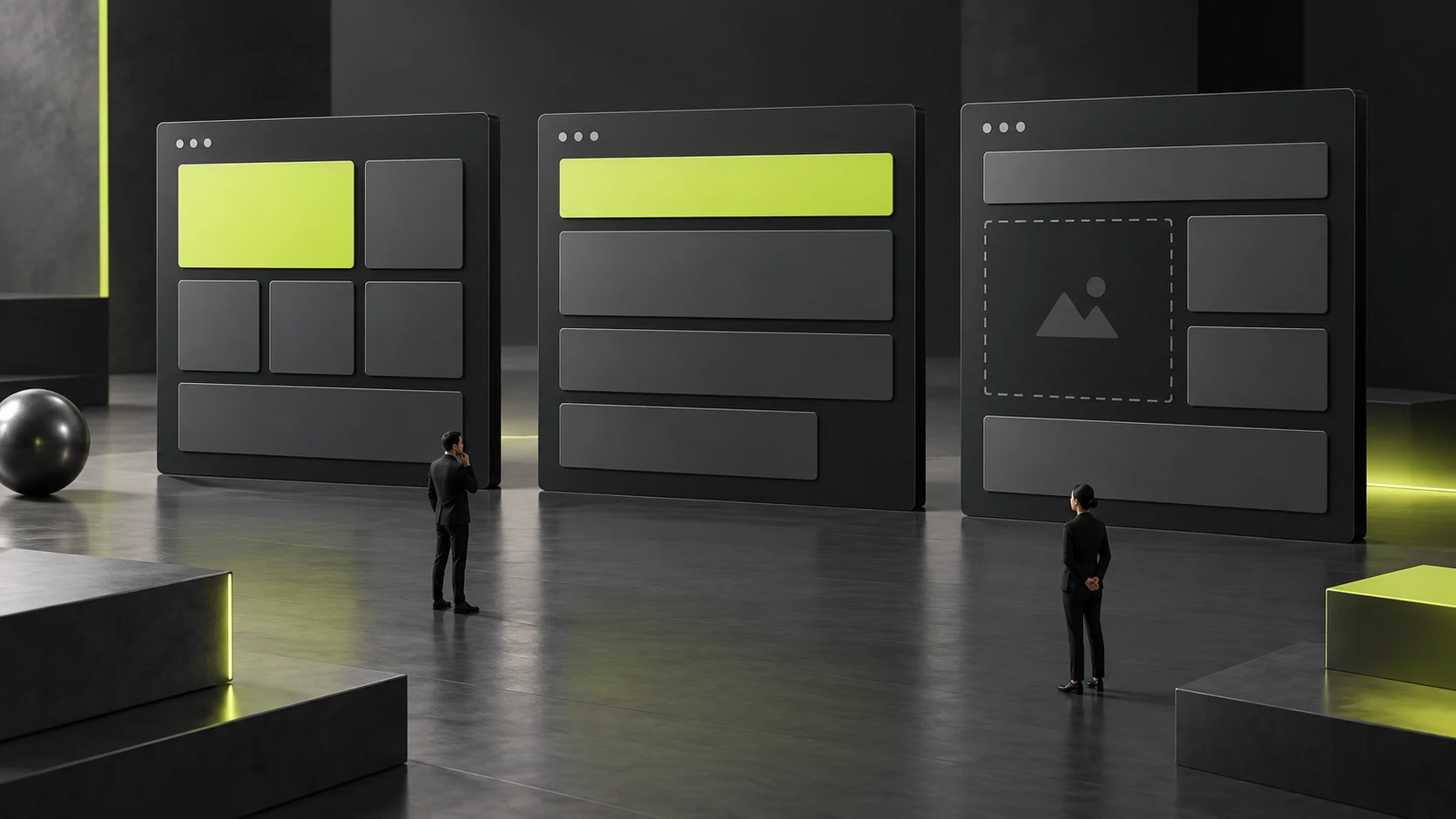
Use real content and representative extreme examples to check a web layout, then specify which variations the layout should handle and which need editorial constraints. This approach suits websites that receive continuing updates. It reveals problems with long titles, missing images, and changing explanation lengths early, reducing patchwork adjustments after content goes live.
 Web Insights
A reference website looks attractive: how can you decide which design ideas are worth adopting?
When learning from a reference website, first identify the reader's task it solves, then examine its information sequence, visual expression, and interaction conditions. Finally, assess whether the company has the materials it requires. An explainable design approach is worth adapting; copying an entire page can import promises, content structures, and asset dependencies that do not belong to your business.
 Web Insights
If website design only includes a homepage mockup, which other deliverables should the buyer confirm?
A homepage mockup shows only how one page looks with particular content at a particular size. Buyers should also confirm interior pages, component states, responsive rules, and the boundary between design and development deliverables. If a corporate website includes products, services, or content management, list these as inspectable deliverables so that you can judge whether the design is sufficient to proceed with implementation.
 Web Insights
Before website design begins, how can a manager's aesthetic preferences become clear assessment criteria?
Before website design begins, break aesthetic terms such as ‘premium,’ ‘simple,’ and ‘refined’ into the impression you want to create, information priorities, and specific constraints. Then assess designs using the same real content. This approach suits corporate websites that need approval from several people. It gives feedback a basis for judgment and prevents every review from returning to personal taste.
 Branding
How to Explain “In-House Development,” “Distribution” and “Joint Development” in Product Promotion without Blurring Brand Roles
As many Chinese technology and industrial B2B businesses grow, they develop a hybrid business model combining “in-house development + authorized distribution + custom integration”: the company has several hardware and software products whose core patents it owns, is also a key authorized distributor in China for a well-known European or American brand, and jointly develops custom systems with universities or major customers.
 Branding
Should Service Names Use Technical Terms or Customer Tasks? Reducing Misunderstandings in a Company’s Public Naming
Many technology-driven businesses, consultancies, and design studios like to invent service names full of academic language or internal jargon when planning their website navigation—for example, calling a “website redesign” digital touchpoint ecosystem restructuring, “UI/UX interface design” multimodal human–machine experience empowerment, and “factory energy-saving upgrades” a comprehensive carbon-neutral energy-efficiency optimization system.
 Branding
Can a WeChat Article Header, Portrait Cover and Exhibition Screen Share One Image? Building Brand Templates for Different Aspect Ratios
In day-to-day corporate content operations, whenever the marketing team publishes a major article, announces a livestream, or launches a new product, it often needs to distribute the content simultaneously across 5 or more channels with different aspect ratios: website news covers (16:9 or 16:10), lead article cover images for WeChat Official Accounts (2.35:1 ultrawide banners), WeChat Moments/Xiaohongshu images (3:4 portrait), WeChat Channels/Douyin covers (9:16 vertical), and secondary article thumbnails (1:1 square).
 Branding
Is an Animated Logo Intro Worth Making? Check the Conditions for Video, Presentation Screens and Static Alternatives First
In brand visual presentations, a 5-second 3D logo reveal animation featuring flowing light and grand sound effects often generates the most excitement among decision-makers in the room. Yet from the perspective of rational business budgeting, many companies buy an animated intro, show it once on the big screen at their annual gathering, and then have no idea where to use it in everyday work. Some even force an 8MB animated logo video into the first screen of their website as a loading animation, making visitors watch 3 seconds of animation every time they open the page and sending bounce rates soaring.
 Branding
Which Facts Should a Corporate Brand Story Tell? Select Material by Working Back from Readers’ Questions
If you analyze page traffic on a B2B corporate website, you will find a remarkably consistent pattern: apart from the homepage and product pages, the About Us page is often the one customers click most and spend the longest reading.
 Branding
How Can Brand Voice Stay Consistent? Promotion, Service Notices and Problem Explanations Cannot All Use One Script
A company may want every piece of copy to use the same brand voice, so it makes website promotion, service notices and problem explanations equally enthusiastic and upbeat. Customers then receive a notice without knowing what they need to do, or encounter a problem and first see long statements of brand values. A consistent voice does not require identical wording for different tasks. The information readers need at that moment should determine the order of expression.
 Branding
How Can Industry-Specific Sales Materials Keep One Brand Position without Repeating Empty Claims?
Many B2B companies selling general-purpose technology or business services serve customers across finance, healthcare, automotive manufacturing, cross-border retail, and other industries. To make their materials seem more targeted, marketing departments often prepare five or six industry-specific versions of their sales decks and website landing pages.
 Branding
How Should a Trade Show Poster Separate Distant Brand Recognition from Close Reading of Product Specifications?
Trade show posters are often expected to include a company introduction, product selling points, specifications, cases and contact details. Every item seems important, so all the text eventually becomes smaller. Passersby cannot tell what the company does, and visitors who stop struggle to compare products. The information is still there, but it has not been organized around the order in which people read at the venue.
 Branding
How Should Logos Be Arranged on a Joint Event Poster to Explain Organizer, Supporting Organizer and Sponsor Roles?
A joint event poster with many logos may look lively, yet readers may struggle to distinguish the organizer, supporting organizations and sponsors. A logo placed at the top and made noticeably larger can suggest that its owner organizes the event. If the wording assigns it a different role, the visuals conflict with the facts. Arrangement should not depend solely on which logo looks attractive or which participant supplied materials first.
 Branding
When Should Several Products Share a Corporate Brand, and When Should They Have Separate Names?
When a company offers several products, its website may give greatest prominence to the company name in one place, show a product name on its own elsewhere, and make a series name look like another brand. Customers may mistake a series for a separate company, or know the company without finding the product they need. Naming hierarchy problems often arise because the roles of existing names have not been decided, rather than because another new name is missing.
 Interface Design
When online configuration estimates only part of the cost: make items awaiting confirmation clear
When customers finish choosing a configuration and a prominent amount appears, they may easily treat it as the whole-order price. In reality, only standard components may be calculable; special work or other conditions may still need manual assessment. If unknown items are replaced with blanks or zero, the number looks complete even though the purchasing scope has not actually been determined.
 User Experience
Users still need help after product training: improve action hints or explain business rules first?
Product training is complete, but users keep asking the same questions. The team may think they were not listening carefully and send the long video again. Yet repeated requests for help do not necessarily come from forgetting a button’s location. Action sequences, business conditions and process obstacles affect one another. Training on a feature does not mean users can judge when and why to use it in their own tasks.
 Interface Design
Software with multiple industry versions: explain who each product screenshot applies to
When software serves several industries, its official website often uses the same screenshots to describe its capabilities. The fields, processes and results in the image look complete, but readers do not know whether they belong to the common product, an industry configuration or a particular version. Without context, customers may interpret a limited configuration as a standard capability included in every version.
 User Experience
Overseas Demo Bookings: How to Test Time Zones and Rescheduling Notifications Together
A demo booking across time zones should let the customer, host, and other attendees confirm the same meeting: its purpose, complete date and time zone, participant roles, joining method, and currently valid arrangements. A “booking successful” message alone is insufficient. Check notifications and calendars, and confirm them again after rescheduling so that two apparently valid times do not remain.
 Interface Design
Handing a service over to a partner: how should the link explain who handles the next step?
A user has already learned about a service on the official website, but continuing the process takes them to a page under another brand. They may be unsure whether it belongs to a partner, is an advertisement or is an incorrect redirect. They also do not know whether the information they entered earlier has been transferred. Even when both pages open normally, unclear responsibilities and task context can leave them unable to continue with confidence.
 User Experience
How Can Support Requests Saying a Product Is Too Difficult Become Verifiable UX Problems?
When support records repeatedly say that a product is too difficult to use, teams may readily interpret that as a need to rebuild the interface. Yet the complaint may come from a missing entry point, insufficient information, permission restrictions or a misunderstanding of business rules. Without retaining the task conditions at the time, changing buttons and colors may leave the same requests for help recurring.
 Interface Design
How Should Complex Product Demo Materials Separate an Overview from Task Details for Mobile Viewing?
Complex software screenshots contain navigation, lists, fields and messages. When the whole image is shrunk onto a phone, readers may not even recognize the current task. Exporting a higher-resolution file adds details that can be enlarged, but does not change information density during normal viewing. If customers need to understand the product before deciding to watch a demo, materials should serve different levels of reading.
 User Experience
How Can a Business Walkthrough Help a UI Team Understand Work Without a Complete Requirements Document?
A project is about to start. The client knows how everyday work gets done but does not yet have a complete requirements document. Sending a few screenshots lets the UI team see the interface, but does not show where information comes from, why it is processed that way, or how the next person takes over. A business walkthrough can build shared understanding, provided it demonstrates the work rather than simply showing pages.


