Is an Animated Logo Intro Worth Making? Check the Conditions for Video, Presentation Screens and Static Alternatives First
An animated logo can give videos and presentations a consistent opening, but not every company needs to begin by making a set of intros. The actual decision depends on which content will display the logo, what the playback environment allows and who will continue producing content later. If the company only occasionally shows a static introduction page, organizing its static assets first may be more practical. If multiple content producers use video regularly, it becomes necessary to assess the specific tasks and delivery conditions for animated assets.
First confirm the real touchpoints where the animated logo will appear
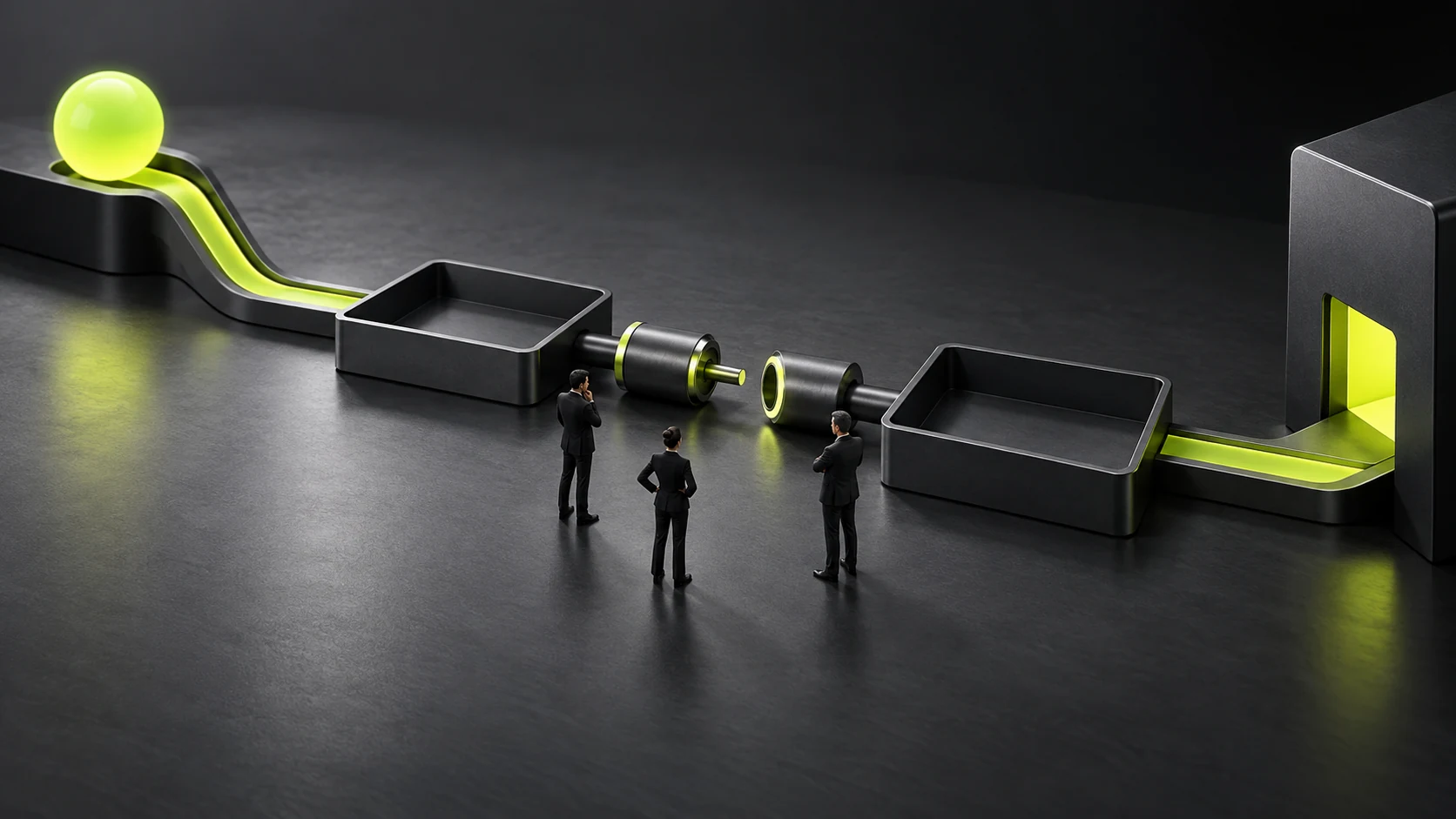
To judge whether production is necessary, first list content touchpoints that already exist or are clearly planned for investment. Company introduction videos, product demonstrations, event screens and internal presentations use logos differently. “We will probably make lots of videos later” cannot replace a task list. Specify which content will be produced in the near term, by whom, where it will play and whether the logo actually needs to appear first.
Then distinguish brand identification from explaining content. An intro can indicate whose content it is, but does not explain the product, service or demonstration steps. If viewers open a video to see a particular operation, waiting through a full brand intro may interrupt their task. Such content can show the logo briefly, go directly to the topic or show a consistent attribution at the end; it need not always use the same opening. See Which Brand Applications Should Come First? Prioritizing Real Touchpoints for related checks.
Usage frequency also needs to account for how content is actually produced. An existing content team that can keep applying the assets has different delivery requirements from a company temporarily commissioning different producers to make a single video. Without anyone to use them later, complex animation projects may remain unmaintained for a long time. When several people need to collaborate, delivering only a finished clip may not cover future changes in aspect ratio and background.
Suppose a company plans to let sales staff use its logo in various presentation materials. Its main need may be stable opening and closing images, rather than a complex story. Collect existing presentation samples first, observe where and when the logo appears, and then select an animation approach. This scenario only explains the decision process; it does not represent an actual company project.
Separate touchpoints into those requiring ongoing production, occasional use and those with no plan yet. Prioritize real tasks in the first two groups and defer asset expansion for the third. This step is complete when production requirements correspond to specific content and users, and the team can explain what the absence of an animated version would affect, rather than just describing the investment as “more premium.”
Choose duration, aspect ratio and looping according to the playback task
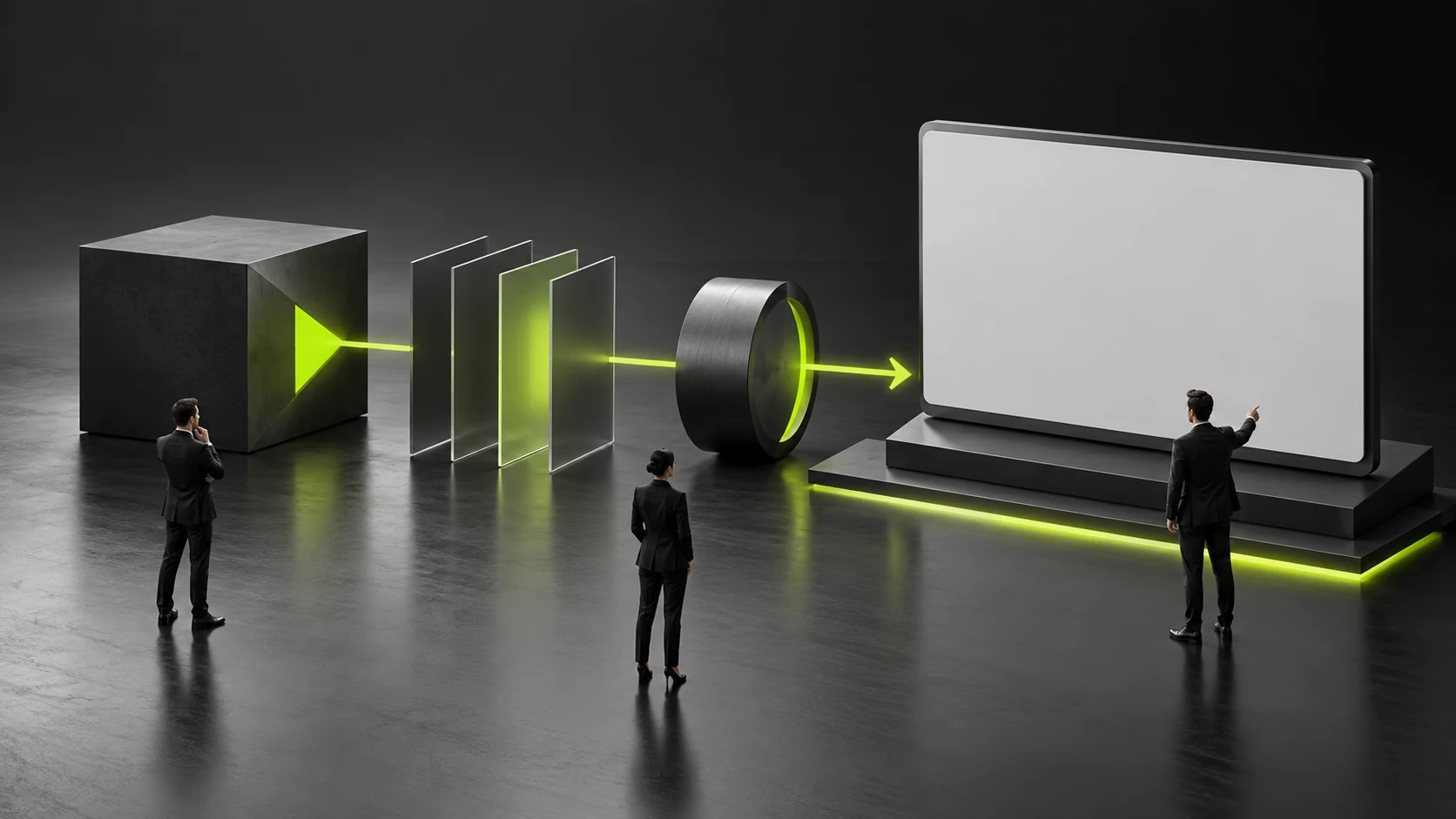
Intro length should follow the viewer’s task. Someone actively watching a full introduction and someone quickly looking up an operating step can accept different openings. First make a simple pacing draft, place it before real content and observe whether the topic appears soon enough, then decide the final length. No universal number of seconds suits every company and every kind of content.
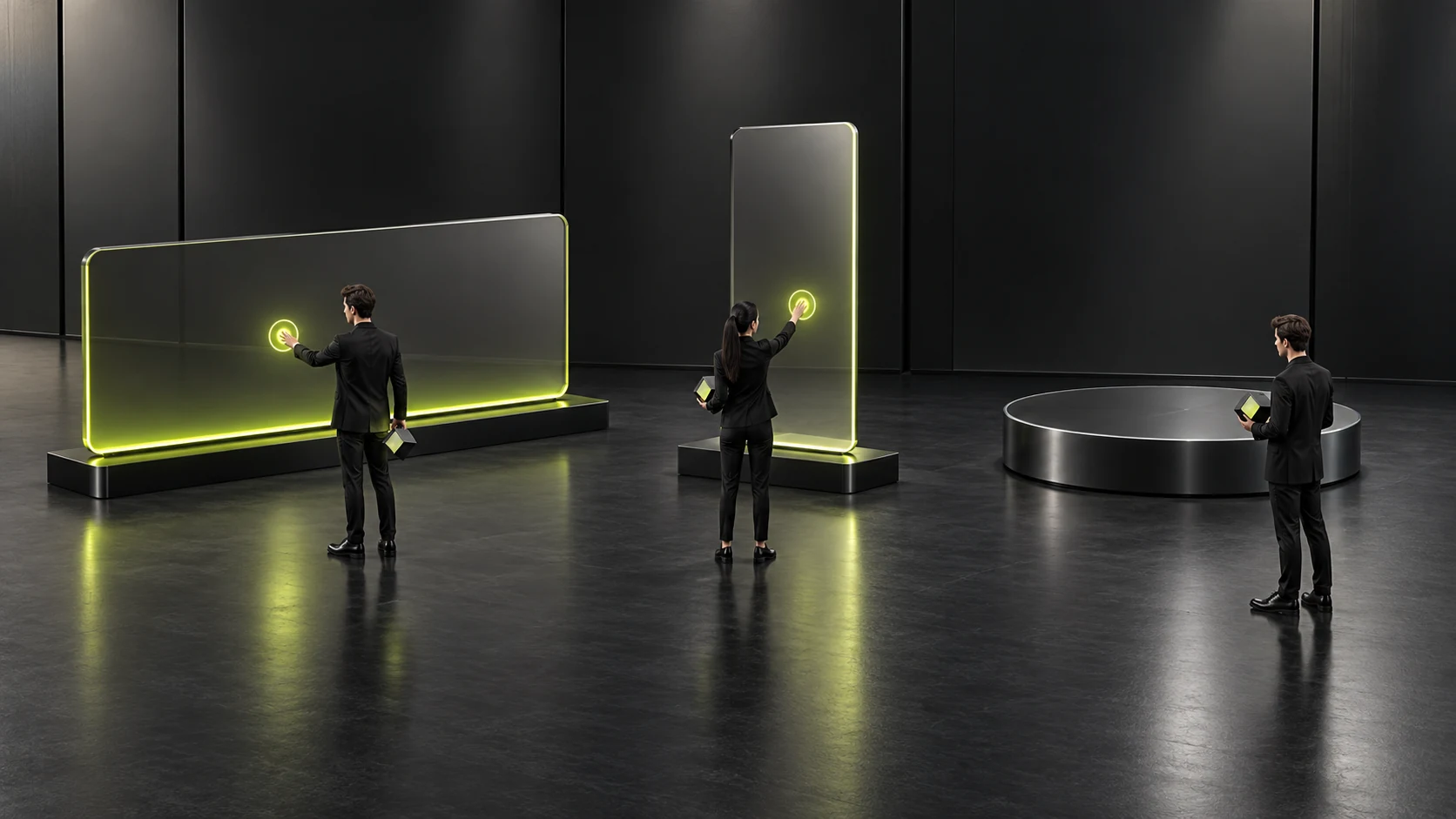
Aspect ratio cannot be determined by the design canvas alone. Presentation screens, landscape videos and portrait content may use different containers, changing the space around the logo and its placement. List the layouts that will actually be used in the requirements and preview them in the corresponding environments. Do not assume that centering and cropping a landscape file into portrait preserves the complete logo and movement sequence.
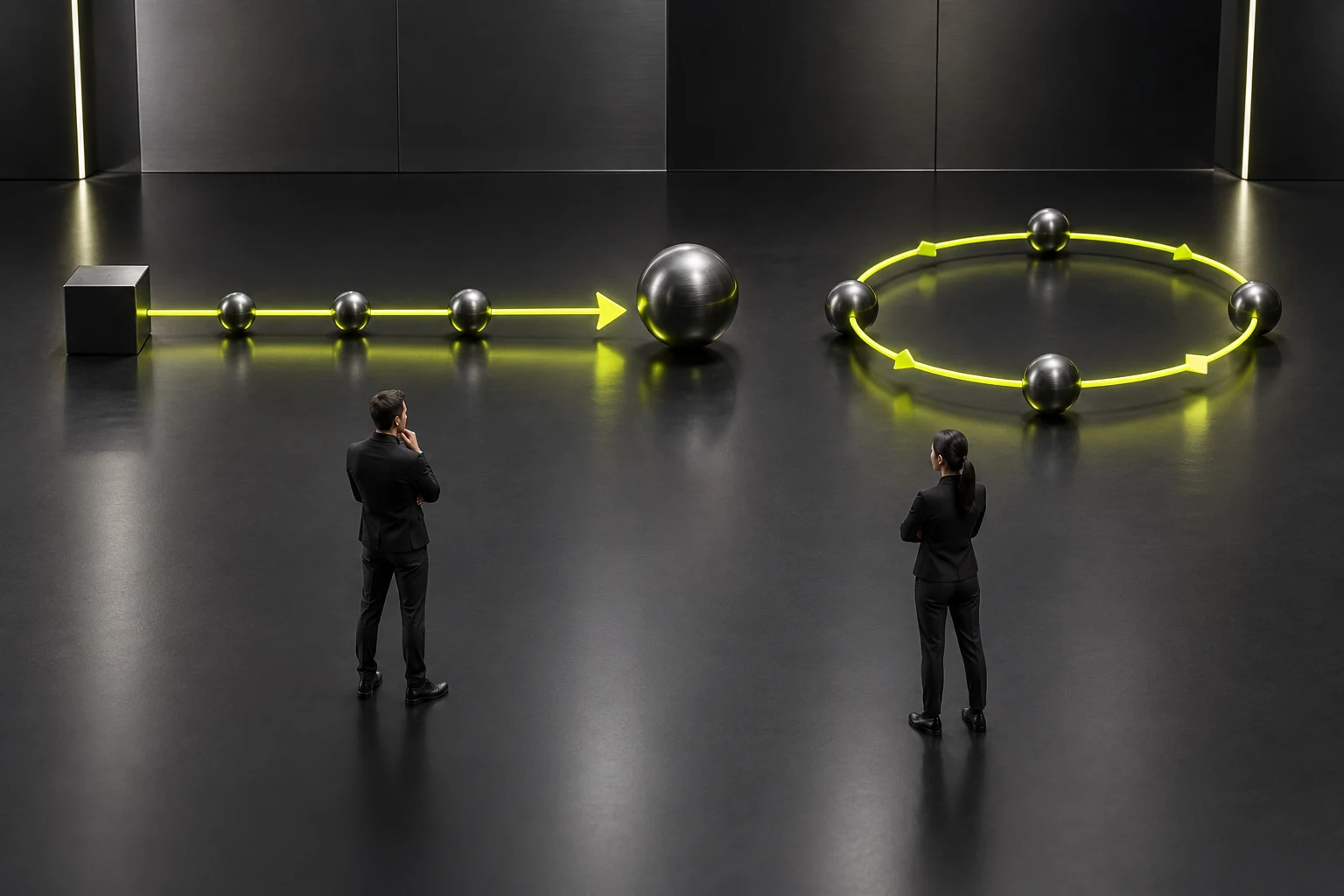
Looping and one-time playback need separate discussion. At an event, viewers may begin watching at any point; in a complete video, the intro needs to flow smoothly into the topic. A looping version should consider how the end returns to the beginning; a one-time version should specify the frame on which it finishes. The two tasks may not suit the same exported file.
The movement itself should also explain the logo’s visual relationships. Merely adding rotation, flashes and complex materials may make the logo harder to recognize. Check whether the main form remains before and after the movement, whether it creates a clear image when stopped and whether changes in background affect recognition. Animation should be built around the existing logo, rather than producing a different identifying form each time it plays.
During requirements review, describe pacing, aspect ratio, background and looping through specific scenarios, rather than asking only for a “technological feel.” This gives producers a basis for discussing tradeoffs and companies a basis for evaluating the result. This step is complete when the same asset enters and ends naturally within the specified content, without post-production staff repeatedly having to guess where to cut.
Prepare static alternatives for muted, stopped and unavailable playback
Animated assets should not make identification entirely dependent on sound. If viewers cannot identify whose content it is after music is removed, the visuals need adjustment. Sound can support pacing, but should not provide the only brand explanation. First watch the complete movement muted, then confirm that the logo’s appearance and final frame remain understandable.
Also consider situations where viewers see only one frame. When content is paused, an event feed switches temporarily or a file has not yet played, the image may remain at the start or midway through the movement. Key static images should avoid showing only fragments or blurred distortion. This is a visual usage check; it does not mean every playback tool behaves identically when pausing or previewing. The specific behavior still needs to be checked on the actual equipment.
Static alternatives usually need to be delivered separately. Prepare static images for the corresponding ratios and backgrounds so users can take them directly when playback is unavailable or animation is unnecessary. The alternative should retain the same identifying relationships as the animated version. Avoid quickly capturing an incomplete frame or saving only one image that does not suit the main touchpoints.
For content that moves continuously, also plan how it can be stopped or replaced with a static version, with the person responsible for the actual playback environment deciding how to use that option. Do not require every viewer to watch the same entire movement sequence. If the company cannot control a particular environment, ensure the core explanation can appear independently in static content, rather than putting essential information after the animation ends.
Test full playback, muted playback, the starting frame, the ending frame and the static alternative separately. The asset set becomes usable when every state can indicate whose content it is. Completion does not mean every environment looks identical; it means that clear identification and room to continue reading remain when usage conditions change.
Confirm that delivery supports continued content production
If the animated logo serves only one piece of content, a finished clip may be sufficient. If the company plans to apply it repeatedly, establish what later producers will need. List source projects, replaceable materials, static images, sample exports and usage instructions according to the actual agreement. Receiving a video file does not mean all movements and backgrounds can already be edited.
Check whether the source project is usable in the tools of the person taking it over. Producers need to explain the software, required materials and adjustment methods clearly. The company need not master every production detail, but should know who will handle later edits, which parts can be replaced and whether the original producer must still participate in changes. File names alone do not establish a completed handover for maintainability.
Name exported assets by their purpose and distinguish versions. Give landscape and portrait, one-time and looping, and files for different backgrounds clear corresponding labels. Users should not have to open ten similar files to guess which is correct. Instructions can show actual usage locations and examples, but should not list untested environments as already supported.
Explicitly confirm the permitted use of materials as well. The person responsible for contracts and material management should check, against actual agreements, whether music, fonts, graphics and other components may continue to be used in different content. This article does not replace decisions about the relevant rights. The point is to raise and record questions before delivery, so content producers do not discover after receiving files that essential conditions remain unclear.
For handover, let a future user complete an actual task: find the correct version, add it to representative content, replace the parts that may be changed, export and preview it. Add problems encountered directly to the delivery instructions. This step is complete when the person taking over can follow the instructions to continue producing content within the agreed scope, rather than merely seeing successful playback once on the original producer’s computer.
Check identification and usage conditions in each playback environment
Acceptance should use representative samples from the actual touchpoints. Watching within a video and watching a screen at an event can differ in distance, lighting and background; do not review only on a large canvas in design software. First check that the main form is clear, then whether the pacing takes attention away from the topic and the final frame makes transitions easy, and finally whether alternatives and file selection are straightforward.
For environments that cannot be visited in advance, ask the responsible staff for container dimensions, representative images and actual playback conditions, then preview accordingly. Items not checked on site should remain pending confirmation. One desktop playback result cannot establish that every screen, presentation tool and event condition has been verified.
Separate asset problems from usage problems. Excessive changes to the form during movement require asset revision; selecting the wrong background version requires clearer instructions; an opening that is too long in the content itself requires reconsidering whether an intro is needed. Handling them separately prevents adjustments to animation details that leave the real cause affecting the viewing task unresolved.
The final delivery list should correspond to confirmed touchpoints, layouts, playback methods, static alternatives and the people responsible for later edits. If the usage plan remains unclear, complete a smaller scope first and expand when new touchpoints emerge. Whether an animated logo is worth making depends on its ability to serve real content consistently, rather than the mere ownership of an animated version. See Professional Logo Design Process: Research to Delivery for related checks.
Frequently Asked Questions
Does a company with only one introduction video need a complete animated logo system?
Not necessarily. Start by meeting that content’s need for attribution and a closing image, and clarify whether future use will continue. Without ongoing touchpoints, there is no need to expand into many versions in advance.
How long should an animated logo be?
First place it within real content to check when the topic appears, then decide according to the viewing task. Looking up an operation, watching a full introduction and viewing an event loop involve different conditions; a fixed number of seconds cannot govern all of them.
Can the same animation be used directly in landscape and portrait?
The actual layouts need checking. Cropping may change the logo position, movement path and empty space. Confirm completeness in both containers, then decide whether separate layouts are needed.
Can another person continue making edits if only the finished clip is delivered?
Not necessarily. Editability depends on the assets actually delivered and the tool conditions. If ongoing production is required, agree in advance on source projects, related materials, editable parts and verification by the person taking over.
Is a static version still needed after the animated version is complete?
Prepare static alternatives usable at the main touchpoints. Static display, stopped playback and situations unsuitable for movement should not depend on temporary frame captures to resolve identification problems.
Need design or website development services?
JVDS Design Studio is a professional design studio focused on digital product experiences and brand identity. We work with businesses in China and overseas that want to strengthen their brand image, improve user experience and grow their business, providing clear, usable UI/UX design, high-quality website design and development, app and mini-program development, and cohesive, distinctive brand identity design.
Updating your brand identity or website? Tell us where the design will be used and which materials you need.
 Link copied