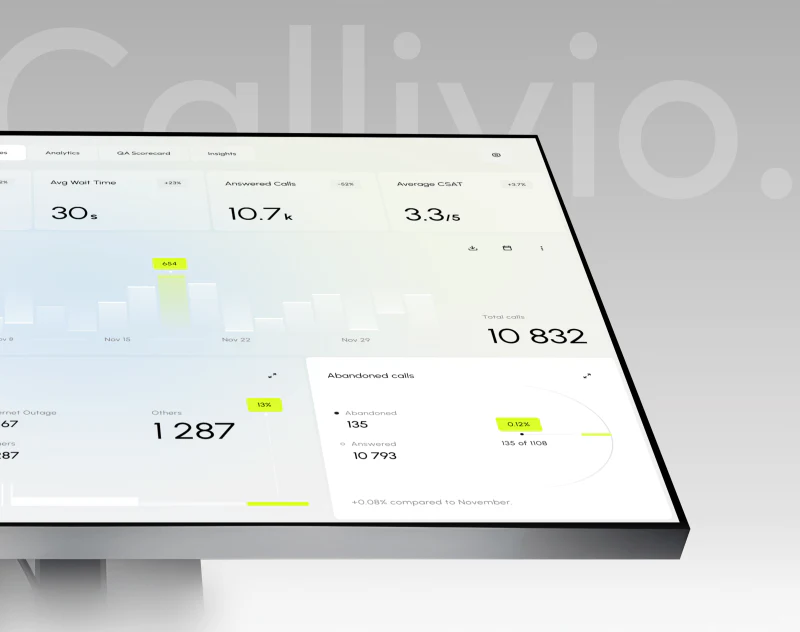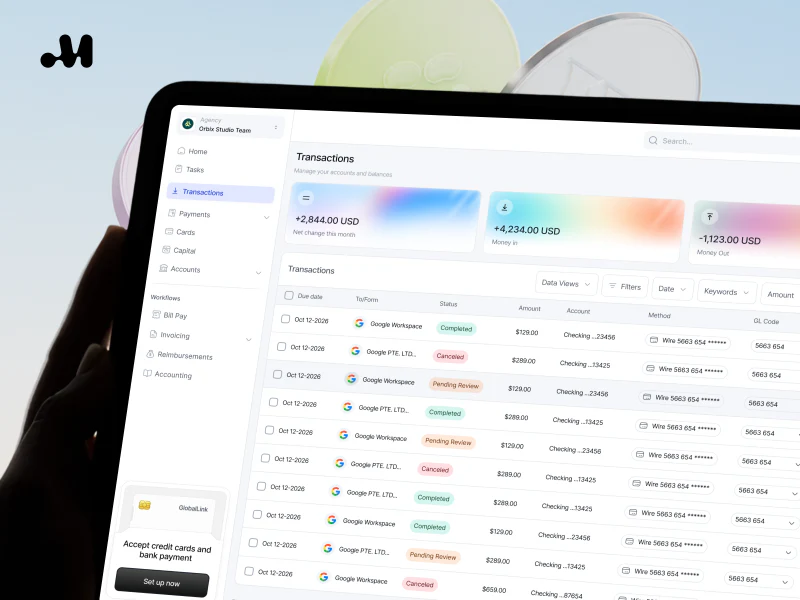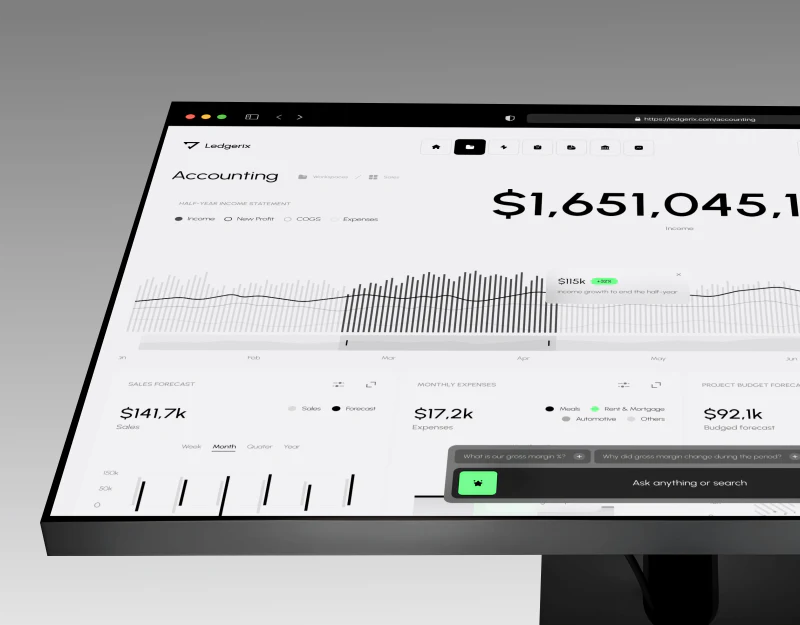
When online configuration estimates only part of the cost: make items awaiting confirmation clear
When customers finish choosing a configuration and a prominent amount appears, they may easily treat it as the whole-order price. In reality, only standard components may be calculable; special work or other conditions may still need manual assessment. If unknown items are replaced with blanks or zero, the number looks complete even though the purchasing scope has not actually been determined.
A partial-cost estimate interface should show customers the known amount, the conditions used and what has not been included together. This article discusses interface wording and verification methods, not actual quotes, pricing formulas or transaction rules. Business and quotation owners should confirm the statuses first. Design and implementation teams can then ensure each display matches the real conditions.
Classify costs by their level of certainty first
Organize items that can currently be calculated, amounts already confirmed, items requiring further assessment and content outside the present scope. These cannot all be represented by “Not selected” or a blank. Users need to know what the absence of an amount means before deciding whether to provide more information.
Calculable does not necessarily mean finally confirmed. If the current basis is a preliminary quantity or provisional scope, retain its identity as an estimate. A confirmed amount should also state its corresponding conditions. Specific statuses and names must come from the actual business. Interface designers must not mark an amount as a formal quotation simply because a number exists.
Consider a hypothetical scenario: an online configurator estimates standard components, but special coordination work requires manual assessment. The page can show the known parts and matters awaiting confirmation without providing any amounts or describing actual industry pricing. This example explains how to present different degrees of certainty.
Not selected differs from awaiting assessment. The first may mean the customer has not indicated whether they need an item; the second means they have requested it but the basis for judgment is missing. Explicitly excluded is another state. Record these distinctions during classification so a later manual handoff does not show a row of empty values with no indication of customer intent.
Each status should have a responsible role and a basis. Quotation or business staff confirm how quantities, conditions and scope affect an estimate. Implementation staff verify how the system saves and displays it. A clear interface can only reflect established rules; it cannot create a pricing system that the company does not have. See How to Design Complex B2B Forms: Grouping, Logic, Saving, and Validation for related checks.

Explain what a known subtotal covers beside the amount
The name of a prominent amount should match its scope. If it adds up only some components, use an accurate subtotal or partial-estimate label and state which unconfirmed items are not yet included. Do not headline it “Total price” and then rely on a note at the bottom to correct the scope.
Place the scope explanation near the amount rather than making customers expand every detail to discover it. Preserve this meaning when users take a screenshot or pass on a summary. Large numbers easily dominate interpretation, so the design should make their status and conditions recognizable as well.
If no items can be calculated, do not display an empty result as free of charge. Explain that current conditions are insufficient or manual confirmation is needed, using wording suited to the actual status. Use zero only when the business has confirmed its meaning. Do not default to zero just to keep a component in a numeric format. See Why is the component status always patched during the development stage? Buttons, input boxes and cards should at least have all these states designed completely for related checks.
Line items help explain known components, but need not divide every tiny action into a separate charge. Use units corresponding to the actual scope and let customers understand how they are added up. This article does not specify pricing units. Actual quotation materials determine them; general design advice cannot establish a customer’s costs.
If both a known subtotal and a whole-order estimate exist, make their relationship clear. The same configuration may have evidence for only part of the cost, or a new version may require manual completion later. Do not put amounts with different degrees of certainty into a set of visually equally definite number cards.
Unconfirmed items should explain what is missing and what happens next
For an item awaiting confirmation, identify at least the item, the missing conditions and who checks it further. For example, a customer requesting special work may need to clarify its scope before assessment. Do not merely say “Contact sales” and make customers suspect a hidden price. Nor should the page state a fixed outcome or response time.
Information requirements should relate to the judgment. An initial submission can describe goals and known conditions without necessarily requiring a complete specification. If missing information cannot yet be supplied, retain an undecided status and arrange the next step through the actual process. Do not force users to guess a quantity just to let the system continue calculating.
Awaiting assessment does not necessarily mean an extra charge, nor does it guarantee availability. The result may require more information, establish a specific scope or show that the company cannot undertake the work at this stage. The page should explain only the real assessment steps, without turning a status label into a pricing or feasibility commitment.
If one condition affects other known components, indicate that those estimates need review. Do not let an old subtotal continue to look valid after a manually assessed item changes. Actual rules should establish which changes trigger an update. The implementation team can then check the display and saved record against them.
The person receiving the question needs the corresponding configuration, not a contact message without context. Verify whether the configuration is transferred automatically. If that capability is unavailable, provide accurate instructions for including it. Clicking an assessment link does not justify claiming that all current conditions have been delivered.

Carry conditions and statuses together in the summary
When users forward an estimate to colleagues, the summary should retain the configuration, known components, unconfirmed content, its identity as an estimate and the relevant version. Sending an amount alone leaves recipients unable to judge what it includes. Verify the relationship between the page, email, file and administrative record according to actual functionality.
A material source or generation date can help identify a version, but cannot replace a scope explanation. Even a newly generated summary may rely on unconfirmed conditions. It should not appear final merely because its date is recent. Express status and time separately so “Current” is not mistaken for “Confirmed.”
Preserve the distinctions between not selected, undecided and excluded in the summary too. If customers explicitly do not need an item, do not turn it into something awaiting a quotation after handoff. If they have not decided, do not mark it excluded. Subsequent staff need to see a scope consistent with what users actually expressed.
After users return to modify the configuration, the summary should match the latest conditions. Do not reuse the amount or status generated the first time, or silently clear a known result without explanation. The team should confirm the actual update behavior. Users must be able to identify which earlier conclusions need checking again.
If historical estimates are retained alongside the current one, give the current version a clear identity. History can help compare changes, but must not become an actionable quotation alongside the new version without explanation. Specific confirmation and validity rules still come from the company’s actual arrangements; this article does not replace transaction documents.
Recheck the display after changes and manual completion
Use constructed configurations for tests, covering only calculable items, mixtures with items awaiting assessment, entirely unconfirmed items and explicit exclusions. Write the expected meaning of each status first, then inspect the interface, summary and actual records. Tests need neither real customers nor real transactions.
Change a condition and check whether affected amounts and unconfirmed statuses update together. The basis for updated results should match the page’s explanation. Do not keep calling an old subtotal the current price. Visual changes alone are insufficient; check that materials received later retain the same scope.
When simulating completion of a manual check, confirm that the new result has a corresponding basis and that the previous awaiting-assessment item is replaced accurately. A staff assessment does not mean the customer has accepted it. Express the state according to the actual confirmation process. Entering an amount must not automatically display the entire order as sold.
Ask someone unfamiliar with the system to read the summary and restate what the amount includes, what remains undecided and what to do next. If they remember only a total price, the hierarchy and naming still need adjustment. Do not shift responsibility for understanding back to customers by adding more fine print.
The completion criterion is that customers know the scope of the current number, unconfirmed items have an understandable handling route, changes leave old results unable to mislead, and records match the interface. Online estimates can help prepare purchasing questions early, but their numbers have practical value for judgment only when certainty is expressed accurately.

Also check commonly used materials that staff send manually. If the web page distinguishes subtotals from items awaiting assessment but staff copy only the number to customers, the scope is lost again. Outgoing versions should retain statuses relevant to the current configuration. Record the locations that can actually be maintained before updating them. Do not claim that every historical copy has been synchronized.
Frequently asked questions
Can a cost awaiting confirmation be shown as zero?
Do not substitute zero for an unknown amount. Zero has a definite monetary meaning, while awaiting confirmation means the judgment is incomplete. Actual status wording helps customers and receiving staff understand the scope.
Is adding “For reference only” under the subtotal enough?
Explain what it covers and what remains excluded from the calculation too. A generic note cannot correct a “Total price” label or a whole-order visual impression. The amount, status and conditions should be visible together in the relevant location.
If customers do not select an additional item, can it default to excluded?
Decide according to the actual rules and tell users. Not selected may mean undecided, so do not silently treat it as a rejection. If a defined default scope exists, express it consistently in selection and summary.
After manual confirmation, do we still need to retain the original conditions?
Retain the conditions supporting the current conclusion. Historical versions can be archived according to the actual arrangements. A new amount cannot stand independently of its scope. When conditions change, it should also be clear which results need review.
Can an online estimate directly serve as a formal quotation?
Only where the company’s confirmed process and documents support it. The page can clearly explain its current status. A calculable number or generated summary does not automatically establish a contract, acceptance or completed sale.
 Link copied