Software with multiple industry versions: explain who each product screenshot applies to
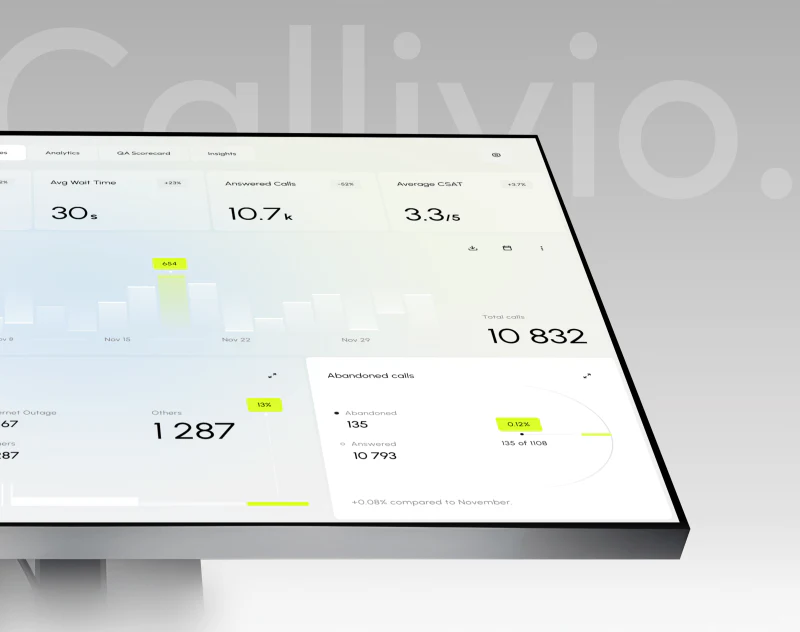
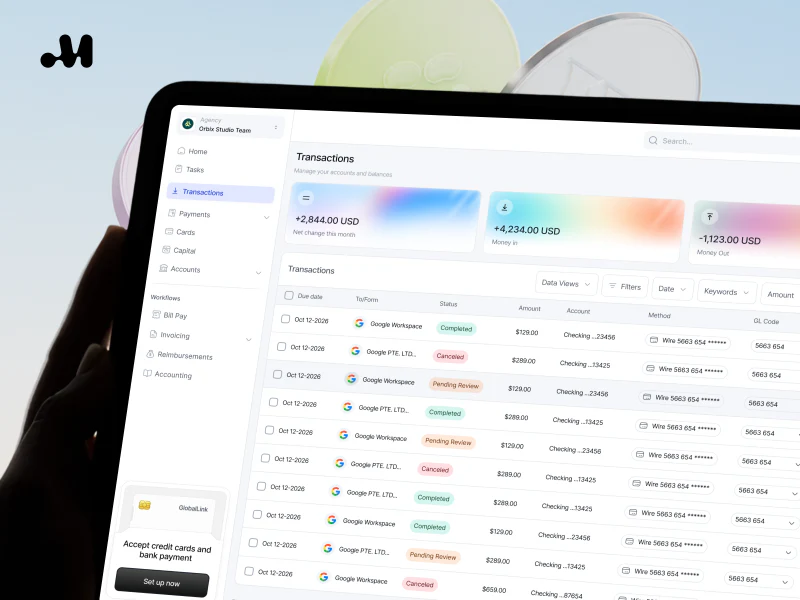
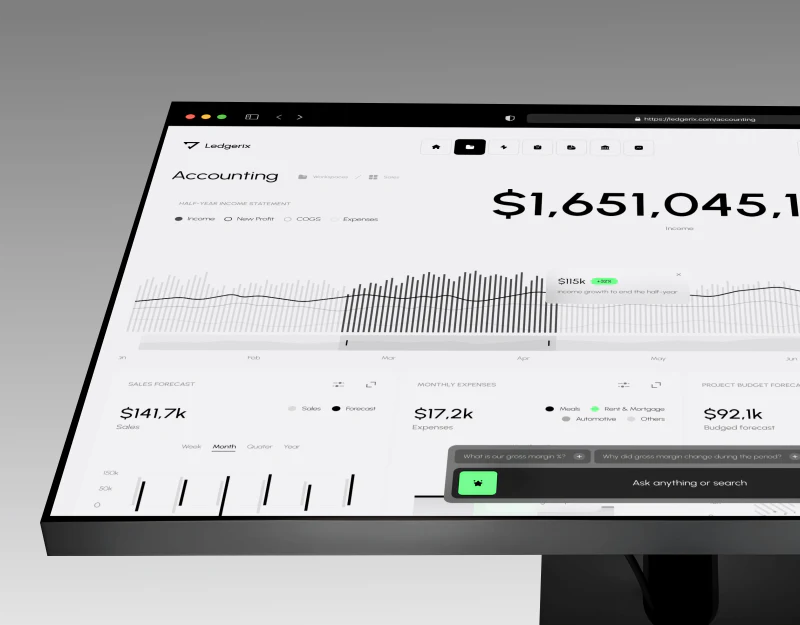
When software serves several industries, its official website often uses the same screenshots to describe its capabilities. The fields, processes and results in the image look complete, but readers do not know whether they belong to the common product, an industry configuration or a particular version. Without context, customers may interpret a limited configuration as a standard capability included in every version.
An explanation of an industry-version product screenshot should help customers judge the task shown, its prerequisites and whether their own requirements deserve further checking. It is more than putting an industry name on an image, and it is not a newly invented case study. Confirm the real interface, sample data and applicable conditions separately, then connect them clearly. See How should a UI design case be written? What is truly convincing is not the number of pages for related checks.
Check the relationship between the common product and industry configurations
Ask the product owner to list the actual relationships: what belongs to the shared product scope, what is provided through industry configuration, and what belongs to a particular version or project. Do not call all these different relationships “industry versions.” Public naming should have a basis that explains what the company actually supplies.
A screenshot may contain both common components and specific content. Explain the main task the image demonstrates, then identify the configuration that affects applicability. Shared navigation does not make every field and processing method shown a common capability.
Consider a hypothetical scenario: a task-oriented product offers different information structures for different businesses, and a screenshot illustrates one kind of checking task. It can help explain that scenario, but does not mean every industry uses the same fields or rules. The example involves no real customer, product version or launch status.
During verification, retain the product, version, screenshot source and responsible person. A folder named “Industry templates” does not prove the configuration is formally available. A customer name in a screenshot also does not prove a commission or its results. Record source identity and applicable conditions separately rather than deriving business facts from visual content.
Screenshots that have not been confirmed can remain in internal preparation. When a concept needs public discussion, label it accurately as hypothetical instead of placing it among available-feature demonstrations. An attractive image is no reason to omit its status. Its position on the page should match its actual identity too.

Use captions to describe tasks, not just industries
An industry name is too broad to tell customers how an image relates to their work. A caption can explain who views or handles what within a particular task, such as a staff role checking the status of documents. Actions, objects and outcomes must come from the actual screen and confirmed information. Do not invent a process merely to make the description specific.
When looking at an image, customers first need to identify the question it answers. A caption that says only “Industry solution” makes the screenshot carry too much unexplained meaning. A short heading can establish the task, while the body explains the related scope so image and text complement each other.
When the same image is used for different scenarios, check whether its explanation remains valid. Do not repeatedly attach different industry names to a generic list screenshot and imply it covers each industry’s specific work. If it truly illustrates a common task, explain that shared part directly and provide separate material about industry differences.
The task explanation must also match the role. A results page visible to a manager is not necessarily available for an ordinary user to operate. An aggregated view may depend on several preparatory steps. Customers need to know which step and which role the image shows rather than assume everyone can see it.
Do not limit the wording to the screen’s colors and layout. Purchasing decisions need scope and conditions more than visual analysis, which belongs in content with a different purpose. Here, a caption succeeds when readers can identify the business task it relates to and know what they should check next.
Place version, role and sample prerequisites near the image
Keep essential prerequisites close to the screenshot rather than making readers search another page. Include the version identity, role and configuration relationship that affect their judgment, as well as whether the data is a sample. Use wording based on the actual materials. Verify missing information instead of inventing an official-looking version number.
Configuration prerequisites can be explained briefly, but must not become an unconfirmed implementation guarantee. Fields appearing in an image do not mean the company promises the same configuration method to every customer. Actual product evidence is needed to establish the configurable scope. The web page points readers to the basis for judgment; it does not replace a technical solution.
Sample data helps show structure, but cannot prove business results. Even when results come from a real interface, the image does not show that actual customers achieved the same outcome. Public materials should express only confirmed scope. Handle personal and restricted information in the ways actually permitted.
After cropping a screenshot, check again whether its prerequisites remain recognizable. Removing role or status clues may make a limited view look generic. Scope originally explained above it may also become separated from the image. Retain necessary captions in forwarded versions in particular rather than sending an unidentified screen alone.
When a version changes, do more than replace the image. Find its captions, related product pages and demonstration materials together, and confirm that the task and conditions still apply. If a section of the screen shows a new feature while the text describes an old process, customers encounter conflicting explanations of scope. See From Idea to Launch: The 0-to-1 UI/UX Process for related checks.

Conditions where the image does not apply help prevent incorrect inferences
Not every screenshot suits every customer. Identify differences that need separate assessment, such as the task object, role arrangements or existing information structure. Base the explanation on the actual product scope. Do not list unconfirmed industry restrictions or make judgments about engineering capability.
For aspects customers are likely to misunderstand, explain directly that the image shows a particular confirmed scope while another requirement needs further checking. Match the boundary to the image’s meaning rather than relying on a final line saying “Subject to actual conditions.” Fine print cannot correct an earlier implication of universal applicability.
When customers propose a similar task, ask them to describe their actual goals and existing conditions rather than requiring the screenshot’s fields. The image is a clue for understanding, not a complete requirements template. Forcing customers to copy the screen squeezes unknown requirements into the one scenario the company has chosen to show.
If materials are insufficient, give a real route for verification. Without specific industry information, explain the common scope and questions still to ask rather than inventing an industry version to fill the page. Knowing what has been confirmed is more useful to customers than an apparently complete industry solution with no evidence.
Internal review should avoid overly broad generalizations too. A configuration working under one set of conditions does not make it applicable to an entire industry. When checking wording, ask, “Which customers does this sentence cover, and is that broader than the materials support?” This can reveal hidden expansion in names and summaries.
Check whether screenshot context continues across pages
The same image may appear on a homepage, product page, industry page, demonstration materials and sales documents. Record the actual locations where it is used and check the task name, version and conditions at each. Limit the maintenance scope to locations the company can confirm; do not claim control over every forwarded copy.
When users move from an industry page to common product information, explain the relationship between the two. Customers should know whether they are viewing shared capabilities or further explanation of that industry’s configuration. A link must not erase the original limitation. Relevant destinations should actually exist and describe consistent content. Do not insert links before checking them.
Ask someone who did not help make the materials to read the screenshot and its explanation, then restate the task it applies to and its prerequisites. If they think any industry can copy it directly, check whether the heading and caption are too broad. This test concerns understanding; it needs no invented user reviews or conversion rates.
The product owner should then check whether the scope restated matches what is currently supplied. Clear understanding of an incorrect fact still requires correction. Correct facts that readers cannot recognize also need clearer wording. Meet both standards separately rather than treating approval of a design mockup as approval of all information.
The completion criterion is that each image has a clear identity, task and prerequisites, related pages use the same scope, and readers can ask questions relevant to their own conditions. Industry screenshots then become clues for judgment rather than evidence of capability manufactured by changing an industry name.

During handover, retain the materials and responsible person associated with each screenshot so its scope can be reconfirmed during updates.
Frequently asked questions
Can a common product screenshot appear on an industry page?
Yes, but explain the shared task and scope it shows. Changing an industry heading alone must not make readers believe all industry-specific configurations are included. Provide materials or a verification route for actual differences separately.
Does every screenshot need a long list of conditions?
No. Retain the necessary prerequisites that affect judgment and put details in related body text. The wording can be short, but version, role or sample identity must not disappear for a cleaner layout.
What is the problem with showing an older version?
It can be shown as historical material or content for that version, provided its identity is clear. Do not mix old screens with the current offering, or attach new-version explanations to an old screenshot and create a feature relationship that never existed.
Can a customer name in a screenshot prove industry experience?
A name alone cannot confirm a commission, responsibilities or outcomes. Actual materials must support any publicly stated relationship. Describe demonstration content and real projects separately; an image cannot replace factual evidence.
How should we continue when a customer wants the same configuration as the screenshot?
First identify the task they care about, then check their actual goals and conditions. A screenshot is not a complete specification. The relevant responsible people should determine from real materials whether the same scope can be provided, rather than immediately promising a copy.
 Link copied