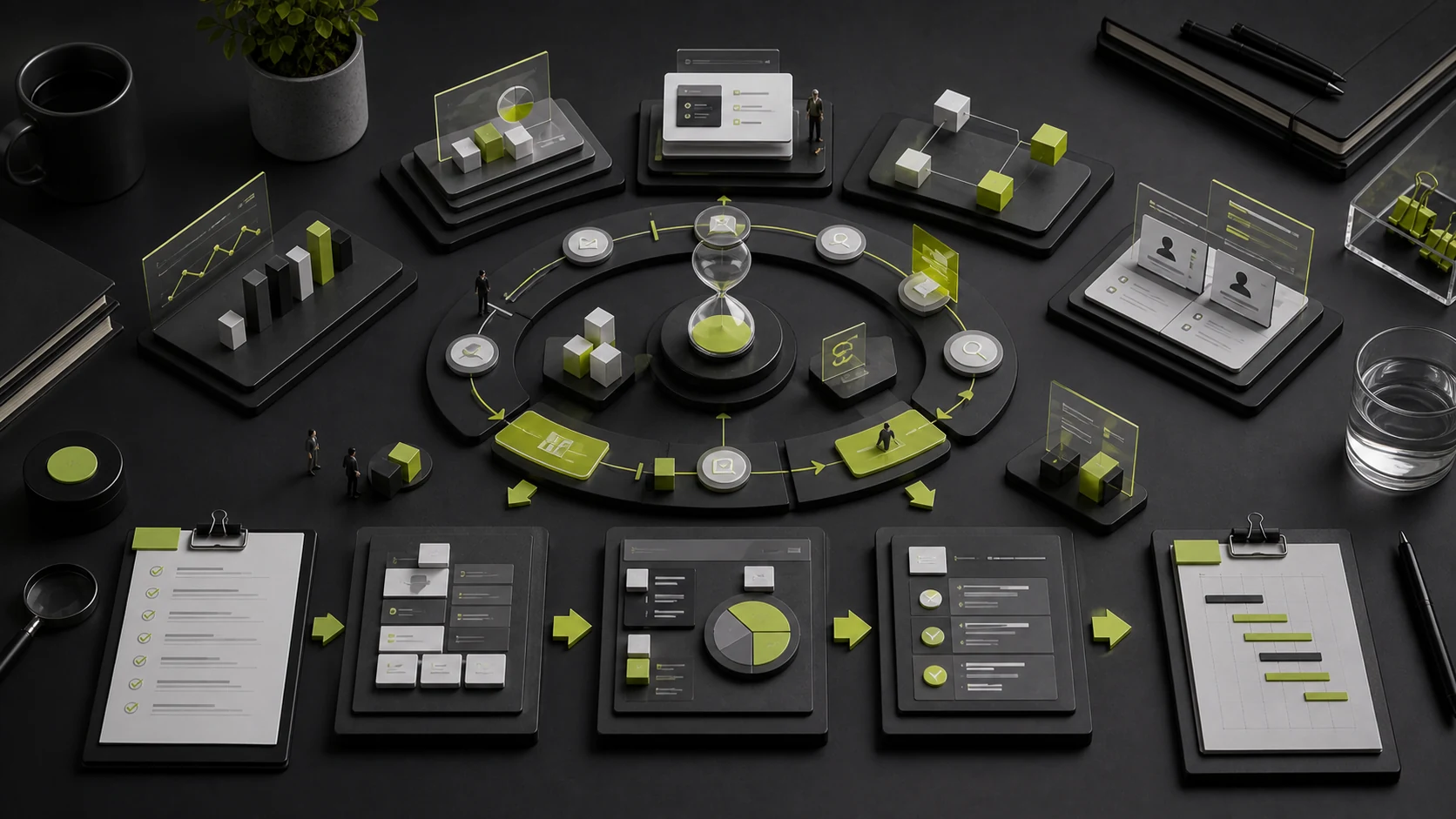
“How long will 30 screens take?” is one of the most misunderstood questions in UI/UX work. Screen count reflects only part of the production volume. It says nothing about whether product rules are clear, how many user flows are required, how complex roles and permissions are, whether research and testing are included, whether a design system must be established, or whether the client can make timely decisions.
Two products can each have 30 screens while carrying entirely different risks. One may only need visual consistency applied to a mature product. The other may include registration, credit approval, transactions, refunds, customer service, and a multi-role admin system. Their schedules should not be the same.
01 Start by Distinguishing Four Common Types of UI/UX Projects
Project Type | Primary Work | Typical Timeline | Best Fit |
|---|---|---|---|
UI Visual Execution Only | Apply visual design, essential states, and components to mature wireframes | Approximately 2–4 weeks | Product logic is stable and the internal team has product and UX capabilities |
Standard UX/UI Design | Requirements, flows, wireframes, visual design, a foundational system, and design QA | Approximately 4–8 weeks | A new MVP, APP, Mini Program, or Web product |
Complex Product Design | Multiple roles, workflows, permissions, states, testing, and a complete system | Approximately 8–16 weeks or more | B2B, SaaS, financial, healthcare, or platform products |
Continuous Product Optimization | Research, data analysis, iteration, experiments, and release collaboration | Monthly or quarterly | Ongoing growth and experience governance for a live product |
These four types cannot be compared with one “per-screen price” or “per-screen schedule.” UI execution delivers interface expression. Complete UX/UI work also takes responsibility for flows and usability. Complex projects must additionally address system rules and long-term consistency.
02 What Must Be Ready Before the Project Starts?
The design schedule should begin once actionable materials are available. Minimum kickoff conditions include:
- Product goals, core users, and business value;
- The current version, PRD, flows, or existing wireframes;
- Feature inventory and priorities;
- Roles, permissions, and key business rules;
- Target platforms, development framework, and device coverage;
- Brand guidelines, competitors, visual constraints, and content sources;
- The client’s project owner, reviewers, and final decision-maker;
- Delivery format, design system, design QA, and acceptance requirements;
- The planned launch date and immovable external milestones.
Incomplete materials do not mean work cannot start. They mean the project should begin with discovery and requirements clarification rather than hiding uncertainty inside “screen design.”
03 How Long Do the Seven Stages Take?
Stage 1: Discovery and Scope Confirmation — Approximately 2–7 Business Days
The objective is to understand the business, users, current state, and constraints, then define scope, core tasks, risks, and a plan. A small project may use document review and a workshop. A complex product may require interviews, data analysis, and an audit of the current system.
Deliverables may include a problem definition, users and roles, core tasks, feature priorities, project boundaries, and a research plan.
Stage 2: Information Architecture and User Flows — Approximately 3–10 Business Days
This stage turns a feature inventory into paths users can complete, addressing roles, entry points, states, and exceptions. For B2B or transactional products, it is often more important than the visual layer.
Cover high-risk flows first—such as registration, payment, approval, error recovery, or the core business operation—instead of distributing equal effort across every screen.
Stage 3: Low-fidelity Wireframes — Approximately 4–12 Business Days
Wireframes validate structure, interaction, and content without pursuing complete visual styling. The timeline depends on the number of flows, branches, and feedback rounds.
A clickable prototype should allow the team to complete representative tasks, not merely display a few static screens. If the wireframes are still changing frequently, full-scale UI design should not begin yet.
Stage 4: Visual Direction and Key Interfaces — Approximately 4–8 Business Days
Choose one or two high-value flows to establish the visual language and validate typography, color, layout, information density, components, and brand expression. The decision concerns the system direction—not simply “which homepage version looks better.”
Stage 5: Complete UI, States, and Responsive Adaptation — Approximately 5–20 Business Days
Design approved wireframes, states, and mobile or desktop adaptations. The scope should include loading, empty, failure, no-permission, validation, modal, keyboard, long-copy, and multilingual states—not only the normal primary screens.
Stage 6: Design System and Handoff — Approximately 3–12 Business Days
A small project may establish foundational Tokens and components. A long-term product needs naming, component states, business patterns, documentation, and alignment with development components. The design system can mature alongside full UI production, but it should not be overbuilt while business rules remain unstable.
Stage 7: User Validation and Design QA — Approximately 5–15 Business Days or Ongoing
User testing requires recruitment, task design, sessions, analysis, and iteration. Design QA takes place during implementation and checks components, states, spacing, responsiveness, copy, and interactions. If the engagement ends when the Figma file is delivered, implementation drift becomes more likely.
Stage | Small Project | Standard Project | Complex Project |
|---|---|---|---|
Scope Confirmation | 2–3 days | 3–5 days | 5–10 days |
Flows and Architecture | 2–4 days | 5–8 days | 8–15 days |
Wireframes | 3–5 days | 5–10 days | 10–20 days |
Visual Direction | 3–5 days | 5–8 days | 7–12 days |
Complete UI | 5–8 days | 8–15 days | 15–30 days |
System and Handoff | 2–4 days | 4–8 days | 8–15 days |
Validation and QA | 2–5 days | 5–10 days | Ongoing iteration |
The stages in this table can overlap, but each must have clear prerequisites. Complex products should neither complete everything in a strictly sequential order nor start everything in parallel before the rules are approved.
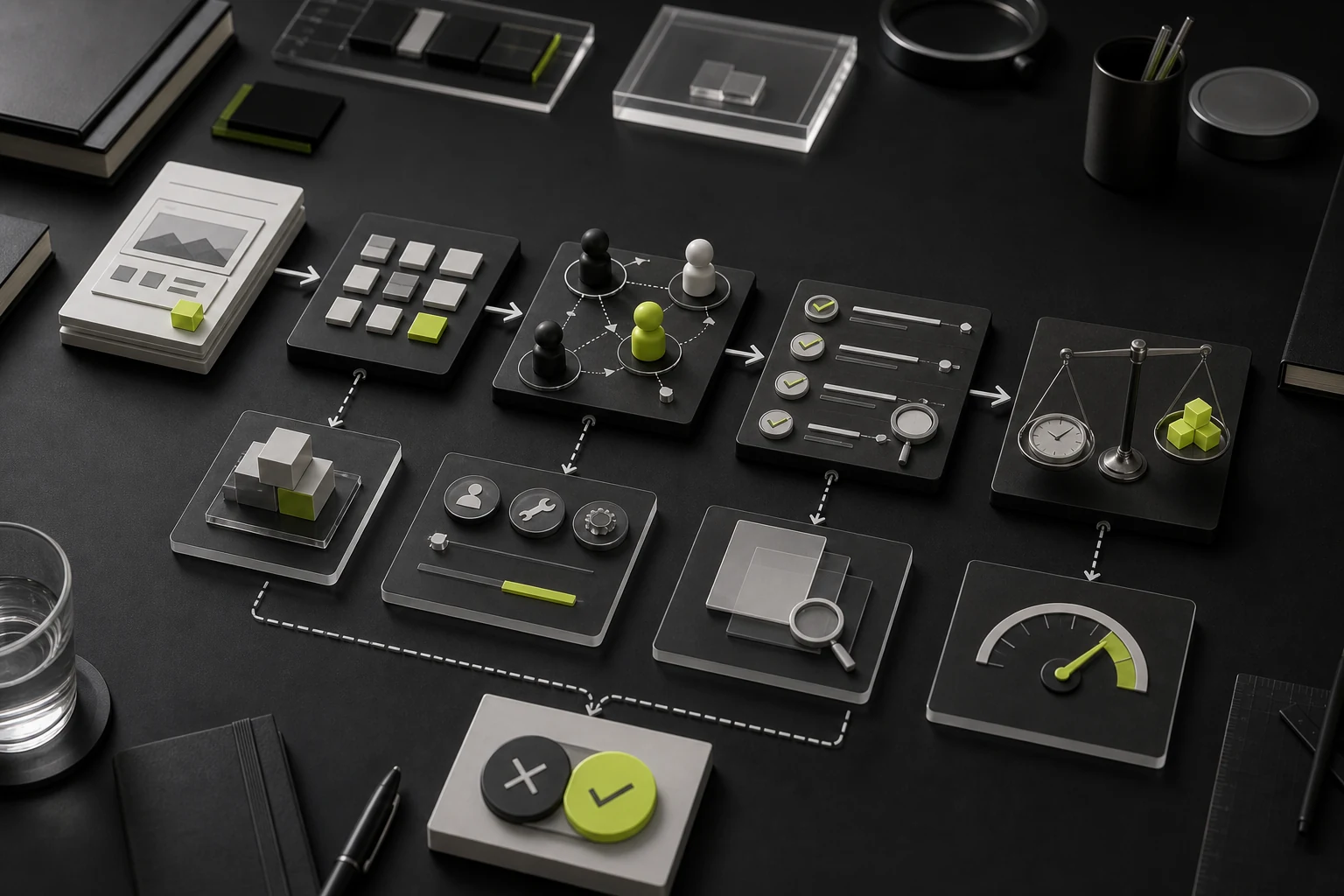
04 Why Screen Count Cannot Be Converted Directly into Days
Primary Screens Do Not Include Every State
A single order detail screen may include awaiting payment, payment failure, processing, completion, cancellation, refund, partial refund, no permission, and network-error states. These states matter to both user comprehension and implementation.
The Degree of Reuse Varies
A shared set of list, detail, and form templates can scale quickly. Completely different business workflows require independent research and design. Thirty content screens using the same template may take less time than ten complex workflow screens.
Roles and Permissions Change Information and Actions
Administrators, operations staff, sales teams, standard users, and reviewers may see different fields, entry points, and actions. If design covers only one idealized role, new screens will continue appearing during development.
Cross-platform Design Is Not Simple Scaling
Desktop B2B systems, mobile APPs, Mini Programs, and tablets differ in navigation, input, tables, gestures, and context of use. Multi-platform design requires renewed decisions about task priorities and interactions—not automatic responsive scaling.
05 Timeline Examples for Three Types of Projects
Scenario A: Visual Refresh for a Small Membership APP with Existing Wireframes
The scope includes approximately 15 primary screens, required states, foundational components, and one round of design QA. With stable product flows and complete copy, it can be planned over 3–4 weeks.
Scenario B: A 0-to-1 Appointment and Payment Mini Program
The project must define registration, appointments, inventory, payment, orders, and refunds, then produce a clickable prototype, approximately 25 primary screens, states, a foundational system, and two rounds of design QA. A typical timeline is approximately 6–9 weeks.
Scenario C: Redesign of a Multi-role Enterprise SaaS Product
The product serves administrators, business users, and reviewers, and includes permissions, tables, approvals, bulk operations, logs, a design system, and a migration strategy. If research and usability testing are also required, a typical timeline may be 12–20 weeks, with a phased module launch.
These are composite examples of typical project scenarios used to explain scope differences. They do not describe a single client or actual project outcome.
06 How Client Feedback Affects the Timeline
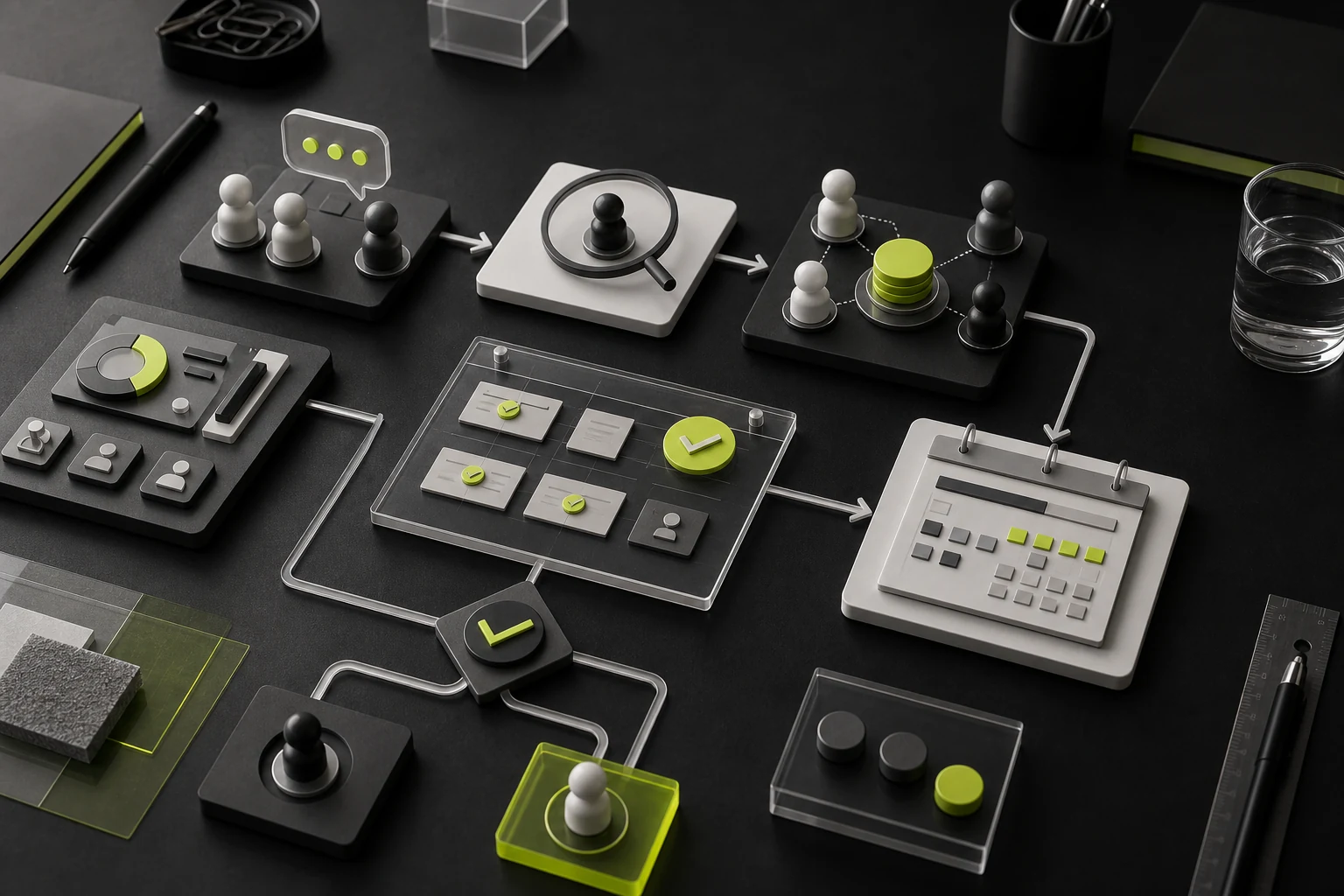
Calendar time in a UI/UX project is often extended less by production speed than by waiting for decisions and repeatedly changing direction.
Use Consolidated Feedback
One client-side project owner should collect opinions from product, business, technology, and management stakeholders, resolve internal conflicts, and submit a single consolidated response. The design team should explain which comments affect objectives, which express preferences, and which change the scope.
Set a Feedback Deadline for Each Stage
For example, reserve two business days each for wireframes, visual direction, and complete UI review. If a deadline is missed, later work should move according to resource availability rather than forcing the team to compress every subsequent stage.
Use Change Control for Major Changes
A new role, platform, or module, a complete visual restart, or a change to a core flow is not an ordinary revision. Reassess timing, cost, and completed work.
Feedback Pattern | Likely Result |
|---|---|
Multiple people comment independently across different channels | Conflicting opinions, omissions, and duplicate revisions |
Feedback says only, “It does not feel premium enough” | No actionable evaluation criteria |
The final decision-maker joins only at the end | The entire solution may require systemic rework |
Each round is consolidated and prioritized | Easier to evaluate and approve on schedule |
Feedback is tied to objectives and user tasks | Fewer debates based purely on preference |
07 Practical Ways to Shorten the Timeline
- Start with high-risk core flows instead of advancing every screen at the same pace;
- Use workshops to resolve roles, scope, and decisions in focused sessions;
- Use real copy and realistic data during wireframing;
- Validate visual direction on representative screens only;
- Reuse a mature design system or component library, without forcing it onto mismatched business needs;
- Involve developers early in feasibility reviews and component alignment;
- Launch in phases, beginning with the highest-value modules;
- Give the client one feedback channel and require timely decisions;
- Add research, content, and technical dependencies to the plan early.
Shortening the schedule does not mean removing research, states, or design QA. The effective approach is to reduce waiting, rework, and low-value output.
08 Which “Acceleration Methods” Actually Slow a Project Down?
Designing Every High-fidelity Screen Before Discussing Flows
The more complete the visuals appear, the easier it is for the team to debate color and typography while overlooking flow errors. Changes cost more later.
Offering Too Many Visual Directions at Once
Three to five completely different directions consume substantial time and encourage clients to choose among styles instead of approving brand and product strategy. When alternatives are necessary, a small number of well-reasoned directions is more effective.
Accepting Work from Screenshots Alone
Static screenshots cannot show states, scrolling, input, errors, or relationships between screens. Acceptance should use prototypes, components, and the real development environment together.
Skipping Design QA During Development
If the design team leaves immediately after handoff, interpretation costs shift to development and visual or interaction gaps may surface together immediately before launch.
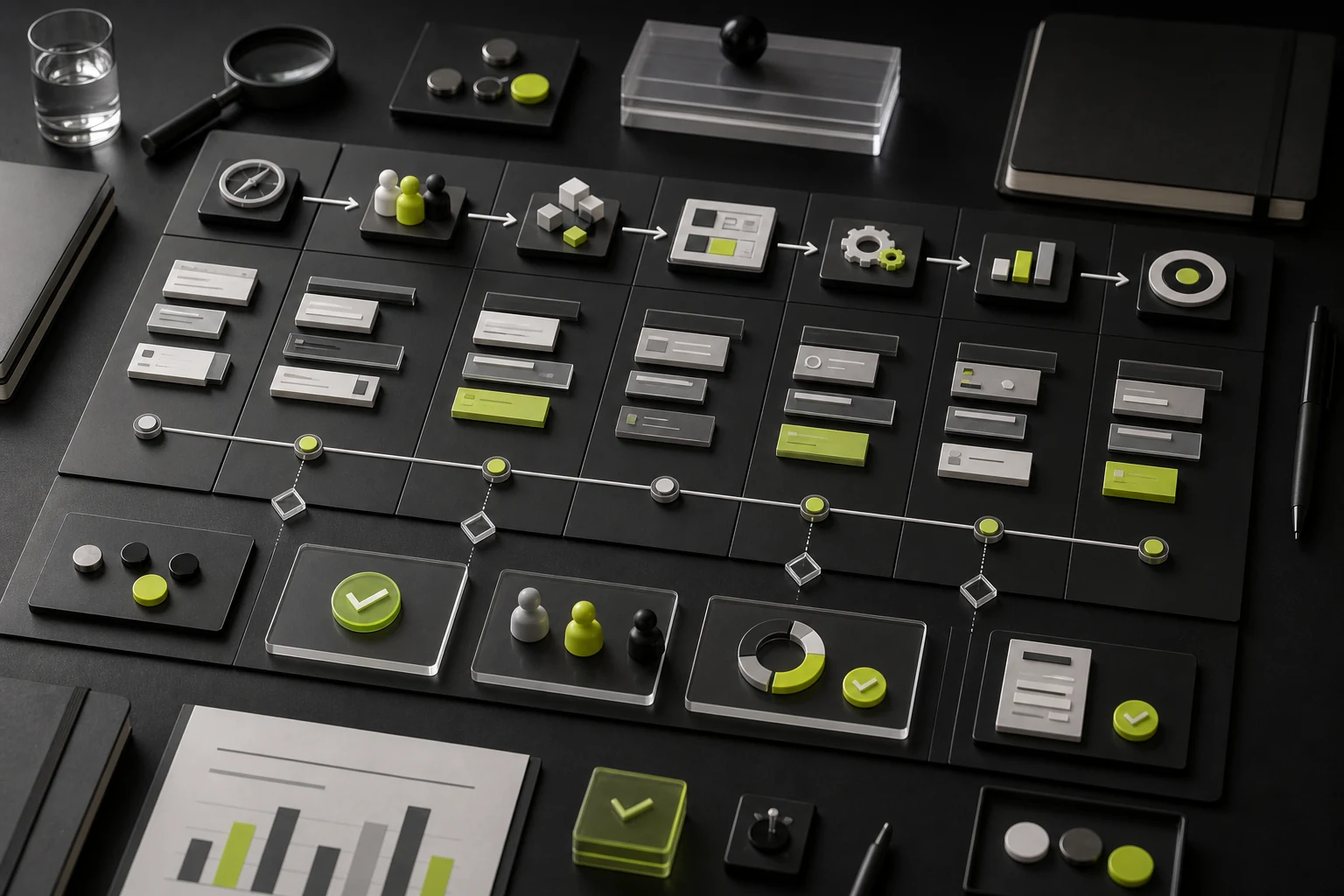
09 Example of an Eight-Week Standard Project Schedule
Week | Primary Work | Stage Outcome |
|---|---|---|
Week 1 | Kickoff, materials, objectives, roles, and scope | Project boundaries and risks approved |
Week 2 | Information architecture and core flows | Key tasks and rules approved |
Week 3 | Low-fidelity wireframes and internal review | First wireframe version |
Week 4 | Wireframe revisions and visual direction | Flows and visual language approved |
Week 5 | Complete UI and required states | Primary interfaces complete |
Week 6 | Components, design system, and multiple platforms | Handoff guidelines stabilized |
Week 7 | User validation or development review | Issue list and revisions |
Week 8 | Design handoff and first design QA round | Source files, documentation, and acceptance |
This example fits a clearly scoped midsize product. Extensive interviews, complex permissions, content design, data visualization, or multiple platforms require more time or a modular plan.
10 How to Accept Each Stage
Stage | Insufficient Acceptance | More Reliable Acceptance |
|---|---|---|
Requirements | “Everyone understands it” | Objectives, scope, roles, priorities, and exclusions are documented |
Flows | The flowchart looks complete | Representative users can complete tasks, with exceptions and permissions addressed |
Wireframes | The required number of screens is present | Information, copy, input, feedback, and states can be validated |
UI | The screens look good | Visual guidelines, readability, components, and cross-platform consistency are clear |
System | A components page exists | Naming, states, variants, usage boundaries, and development equivalents are clear |
Handoff | The Figma file has been sent | Source files, assets, documentation, permissions, and a design QA mechanism are complete |
Frequently Asked Questions
1. How Long Do Ten UI Screens Usually Take?
If wireframes and copy are stable and reuse is high, visual design may take 1–2 weeks. If the work includes flow restructuring, states, and components, it will take longer. Screen count must be evaluated alongside the level of service.
2. Can UI Design and UX Design Happen at the Same Time?
They can overlap in part, but core flows should stabilize first. Visual exploration can begin after key wireframes are approved; full-scale UI should not expand while business rules are still changing frequently.
3. Can an Existing PRD Greatly Shorten the Timeline?
Only when the PRD is complete, has no material conflicts, and covers roles, states, and exceptions. If it is only a feature list, UX definition is still required.
4. Is User Research Always Necessary?
The depth of research should match the risk. A mature product can use analytics, customer service insights, and existing feedback. A new business or high-risk flow should validate at least its key assumptions.
5. Does a Design System Require Additional Time?
Yes. A small project can begin with foundational Tokens and common components. A complex long-term product needs documentation, governance, and alignment with development; a design system cannot be generated automatically from screens alone.
6. Can the Client Require a Fixed Completion Date?
Yes, but scope, feedback deadlines, and change rules must also be fixed. A fixed date, fixed budget, and continuously expanding scope cannot all coexist.
Conclusion: The Timeline Should Reflect Risk, Not the Number of Screenshots
The value of UI/UX design is turning ambiguous requirements into a product that users can complete, developers can implement, and teams can maintain. Screen production is only one part of that work. The more complex the project, the more important it is to resolve high-risk questions early instead of masking uncertainty with faster drawing.
A realistic schedule should define scope, stages, deliverables, feedback deadlines, and change control. Clients then know when decisions are required, and the design team can focus limited time on the problems that matter most.
Need design or website development services?
JVDS Design Studio is a professional design studio focused on digital product experiences and brand identity. We work with businesses in China and overseas that want to strengthen their brand image, improve user experience and grow their business, providing clear, usable UI/UX design, high-quality website design and development, app and mini-program development, and cohesive, distinctive brand identity design.
Working on a B2B system or an app? Share your current screens and key user tasks so we can discuss the design scope.
 Link copied